
Tactical RMM on a VPS: Your Own Remote Administration System
TL;DR
Tactical RMM is a self-hosted remote monitoring and administration system for Windows, Linux, and macOS devices. On a VPS, it allows you to centrally install agents, execute commands, receive alerts, run scripts, and connect to computers without handing control over to a third-party cloud service.
- For a small installation with 20–100 devices, a VPS with 4 vCPU, 8 GB RAM, and an NVMe drive of at least 100 GB is sufficient.
- You need a separate domain or subdomains for the web interface, API, and MeshCentral.
- Base platform: Ubuntu Server 24.04 LTS, Docker Engine, Docker Compose, and Caddy for TLS.
- Tactical RMM agents communicate with the server over HTTPS and use MeshCentral for remote access.
- Backups of PostgreSQL, Docker volumes, Caddy configuration, and environment secrets are critically important.
- Do not publish administrative ports directly: only 80 and 443/TCP should be exposed externally.
What we are setting up and why
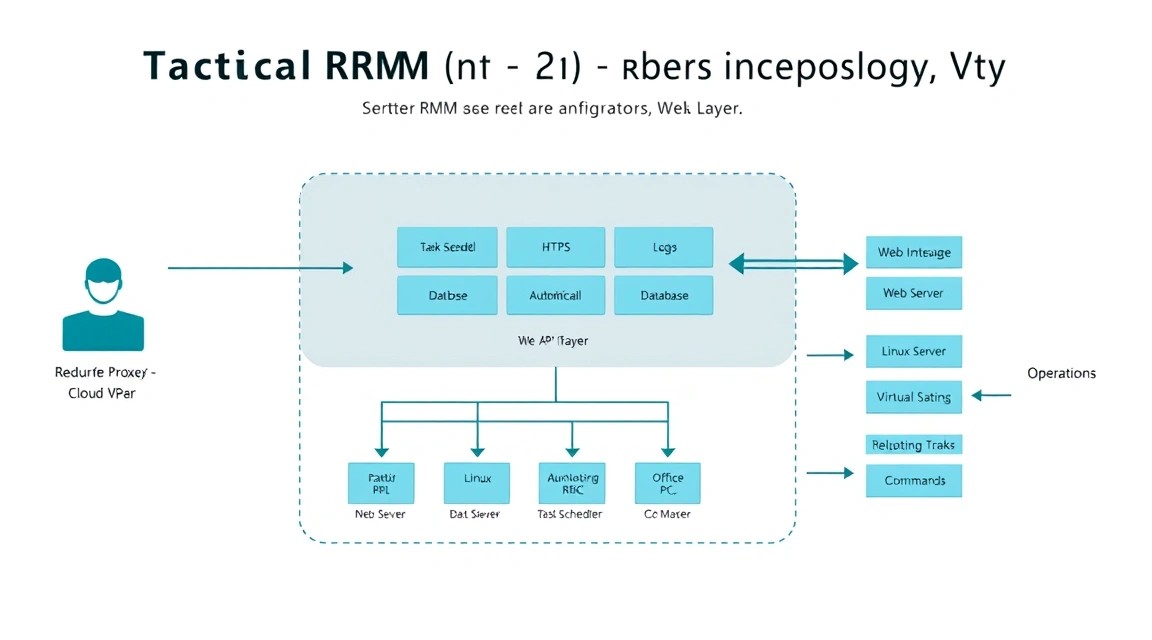
Tactical RMM is a remote monitoring and management system for endpoint devices. It is commonly used by system administrators, small IT teams, MSP providers, developers, and owners of multiple servers or workstations. Unlike ordinary SSH access, an RMM platform displays the status of all machines in one panel, can run scheduled automation, and records operator actions.
After setting it up on a VPS, you will have a web panel where you can group devices by clients, sites, and roles. For example, you can manage office PCs, application servers, developer laptops, and test virtual machines separately. The Tactical RMM agent is installed on devices; it transmits telemetry, receives commands, and performs assigned checks.
What Tactical RMM can do
- Inventory of hardware, operating systems, disks, services, and installed software.
- Monitoring of availability, CPU and RAM usage, disk space, and user-defined checks.
- Remote execution of PowerShell, Bash, Python, and other scripts.
- Task scheduler: updates, temporary file cleanup, service restarts, and inventory.
- Remote access through MeshCentral and support for terminal sessions.
- Alerts via e-mail, webhooks, and integrations with external systems.
- Windows patch management and maintenance scripts.
- Auditing of operator actions and script execution history.
Why not a cloud RMM
Cloud-managed RMM is convenient because it does not require you to maintain the server side. However, with this approach, data about devices, hostnames, users, IP addresses, and automation scripts passes through the external provider’s infrastructure. In addition, subscription costs usually increase with the number of agents.
Self-hosted Tactical RMM gives you control over data, DNS, certificates, log retention, and operator access. This is useful for internal infrastructure, small MSP teams, laboratories, homelab environments, and organizations with data residency requirements. The downside is that the server, updates, security, and backups become your responsibility.
| Criterion | Cloud RMM | Self-hosted Tactical RMM |
|---|---|---|
| Deployment | Virtually none | VPS, DNS, TLS, and backups must be configured |
| Data control | Depends on the external service | Data is stored in your infrastructure |
| Cost | Usually charged per device or user | Cost of the VPS, domain, backups, and administration |
| Updates | Performed by the provider | Performed by the administrator |
| Flexibility | Limited by the plan and API | Configuration, integrations, and access policies can be changed |
Important: An RMM server has privileged access to managed devices. A compromised panel poses a risk of compromising the entire infrastructure. Use unique passwords, MFA, access restrictions, regular updates, and backups.
What VPS configuration is needed for this task
Tactical RMM load depends not only on the number of agents, but also on the frequency of checks, log retention, the number of simultaneous remote sessions, the amount of automation, and the use of MeshCentral. For a start, you should not choose a VPS with 1–2 GB of RAM: PostgreSQL, application containers, the message broker, and the remote access service will compete for memory.
| Scenario | vCPU | RAM | NVMe drive | Devices |
|---|---|---|---|---|
| Laboratory or personal network | 2 | 4 GB | 60–80 GB | Up to 20 |
| Small team | 4 | 8 GB | 100–160 GB | 20–100 |
| Several clients or branches | 6–8 | 16 GB | 250 GB+ | 100–300 |
| MSP with active automation | 8–16 | 32 GB+ | 500 GB+ | 300+ |
A practical starting configuration is 4 vCPU, 8 GB RAM, 120 GB NVMe, and a connection of at least 100 Mbps. This capacity is enough to serve dozens of agents, retain check history, and avoid constant OOM events during container updates. One possible option is a VPS with the specified characteristics, but SSD/NVMe storage, a static IPv4 address, a stable network, and snapshot support are more important.
Disk and network
For a database, latency and IOPS are more important than a large volume of slow HDD storage. Keep at least 30–40% of the disk free: PostgreSQL, container logs, temporary files, and backups can quickly fill the partition. If the panel contains many devices with frequent checks, configure Docker log rotation in advance.
Outbound traffic is usually moderate, but it increases during remote sessions, file transfers, and mass agent installations. For 50–100 devices, 100 Mbps is sufficient, but 1 Gbps is preferable for frequent remote access. Make sure the provider does not block incoming 80/TCP and 443/TCP: they are required to issue and renew TLS certificates.
When you need dedicated rather than a VPS
A dedicated server makes sense with hundreds of agents, intensive use of remote desktops, long-term log retention, dedicated resource requirements, or strict isolation policies. It is also useful if separate monitoring systems, a VPN gateway, file storage, and a database backup run on the same platform.
For 20–150 devices, a high-quality VPS is usually simpler and more cost-effective. Scaling should begin not by moving to a dedicated server, but by optimizing check intervals, cleaning up history, moving backups elsewhere, and increasing RAM. Do not host Tactical RMM on a VPS that simultaneously serves as a public website, mail server, and database for a critical application.
Choosing a location
Location affects remote session latency, data jurisdiction requirements, and agent connection speed. If most employees are located in Europe, choose a European data center; for a local team in one region, it is preferable to keep the server nearby. At the same time, agents connect over HTTPS, so the physical location of a device in another country is not a problem as long as the connection is stable.
Server preparation
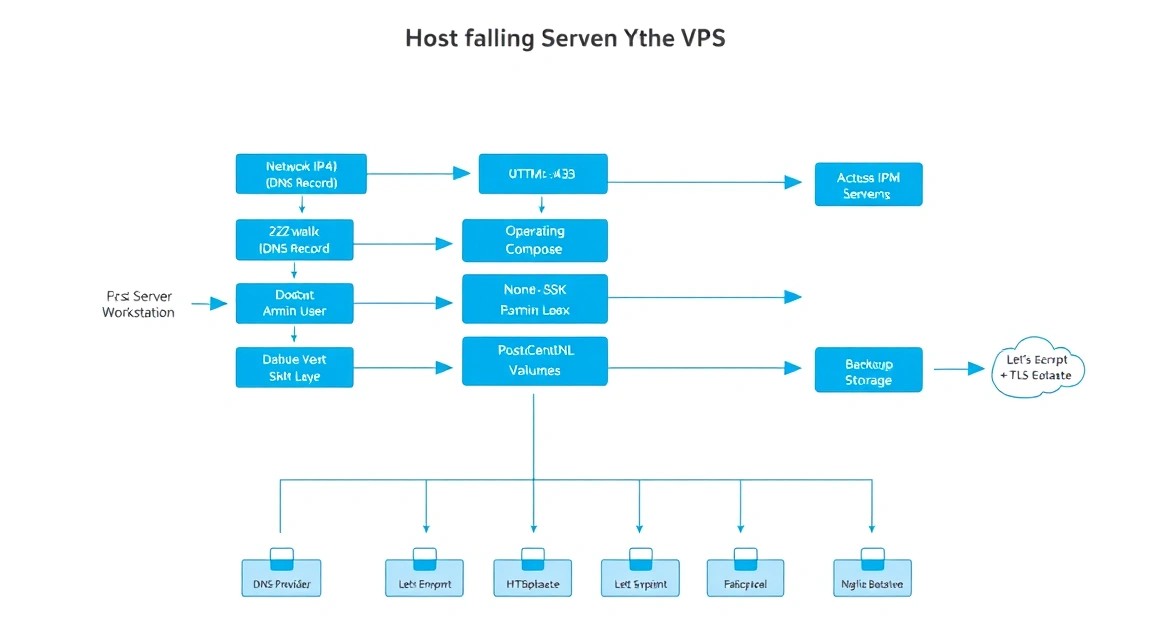
Ubuntu Server 24.04 LTS is used below. As of 2026, it is a current LTS platform with a long support period. Deploy the server from a clean image, assign it a fully qualified domain name, and create A records in DNS before installation.
Three subdomains will be used in the example:
rmm.example.com— Tactical RMM web panel.api.rmm.example.com— API and agent registration.mesh.rmm.example.com— MeshCentral for remote access.
Replace example.com with your own domain in all commands and configuration files. All three records must point to the VPS public IPv4 address before certificates are obtained.
Creating an administrator and configuring SSH
Connect to the server as root only once, create a separate user, and add your public SSH key. After verifying access, disable password authentication.
# Создаёт отдельного пользователя для администрирования.
adduser deploy

# Добавляет пользователя в группу sudo.
usermod -aG sudo deploy

# Создаёт каталог для SSH-ключей.
install -d -m 700 -o deploy -g deploy /home/deploy/.ssh

# Добавляет ваш публичный ключ; замените содержимое ключом из ~/.ssh/id_ed25519.pub.
nano /home/deploy/.ssh/authorized_keys

# Устанавливает безопасные права на файл ключей.
chown deploy:deploy /home/deploy/.ssh/authorized_keys
chmod 600 /home/deploy/.ssh/authorized_keys
Open a second SSH session and make sure that logging in as user deploy works. Only then change the SSH settings.
# Открывает настройки SSH-демона.
sudo nano /etc/ssh/sshd_config.d/99-hardening.conf

# Проверяет синтаксис конфигурации SSH.
sudo sshd -t

# Перезапускает SSH после успешной проверки.
sudo systemctl restart ssh
Place the following in the file /etc/ssh/sshd_config.d/99-hardening.conf:
PermitRootLogin no
PasswordAuthentication no
KbdInteractiveAuthentication no
PubkeyAuthentication yes
X11Forwarding no
AllowUsers deploy
Updates and basic utilities
Install updates first. Tactical RMM is a service that will be accessible from the internet, so do not postpone fixes for the kernel, OpenSSL, Docker, and the web server.
# Обновляет индекс пакетов и устанавливает актуальные исправления.
sudo apt update && sudo apt full-upgrade -y

# Устанавливает базовые инструменты диагностики и администрирования.
sudo apt install -y ca-certificates curl gnupg git jq unzip \
  htop ncdu dnsutils chrony ufw fail2ban

# Включает синхронизацию времени, важную для TLS и журналов.
sudo systemctl enable --now chrony

# Проверяет текущую синхронизацию времени.
timedatectl status
Firewall and Fail2ban
Open only SSH and web ports. Do not expose PostgreSQL, NATS, Redis, internal APIs, or container ports to the public internet. Docker containers should be accessible through a reverse proxy or the internal Compose network.
# Разрешает SSH до включения firewall, чтобы не потерять доступ.
sudo ufw allow OpenSSH

# Разрешает HTTP для ACME-проверки и HTTPS для панели и агентов.
sudo ufw allow 80/tcp
sudo ufw allow 443/tcp

# Включает firewall и показывает активные правила.
sudo ufw enable
sudo ufw status verbose

# Включает Fail2ban для защиты SSH от перебора паролей.
sudo systemctl enable --now fail2ban
sudo fail2ban-client status sshd
If you administer the server only from a fixed IP address, additionally restrict SSH to that address. Do not do this with a dynamic home IP unless you have emergency access through the provider’s console.
# Пример: разрешает SSH только с доверенного IP-адреса.
sudo ufw delete allow OpenSSH
sudo ufw allow from 203.0.113.10 to any port 22 proto tcp
Software Installation — Step by Step
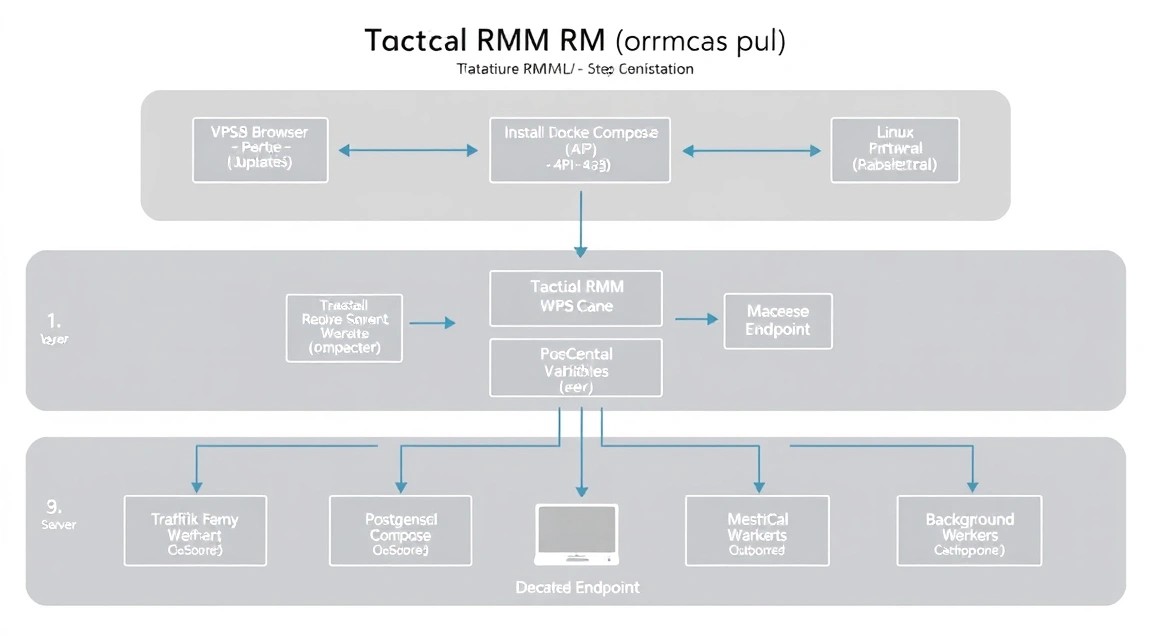
Tactical RMM consists of several services: a web application, API, PostgreSQL, a message broker, MeshCentral, and background task components. The safest approach is to use the project's official installer, which creates a consistent configuration and containers. Before running it, read the contents of the downloaded script: it runs with root privileges.
This setup uses Docker Engine 27+ or 28+ and the modern Docker Compose plugin. Tactical RMM image versions change faster than Ubuntu versions, so do not manually pin an unverified tag: the official installer usually selects a compatible stable release.
Installing Docker Engine
# Removes old conflicting Docker packages, if present.
sudo apt remove -y docker.io docker-compose docker-compose-v2 podman-docker || true

# Adds the official Docker repository key.
sudo install -m 0755 -d /etc/apt/keyrings
curl -fsSL https://download.docker.com/linux/ubuntu/gpg | \
  sudo gpg --dearmor -o /etc/apt/keyrings/docker.gpg
sudo chmod a+r /etc/apt/keyrings/docker.gpg

# Adds the official Docker repository for the current Ubuntu release.
echo \
  "deb [arch=$(dpkg --print-architecture) signed-by=/etc/apt/keyrings/docker.gpg] \
  https://download.docker.com/linux/ubuntu \
  $(. /etc/os-release && echo "$VERSION_CODENAME") stable" | \
  sudo tee /etc/apt/sources.list.d/docker.list > /dev/null

# Installs Docker Engine, CLI, and the Docker Compose plugin.
sudo apt update
sudo apt install -y docker-ce docker-ce-cli containerd.io \
  docker-buildx-plugin docker-compose-plugin

# Enables Docker and checks the installed version.
sudo systemctl enable --now docker
docker version
docker compose version
Allow the deploy user to work with Docker without constant sudo. After running the command, log out of the SSH session and reconnect.
# Adds the administrator to the docker group.
sudo usermod -aG docker deploy

# Creates a directory for installing and maintaining Tactical RMM.
sudo install -d -m 0750 -o deploy -g deploy /opt/tacticalrmm
Checking DNS Before Installation
Incorrect DNS records are one of the most common causes of TLS certificate issuance failures. Check each subdomain from the VPS itself and from an external computer. The command should return the server's public IP.
# Checks that all domain names point to the VPS IP.
dig +short rmm.example.com A
dig +short api.rmm.example.com A
dig +short mesh.rmm.example.com A

# Shows the public IP address from which the VPS accesses the internet.
curl -4 ifconfig.me
Downloading the Official Tactical RMM Installer
The official project provides an installation script in the Tactical RMM repository. Before running it, save it locally, check the first lines, and review the full code if necessary. Do not use one-line constructs such as curl | bash for production servers that you manage.
# Changes to the installation working directory.
cd /opt/tacticalrmm

# Downloads the official installation script to a local file.
curl -fL \
  https://raw.githubusercontent.com/amidaware/tacticalrmm/master/install.sh \
  -o install.sh

# Allows execution and displays the beginning of the file for manual review.
chmod 700 install.sh
sed -n '1,120p' install.sh

# Shows the parameters if the script supports built-in help.
sudo ./install.sh --help || true
Installer parameter names may change between releases. If the script offers interactive mode, choose installation with Docker and specify three FQDNs: for the panel, API, and MeshCentral. During the process, you will need an e-mail address for Let’s Encrypt and strong passwords for internal services.
# Runs the official interactive installer with root privileges.
sudo ./install.sh
During installation, specify:
- panel domain:
rmm.example.com; - API domain:
api.rmm.example.com; - MeshCentral domain:
mesh.rmm.example.com; - e-mail address for Let’s Encrypt notifications;
- random unique secrets for the database, JWT, and internal components;
- the VPS public IP if the installer requests it separately.
Checking Containers
After completion, do not consider the installation ready until you have checked the service status. Containers may take several minutes to start, especially during the initial database creation and certificate issuance.
# Shows the service status in the installation directory.
cd /opt/tacticalrmm
docker compose ps

# Shows the last 200 lines of logs from all containers.
docker compose logs --tail=200

# Checks that the server is listening only on the expected external HTTP/HTTPS ports.
sudo ss -lntp | grep -E ':(80|443)\s'

# Checks available disk space and memory usage.
df -h
free -h
Open https://rmm.example.com in a browser. On the first login, create an administrator account using only a unique, long password. Then enable MFA for all operators, create separate employee accounts, and do not use a shared administrator account.
Configuration
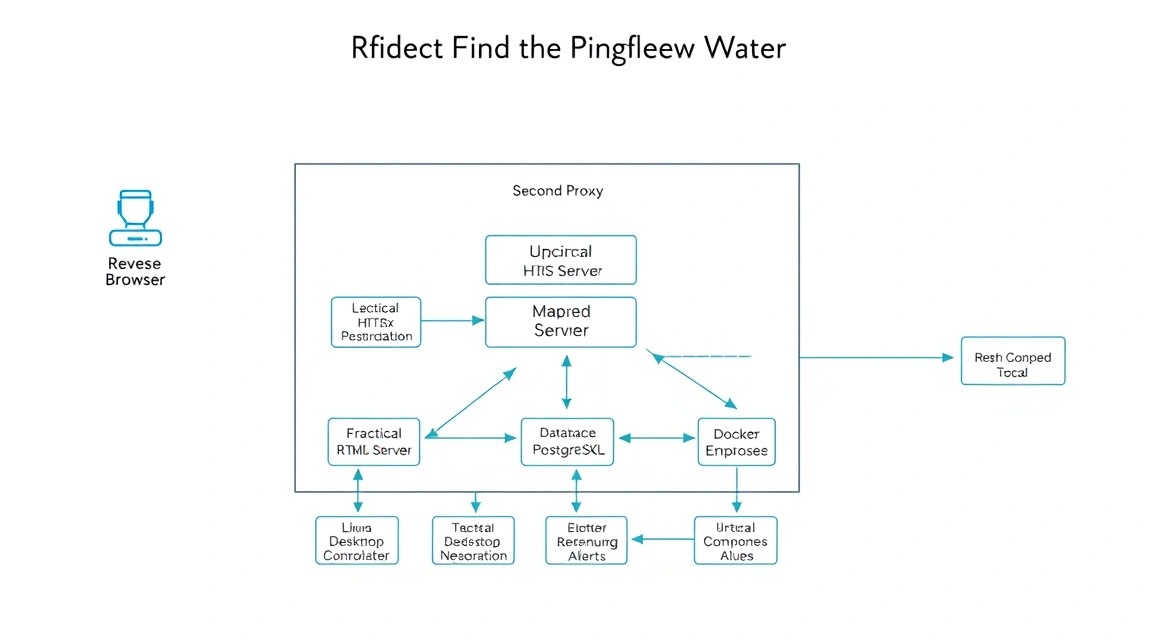
After the basic installation, configure domains, secrets, TLS, logging parameters, and operator access. Specific file names depend on the version of the official installer, but the principle is the same: secrets must not end up in a Git repository, shell history, screenshots, or public paste services.
Environment File and Secrets
If your deployment uses Docker Compose, store secrets in a separate .env file with 600 permissions. Do not pass passwords through command-line arguments: they may appear in shell history and the process list.
# Creates a configuration directory accessible only to root.
sudo install -d -m 0700 /etc/tacticalrmm

# Generates cryptographically strong secrets.
sudo bash -c 'umask 077; cat > /etc/tacticalrmm/.env <<EOF
POSTGRES_PASSWORD='$(openssl rand -base64 36)'
DJANGO_SECRET_KEY='$(openssl rand -base64 48)'
JWT_SECRET='$(openssl rand -base64 48)'
EOF'

# Restricts access to the file containing secrets.
sudo chmod 600 /etc/tacticalrmm/.env
sudo chown root:root /etc/tacticalrmm/.env
Do not replace existing secrets with new ones after a production installation without understanding their purpose. Changing the application key or JWT may terminate active sessions, while changing the database password without simultaneously changing the configuration will stop the service.
TLS via Caddy
In many Tactical RMM installation variants, Caddy is already used as a reverse proxy. If the installer created a Caddyfile, verify that it proxies only the required services, enables HTTPS, and does not expose the internal PostgreSQL or NATS panels.
Below is an example of the general Caddyfile structure. Check the container ports and API paths against the files created by your Tactical RMM release. Do not blindly copy the example over a working Caddyfile: save a backup first.
Caddyfile {
    email [email protected]
    servers {
        protocols h1 h2
    }
}

rmm.example.com {
    encode zstd gzip
    reverse_proxy tactical-frontend:8000
}

api.rmm.example.com {
    encode zstd gzip
    reverse_proxy tactical-api:8001
}

mesh.rmm.example.com {
    encode zstd gzip
    reverse_proxy meshcentral:4430
}
Check the syntax before applying any Caddy configuration. When running Caddy inside Docker, use the container name or the commands from Compose; when installed as a systemd service, use the system command.
# Saves a copy of the current Caddyfile before editing.
sudo cp /etc/caddy/Caddyfile /etc/caddy/Caddyfile.bak.$(date +%F) 2>/dev/null || true

# Validates the configuration of the locally installed Caddy.
sudo caddy validate --config /etc/caddy/Caddyfile 2>/dev/null || true

# Reloads Caddy without interrupting active connections.
sudo systemctl reload caddy 2>/dev/null || true
Checking HTTPS and the API
Check not only that the page opens in a browser, but also the correctness of the TLS chain, DNS, HTTP response, and API availability. A response of 200, 301, 302, or 401 from a protected endpoint usually means that the reverse proxy is working; a 502 error indicates an unavailable backend container.
# Checks the main page headers and the TLS connection.
curl -I --fail --max-time 15 https://rmm.example.com

# Checks that the API responds over HTTPS.
curl -I --max-time 15 https://api.rmm.example.com

# Checks the certificate, hostname, and expiration date.
echo | openssl s_client -connect rmm.example.com:443 \
  -servername rmm.example.com 2>/dev/null | \
  openssl x509 -noout -subject -issuer -dates

# Checks MeshCentral availability over HTTPS.
curl -I --max-time 15 https://mesh.rmm.example.com
Initial Web Panel Configuration
- Create a separate organization or client for your own infrastructure.
- Create sites, for example,
Office,Production, andHome Lab. - Create technical device groups:
Windows Servers,Linux Servers, andWorkstations. - Enable MFA for the administrator before deploying agents.
- Configure SMTP or a webhook for critical notifications.
- Create a free-space check: warning at 15%, critical level at 5%.
- Add a test machine and verify the execution of a safe command.
For a Linux test, assign a script that does not modify the system:
# Shows the hostname, uptime, free space, and kernel version.
hostnamectl
uptime
df -h /
uname -r
For Windows, use a PowerShell script:
# Shows the computer name, OS version, and free space on the system drive.
Get-ComputerInfo | Select-Object CsName, WindowsProductName, WindowsVersion
Get-PSDrive -Name C | Select-Object Name, Used, Free
Agent security: install the agent only through a secure panel, do not place the installer in an open file directory, and do not disable certificate verification. For servers, first test scripts on one machine in a separate group.
Backups and Maintenance
A VPS snapshot is useful, but it does not replace a backup. It may be located in the same data center, be unavailable if there is an account issue, and not guarantee database consistency during writes. Tactical RMM requires at least daily backups of PostgreSQL, the reverse proxy configuration, Compose files, environment variables, and persistent Docker volumes.
What to Include in a Backup
- PostgreSQL dump: users, organizations, agents, policies, history, and settings.
- Installation directory
/opt/tacticalrmm, excluding unnecessary temporary files and large logs. - Configurations from
/etc/tacticalrmm,/etc/caddy, and related systemd unit files. - List of Docker volumes and MeshCentral data, if they are not included in the database dump.
- A document containing domains, DNS records, list of operators, and the recovery procedure.
Backup via restic
Restic supports client-side encryption and S3-compatible storage. Do not store the repository password and access keys in the backup itself. Keep them in a password manager or secret store accessible during disaster recovery.
# Устанавливает restic и утилиты PostgreSQL-клиента.
sudo apt install -y restic postgresql-client

# Создаёт каталоги для временных дампов и конфигурации бэкапов.
sudo install -d -m 0700 /var/backups/tacticalrmm /etc/restic

# Создаёт файл с паролем шифрования репозитория.
sudo bash -c 'umask 077; openssl rand -base64 48 > /etc/restic/tacticalrmm-password'

# Создаёт файл переменных для S3-совместимого хранилища.
sudo nano /etc/restic/tacticalrmm.env
Example of the /etc/restic/tacticalrmm.env file:
export RESTIC_REPOSITORY="s3:https://s3.example.net/tacticalrmm-backups"
export RESTIC_PASSWORD_FILE="/etc/restic/tacticalrmm-password"
export AWS_ACCESS_KEY_ID="CHANGE_ME"
export AWS_SECRET_ACCESS_KEY="CHANGE_ME"
export AWS_DEFAULT_REGION="us-east-1"
Create the script. Check the PostgreSQL container name using docker compose ps; in the example, it is found by service name. If your installation uses a different scheme, replace the dump command with the appropriate one.
# Создаёт ежедневный скрипт консистентного бэкапа.
sudo nano /usr/local/sbin/backup-tacticalrmm.sh
#!/usr/bin/env bash
set -euo pipefail
source /etc/restic/tacticalrmm.env
STAMP="$(date +%F_%H-%M-%S)"
BACKUP_DIR="/var/backups/tacticalrmm/${STAMP}"
mkdir -p "${BACKUP_DIR}"
cd /opt/tacticalrmm
docker compose exec -T postgres pg_dump -U postgres -Fc \
tacticalrmm > "${BACKUP_DIR}/tacticalrmm.dump"
tar -czf "${BACKUP_DIR}/config.tar.gz" \
/opt/tacticalrmm \
/etc/tacticalrmm \
/etc/caddy 2>/dev/null || true
restic backup "${BACKUP_DIR}" \
--tag tacticalrmm \
--tag daily
restic forget --prune \
--keep-daily 14 \
--keep-weekly 8 \
--keep-monthly 12
rm -rf "${BACKUP_DIR}"# Делает скрипт исполняемым и запускает тестовый бэкап вручную.
sudo chmod 700 /usr/local/sbin/backup-tacticalrmm.sh
sudo /usr/local/sbin/backup-tacticalrmm.sh
# Проверяет содержимое и целостность репозитория restic.
sudo bash -c 'source /etc/restic/tacticalrmm.env; restic snapshots'
sudo bash -c 'source /etc/restic/tacticalrmm.env; restic check'Add a nightly cron job. For a large database, it is better to use a systemd timer because it keeps logs better and can run missed jobs after a reboot, but cron is sufficient for a small installation.
# Открывает root-crontab для ежедневного запуска в 03:20.
sudo crontab -e
20 3 * /usr/local/sbin/backup-tacticalrmm.sh >> /var/log/tacticalrmm-backup.log 2>&1Recovery Testing
A backup is considered usable only after a recovery test. Once per quarter, deploy a separate temporary VPS, restore the configuration and database, then check panel login and the visibility of test devices. Do not perform your first restore during an outage.
Updates
Use a maintenance window for Tactical RMM, especially if client servers are connected. Updates may change the database schema, container versions, and agent behavior. First create a fresh backup, read the release notes, test the update on a copy or test installation, and only then update production.
# Сохраняет состояние работающих образов перед обновлением.
cd /opt/tacticalrmm
docker compose images > /root/tacticalrmm-images-before-update.txt

# Создаёт бэкап перед изменением версий.
sudo /usr/local/sbin/backup-tacticalrmm.sh

# Загружает новые образы и применяет обновление по документации выпуска.
docker compose pull
docker compose up -d

# Проверяет состояние и последние журналы после обновления.
docker compose ps
docker compose logs --tail=150
Do not automatically update containers using Watchtower or similar tools without testing. For RMM, a controlled update during an agreed window is preferable because a brief panel outage or database incompatibility can affect numerous agents.
Troubleshooting and FAQ
Why does the browser show a certificate error, or why does Caddy fail to obtain a certificate?
First check DNS: each subdomain must return the public IPv4 address of the VPS. Then make sure ports 80/TCP and 443/TCP are accessible externally and that the firewall and external security group are not blocking them. Check the Caddy or reverse proxy logs using docker compose logs. A common cause is an AAAA record pointing to a non-working IPv6 server, or another web server already occupying port 80.
Why does the panel open, but the API returns a 502 Bad Gateway error?
Code 502 means that the reverse proxy is working but cannot connect to the backend service. Run docker compose ps and find a container with the status exited, restarting, or unhealthy. Then open its logs: docker compose logs --tail=200 имя_сервиса. Check RAM, available disk space, environment variable values, and PostgreSQL availability. Do not delete volumes before creating a backup.
The Tactical RMM agent does not register or is constantly offline. What should I do?
Check that the client machine can open https://api.rmm.example.com and https://mesh.rmm.example.com without a TLS error. A corporate proxy, antivirus, EDR, or firewall may be blocking the agent's communication. Check the device time: a significant clock discrepancy breaks certificate validation. Also make sure that the agent installer was downloaded from the current panel and uses the correct API URL rather than an old domain.
After starting the containers, the server starts using swap or services restart.
The usual cause is insufficient RAM. Check free -h, docker stats, dmesg -T | grep -i oom, and the size of Docker logs. For stable operation of a small installation, 8 GB of RAM is recommended; 4 GB is suitable only for laboratory workloads. You can temporarily increase swap, but it is not a substitute for memory: PostgreSQL and RMM services will run more slowly. Reduce the number of resource-intensive checks and upgrade the VPS configuration.
The disk fills up quickly. What data can be cleaned up?
First identify the source: use df -h, du -xh /var/lib/docker | sort -h | tail, and docker system df. Docker container logs, old images, and backup archives that were not deleted after being sent to external storage often grow. Do not delete PostgreSQL volumes or MeshCentral data using docker system prune --volumes without fully understanding the consequences. Configure log rotation and alert history retention.
What is the minimum suitable VPS configuration?
For a test environment with up to 20 devices, 2 vCPUs, 4 GB of RAM, and a 60 GB NVMe drive will be sufficient. For practical use with several dozen devices, it is better to start with 4 vCPUs, 8 GB of RAM, and 100–120 GB of NVMe storage. A stable static IP, open ports 80 and 443, adequate disk IOPS, and the ability to store backups outside the primary server are important. Do not rely on 1 GB of RAM.
Which should you choose for this task — VPS or dedicated?
A VPS is suitable for most small installations with up to 100–150 devices if it has guaranteed resources, an NVMe drive, and a stable network. Choose a dedicated server for hundreds of agents, high remote-session activity, long log-retention periods, isolation requirements, or the need to run additional services alongside it. Start with a VPS and monitor RAM, IOPS, CPU load, and database growth; migration to a dedicated server will only be necessary when the load is confirmed.
Can the panel be accessed only through a VPN?
Yes, and this is a good option for the administrative interface. You can restrict access to rmm.example.com by WireGuard network IP addresses or Caddy/firewall rules, while keeping the API and MeshCentral accessible to agents over HTTPS. However, carefully separate paths and domains: if you completely close the API to the internet, devices behind NAT will stop connecting. Test access from a test agent outside your local network before changing the rules.
Why did some agents stop connecting after the update?
Check the release notes for the installed version, API logs, the TLS certificate expiration date, and changes to domain names. If the reverse proxy was changed during the update, WebSocket connections required by MeshCentral may not be proxied. Also make sure the VPS system time is correct and that the database completed its migrations successfully. In the event of a serious failure, restore a verified backup or roll back the images only according to the documented procedure, without mixing database and application versions.
Conclusions and Next Steps
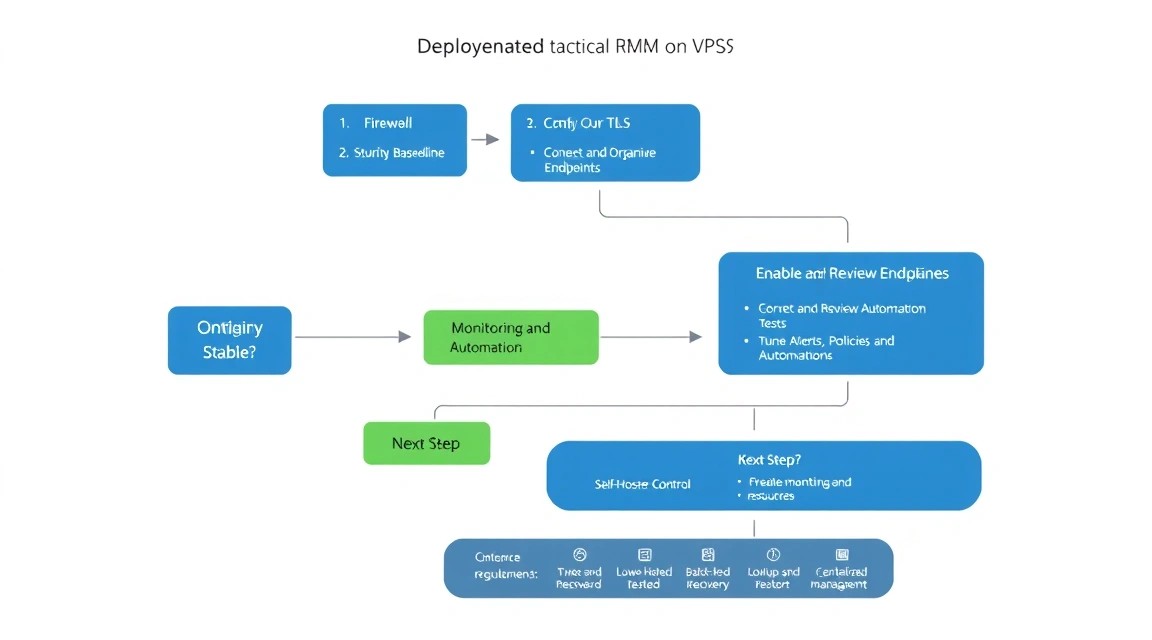
You now have your own Tactical RMM installation on a VPS: a secure server, HTTPS domains, a container platform, an agent management panel, and a backup strategy. This system allows you to centrally maintain workstations and servers without relying on a cloud RMM service.
- Add one test Windows machine and one Linux server, then check alerts, remote commands, and access through MeshCentral.
- Create a library of safe scripts: checking disk space, cleaning temporary files, updating packages, restarting services, and inventory.
- Configure MFA, operator roles, external notifications, and regular backup recovery testing.
As the number of devices grows, review check intervals, disk capacity, history retention, and available RAM. First automate repetitive tasks, then, if necessary, move backups, monitoring, and separate components to independent infrastructure.