
Deploying OpenBao on a VPS: secrets management, TLS, AppRole, and backups
TL;DR
In this guide, we will deploy OpenBao on Ubuntu 24.04 LTS, enable Raft storage, secure the web interface and API with HTTPS, create a policy and AppRole for an application, and then configure automatic encrypted backups of Raft snapshots.
- OpenBao will run as a systemd service with a dedicated system user.
- Data will be stored in the built-in Raft Storage without a separate database.
- Public API access will be provided through Caddy and a Let’s Encrypt TLS certificate.
- Applications will obtain secrets through AppRole with the minimum required permissions.
- Storage snapshots will be regularly uploaded to an external S3-compatible bucket through restic.
- All operations are verified with OpenBao CLI, curl, and systemctl commands.
1. TL;DR
In this guide, we will deploy OpenBao on Ubuntu 24.04 LTS, enable Raft storage, secure the web interface and API with HTTPS, create a policy and AppRole for an application, and then configure automatic encrypted backups of Raft snapshots.
- OpenBao will run as a systemd service with a dedicated system user.
- Data will be stored in the built-in Raft Storage without a separate database.
- Public API access will be provided through Caddy and a Let’s Encrypt TLS certificate.
- Applications will obtain secrets through AppRole with the minimum required permissions.
- Storage snapshots will be regularly uploaded to an external S3-compatible bucket through restic.
- All operations are verified with OpenBao CLI, curl, and systemctl commands.
2. Contents
This article is intended for an administrator deploying their own secrets store for a small SaaS, CI/CD, internal services, or home infrastructure. Commands are provided for Ubuntu 24.04 LTS and the amd64 architecture.
The example uses a single OpenBao node. This is not a high-availability cluster: if the VPS fails, the service will be unavailable until the machine is restored, but the data can be recovered from a Raft snapshot. Scaling options for production-critical infrastructure are covered at the end of the article.
3. What we are configuring and why
The problem with secrets in configuration files
Database passwords, API tokens, cloud provider keys, and certificates often end up in Git, Docker Compose, CI variables, or server backups. Even if a secret is removed from the latest commit, it remains in the repository history. Another problem is the lack of auditing: it is usually unclear which application read which secret and when.
OpenBao solves this problem as a centralized secrets store with access control. Secrets are stored inside the storage backend, and a client first authenticates before receiving access only to permitted paths. OpenBao is compatible with the familiar Vault API and CLI model, but is developed as an independent project under an open license.
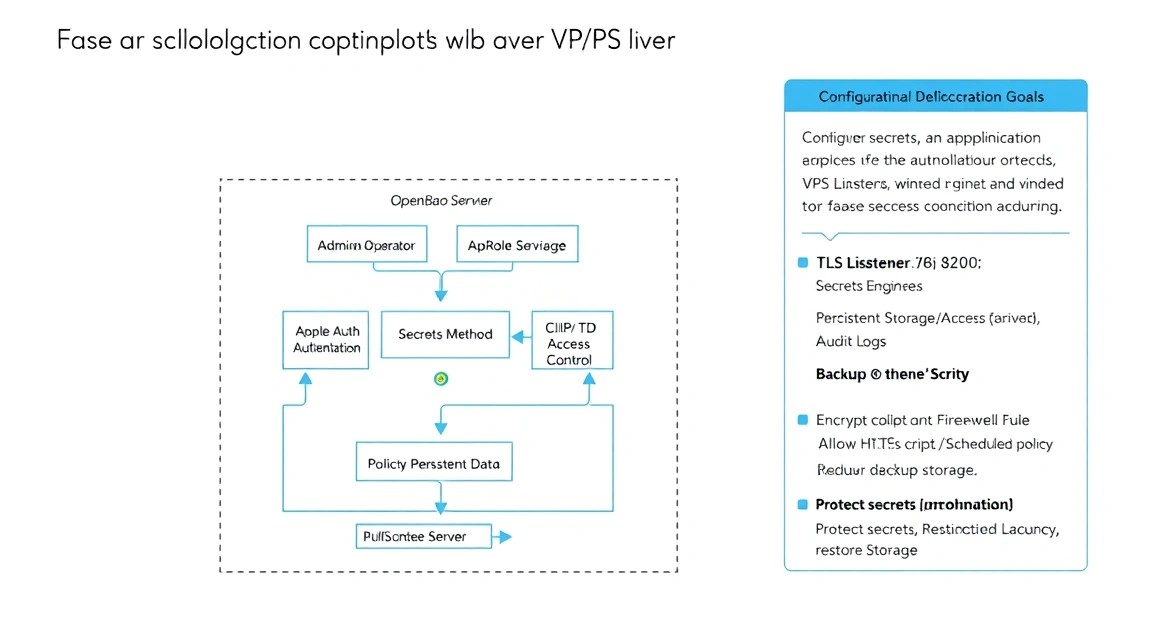
Architecture of our example
| Component | Purpose | Address |
|---|---|---|
| OpenBao | Secrets store and API | 127.0.0.1:8200 |
| Raft Storage | Data and consensus log storage | /opt/openbao/data |
| Caddy | HTTPS, certificate, reverse proxy | https://bao.example.com |
| AppRole | Authentication for machines and applications | role_id and secret_id |
| restic | Backup encryption and upload | S3-compatible storage |
What you will have in the end
After completing the instructions, a single OpenBao node with the KV v2 secrets engine will be created. You can write, for example, database/password or production/api-key to it. An application will log in through AppRole, receive a short-lived token, and read only the required path.
Only TCP port 443 will be accessible externally. OpenBao port 8200 will remain closed to the external network because the API will be available locally through Caddy. SSH is permitted only from the administrative IP or through a VPN.
Self-hosted or cloud-managed
Managed secrets services are convenient: the provider is responsible for updates, high availability, and part of the backup process. Their disadvantages include cost, dependence on an external platform, regional restrictions, and the need to entrust critical information to the provider.
Self-hosted OpenBao on a VPS is suitable when you need to control data location, use your own recovery procedures, or reduce ongoing costs. In return, the administrator is responsible for patches, TLS, monitoring, backups, and the recovery procedure. A single VPS cannot be considered a replacement for a full high-availability cluster.
What is important to know about seal and unseal
During initialization, OpenBao creates a root token and unseal keys. In production, they must not be stored in a file on the server. For the lab example, the classic Shamir scheme with five keys and a threshold of three is used: any three keys are required to unseal it.
Losing the root token does not destroy the data, but it complicates administration. Losing a sufficient number of unseal keys makes decrypting the storage impossible. The keys must be distributed among trusted administrators and stored offline, for example, in a password manager and in an encrypted physical backup.
4. What VPS configuration is needed for this task
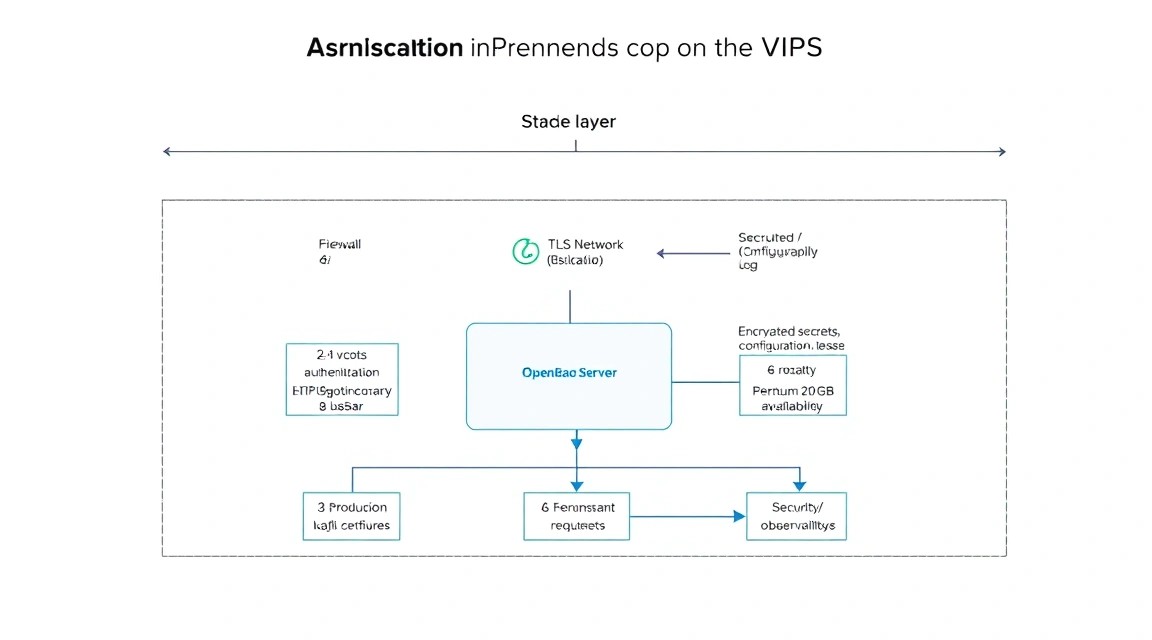
OpenBao does not require a large amount of CPU if the number of requests is low. The main requirements are stable storage, sufficient memory, and regular snapshots. For a single node, storage reliability and the availability of a remote backup are more important than dozens of virtual cores.
| Scenario | CPU | RAM | Disk | Network |
|---|---|---|---|---|
| Laboratory | 1 vCPU | 1 GB | 20 GB SSD | 100 Mbps |
| Small production installation | 2 vCPU | 2–4 GB | 40–80 GB SSD/NVMe | 100–1000 Mbps |
| Multiple teams and CI/CD | 4 vCPU | 8 GB | 100 GB NVMe | 1 Gbps |
A practical baseline option is 2 vCPU, 4 GB RAM, 60 GB SSD, public IPv4 or accessible IPv6, a private network if multiple nodes are available, and daily disk snapshots. For this configuration, you can choose a suitable VPS with SSD storage, a static IP, and the ability to connect an external S3 backup.
20 GB of disk space is sufficient only for a small number of secrets and logs. OpenBao itself stores secrets compactly, but the Raft working directory, system logs, and temporary files still require spare capacity. Do not use a full disk: if space runs out, writes to Raft may stop.
When dedicated hardware is needed
A dedicated server is justified if OpenBao serves thousands of applications, stores a large volume of dynamic secrets, runs alongside several resource-intensive services, or requires predictable disk performance. Dedicated hardware is also useful under strict requirements for physical isolation and local control of equipment.
For a single small OpenBao instance, dedicated hardware is usually excessive. It is more sensible to spend the budget on three VPS instances in different zones, external backup storage, monitoring, and recovery testing. It is important not to confuse a dedicated server with a cluster: one dedicated server remains a single point of failure.
Impact of location
Location affects latency between applications and the OpenBao API, data localization requirements, and recovery time. Place OpenBao closer to applications that contact it at startup or regularly obtain short-lived tokens. The backup S3 bucket should preferably be kept in a different fault-tolerant region.
If three Raft nodes are used, latency between them must be low and stable. For a cluster, it is better to choose one regional location with multiple availability zones rather than stretch consensus across continents.
5. Server Preparation
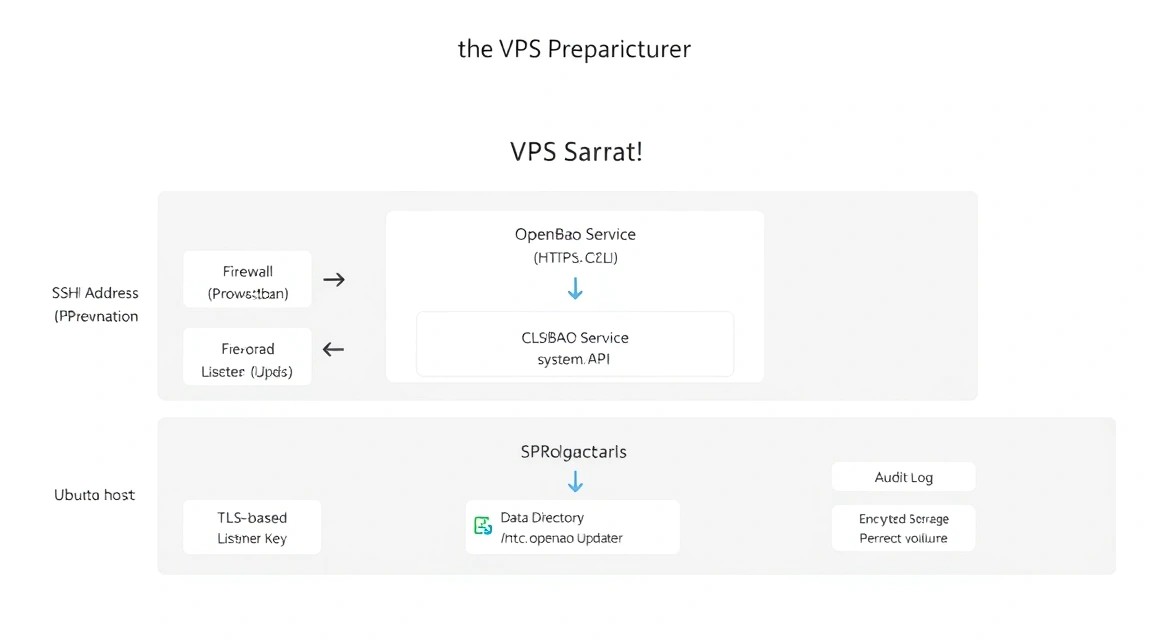
The following assumes a clean Ubuntu Server 24.04 LTS with SSH access using a provider-created user. Replace 203.0.113.10, admin, and bao.example.com with your own values. All commands are run as an administrative user with sudo privileges.
Creating an Administrator and SSH Key
If you already have a separate sudo user, you can skip this step. Do not close the current SSH session until you have verified the new login in a separate window.
# Создаём отдельного пользователя для администрирования
sudo adduser ops

# Добавляем пользователя в группу sudo
sudo usermod -aG sudo ops

# Создаём каталог для публичного ключа
sudo install -d -m 700 -o ops -g ops /home/ops/.ssh

# Копируем ключ текущего пользователя в новый аккаунт
sudo cp ~/.ssh/authorized_keys /home/ops/.ssh/authorized_keys

# Исправляем владельца и права файла ключей
sudo chown ops:ops /home/ops/.ssh/authorized_keys
sudo chmod 600 /home/ops/.ssh/authorized_keys
Verify the login in a new terminal:
# Подключаемся с локального компьютера и проверяем sudo
ssh [email protected]
sudo -v
whoami
System Updates and Basic Utilities
# Обновляем индексы пакетов и устанавливаем исправления
sudo apt update
sudo DEBIAN_FRONTEND=noninteractive apt full-upgrade -y

# Устанавливаем инструменты для установки и диагностики
sudo apt install -y curl unzip jq ca-certificates gnupg lsb-release \
  ufw fail2ban chrony unattended-upgrades restic awscli

# Перезагружаем сервер, если обновилось ядро
sudo reboot
After rebooting, connect again via SSH. Enable automatic installation of security updates. Restarting OpenBao after an update should be performed during a preselected maintenance window.
# Включаем автоматические обновления безопасности Ubuntu
sudo dpkg-reconfigure -plow unattended-upgrades

# Проверяем синхронизацию времени
timedatectl status
chronyc tracking
SSH Configuration
Disable password login only after verifying key-based authentication. Root login must also be disabled for a public server. The SSH port can be changed, but this does not replace key authentication and a firewall.
# Создаём отдельный drop-in для sshd
sudo tee /etc/ssh/sshd_config.d/ hardening.conf > /dev/null <<'EOF'
PermitRootLogin no
PasswordAuthentication no
KbdInteractiveAuthentication no
PubkeyAuthentication yes
MaxAuthTries 3
AllowUsers ops
EOF

# Проверяем синтаксис конфигурации SSH
sudo sshd -t

# Применяем настройки без завершения текущих сессий
sudo systemctl reload ssh
Firewall and fail2ban
Allow SSH only from your administrative IP if it is static. If the address changes, allow SSH from a trusted network or use a VPN. Port 8200 is intentionally not opened: Caddy will access OpenBao locally.
# Разрешаем SSH только с административного IPv4
sudo ufw allow from 198.51.100.25 to any port 22 proto tcp

# Открываем публичный HTTPS и временно HTTP для получения сертификата
sudo ufw allow 80/tcp
sudo ufw allow 443/tcp

# Включаем firewall с политикой deny по умолчанию
sudo ufw default deny incoming
sudo ufw default allow outgoing
sudo ufw enable

# Проверяем активные правила
sudo ufw status verbose
Enable the SSH jail. If SSH is accessible only through a VPN, specify the VPN subnet in the trusted IP list.
# Включаем и запускаем защиту SSH
sudo systemctl enable --now fail2ban

# Проверяем состояние jail sshd
sudo fail2ban-client status sshd
6. Software Installation — Step by Step
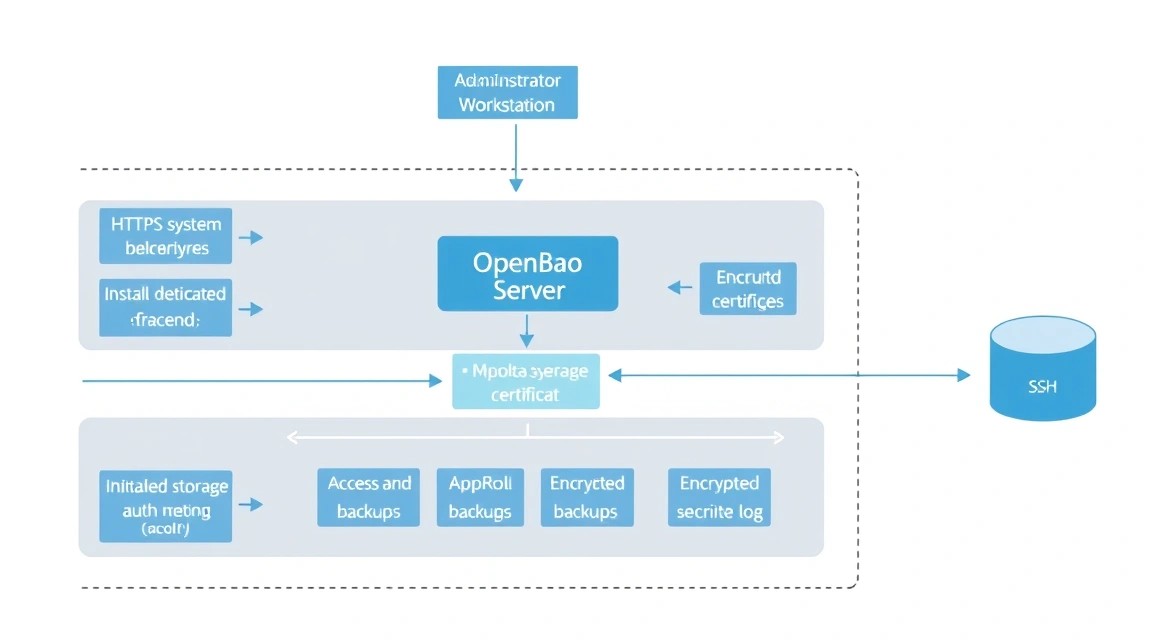
This example uses OpenBao 2.2.x, the systemd service, Caddy 2.10.x, and restic 0.18.x. Before a production installation, check the current stable release on the official OpenBao page and pin a specific version. Do not use a URL with the floating word latest in an automated update script.
Step 1. Creating the System User
# Создаём пользователя без shell для процесса OpenBao
sudo useradd --system --home /etc/openbao --shell /usr/sbin/nologin openbao

# Создаём каталоги конфигурации, данных и TLS
sudo install -d -o openbao -g openbao -m 750 /etc/openbao
sudo install -d -o openbao -g openbao -m 750 /opt/openbao/data
sudo install -d -o openbao -g openbao -m 750 /etc/openbao/tls
Step 2. Downloading OpenBao
An amd64 example is shown below. For ARM64, replace amd64 with arm64. The version must be identical on all cluster nodes. After downloading, it is recommended to verify the SHA256 against the checksum from the official release.
# Фиксируем версию, чтобы обновления были контролируемыми
export OPENBAO_VERSION=2.2.0

# Загружаем официальный архив OpenBao для Linux amd64
curl -fL -o /tmp/openbao.zip \
  "https://github.com/openbao/openbao/releases/download/v${OPENBAO_VERSION}/openbao_${OPENBAO_VERSION}_linux_amd64.zip"

# Распаковываем бинарный файл в каталог системных программ
sudo unzip -o /tmp/openbao.zip -d /usr/local/bin

# Назначаем владельца и безопасные права на бинарный файл
sudo chown root:root /usr/local/bin/openbao
sudo chmod 0755 /usr/local/bin/openbao

# Проверяем установленную версию
openbao version
If the release uses a different archive naming pattern, use the exact asset name from the release page. Do not replace the official binary with a build from an unknown source.
Step 3. Installing Caddy
Caddy automatically obtains and renews Let’s Encrypt certificates. For this, the DNS name must point to the server's public IPv4 or IPv6 address, and ports 80 and 443 must be accessible from the Internet.
# Добавляем ключ официального репозитория Caddy
curl -1sLf 'https://dl.cloudsmith.io/public/caddy/stable/gpg.key' \
  | sudo gpg --dearmor -o /usr/share/keyrings/caddy-stable-archive-keyring.gpg

# Добавляем репозиторий Caddy для Ubuntu
curl -1sLf 'https://dl.cloudsmith.io/public/caddy/stable/debian.deb.txt' \
  | sudo tee /etc/apt/sources.list.d/caddy-stable.list

# Устанавливаем Caddy 2.x и проверяем его состояние
sudo apt update
sudo apt install -y caddy
sudo systemctl enable --now caddy
caddy version
Step 4. Installing the systemd Unit
# Создаём службу OpenBao с отдельным пользователем и ограничениями systemd
sudo tee /etc/systemd/system/openbao.service > /dev/null <<'EOF'
[Unit]
Description=OpenBao secrets management server
Documentation=https://openbao.org/docs/
After=network-online.target
Wants=network-online.target

[Service]
User=openbao
Group=openbao
ExecStart=/usr/local/bin/openbao server -config=/etc/openbao/openbao.hcl
ExecReload=/bin/kill -HUP $MAINPID
Restart=on-failure
RestartSec=5
LimitNOFILE=65536
AmbientCapabilities=CAP_IPC_LOCK
CapabilityBoundingSet=CAP_IPC_LOCK
NoNewPrivileges=true
PrivateTmp=true
ProtectSystem=full
ProtectHome=true
ReadWritePaths=/opt/openbao/data

[Install]
WantedBy=multi-user.target
EOF

# Перечитываем unit-файлы systemd
sudo systemctl daemon-reload
Step 5. Setting CLI Variables
# Создаём локальный профиль для администратора OpenBao
tee -a ~/.profile > /dev/null <<'EOF'
export BAO_ADDR='https://bao.example.com'
EOF

# Загружаем переменную в текущую оболочку
source ~/.profile

# Проверяем, что CLI установлен и доступен
openbao version
The openbao command is the primary CLI. Older scripts may contain the vault command; do not mix binaries and environment variables without verifying compatibility.
7. Configuration
OpenBao and Raft Configuration
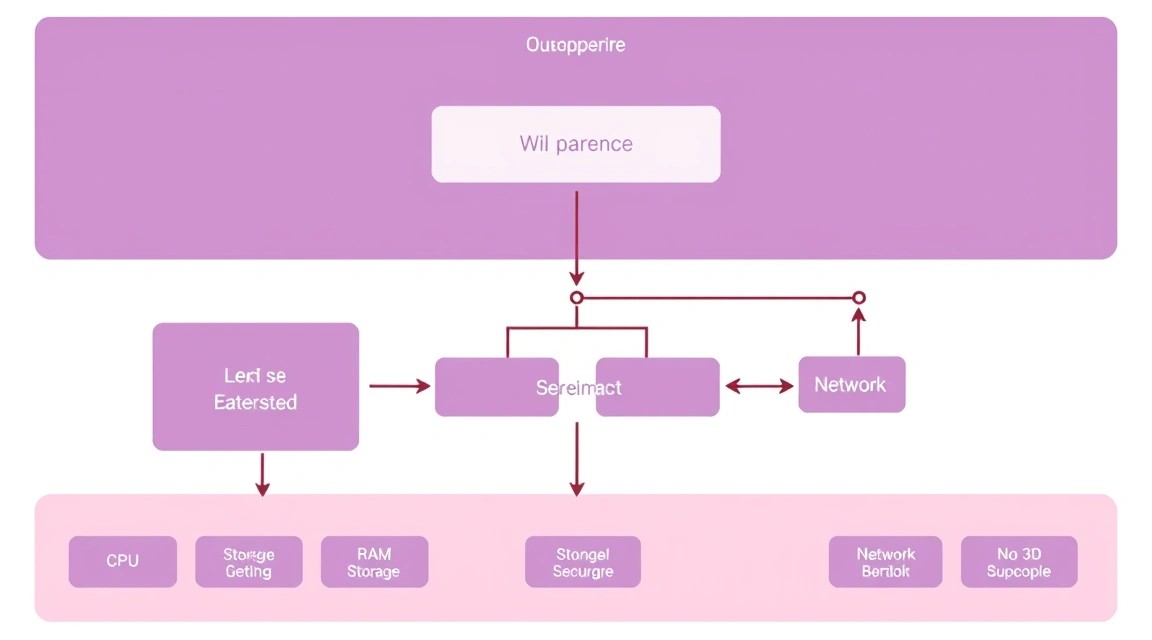
First, create the configuration. OpenBao listens only on loopback over HTTP, while TLS is terminated at Caddy. This is an acceptable option because traffic between the two processes does not leave the server. If there is a separate network or another host between the reverse proxy and OpenBao, internal TLS is mandatory.
# Создаём конфигурацию OpenBao с Raft Storage и локальным listener
sudo tee /etc/openbao/openbao.hcl > /dev/null <<'EOF'
ui = true
disable_mlock = true

storage "raft" {
  path    = "/opt/openbao/data"
  node_id = "bao-1"
}

listener "tcp" {
  address         = "127.0.0.1:8200"
  cluster_address = "127.0.0.1:8201"
  tls_disable     = true
}

api_addr     = "https://bao.example.com"
cluster_addr = "http://127.0.0.1:8201"

telemetry {
  disable_hostname = true
  prometheus_retention_time = "24h"
}
EOF

# Назначаем конфигурации владельца и закрытые права
sudo chown openbao:openbao /etc/openbao/openbao.hcl
sudo chmod 640 /etc/openbao/openbao.hcl

# Проверяем конфигурацию без запуска сервера
sudo -u openbao /usr/local/bin/openbao operator validate-config /etc/openbao/openbao.hcl

# Запускаем OpenBao и добавляем его в автозагрузку
sudo systemctl enable --now openbao

# Смотрим последние сообщения службы
sudo systemctl status openbao --no-pager
sudo journalctl -u openbao -n 50 --no-pager
Reverse Proxy and HTTPS via Caddy
Replace the domain with your own DNS name. You can specify an email address in the Caddy global block for certificate notifications. Until DNS points to the server, Caddy will not be able to obtain a certificate.
# Настраиваем HTTPS reverse proxy для OpenBao
sudo tee /etc/caddy/Caddyfile > /dev/null <<'EOF'
{
    email [email protected]
}

bao.example.com {
    encode gzip

    reverse_proxy 127.0.0.1:8200 {
        header_up X-Forwarded-Proto {scheme}
        header_up X-Forwarded-Host {host}
    }

    header {
        Strict-Transport-Security "max-age=31536000; includeSubDomains"
        X-Content-Type-Options "nosniff"
        Referrer-Policy "no-referrer"
    }
}
EOF

# Проверяем синтаксис Caddyfile
sudo caddy validate --config /etc/caddy/Caddyfile

# Перечитываем конфигурацию без остановки Caddy
sudo systemctl reload caddy

# Проверяем HTTPS-заголовки и ответ API
curl -I https://bao.example.com/v1/sys/health
The health endpoint response code depends on the OpenBao state. An uninitialized or sealed server often returns HTTP 501 or 503, which does not indicate a reverse proxy malfunction. It is important to see a valid TLS certificate and a JSON response from OpenBao.
Storage Initialization
Initialization is performed once. The command output contains unseal keys and the initial root token. Do not write the output to shell history, chat, tickets, or a regular file on the server. Run the command from a local administrator machine with encrypted storage for the result.
# Проверяем состояние до инициализации
openbao status

# Инициализируем Raft с пятью ключами и порогом три
openbao operator init -key-shares=5 -key-threshold=3
Store the five keys with different trusted administrators. Then unseal the server by entering three keys interactively. Do not pass keys through command-line arguments: they may end up in history or the process list.
# Вводим первый unseal key интерактивно
openbao operator unseal

# Повторяем ещё для двух разных ключей
openbao operator unseal
openbao operator unseal

# Проверяем, что хранилище распечатано
openbao status
Authenticate with the initial root token only in an administrative session. After creating permanent administrative policies, move the root token to offline storage and do not use it for applications.
KV v2 and Access Policy
KV v2 stores secret versions and supports reading, writing, deleting, and restoring versions. We will enable the secrets engine at the secret/ path, then create an application with access only to secret/data/myapp/.
# Экспортируем root token только в текущую оболочку
read -rsp "OpenBao root token: " BAO_TOKEN
export BAO_TOKEN
echo

# Включаем KV v2 на пути secret/
openbao secrets enable -path=secret kv-v2

# Записываем тестовый секрет
openbao kv put secret/myapp/config \
  DB_HOST="127.0.0.1" \
  DB_NAME="appdb" \
  API_ENDPOINT="https://api.example.com"

# Проверяем чтение секрета
openbao kv get secret/myapp/config
Create a policy file. For KV v2, the API path includes data, while the CLI hides this detail. The list permission does not allow reading values, but it should be granted only where the application actually needs a list of keys.
# Создаём минимальную политику для приложения
sudo tee /tmp/myapp-policy.hcl > /dev/null <<'EOF'
path "secret/data/myapp/" {
  capabilities = ["read"]
}

path "secret/metadata/myapp/" {
  capabilities = ["list"]
}
EOF

# Загружаем policy в OpenBao
openbao policy write myapp-readonly /tmp/myapp-policy.hcl

# Удаляем временный файл с политикой
shred -u /tmp/myapp-policy.hcl
AppRole for the Application
AppRole is intended for machine authentication. role_id can be considered the role identifier, and secret_id a secret that must be stored in a protected deployment secret. We will set a short token lifetime and limit the number of its uses.
# Включаем метод аутентификации AppRole
openbao auth enable approle

# Создаём роль с ограниченным TTL и политикой чтения
openbao write auth/approle/role/myapp \
  token_policies="myapp-readonly" \
  token_ttl=1h \
  token_max_ttl=4h \
  secret_id_ttl=24h \
  secret_id_num_uses=2

# Получаем role_id, который можно передать в deployment-систему
openbao read -field=role_id auth/approle/role/myapp/role-id

# Генерируем одноразовый secret_id
openbao write -field=secret_id -f \
  auth/approle/role/myapp/secret-id
Pass the two values to the application through a secure CI/CD mechanism or orchestrator secrets. Do not add them to a Dockerfile, Git repository, systemd unit, or publicly accessible log. After testing, verify that the application cannot read other paths.
# Выполняем login через AppRole и получаем временный client_token
export ROLE_ID="replace-with-role-id"
export SECRET_ID="replace-with-secret-id"

export APP_TOKEN="$(
  curl -fsS \
    --request POST \
    --data "{\"role_id\":\"${ROLE_ID}\",\"secret_id\":\"${SECRET_ID}\"}" \
    https://bao.example.com/v1/auth/approle/login \
  | jq -r '.auth.client_token'
)"

# Читаем разрешённый секрет
curl -fsS \
  -H "X-OpenBao-Token: ${APP_TOKEN}" \
  https://bao.example.com/v1/secret/data/myapp/config | jq

# Проверяем отказ в доступе к чужому пути
curl -sS -o /tmp/denied.json -w "%{http_code}\n" \
  -H "X-OpenBao-Token: ${APP_TOKEN}" \
  https://bao.example.com/v1/secret/data/other-app/config
Root Token Management
After verifying AppRole, do not use the root token for daily tasks. Create a separate administrative policy with limited operations and issue a personal token to each operator. The root token can be revoked, and a new one can be generated for emergency actions through the recovery process according to internal procedures.
# Отзываем root token после завершения первичной настройки
openbao token revoke "$BAO_TOKEN"

# Удаляем токен из текущей оболочки
unset BAO_TOKEN
Operational Verification
# Проверяем health endpoint через публичный HTTPS
curl -fsS https://bao.example.com/v1/sys/health | jq

# Проверяем состояние Raft и sealed status
openbao status

# Проверяем, что порт 8200 не слушает внешний адрес
sudo ss -lntp | grep -E ':8200|:443'

# Проверяем состояние обеих служб
systemctl is-active openbao
systemctl is-active caddy

# Смотрим ошибки за последние 15 минут
sudo journalctl -u openbao --since "15 minutes ago" -p warning
sudo journalctl -u caddy --since "15 minutes ago" -p warning
8. Backups and maintenance
What needs to be backed up
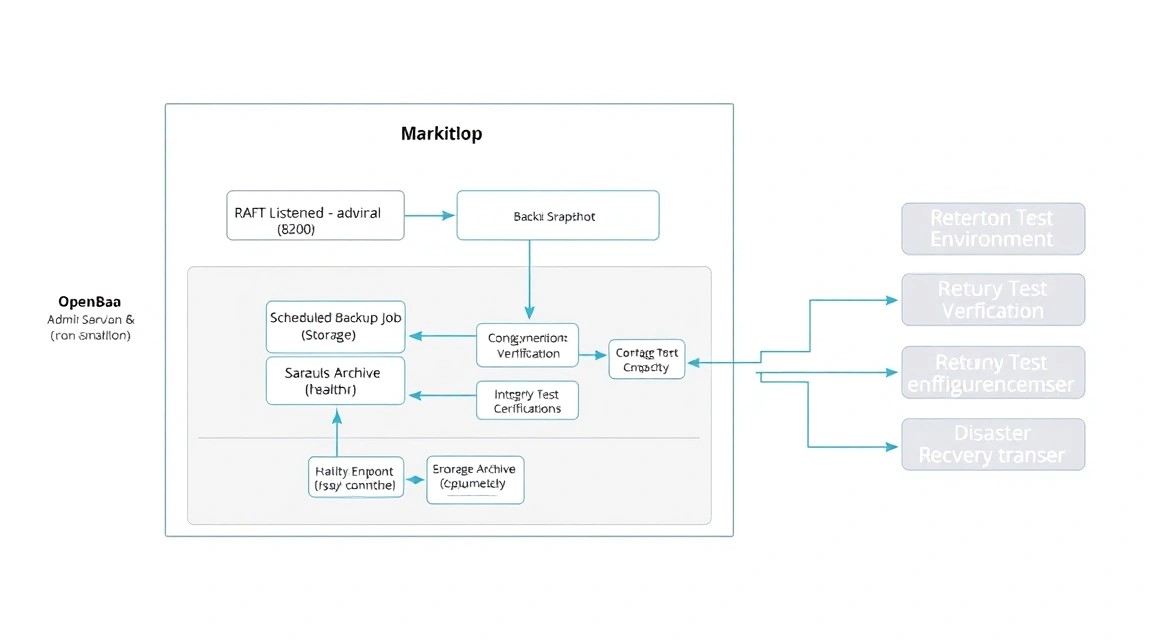
The primary data source is the Raft snapshot. It contains the OpenBao state, including KV secrets, policies, and auth method settings. Also save the /etc/openbao/openbao.hcl configuration, the systemd unit, Caddyfile, and the recovery procedure.
Unseal keys and the root token should not be included in a regular server backup. They must be stored separately and available to several authorized people. If you encrypt a backup with a key located on the same VPS, losing the VPS will destroy both the data and the decryption key.
Creating a Raft snapshot
The snapshot is created through the API and does not require stopping OpenBao. For the backup user, create a token with read permission on the snapshot endpoint. This token must not have administrative privileges.
# Создаём каталог для временного snapshot
sudo install -d -o ops -g ops -m 700 /var/backups/openbao

# Создаём снимок Raft через локальный API
curl -fsS \
  -H "X-OpenBao-Token: ${BAO_BACKUP_TOKEN}" \
  https://bao.example.com/v1/sys/storage/raft/snapshot \
  -o /var/backups/openbao/raft-$(date -u +%Y%m%dT%H%M%SZ).snap

# Проверяем, что файл непустой
ls -lh /var/backups/openbao/
The exact permission for the snapshot endpoint depends on the OpenBao version and the path in use. Check your version's policy API before issuing a token. Never make the snapshot endpoint available without authentication.
Encrypting backups with restic and S3
Restic encrypts data before sending it to S3. For production, use a separate bucket, separate access keys with minimal permissions, and a restic password from a secrets manager. In this example, variables are placed in a file with 600 permissions; this file must not be committed to Git.
# Создаём каталог с параметрами резервного копирования
sudo install -d -o root -g root -m 700 /etc/openbao

# Сохраняем параметры только для root
sudo tee /etc/openbao/backup.env > /dev/null <<'EOF'
export AWS_ACCESS_KEY_ID='replace-me'
export AWS_SECRET_ACCESS_KEY='replace-me'
export RESTIC_REPOSITORY='s3:https://s3.example.net/openbao-prod'
export RESTIC_PASSWORD='replace-with-long-random-password'
export RESTIC_COMPRESSION='auto'
EOF

# Закрываем файл с секретами
sudo chmod 600 /etc/openbao/backup.env

# Инициализируем restic repository один раз
sudo bash -c 'source /etc/openbao/backup.env && restic init'
For a stricter model, store credentials in systemd credentials, a separate secret store, or use an IAM role if the VPS is hosted in a compatible cloud environment. Do not send the entire Raft data directory to external backup using regular rsync: a consistent snapshot is safer for recovery.
Automated backup script
# Создаём скрипт backup-снимка и выгрузки в restic
sudo tee /usr/local/sbin/openbao-backup.sh > /dev/null <<'EOF'
#!/usr/bin/env bash
set -Eeuo pipefail
umask 077

source /etc/openbao/backup.env

tmpdir="$(mktemp -d /var/backups/openbao.XXXXXX)"
cleanup() {
    rm -rf "$tmpdir"
}
trap cleanup EXIT

snapshot="$tmpdir/raft.snap"
metadata="$tmpdir/metadata.txt"

curl --fail --silent --show-error \
    -H "X-OpenBao-Token: ${BAO_BACKUP_TOKEN}" \
    "https://bao.example.com/v1/sys/storage/raft/snapshot" \
    -o "$snapshot"

{
    date -u
    hostname
    openbao version
    sha256sum "$snapshot"
} > "$metadata"

restic backup "$snapshot" "$metadata" --tag openbao-raft

restic forget \
    --tag openbao-raft \
    --keep-daily 7 \
    --keep-weekly 4 \
    --keep-monthly 12 \
    --prune

restic check
EOF

# Разрешаем запуск только root
sudo chmod 700 /usr/local/sbin/openbao-backup.sh

# Добавляем backup token в защищённый environment-файл
sudo sh -c 'printf "\nexport BAO_BACKUP_TOKEN='\''replace-with-backup-token'\''\n" >> /etc/openbao/backup.env'
sudo chmod 600 /etc/openbao/backup.env
The restic check command verifies the integrity of the repository structure, but it does not replace a test recovery. Perform the first run manually and make sure encrypted objects appear in S3.
systemd timer instead of cron
# Создаём service unit для backup
sudo tee /etc/systemd/system/openbao-backup.service > /dev/null <<'EOF'
[Unit]
Description=OpenBao encrypted Raft backup
After=network-online.target openbao.service
Wants=network-online.target

[Service]
Type=oneshot
ExecStart=/usr/local/sbin/openbao-backup.sh
User=root
EOF

# Создаём таймер ежедневного запуска в 03:15 UTC
sudo tee /etc/systemd/system/openbao-backup.timer > /dev/null <<'EOF'
[Unit]
Description=Daily OpenBao backup timer

[Timer]
OnCalendar=-- 03:15:00 UTC
Persistent=true
RandomizedDelaySec=15m

[Install]
WantedBy=timers.target
EOF

# Включаем таймер и проверяем расписание
sudo systemctl daemon-reload
sudo systemctl enable --now openbao-backup.timer
sudo systemctl start openbao-backup.service
sudo systemctl list-timers openbao-backup.timer
sudo journalctl -u openbao-backup.service -n 50 --no-pager
Recovery verification
Recovery should be tested on a separate temporary VPS or isolated container. It must not be tested over a running production storage. Recovery requires a clean OpenBao instance of the same or a compatible version, a Raft configuration, and a snapshot.
# Получаем последний snapshot из restic в отдельный каталог
sudo mkdir -p /tmp/openbao-restore
sudo restic restore latest --tag openbao-raft \
  --target /tmp/openbao-restore

# Проверяем найденные файлы
find /tmp/openbao-restore -type f -maxdepth 5 -ls
Next, stop the test OpenBao instance, replace its empty Raft storage, and perform recovery through the CLI or API according to the version documentation. After recovery, check unseal, reading a test secret, AppRole login, and policies. Record the actual recovery time and revise the procedure if it requires manual actions that no one can perform during an emergency.
Updates
Before updating, create a fresh Raft snapshot and save the current version. For a single node, use a maintenance window: stop the service, replace the binary file, start OpenBao, and check the health endpoint. Do not delete the old binary until verification is successful.
In a cluster of three or five nodes, update one node at a time while monitoring quorum. This does not mean you can mix any versions without verification: review the compatibility notes for the specific release. After updating one node, check the Raft status and only then proceed to the next one.
# Перед обновлением сохраняем состояние и snapshot
openbao status
sudo systemctl start openbao-backup.service

# После замены бинарника перезапускаем сервис
sudo systemctl restart openbao

# Проверяем API, sealed status и последние ошибки
curl -fsS https://bao.example.com/v1/sys/health | jq
openbao status
sudo journalctl -u openbao -n 100 --no-pager
9. Troubleshooting and FAQ
OpenBao returns a “connection refused” error on port 8200
First, check the process status using systemctl status openbao and the log with journalctl -u openbao -n 100. Then run ss -lntp | grep 8200: the listener should be on 127.0.0.1:8200. If the service has stopped, the most common causes are an HCL error, an incorrect owner for the Raft directory, or an occupied port. Run openbao operator validate-config and fix the issue found.
HTTPS returns 502 Bad Gateway
A 502 code means that Caddy cannot connect to the upstream. Make sure OpenBao is running and listening on 127.0.0.1:8200, and that this exact address is specified in the Caddyfile. Check curl http://127.0.0.1:8200/v1/sys/health locally and the journalctl -u caddy log. After changing the configuration, run caddy validate, then systemctl reload caddy.
The Caddy certificate is not being issued
Check the A and AAAA DNS records: both must point to the server, or remove the incorrect AAAA record. Ports 80 and 443 must be open in UFW and in the provider's external firewall. Review the journalctl -u caddy log. Let’s Encrypt also limits request frequency, so you should not repeatedly delete and recreate the configuration during diagnostics.
OpenBao is sealed again after rebooting
With Shamir seal, this is normal behavior: after startup, the configured number of unseal keys must be entered. Automatically storing these keys on the same server is insecure. Enter the required number of keys manually or configure supported auto-unseal through an external KMS/HSM. Make sure the keys are distributed among administrators and that the unseal procedure has been tested before an emergency occurs.
AppRole login returns 400 or 403
Check that the auth/approle path is enabled, that role_id belongs to the correct role, and that secret_id has not expired or been used the permitted number of times. Run openbao read auth/approle/role/myapp with an administrative token and check the TTL. If login is successful but reading the secret returns 403, review the policy: for KV v2, the path must be secret/data/..., not just secret/....
What is the minimum suitable VPS configuration?
For a lab, 1 vCPU, 1 GB RAM, and 20 GB SSD are sufficient, but this is not the best production option. For a small working system, choose at least 2 vCPU, 2–4 GB RAM, 40 GB SSD, and a stable static IP. Be sure to add external backup. If CI runners, databases, or a reverse proxy for many services run on the same VPS, increase memory to 8 GB or move OpenBao to a separate machine.
Which should I choose for this task — VPS or dedicated?
For a single OpenBao node and a small number of applications, a VPS is usually more practical: resources are sufficient, and scaling can be achieved by adding nodes. Dedicated is needed for strict physical isolation, high load, a large number of neighboring services, or predictable disk requirements. However, dedicated alone does not provide high availability. For HA, three Raft nodes and proper networking between them are more important.
Can a snapshot be stored on the same VPS?
A local copy is useful for quick recovery after accidental deletion, but it does not protect against disk failure, server compromise, or VPS deletion. Use a local snapshot as an intermediate file, then send it to separate S3-compatible storage encrypted with restic. Keep multiple backup generations and periodically perform a test recovery on a separate machine.
Do I need to open port 8200 to the Internet?
Not in the described setup: OpenBao listens only on loopback, while external access goes through Caddy over HTTPS. This reduces the attack surface and simplifies the firewall. Port 8200 only needs to be opened between nodes if you create a Raft cluster; in that case, restrict access to a private network and configure internal TLS. Do not expose the API directly without encryption and network access controls.
How can I tell whether backups are actually working?
Check the successful exit code of the systemd service, the presence of a new snapshot in restic, and the date of the latest backup. The restic snapshots command will show saved generations, while restic check will verify the repository structure. The most reliable test is to restore a snapshot on a temporary node, unseal OpenBao, read a test secret, and verify AppRole login. A backup without a verified restore cannot be considered operational.
10. Conclusions and next steps
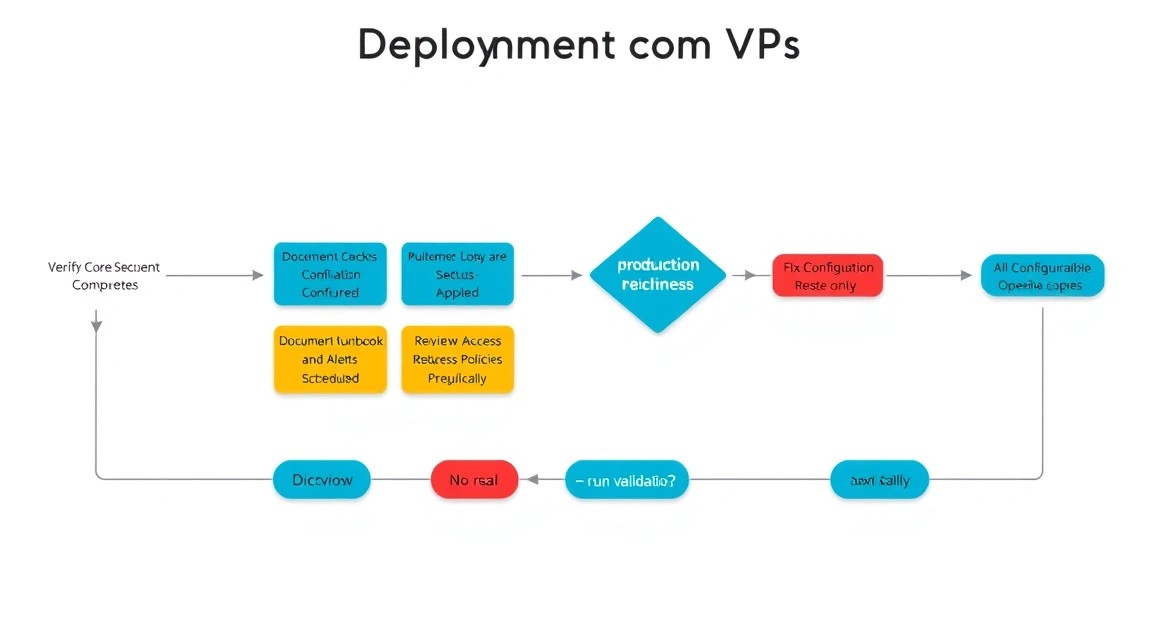
As a result, OpenBao runs on a dedicated VPS with Raft Storage, HTTPS through Caddy, AppRole machine authentication, and encrypted remote backups. Secrets are separated from source code, and the application receives only the necessary permissions and a time-limited token.
As the next step, create monitoring for the health endpoint, TLS certificate expiration, free disk space, and backup success. Then configure a three-node Raft cluster if downtime of a single VPS is unacceptable. Finally, automate secret_id rotation, regular test recovery, and the OpenBao update procedure through a maintenance window.