Встановлення та налаштування приватного сервера Matrix Synapse на VPS: створення захищеного месенджера з підтримкою Element
TL;DR
У цьому посібнику ми детально розберемо процес розгортання власного сервера Matrix на базі еталонної реалізації Synapse з використанням Docker Compose, бази даних PostgreSQL та зворотного проксі-сервера Caddy для автоматичного отримання SSL-сертифікатів. Ви отримаєте повністю суверенну систему миттєвого обміну повідомленнями, що підтримує наскрізне шифрування (E2EE), голосові та відеодзвінки, а також можливість інтеграції з іншими месенджерами через мости.
- Повний контроль: Ваші дані належать лише вам, а не корпораціям.
- Безпека: Налаштування наскрізного шифрування та захищених каналів зв'язку.
- Федерація: Можливість спілкуватися з користувачами інших серверів Matrix.
- Масштабованість: Використання PostgreSQL та Docker для стабільної роботи під навантаженням.
- Сучасні клієнти: Підключення Element (Web, Desktop, Mobile) та Element X.
1. Що ми налаштовуємо і навіщо: філософія Matrix
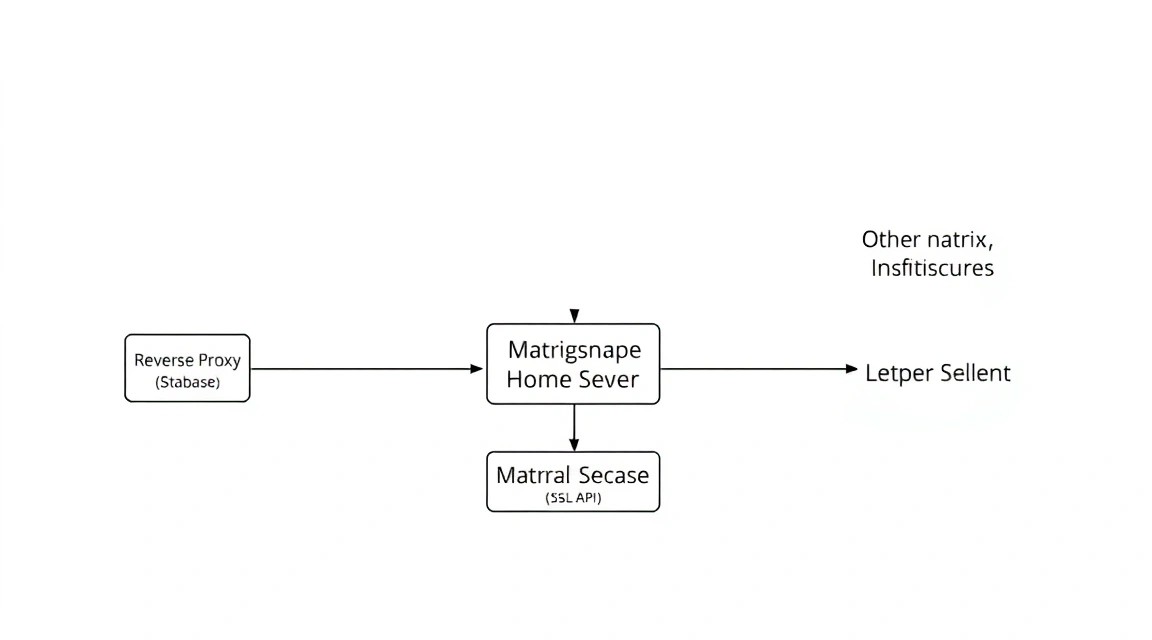
Matrix — це не просто черговий месенджер, це відкритий протокол для децентралізованої комунікації в реальному часі. На відміну від закритих систем на кшталт Telegram, WhatsApp або Slack, Matrix дозволяє користувачам різних серверів спілкуватися один з одним так само легко, як ми обмінюємося електронними листами. Ця концепція називається федерацією.
Synapse — це найбільш зріла та популярна реалізація домашнього сервера (homeserver) Matrix, написана на Python. Вона служить центральним вузлом, який зберігає історію повідомлень, керує обліковими записами та синхронізує дані між клієнтами та іншими серверами в мережі.
Чому варто вибрати self-hosted рішення на VPS замість використання публічних серверів на кшталт matrix.org?
- Приватність: Метадані ваших розмов не залишають ваш сервер (якщо ви не використовуєте федерацію).
- Продуктивність: Публічні сервери часто перевантажені, що призводить до затримок при доставці повідомлень. Свій VPS забезпечує миттєвий відгук.
- Гнучкість: Ви самі вирішуєте, який обсяг медіафайлів зберігати, які мости (bridges) встановлювати та кого реєструвати на сервері.
У цьому посібнику ми орієнтуємося на актуальні версії ПЗ 2026 року, використовуючи контейнеризацію, що робить процес встановлення відтворюваним та чистим.
2. Який VPS-конфіг потрібен для цього завдання
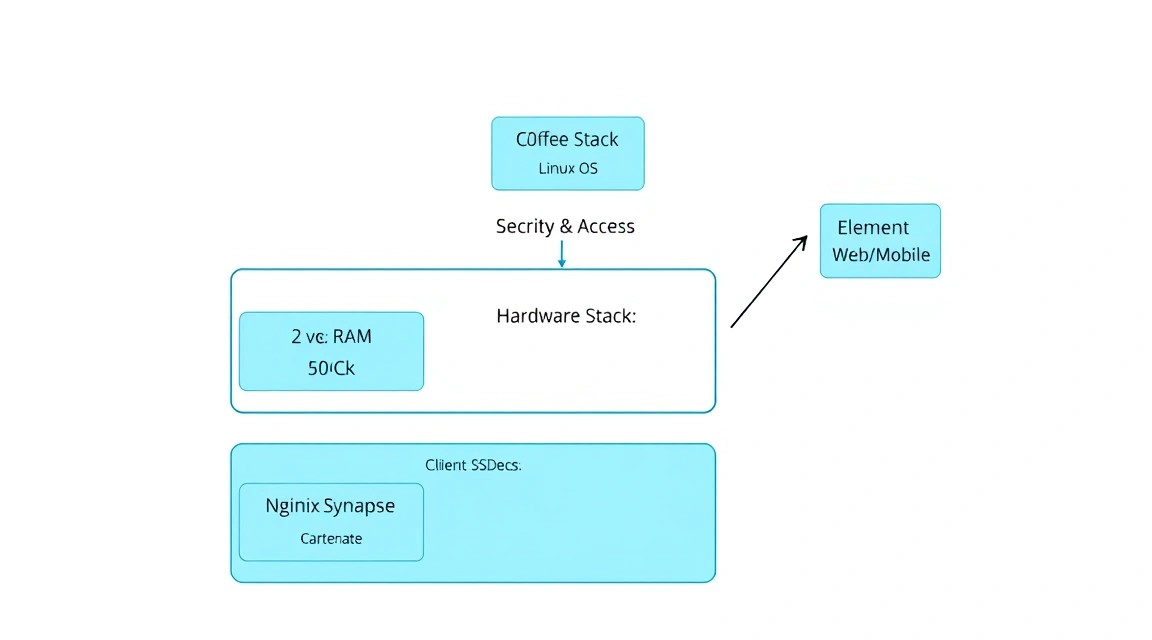
Matrix Synapse історично вважався ресурсоємним сервісом, особливо в плані споживання оперативної пам'яті. Однак з оптимізаціями останніх років та використанням PostgreSQL, вимоги стали більш демократичними. Тим не менш, для комфортної роботи групи користувачів та використання мостів (наприклад, у WhatsApp або Telegram), економити на ресурсах не варто.
| Ресурс | Мінімальні (1-5 осіб) | Рекомендовані (20+ осіб / Мости) |
|---|---|---|
| CPU | 1 vCPU (сучасне ядро) | 2-4 vCPU |
| RAM | 2 GB (з активним Swap) | 4 GB - 8 GB |
| Диск | 20 GB SSD/NVMe | 80 GB+ NVMe (залежить від медіа) |
| Мережа | 100 Mbps | 1 Gbps |
Важливо враховувати тип дискової підсистеми. Matrix активно працює з базою даних при пошуку та синхронізації кімнат, тому NVMe-накопичувачі значно підвищують чуйність інтерфейсу в клієнті Element. Для стабільної та швидкої роботи месенджера можна орендувати VPS із зазначеними характеристиками, що забезпечить необхідний запас продуктивності для бази даних PostgreSQL та кешування медіафайлів.
Коли варто розглянути dedicated сервер? Якщо ви плануєте розгортання корпоративного месенджера на 100+ співробітників зі зберіганням терабайтів архівів або якщо вам потрібна максимальна ізоляція ресурсів для забезпечення безпеки. Для більшості приватних завдань та малого бізнесу потужного VPS буде більш ніж достатньо.
Локація сервера: Вибирайте локацію, максимально близьку до основної маси користувачів. Це мінімізує затримки (latency) при встановленні WebRTC-з'єднань під час дзвінків.
3. Підготовка сервера: безпека та база
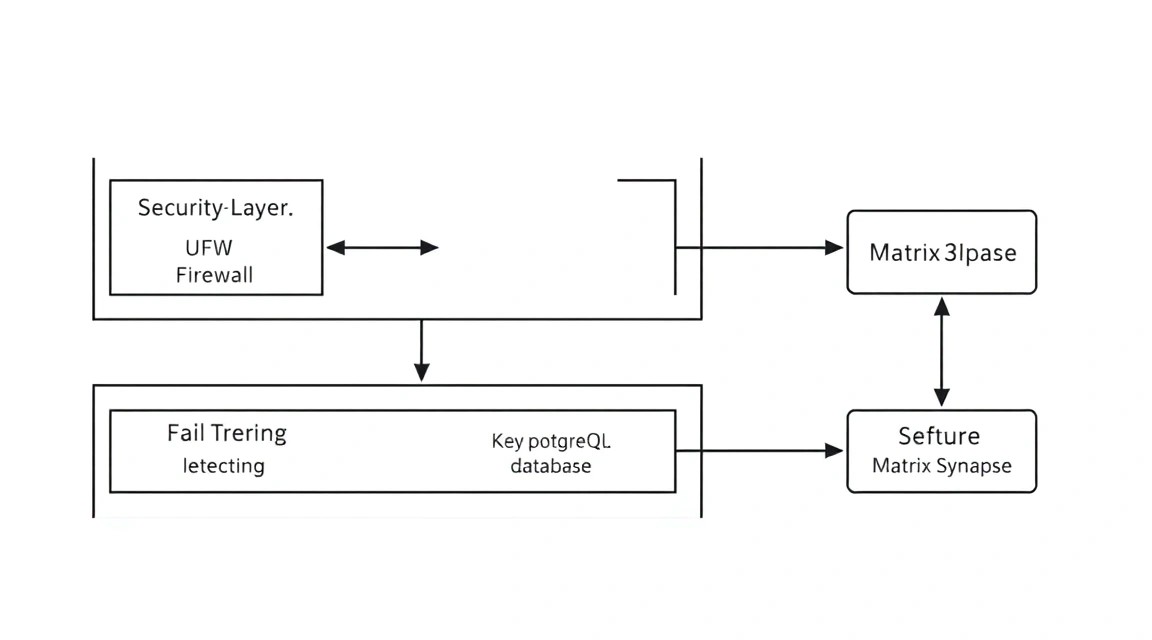
Перш ніж встановлювати Synapse, необхідно підготувати операційну систему. Ми будемо використовувати Ubuntu 24.04 LTS або 26.04 LTS, оскільки вони мають кращу підтримку Docker-пакетів та свіжі ядра.
Насамперед оновимо систему та створимо обмеженого користувача з правами sudo, щоб не працювати під root:
# Оновлення індексу пакетів та системи
sudo apt update && sudo apt upgrade -y

# Створення користувача (замініть 'adminuser' на своє ім'я)
sudo adduser adminuser
sudo usermod -aG sudo adminuser

# Перемикання на нового користувача
su - adminuser
Налаштування базового фаєрволу (UFW) є критичним. Matrix вимагає відкриття кількох портів:
- 80/TCP — для перевірки Let's Encrypt (HTTP).
- 443/TCP — основний клієнтський трафік (HTTPS).
- 8448/TCP — федерація (взаємодія між серверами Matrix).
- 3478, 5349 (UDP/TCP) — для роботи STUN/TURN (дзвінки).
sudo ufw allow 22/tcp
sudo ufw allow 80/tcp
sudo ufw allow 443/tcp
sudo ufw allow 8448/tcp
sudo ufw allow 3478/udp
sudo ufw enable
Також рекомендується встановити Fail2Ban для захисту SSH від брутфорс-атак:
sudo apt install fail2ban -y
sudo systemctl enable fail2ban
sudo systemctl start fail2ban
4. Встановлення Docker та допоміжних утиліт
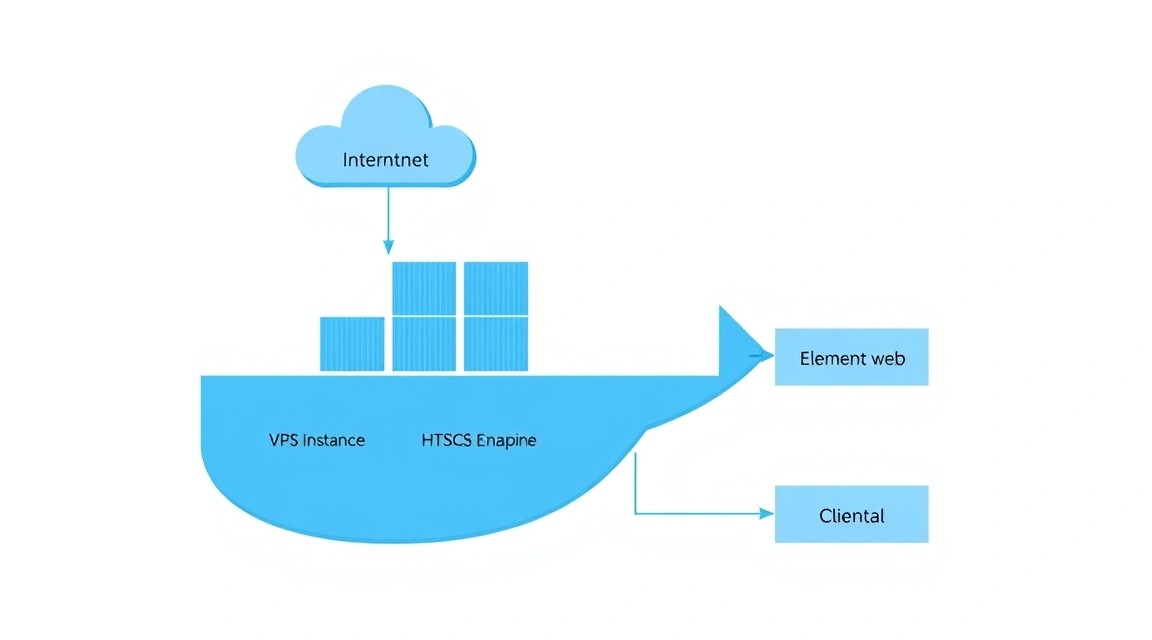
У 2026 році Docker є стандартом де-факто для розгортання складних застосунків. Це ізолює залежності Synapse (які зав'язані на Python) від системних бібліотек та спрощує процес оновлення.
# Встановлення необхідних утиліт
sudo apt install -y curl gnupg lsb-release

# Додавання офіційного репозиторію Docker
sudo mkdir -p /etc/apt/keyrings
curl -fsSL https://download.docker.com/linux/ubuntu/gpg | sudo gpg --dearmor -o /etc/apt/keyrings/docker.gpg

echo "deb [arch=$(dpkg --print-architecture) signed-by=/etc/apt/keyrings/docker.gpg] https://download.docker.com/linux/ubuntu $(lsb_release -cs) stable" | sudo tee /etc/apt/sources.list.d/docker.list > /dev/null

# Встановлення Docker Engine та Docker Compose
sudo apt update
sudo apt install -y docker-ce docker-ce-cli containerd.io docker-compose-plugin

# Перевірка встановлення
docker --version && docker compose version
Додайте свого користувача до групи docker, щоб запускати контейнери без sudo:
sudo usermod -aG docker $USER
# Перелогіньтеся, щоб зміни набули чинності
5. Покрокове встановлення Matrix Synapse
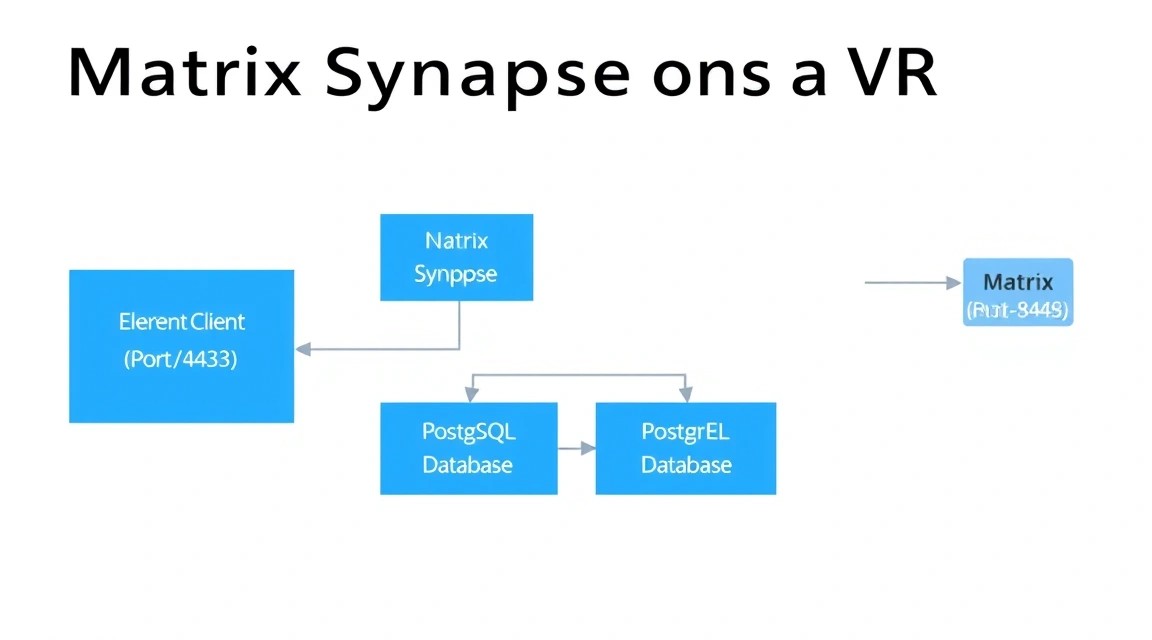
Ми будемо використовувати структуру каталогів у /opt/matrix для зберігання всіх конфігурацій та даних. Це спрощує створення резервних копій.
sudo mkdir -p /opt/matrix/synapse/data
sudo chown -R $USER:$USER /opt/matrix
cd /opt/matrix
Спочатку нам потрібно згенерувати початковий конфігураційний файл. Для цього скористаємося офіційним образом Synapse:
docker run -it --rm \
    -v /opt/matrix/synapse/data:/data \
    -e SYNAPSE_SERVER_NAME=example.com \
    -e SYNAPSE_REPORT_STATS=yes \
    matrixdotorg/synapse:latest generate
Важливо: Замініть example.com на ваш реальний домен або піддомен (наприклад, matrix.example.com). Цей параметр не можна буде легко змінити пізніше, оскільки він стає частиною ваших User ID (наприклад, @user:example.com).
Тепер створимо файл docker-compose.yml у директорії /opt/matrix, який об'єднуватиме Synapse та базу даних PostgreSQL:
cat < docker-compose.yml
services:
  db:
    image: postgres:16-alpine
    restart: always
    environment:
      POSTGRES_USER: synapse
      POSTGRES_PASSWORD: your_strong_password
      POSTGRES_DB: synapse
      POSTGRES_INITDB_ARGS: "--encoding=UTF-8 --lc-collate=C --lc-ctype=C"
    volumes:
      - ./postgresdata:/var/lib/postgresql/data

  synapse:
    image: matrixdotorg/synapse:latest
    restart: always
    depends_on:
      - db
    ports:
      - "8008:8008"
    volumes:
      - ./synapse/data:/data
    environment:
      - SYNAPSE_CONFIG_PATH=/data/homeserver.yaml
EOF
6. Глибока конфігурація: homeserver.yaml та PostgreSQL
6. Глибока конфігурація: homeserver.yaml та PostgreSQL
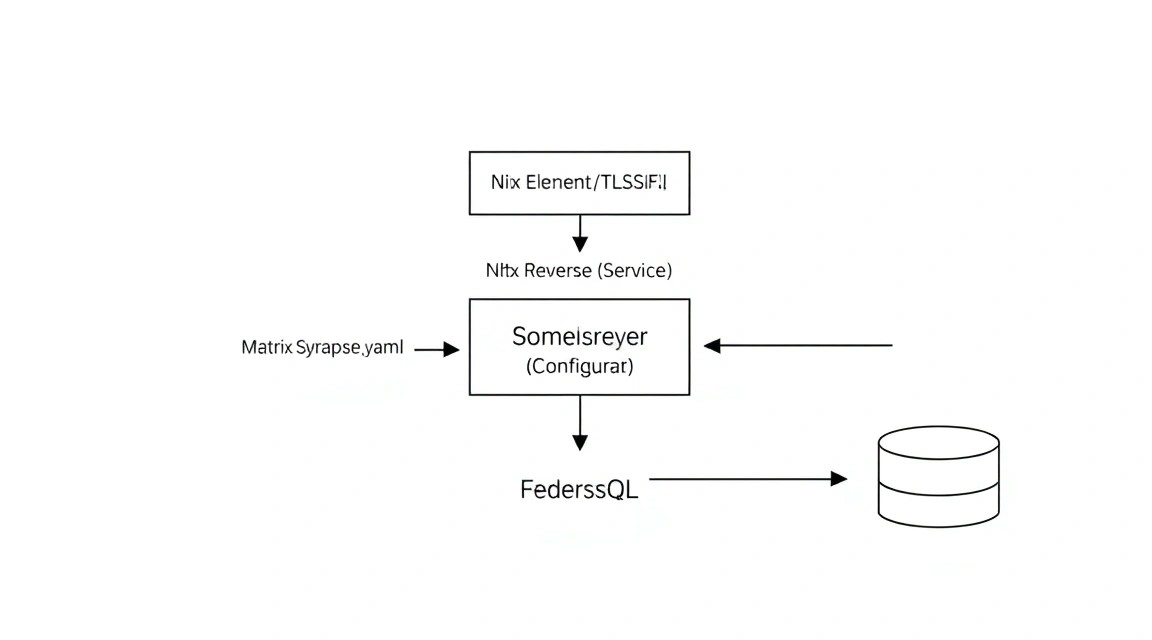
За замовчуванням Synapse генерує конфіг для SQLite, але для продакшену на VPS обов'язковий PostgreSQL. Відредагуємо /opt/matrix/synapse/data/homeserver.yaml.
Знайдіть секцію database і замініть її на наступну:
database:
  name: psycopg2
  args:
    user: synapse
    password: your_strong_password
    database: synapse
    host: db
    cp_min: 5
    cp_max: 10
Налаштування реєстрації: За замовчуванням реєстрація нових користувачів закрита. Якщо ви хочете створити перший обліковий запис, тимчасово увімкніть її або скористайтеся командним рядком. Для безпеки краще залишити enable_registration: false і створювати користувачів вручну.
Секретні ключі: Переконайтеся, що registration_shared_secret заповнений довгим випадковим рядком. Це дозволить адміністративним інструментам взаємодіяти з API.
Запуск сервера:
docker compose up -d
Створення першого користувача (адміністратора):
docker exec -it matrix-synapse-1 register_new_matrix_user \
    -c /data/homeserver.yaml http://localhost:8008
Дотримуйтесь підказок: введіть логін, пароль і дайте відповідь "yes" на питання про права адміністратора.
7. Налаштування TLS/HTTPS через Caddy та делегування домену
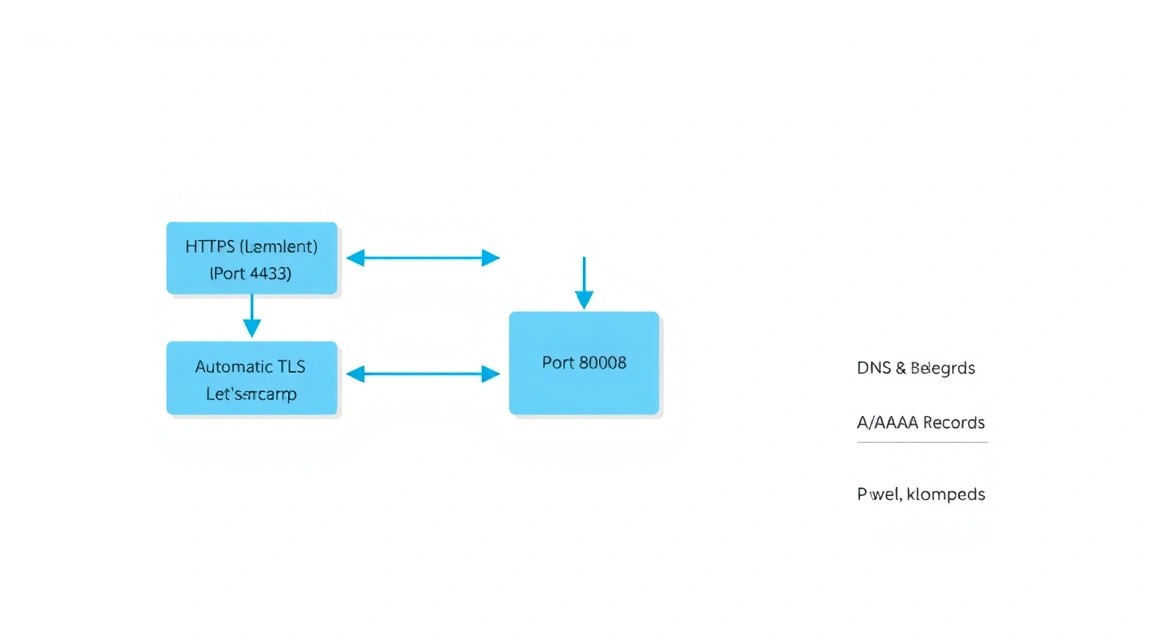
Matrix-клієнти та інші сервери спілкуються через HTTPS. Ми будемо використовувати Caddy, оскільки він автоматично керує сертифікатами та має надзвичайно простий синтаксис.
Додайте Caddy до вашого docker-compose.yml:
  caddy:
    image: caddy:latest
    restart: always
    ports:
      - "80:80"
      - "443:443"
      - "8448:8448"
    volumes:
      - ./Caddyfile:/etc/caddy/Caddyfile
      - ./caddy_data:/data
      - ./caddy_config:/config
Створіть файл Caddyfile у /opt/matrix:
example.com:443, example.com:8448 {
    reverse_proxy synapse:8008

    header {
        Access-Control-Allow-Origin *
        Access-Control-Allow-Methods "GET, POST, PUT, DELETE, OPTIONS"
        Access-Control-Allow-Headers "Origin, X-Requested-With, Content-Type, Accept, Authorization"
    }
}
Делегування (Well-known): Щоб інші сервери могли знайти ваш сервер Matrix, потрібно налаштувати .well-known файли. Це дозволяє використовувати домен example.com, навіть якщо сам Synapse запущений на піддомені matrix.example.com.
Додайте до Caddyfile блок для віддачі JSON:
example.com {
    handle_path /.well-known/matrix/server {
        header Content-Type application/json
        respond `{"m.server": "example.com:443"}`
    }
    handle_path /.well-known/matrix/client {
        header Content-Type application/json
        header Access-Control-Allow-Origin *
        respond `{"m.homeserver": {"base_url": "https://example.com"}}`
    }
}
8. Налаштування дзвінків: встановлення Coturn (STUN/TURN)
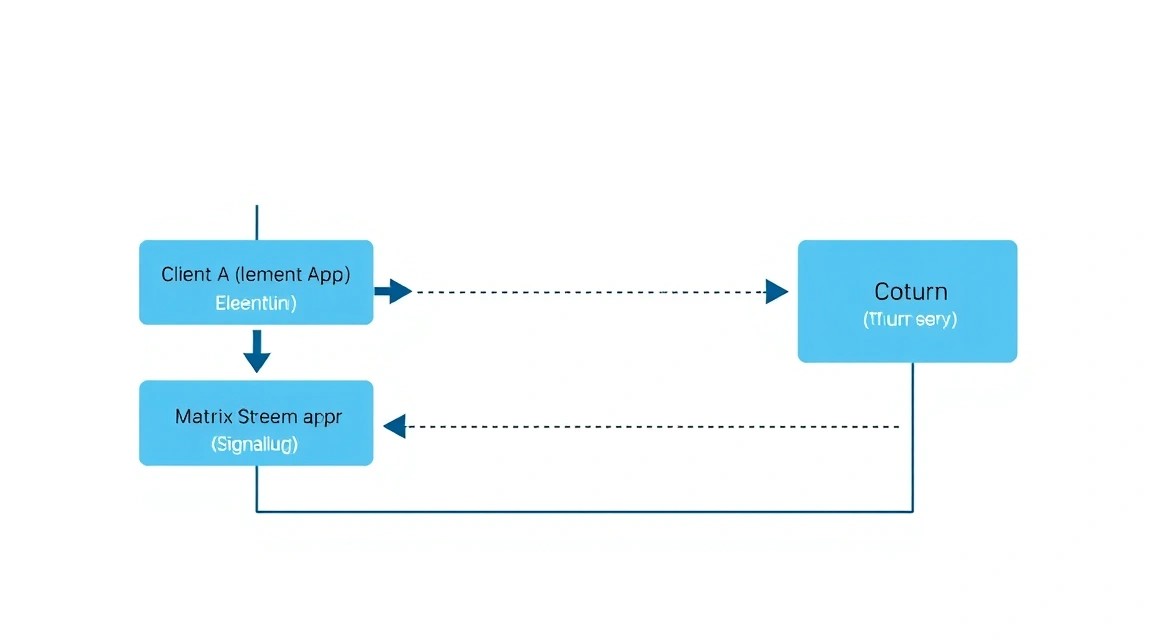
Для роботи аудіо- та відеодзвінків через Element (особливо коли користувачі знаходяться за NAT), необхідний TURN-сервер. Ми встановимо Coturn.
Додайте сервіс до docker-compose.yml:
  coturn:
    image: coturn/coturn:latest
    restart: always
    net: host
    volumes:
      - ./coturn.conf:/etc/coturn/turnserver.conf
Приклад базового coturn.conf:
use-auth-secret
static-auth-secret=ВАШ_ДУЖЕ_СИЛЬНИЙ_СЕКРЕТ
realm=example.com
listening-port=3478
tls-listening-port=5349
min-port=49152
max-port=65535
У homeserver.yaml вкажіть дані TURN-сервера:
turn_uris: ["turn:example.com:3478?transport=udp", "turn:example.com:3478?transport=tcp"]
turn_shared_secret: "ВАШ_ДУЖЕ_СИЛЬНИЙ_СЕКРЕТ"
turn_user_lifetime: 86400000
9. Резервні копії, оновлення та обслуговування
Адміністрування Matrix сервера вимагає регулярної уваги до двох речей: розміру бази даних та актуальності версій ПЗ.
Стратегія резервного копіювання
Вам необхідно робити резервні копії трьох компонентів:
- База даних: Дамп PostgreSQL.
- Конфігураційні файли:
homeserver.yaml,Caddyfile, ключі підпису (signing keys). - Медіа-сховище: Папка
media_store(найбільш об'ємна частина).
Приклад простого скрипта резервного копіювання (backup.sh):
#!/bin/bash
BACKUP_DIR="/opt/backups/$(date +%Y-%m-%d)"
mkdir -p $BACKUP_DIR

# Дамп БД
docker exec matrix-db-1 pg_dump -U synapse synapse > $BACKUP_DIR/db.sql

# Копіювання конфігів
cp /opt/matrix/synapse/data/homeserver.yaml $BACKUP_DIR/
cp /opt/matrix/synapse/data/*.signing.key $BACKUP_DIR/

# Архівування (без медіа для економії місця, їх краще робити резервні копії окремо через rsync)
tar -czf $BACKUP_DIR/configs.tar.gz -C /opt/matrix/synapse/data .
Очищення кешу медіа
Matrix зберігає копії всіх медіафайлів з федеративних кімнат. Щоб диск не переповнився, налаштуйте автоматичне очищення в homeserver.yaml:
media_retention_rules:
  - type: remote
    max_lifetime: 30d
Оновлення
Оновлення відбувається шляхом зміни тегу образу або простого перезапуску з latest:
docker compose pull
docker compose up -d
10. Вирішення проблем + FAQ
Помилка: "Federation failed" при спробі зайти в публічні кімнати
Перевірте порт 8448. Він має бути відкритий в UFW та прокинутий до Caddy. Скористайтеся сервісом Matrix Federation Tester, щоб переконатися, що ваш сертифікат дійсний і SRV-записи або well-known файли налаштовані правильно.
Чому Synapse споживає так багато RAM?
Synapse написаний на Python і кешує багато даних у пам'яті для прискорення доступу. Якщо пам'яті мало, переконайтеся, що ви використовуєте PostgreSQL і налаштували ліміти кешу в homeserver.yaml (параметр caches.global_factor).
Який VPS-конфіг мінімально підійде?
Для одного користувача достатньо 2 ГБ RAM та 1 vCPU, але система працюватиме повільно при вході у великі кімнати (наприклад, Matrix HQ). Для стабільної роботи рекомендуємо 4 ГБ RAM.
Що обрати — VPS чи dedicated для цього завдання?
Для особистого месенджера та невеликих спільнот VPS — ідеальний вибір через гнучкість та можливість швидкого резервного копіювання знімків (snapshots). Dedicated сервер потрібен лише при величезних обсягах медіа-трафіку або специфічних вимогах до безпеки даних.
Як підключити Element X?
Element X вимагає підтримки протоколу Sliding Sync. У 2026 році він вбудований у Synapse, але може вимагати окремої активації в конфігурації. Переконайтеся, що ваш клієнт підтримує версію протоколу Matrix 1.4+.
Чи можна перенести сервер на інший домен?
Практично ні. server_name зашитий в ID всіх повідомлень та кімнат у базі даних. Зміна домену рівносильна створенню нового сервера з нуля.
Проблема з надсиланням сповіщень на мобільні пристрої
Matrix використовує Push Gateway. Для Element використовується matrix.org пуш-сервер. Переконайтеся, що ваш сервер має доступ до інтернету та не блокує вихідні запити до портів 443.
11. Висновки та наступні кроки
Вітаємо! Ви розгорнули власний повноцінний сервер Matrix Synapse. Тепер у вас є захищена платформа для спілкування, яка не залежить від політики сторонніх компаній і надає повний контроль над приватністю.
В якості наступних кроків рекомендуємо вивчити:
- Встановлення мостів (Bridges): Підключіть свої облікові записи Telegram, WhatsApp та Signal до Matrix через mautrix мости, щоб використовувати Element як єдиний клієнт для всіх месенджерів.
- Інтеграція з LDAP/OIDC: Якщо ви налаштовуєте сервер для компанії, підключіть існуючу базу користувачів.
- Моніторинг: Встановіть зв'язку Prometheus + Grafana для відстеження навантаження на сервер та споживання ресурсів Synapse.
Matrix — це потужний інструмент, і володіння власним вузлом у цій мережі робить вас частиною глобальної екосистеми вільного спілкування.