
Встановлення та налаштування Pterodactyl Panel на VPS: створення ігрового хостингу в Docker
TL;DR
У цьому посібнику ми детально розберемо процес розгортання Pterodactyl Panel — найпопулярнішої open-source панелі керування ігровими серверами, заснованої на Docker. Ви навчитеся налаштовувати сучасний стек (PHP 8.3+, MariaDB 11, Redis 7) та встановлювати Wings (демон керування вузлами) для запуску ігрових серверів із повною ізоляцією ресурсів.
- Використання Docker для ізоляції ігрових процесів та забезпечення безпеки системи.
- Налаштування веб-інтерфейсу (Panel) на базі Laravel для керування користувачами та серверами.
- Встановлення та конфігурація Wings — високопродуктивного демона на Go.
- Забезпечення безпеки через SSL-сертифікати (Let's Encrypt) та налаштування брандмауера.
- Автоматизація резервного копіювання даних ігрових серверів у зовнішні сховища.
- Оптимізація продуктивності системи для мінімальних затримок (latency) в іграх.
1. Що ми налаштовуємо і навіщо
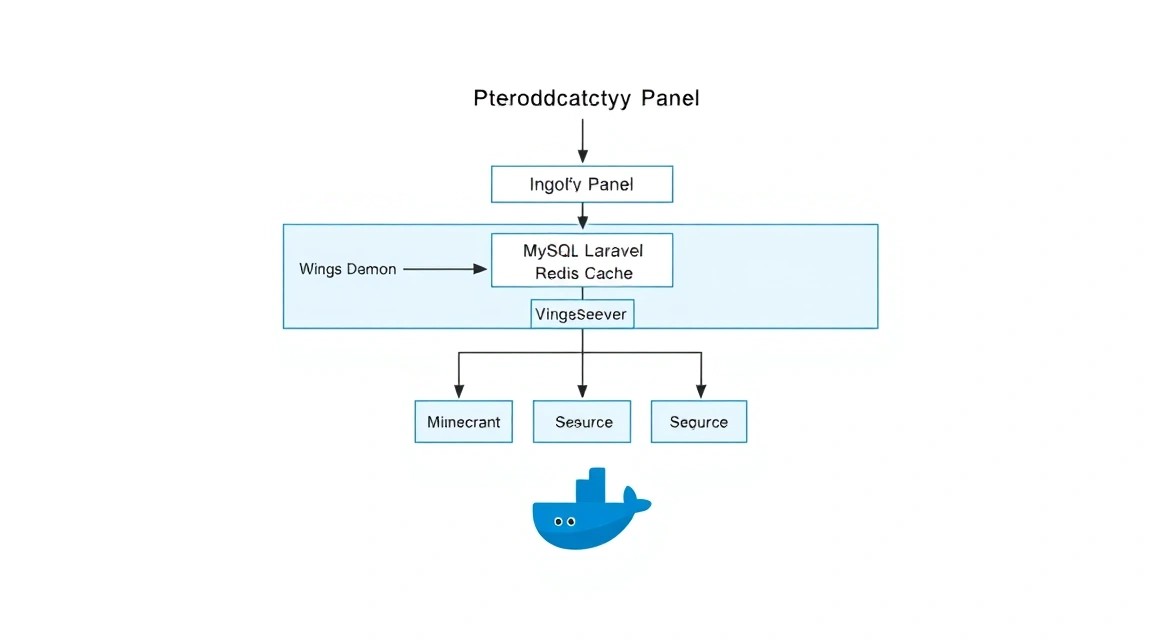
Pterodactyl — це не просто панель керування, це потужна екосистема для керування ігровими серверами, яка де-факто стала стандартом в індустрії приватного та комерційного ігрового хостингу. На відміну від старих рішень, які запускали процеси безпосередньо в операційній системі, Pterodactyl використовує Docker-контейнери. Це дає три критичні переваги: безпеку (процес у контейнері не має доступу до основної системи), ізоляція ресурсів (один сервер не може "з'їсти" всю пам'ять сусіда) та переносимість (сервер легко перемістити між фізичними вузлами).
Основні компоненти системи:
- Panel (Панель): Написана на Laravel (PHP). Це "мозок" системи, де знаходиться база даних користувачів, налаштування серверів, білінг та API.
- Wings (Крила): Написаний на Go. Це агент, який встановлюється на кожен сервер, де фізично будуть працювати ігри. Він керує Docker-контейнерами, слідкує за їх станом та передає логи в реальному часі.
Self-hosted рішення на власному VPS краще за хмарні ігрові хостинги, тому що ви отримуєте повний контроль над "залізом", відсутність лімітів на кількість слотів та можливість тонкого налаштування ядра ОС для зниження пінгу. Це ідеальний вибір для спільнот, розробників модів або тих, хто хоче запустити власний бізнес з оренди ігрових серверів.
2. Який VPS-конфіг потрібен під цю задачу
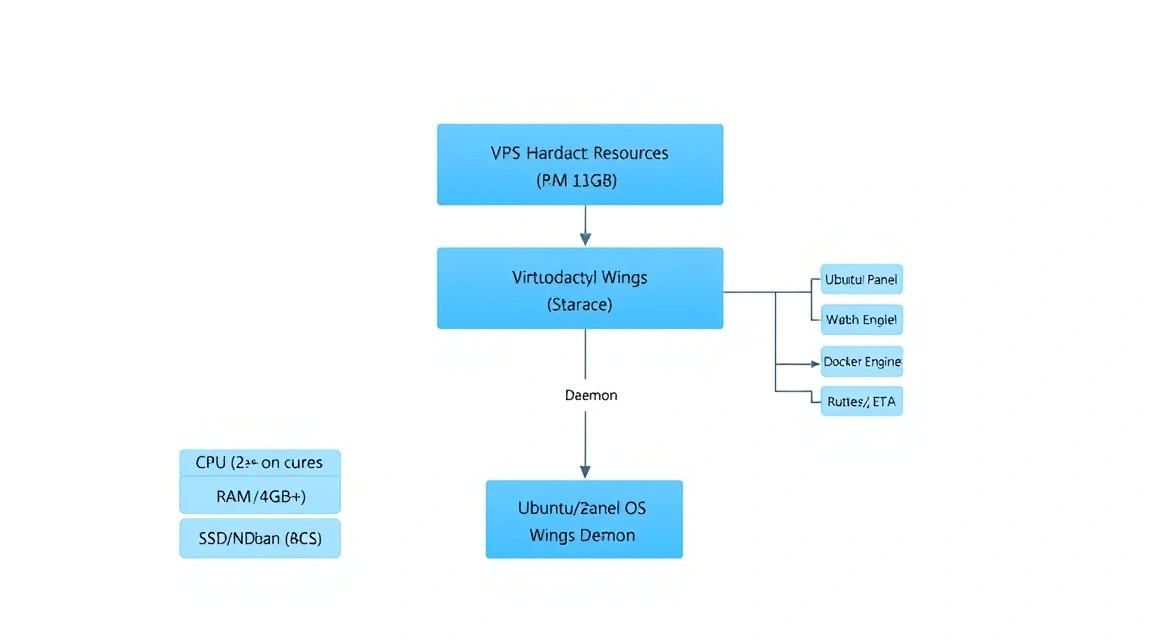
Вимоги до ресурсів сильно залежать від ігор, які ви плануєте запускати. Сама панель споживає мінімум ресурсів, але Wings і Docker-контейнери вимагають запасу по CPU і RAM.
| Компонент | Мінімум (1-2 легких сервера) | Рекомендовано (10+ серверів) |
|---|---|---|
| Процесор (CPU) | 2 ядра (висока частота) | 4+ ядра (3.5 GHz+) |
| Оперативна пам'ять (RAM) | 4 GB | 16 GB+ (ECC вітається) |
| Диск (Storage) | 40 GB SSD | 200 GB+ NVMe |
| Мережа | 100 Mbps | 1 Gbps (захист від DDoS) |
Для стабільної роботи ігрових серверів, особливо таких ресурсоємних як Minecraft з важкими збірками модів, Rust або ARK, критично важлива продуктивність на одне ядро процесора. Віртуалізація KVM є обов'язковою, оскільки Docker некоректно працює в середовищах OpenVZ/LXC. Ви можете орендувати VPS із зазначеними характеристиками, щоб забезпечити безперебійну роботу вашої ігрової спільноти. Якщо ви плануєте масштабний хостинг на 50+ серверів, варто розглянути перехід на виділені сервери (dedicated), щоб уникнути впливу сусідів по гіпервізору на стабільність FPS.
Локація сервера повинна бути максимально близька до вашої цільової аудиторії. Для гравців з Європи оптимальні дата-центри в Німеччині або Нідерландах, для СНД — Москва або Варшава. Затримка (RTT) понад 50-60 мс вже починає відчуватися в динамічних шутерах.
3. Підготовка сервера
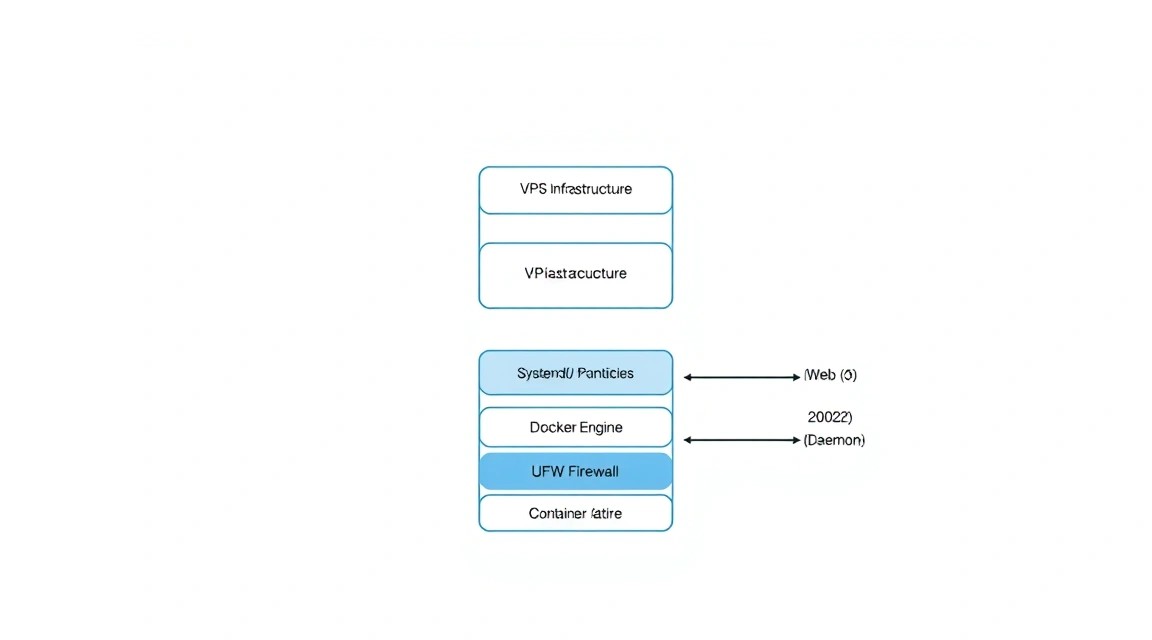
Ми будемо використовувати Ubuntu 24.04 LTS як найактуальнішу і стабільну базу для 2026 року. Насамперед необхідно оновити систему та налаштувати базову безпеку.
# Обновление списка пакетов и установленных компонентов
sudo apt update && sudo apt upgrade -y

# Установка необходимых утилит
sudo apt install -y software-properties-common curl apt-transport-https ca-certificates gnupg lsb-release htop tar unzip git
Налаштування брандмауера (UFW). Нам потрібно відкрити порти для вебу (80, 443) і порти для Wings (8080, 2022), а також діапазон портів для самих ігрових серверів.
# Разрешаем SSH (убедитесь, что порт правильный)
sudo ufw allow 22/tcp

# Порты для веб-интерфейса
sudo ufw allow 80/tcp
sudo ufw allow 443/tcp

# Порты для связи с Wings
sudo ufw allow 8080/tcp
sudo ufw allow 2022/tcp

# Включаем брандмауэр
sudo ufw enable
Рекомендується також налаштувати Fail2Ban для захисту від брутфорсу SSH, оскільки ігрові сервери часто стають мішенню для автоматизованих атак ботів.
4. Встановлення Pterodactyl Panel
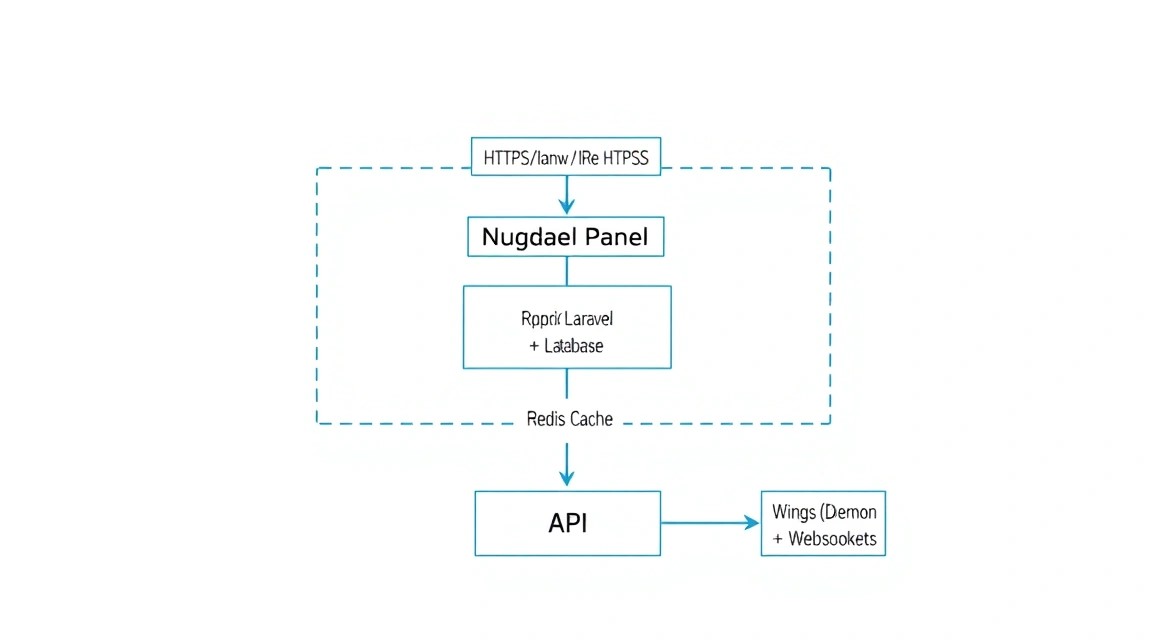
Панель вимагає PHP 8.3 або вище, веб-сервер (Nginx) і базу даних. Додамо репозиторії для PHP і MariaDB.
# Добавление репозитория PHP
sudo add-apt-repository ppa:ondrej/php -y

# Установка PHP 8.3 и расширений
sudo apt install -y php8.3 php8.3-common php8.3-gd php8.3-mysql php8.3-mbstring php8.3-bcmath php8.3-xml php8.3-fpm php8.3-curl php8.3-zip php8.3-intl php8.3-sqlite3 php8.3-tokenizer

# Установка MariaDB и Redis
sudo apt install -y mariadb-server redis-server nginx
Тепер завантажимо саму панель. Ми створимо директорію /var/www/pterodactyl і завантажимо туди файли релізу.
# Создание директории и переход в нее
mkdir -p /var/www/pterodactyl
cd /var/www/pterodactyl

# Загрузка последней версии панели
curl -Lo panel.tar.gz https://github.com/pterodactyl/panel/releases/latest/download/panel.tar.gz
tar -xzvf panel.tar.gz
chmod -R 755 storage/ bootstrap/cache/
Встановлення Composer — менеджера залежностей PHP. Він необхідний для розгортання ядра Laravel.
curl -sS https://getcomposer.org/installer | sudo php -- --install-dir=/usr/local/bin --filename=composer
composer install --no-dev --optimize-autoloader
5. Налаштування бази даних і черг
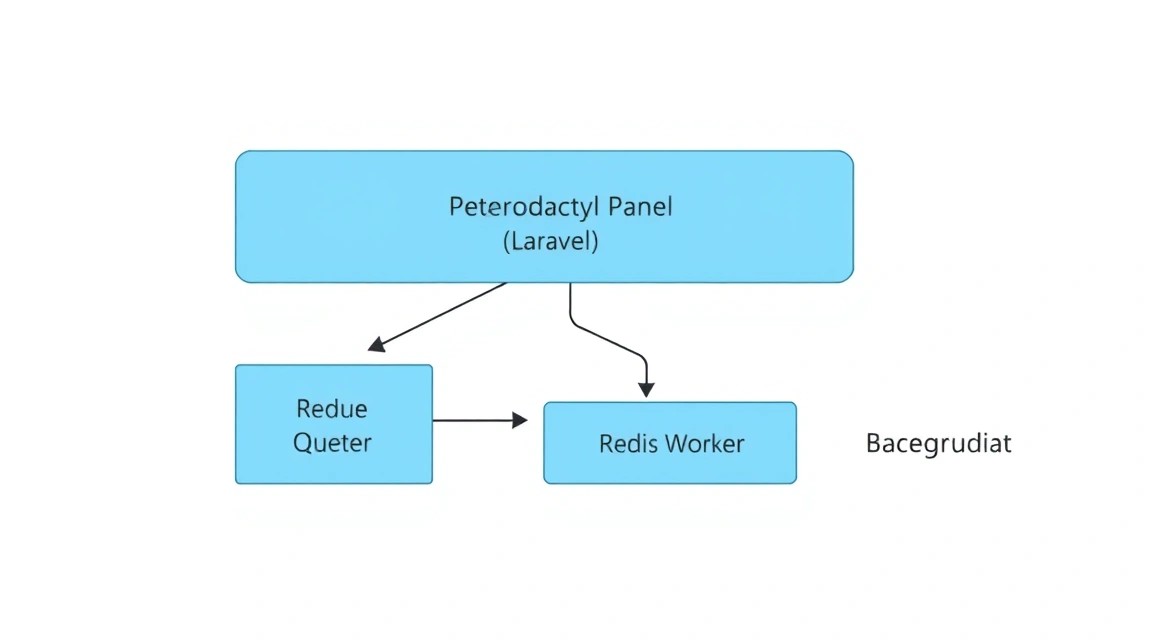
Створимо базу даних і користувача для Pterodactyl. У 2026 році рекомендується використовувати MariaDB 11 для кращої продуктивності JSON-запитів, які активно використовує панель.
# Заходим в консоль MySQL
sudo mysql -u root

# Выполняем SQL-запросы (замените 'your_password' на сложный пароль)
CREATE DATABASE ptero_db;
CREATE USER 'ptero_user'@'127.0.0.1' IDENTIFIED BY 'your_password';
GRANT ALL PRIVILEGES ON ptero_db. TO 'ptero_user'@'127.0.0.1' WITH GRANT OPTION;
FLUSH PRIVILEGES;
EXIT;
Тепер налаштуємо оточення панелі. Ми скопіюємо приклад конфігурації і згенеруємо унікальний ключ шифрування.
cp .env.example .env
php artisan key:generate --force

# Настройка параметров БД в .env
# Отредактируйте файл через nano или используйте artisan
php artisan p:environment:setup
php artisan p:environment:database
Міграція бази даних (створення таблиць) і створення першого адміністратора:
php artisan migrate --seed --force
php artisan p:user:make
Важливий етап — налаштування прав доступу, щоб веб-сервер (www-data) міг записувати логи і кеш.
chown -R www-data:www-data /var/www/pterodactyl/
6. Конфігурація веб-сервера і SSL
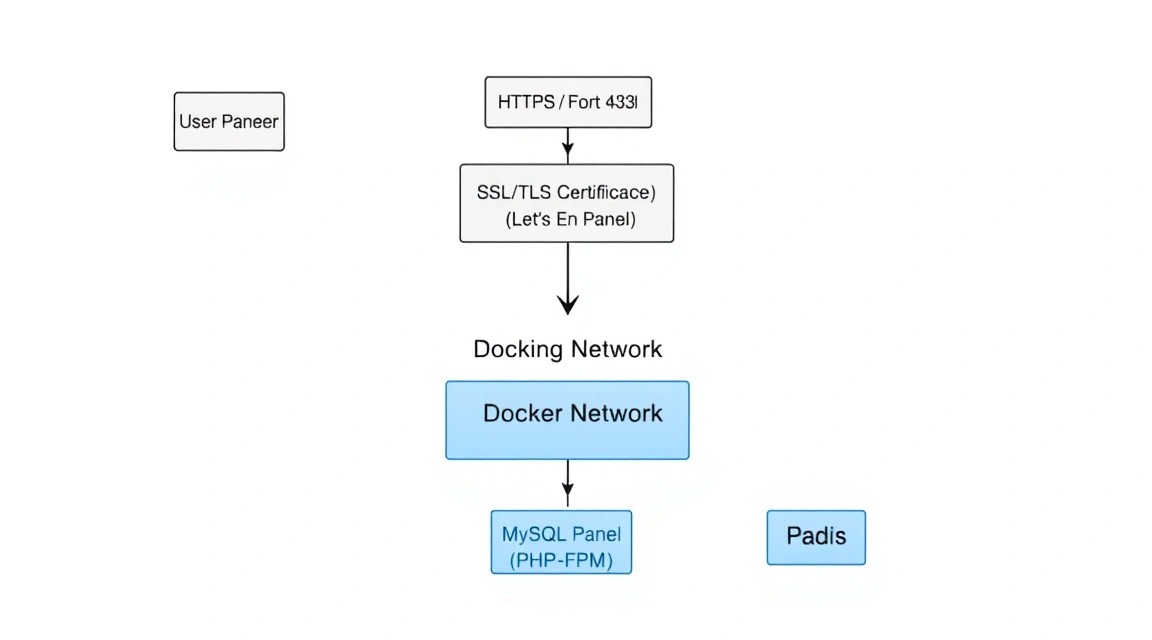
Для роботи панелі нам потрібен конфігураційний файл Nginx. Ми будемо використовувати сучасний підхід з примусовим HTTPS через Certbot.
# Установка Certbot
sudo apt install -y certbot python3-certbot-nginx

# Получение сертификата (замените panel.example.com на ваш домен)
sudo certbot certonly --nginx -d panel.example.com
Приклад конфігурації Nginx (/etc/nginx/sites-available/pterodactyl.conf):
server {
    listen 80;
    server_name panel.example.com;
    return 301 https://$server_name$request_uri;
}

server {
    listen 443 ssl http2;
    server_name panel.example.com;

    root /var/www/pterodactyl/public;
    index index.php;

    access_log /var/log/nginx/pterodactyl.app-access.log;
    error_log  /var/log/nginx/pterodactyl.app-error.log error;

    # SSL (пути к сертификатам Certbot)
    ssl_certificate /etc/letsencrypt/live/panel.example.com/fullchain.pem;
    ssl_certificate_key /etc/letsencrypt/live/panel.example.com/privkey.pem;

    location / {
        try_files $uri $uri/ /index.php?$query_string;
    }

    location ~ \.php$ {
        fastcgi_split_path_info ^(.+\.php)(/.+)$;
        fastcgi_pass unix:/run/php/php8.3-fpm.sock;
        fastcgi_index index.php;
        include fastcgi_params;
        fastcgi_param SCRIPT_FILENAME $document_root$fastcgi_script_name;
    }
}
Активуйте конфіг і перезапустіть Nginx:
sudo ln -s /etc/nginx/sites-available/pterodactyl.conf /etc/nginx/sites-enabled/pterodactyl.conf
sudo systemctl restart nginx
7. Встановлення та налаштування Wings
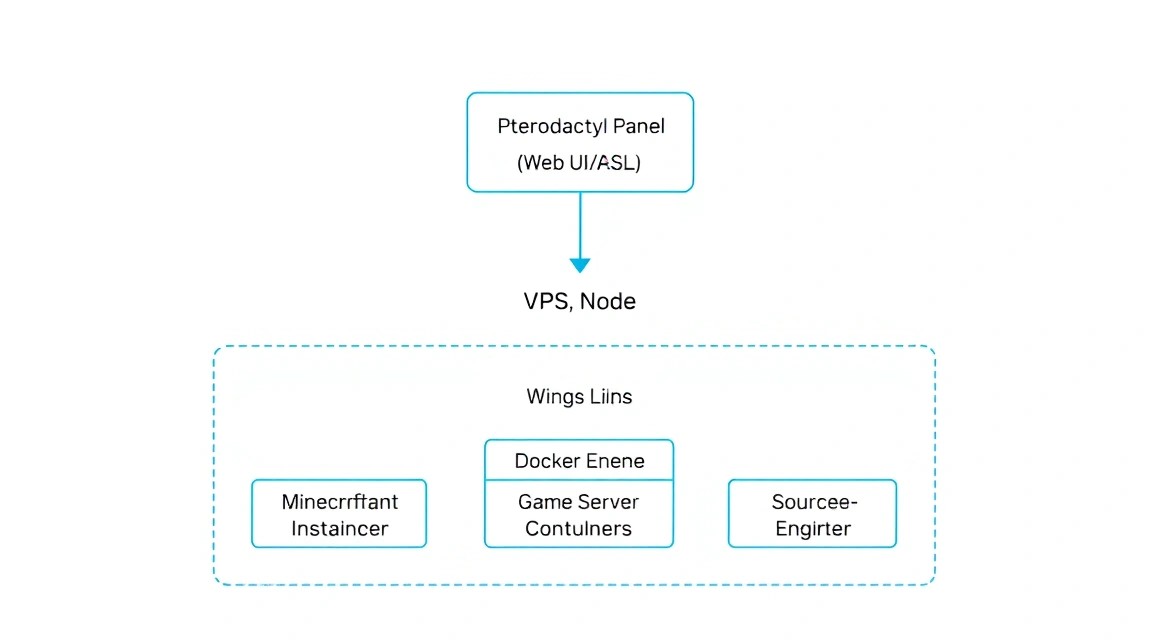
Wings — це серце системи, що працює на стороні вузла. Спочатку встановимо Docker, який необхідний для роботи Wings.
curl -sSL https://get.docker.com/ | CHANNEL=stable bash
sudo systemctl enable --now docker
Тепер завантажимо бінарний файл Wings і створимо необхідні директорії.
```html
sudo mkdir -p /etc/pterodactyl
curl -L -o /usr/local/bin/wings https://github.com/pterodactyl/wings/releases/latest/download/wings_linux_amd64
sudo chmod +x /usr/local/bin/wings
Щоб зв'язати Wings з панеллю, перейдіть у веб-інтерфейс панелі (який ми налаштували в попередньому кроці):
- Зайдіть в розділ Nodes і створіть новий вузол.
- Вкажіть IP вашого сервера, ліміти пам'яті та диска.
- Після створення перейдіть у вкладку Configuration цього вузла.
- Скопіюйте вміст (YAML) у файл
/etc/pterodactyl/config.ymlна сервері.
Запуск Wings як системного сервісу (/etc/systemd/system/wings.service):
[Unit]
Description=Pterodactyl Wings Daemon
After=docker.service
Requires=docker.service

[Service]
User=root
WorkingDirectory=/etc/pterodactyl
LimitNOFILE=4096
PIDFile=/var/run/wings/daemon.pid
ExecStart=/usr/local/bin/wings
Restart=on-failure
StartLimitInterval=180
StartLimitBurst=30

[Install]
WantedBy=multi-user.target
sudo systemctl enable --now wings
8. Створення першого ігрового сервера
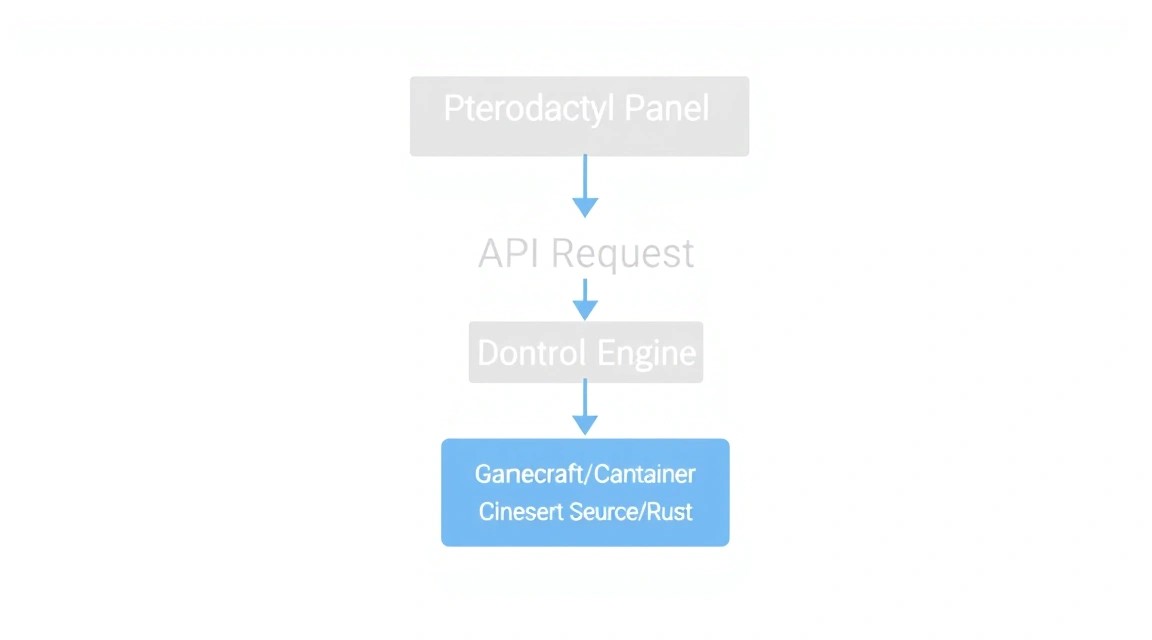
Після того, як вузол (Node) в панелі загориться зеленим сердечком (статус "Online"), можна приступати до створення ігрового сервера. В Pterodactyl це робиться через "Nests" (Гнізда) та "Eggs" (Яйця).
Nest — це категорія (наприклад, Minecraft або Steam Games).
Egg — це конкретний конфіг для гри (наприклад, Paper Minecraft або CS2), що містить Docker-образ і скрипти запуску.
Кроки зі створення сервера:
- Перейдіть в Admin -> Servers -> Create New.
- Виберіть користувача (власника).
- Виберіть Node, на якому буде запущено сервер.
- Налаштуйте Allocations (IP і порт). Якщо портів немає, спочатку створіть їх в налаштуваннях Node -> Allocations.
- Вкажіть ліміти: наприклад, 4000MB RAM і 200% CPU (це 2 повних ядра).
- Натисніть Install.
В цей момент Wings отримає команду від Panel, скачає потрібний Docker-образ (наприклад, ghcr.io/pterodactyl/yolks:java_17), завантажить файли гри і запустить процес установки. Ви зможете спостерігати за цим в консолі сервера в реальному часі.
9. Бекапи та обслуговування
Ігрові дані - це найцінніше. Pterodactyl має вбудовану систему бекапів, але її потрібно правильно налаштувати. За замовчуванням бекапи зберігаються локально, що небезпечно при виході диска з ладу.
Рекомендується використовувати S3-сумісне сховище (наприклад, Minio або AWS S3) для зберігання архівів. У файлі .env панелі налаштуйте наступні параметри:
BACKUP_DRIVER=s3
AWS_ACCESS_KEY_ID=your_key
AWS_SECRET_ACCESS_KEY=your_secret
AWS_DEFAULT_REGION=us-east-1
AWS_BUCKET=your_bucket
AWS_ENDPOINT=https://s3.example.com
Для обслуговування системи важливо регулярно оновлювати як панель, так і Wings. Процес оновлення панелі виглядає так:
cd /var/www/pterodactyl
php artisan down
curl -Lo panel.tar.gz https://github.com/pterodactyl/panel/releases/latest/download/panel.tar.gz
tar -xzvf panel.tar.gz
chmod -R 755 storage/ bootstrap/cache/
composer install --no-dev --optimize-autoloader
php artisan migrate --seed --force
php artisan up
Оновлення Wings ще простіше: скачайте новий бінарний файл і перезапустіть сервіс systemctl restart wings.
10. Troubleshooting + FAQ
Чому статус Node відображається як "Heartbeat Last Reported: Never"?
Це найчастіша проблема. Перевірте три речі: 1) Чи запущений сервіс wings (systemctl status wings). 2) Чи відкритий порт 8080 в UFW. 3) Чи правильно вказано FQDN або IP в налаштуваннях Node в панелі. Також переконайтеся, що SSL-сертифікат для Wings валідний, інакше браузер буде блокувати WebSocket-з'єднання через Mixed Content.
Помилка "419 Page Expired" при вході в панель
Ця помилка зазвичай пов'язана з сесіями PHP або кешем. Спробуйте очистити кеш браузера і виконати php artisan config:clear і php artisan cache:clear в директорії панелі. Також перевірте, що права на директорію storage/framework/sessions встановлені вірно для користувача www-data.
Який VPS-конфіг мінімально підійде?
Для самої панелі і одного невеликого сервера Minecraft (Vanilla) достатньо 2 ядер CPU і 4 ГБ оперативної пам'яті. Однак для комфортної гри з друзями (5-10 чоловік) краще орієнтуватися на 8 ГБ RAM, щоб уникнути своппінгу, який моментально вбиває TPS в грі.
Що вибрати - VPS або dedicated для цієї задачі?
Якщо ви запускаєте 1-3 сервера для друзів, VPS - ідеальний і дешевий варіант. Якщо ви плануєте комерційний хостинг або запуск важких ігор типу Rust, ARK: Survival Evolved або серверів з 100+ гравцями, вам знадобиться Dedicated сервер. На VPS ресурси CPU розділяються, і "галасливі сусіди" можуть викликати мікро-фризи, критичні для ігрового процесу.
Docker-контейнер сервера постійно перезавантажується
Перевірте логи сервера через панель або безпосередньо через Docker: docker logs [container_id]. Часто проблема в нестачі пам'яті (Out of Memory) або неправильній версії Java/бібліотек у вибраному "Egg". Переконайтеся, що ви виділили серверу достатньо оперативної пам'яті з невеликим запасом під потреби самого Docker-образу.
Як змінити ліміти ресурсів на льоту?
В Pterodactyl ви можете змінити ліміти CPU і RAM в налаштуваннях сервера в будь-який момент. Wings автоматично застосує зміни до працюючого Docker-контейнеру без необхідності його повної переустановки, хоча для деяких змін може знадобитися перезапуск сервера (Restart).
11. Висновки та наступні кроки
Ми успішно розгорнули професійне середовище для ігрового хостингу. Pterodactyl Panel забезпечує зручний інтерфейс управління, а Wings гарантує ізоляцію і стабільність ігрових процесів в Docker-контейнерах.
Тепер, коли база готова, ви можете рухатися далі:
- Масштабування: Орендуйте додаткові VPS в різних локаціях і підключіть їх як нові Nodes до вашої центральної панелі.
- Кастомізація: Вивчіть репозиторій ParkerVCP Eggs для додавання підтримки сотень інших ігор, від Terraria до Palworld.
- Автоматизація: Налаштуйте API-інтеграцію з білінговими системами (наприклад, WHMCS або Blesta), якщо плануєте продавати ігрові сервери.
Пам'ятайте, що безпека ігрового сервера — це безперервний процес. Регулярно оновлюйте ядро системи, стежте за логами Wings і робіть щоденні бекапи баз даних і файлів ігрових світів.