Installing and Configuring a Coturn TURN Server on a VPS for WebRTC: TLS, WebSocket, and Secure Authentication
TL;DR
Coturn is a TURN/STUN server for WebRTC that relays audio, video, and DataChannel traffic between clients when NAT, CGNAT, or a corporate firewall blocks a direct P2P connection. This guide configures Coturn on Ubuntu Server 24.04 LTS with a Let’s Encrypt TLS certificate, secure REST authentication, and firewall rules for UDP/TCP relay ports.
- TURN is needed as a fallback path for WebRTC media traffic when STUN cannot establish a direct connection.
- Coturn will listen for STUN/TURN on ports
3478and5349, and relay traffic on a restricted range of UDP ports. - TLS is enabled directly in Coturn with Let’s Encrypt certificates; a reverse proxy must not terminate TURN-TLS.
- WebSocket is used for a secure WebRTC signaling channel over
wss://, but Coturn itself does not turn TURN into a WebSocket server. - Instead of permanent logins, short-lived TURN credentials are used with the
use-auth-secretmechanism. - After configuration, the server is tested using Coturn logs, the
turnutils_uclientutility, and browser-based WebRTC diagnostics.
What we’re configuring and why
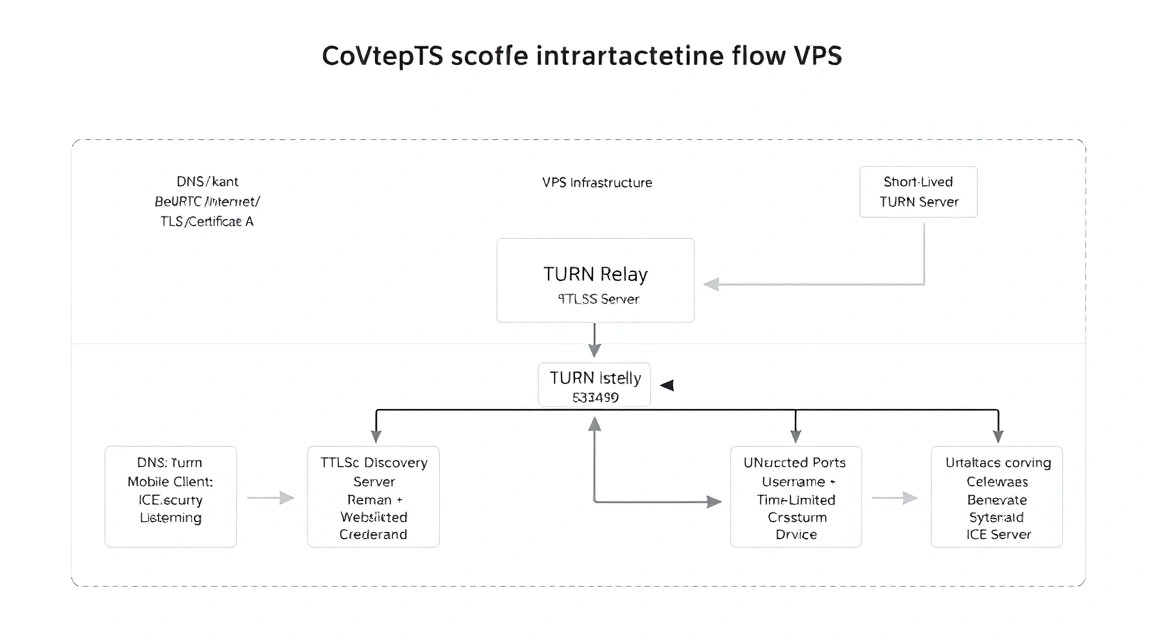
WebRTC lets browsers, mobile apps, and desktop clients transmit voice, video, screen content, and arbitrary data in real time. Ideally, two clients establish a direct P2P connection. In practice, this often fails: a user may be behind symmetric NAT, mobile CGNAT, a strict office firewall, hotel Wi-Fi, or a network that allows only HTTPS traffic.
A STUN server helps a client discover its public IP address and NAT type. But STUN does not transmit media by itself. If a direct route is unavailable, the WebRTC client uses a TURN server as a relay: both participants send UDP, TCP, or TLS traffic to the server, and Coturn forwards packets between them. This improves call reliability, but it means that media traffic passes through your VPS.
The result will be the following setup:
- STUN/TURN over UDP and TCP at
turn.example.com:3478; - TURN over TLS at
turns:turn.example.com:5349; - a relay port range, for example
49160-49200/udp; - short-lived user authentication using a shared server secret;
- automatic renewal of the Let’s Encrypt TLS certificate;
- if needed, a separate WebSocket signaling channel at
wss://signal.example.com.
TURN, TLS, and WebSocket: an important distinction
WebRTC consists of several independent parts. Signaling transmits SDP offer/answer messages and ICE candidates. This is usually done over WebSocket, Socket.IO, an HTTPS API, XMPP, or another application-level channel. The signaling server uses wss://, which is WebSocket over HTTPS.
TURN solves a different problem: it relays already-negotiated WebRTC media traffic. Coturn supports TURN over UDP, TCP, and TLS, but a standard Coturn installation is not a WebSocket TURN server. You cannot put Caddy or Nginx in front of port 3478 and expect TURN to work over WebSocket: these are different protocols. If your corporate network allows only TCP/443, use TURN over TLS on 5349, or use a dedicated IP and port 443 if there is no conflict with HTTPS.
Self-hosted TURN or managed TURN
| Criterion | Managed TURN | Your own Coturn on a VPS |
|---|---|---|
| Setup | Fast, with no administration | Requires DNS, a firewall, TLS, and monitoring |
| Data control | Traffic passes through an external provider | Routing and logs are under your control |
| Cost as traffic grows | Often depends on the number of GB transferred | The main limitation is the VPS’s included traffic |
| Authentication configuration | Limited by the provider’s API | Can be integrated with your own backend |
| Geography | Depends on available regions | You can choose a VPS close to your audience |
Self-hosted Coturn makes sense for your own video chat, SaaS product, Mattermost Calls, Jitsi, LiveKit, Janus, mediasoup, mobile app, or internal corporate communications. For a small product, it provides predictable infrastructure. However, you should estimate outbound traffic in advance: with a relay connection, the server typically receives a stream from one client and sends it to the other, so 1 GB of transmitted video may require about 2 GB of server network traffic.
What VPS configuration you need for this task
Coturn uses CPU and RAM efficiently because it does not transcode video or analyze media streams. The main load comes from network bandwidth, the number of concurrent allocations, and packets per second. For a group call using an SFU, TURN traffic is usually lower than for a mesh call, but this depends on the application architecture and client behavior.
| Scenario | CPU | RAM | Disk | Network |
|---|---|---|---|---|
| Testing, 5–20 concurrent relay users | 1 vCPU | 1 GB | 10 GB SSD | 100 Mbps, public IPv4 |
| Small product, 20–100 concurrent users | 2 vCPU | 2 GB | 20 GB SSD | 1 Gbps, from 1 TB of traffic |
| Ongoing video calls, 100–500 relay users | 4 vCPU | 4–8 GB | 40 GB SSD | 1 Gbps, high or unlimited traffic |
For the first production launch, 2 vCPU, 2 GB RAM, 20 GB SSD, a static IPv4 address, and a 1 Gbps connection are sufficient. You can choose a VPS with the specified characteristics. More important than disk space are guaranteed or clearly specified bandwidth, no strict packets-per-second limit, and sufficient monthly outbound traffic.
When you need a dedicated server instead of a VPS
A dedicated server is justified when relay traffic consistently reaches hundreds of megabits or gigabits per second, predictable PPS is important, multiple public IPs are required, or the service handles hundreds or thousands of concurrent video streams. A dedicated server is also useful if you need to distribute TURN across separate geographic nodes and avoid dependence on the virtualization of neighboring tenants.
You should not switch to a dedicated server just because the configuration includes TLS. TURN encryption requires CPU, but on modern processors, several hundred moderate connections are usually not a problem. First, measure actual metrics: CPU, inbound and outbound traffic, the number of allocations, packet loss, and latency.
How to choose a location
TURN adds latency to the media packet path, so place the server close to most of your audience. A Central European location is suitable for users in Germany, Poland, and the Netherlands. If call participants are in different regions, a single TURN server will be a compromise: both parties’ traffic will pass through it.
Global products use multiple Coturn nodes and provide clients with a regional list of ICE servers. Do not choose a location based only on price: packet loss, poor peering, and high latency are more noticeable on calls than on an ordinary website.
Server preparation
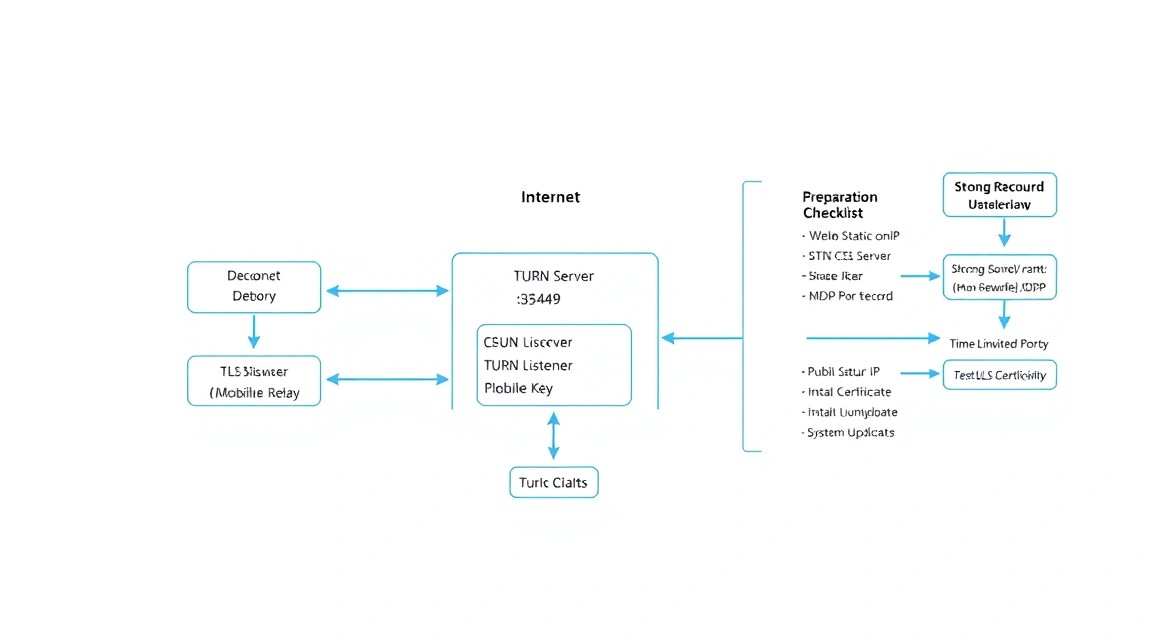
The instructions below assume a clean Ubuntu Server 24.04 LTS installation with a public IPv4 address. Connect initially as root, then create a regular administrator account. Before configuring DNS, create an A record for turn.example.com pointing to the VPS IP. The record must already be propagated in DNS for TLS verification.
Update the system and install basic utilities
apt update && apt upgrade -y
apt install -y sudo curl ca-certificates gnupg ufw fail2ban dnsutils jq
reboot
The first command updates Ubuntu packages, installs administration tools, and reboots the server if the kernel or system libraries have been updated.
Create an administrative user
adduser deploy
usermod -aG sudo deploy
install -d -m 700 -o deploy -g deploy /home/deploy/.ssh
nano /home/deploy/.ssh/authorized_keys
chmod 600 /home/deploy/.ssh/authorized_keys
chown deploy:deploy /home/deploy/.ssh/authorized_keys
Paste your public SSH key into authorized_keys on a single line. Before disabling root login, open a second SSH session and make sure you can successfully log in as deploy.
Disable password-based SSH login
cp /etc/ssh/sshd_config /etc/ssh/sshd_config.bak
cat > /etc/ssh/sshd_config.d/10-hardening.conf <<'EOF'
PermitRootLogin no
PasswordAuthentication no
KbdInteractiveAuthentication no
PubkeyAuthentication yes
X11Forwarding no
EOF
sshd -t && systemctl restart ssh
The file in sshd_config.d overrides unsafe values without editing the main file. The sshd -t command checks the syntax before restarting SSH.
Configure UFW and Fail2ban
Coturn requires UDP and TCP on port 3478, TCP on 5349, UDP on 5349 for DTLS variants, and a relay port range. This example uses the restricted range 49160:49200: 41 UDP ports. This is sufficient for a test or small service. The more concurrent relay sessions you have, the wider the range should be.
ufw default deny incoming
ufw default allow outgoing
ufw allow OpenSSH
ufw allow 80/tcp
ufw allow 443/tcp
ufw allow 3478/tcp
ufw allow 3478/udp
ufw allow 5349/tcp
ufw allow 5349/udp
ufw allow 49160:49200/udp
ufw enable
ufw status numbered
Ports 80/tcp and 443/tcp are needed to issue the certificate and for future HTTPS/WSS signaling. If the server will not host a signaling application, you can close port 80 after issuing the certificate if you use the DNS challenge. However, it must remain accessible for standard HTTP-01 renewal.
systemctl enable --now fail2ban
fail2ban-client status
timedatectl set-timezone UTC
timedatectl status
Fail2ban primarily protects SSH. TURN authentication will be secured with short-lived credentials, so blocking individual TURN errors with Fail2ban is usually less useful than restricting access with the firewall and monitoring for anomalous traffic.
Software Installation — Step by Step
Ubuntu 24.04 LTS includes a Coturn package from the 4.6.x branch. For production, it makes sense to use the distribution package: it receives security updates along with the system, integrates correctly with systemd, and includes diagnostic utilities. When planning your infrastructure in 2026, use the latest stable release of the Coturn 4.6.x branch or newer that is available in your distribution’s security repository.
Install Coturn and Certbot
apt update
apt install -y coturn certbot
turnserver --version
certbot --version
This command installs the TURN/STUN server and the Let’s Encrypt ACME client. Check the Coturn version: the package should not be outdated or built from an unverified third-party repository.
Enable the Coturn systemd service
systemctl unmask coturn
systemctl enable coturn
systemctl status coturn --no-pager
In some Ubuntu builds, the service may be masked until initial configuration. Before the configuration file is created, the service may exit with an error — this is normal. We’ll start it fully after creating the configuration.
Obtain a TLS certificate
Before running the command, make sure that turn.example.com resolves to this server’s public IP and that port 80/tcp is accessible from outside. Certbot will start its own temporary HTTP server while it performs the check.
systemctl stop coturn
certbot certonly --standalone \
  --non-interactive \
  --agree-tos \
  --email [email protected] \
  -d turn.example.com
Replace [email protected] and the domain with the actual values. The certificates will appear in the /etc/letsencrypt/live/turn.example.com/ directory. Do not copy the private key into home directories or add it to Git.
Create a dedicated group for reading the certificate
The Coturn service usually runs as the system user turnserver. Access to privkey.pem should be granted only to the user that needs it, via the ssl-cert group.
usermod -aG ssl-cert turnserver
chgrp ssl-cert /etc/letsencrypt/live/turn.example.com/privkey.pem
chmod 640 /etc/letsencrypt/live/turn.example.com/privkey.pem
namei -l /etc/letsencrypt/live/turn.example.com/privkey.pem
The symbolic links in live point to the archive directory, so permissions may change after a certificate is renewed. A deploy hook will be added next to reset the permissions and restart Coturn.
Generate a secret for REST authentication
install -d -m 750 /etc/coturn
umask 077
openssl rand -hex 32 > /etc/coturn/auth-secret
chown root:turnserver /etc/coturn/auth-secret
chmod 640 /etc/coturn/auth-secret
cat /etc/coturn/auth-secret
This command creates a 256-bit secret. Store it in a secure secrets store. The final command prints the value only so it can be transferred securely to the application backend; do not run it in a terminal that logs command history or while sharing your screen.
Coturn, TLS, and WebSocket Signaling Configuration
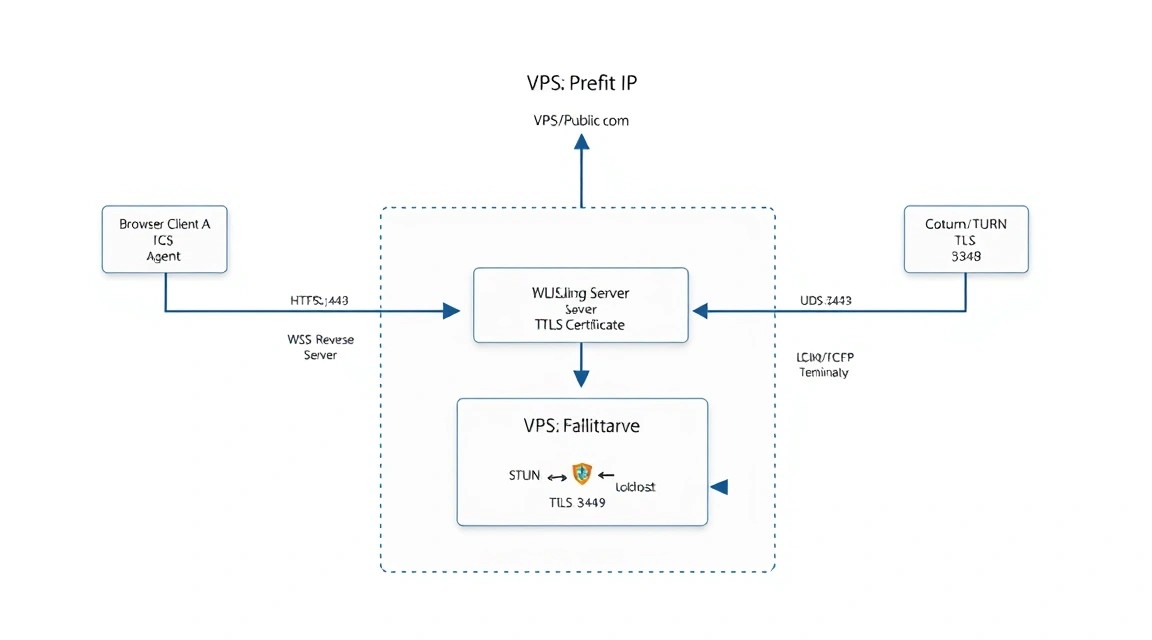
In production, do not use lt-cred-mech with permanent users if your backend can issue temporary credentials. The use-auth-secret mode lets the application generate a username in the form of an expiration Unix timestamp and user ID, and calculate the password as an HMAC-SHA1 of the username using the server secret. Coturn verifies the credential locally, without a database.
Create the main Coturn configuration file
Replace the IP, domain, and interface address with your own values. If your VPS has a single public IPv4 address and no internal NAT, you can set external-ip to the public address. If the VPS is behind NAT, use the format PUBLIC_IP/PRIVATE_IP.
# /etc/turnserver.conf

listening-port=3478
tls-listening-port=5349

listening-ip=0.0.0.0
relay-ip=PUBLIC_IPV4
external-ip=PUBLIC_IPV4

realm=turn.example.com
server-name=turn.example.com
fingerprint

min-port=49160
max-port=49200

use-auth-secret
static-auth-secret=REPLACE_WITH_SECRET_FROM_AUTH_SECRET_FILE

no-multicast-peers
no-loopback-peers
stale-nonce=600

cert=/etc/letsencrypt/live/turn.example.com/fullchain.pem
pkey=/etc/letsencrypt/live/turn.example.com/privkey.pem

no-tlsv1
no-tlsv1_1
cipher-list=HIGH:!aNULL:!MD5:!RC4

no-cli
no-tcp-relay

log-file=/var/log/turnserver/turnserver.log
simple-log
syslog
The no-tcp-relay parameter disables TCP relay allocations, but does not disable accepting TURN over TCP or TLS. For most WebRTC scenarios, UDP relay is preferable: it offers lower latency and less head-of-line blocking. If your clients really need TCP relay, remove this line and test the load separately.
The fingerprint option enables the mandatory FINGERPRINT attribute for compatibility and integrity of STUN messages. no-multicast-peers and no-loopback-peers prevent TURN from being used as a proxy to multicast or loopback addresses. Limiting the ports makes firewall rules easier to manage and reduces the attack surface for abuse.
Insert the secret without storing it in Git
The Coturn file is read by the service and contains a secret, so set strict permissions. If the configuration is managed with Ansible, Terraform, or another IaC tool, pass the secret through encrypted variables or a secret manager rather than storing it in the repository.
SECRET="$(cat /etc/coturn/auth-secret)"
sed -i "s/REPLACE_WITH_SECRET_FROM_AUTH_SECRET_FILE/${SECRET}/" /etc/turnserver.conf
chown root:turnserver /etc/turnserver.conf
chmod 640 /etc/turnserver.conf
install -d -m 750 -o turnserver -g turnserver /var/log/turnserver
turnserver -c /etc/turnserver.conf -o -v
The final command starts Coturn in the foreground with verbose output. If the syntax, IP, certificate, or key permissions are incorrect, the error will appear immediately. After checking, stop the test process with Ctrl+C.
Start the service and check listening ports
systemctl restart coturn
systemctl enable coturn
systemctl status coturn --no-pager
ss -lntup | grep -E ':(3478|5349)\b'
journalctl -u coturn -n 100 --no-pager
You should see UDP and TCP on 3478, TCP on 5349, and, depending on the build and TLS/DTLS settings, UDP on 5349. Do not expose the Coturn administrative CLI to the internet: it is disabled in the configuration with the no-cli directive.
Configure automatic certificate renewal
cat > /etc/letsencrypt/renewal-hooks/deploy/reload-coturn.sh <<'EOF'
#!/bin/sh
chgrp ssl-cert /etc/letsencrypt/live/turn.example.com/privkey.pem
chmod 640 /etc/letsencrypt/live/turn.example.com/privkey.pem
systemctl restart coturn
EOF
chmod 750 /etc/letsencrypt/renewal-hooks/deploy/reload-coturn.sh
certbot renew --dry-run
systemctl list-timers | grep certbot
The deploy hook restarts Coturn only after a successful certificate renewal. The --dry-run command checks that renewal will succeed before the certificate expires. A brief restart may reset active allocations, so schedule manual certificate changes during a maintenance window.
How the backend generates temporary TURN credentials
The username usually has the form EXPIRES:USER_ID, where EXPIRES is a Unix timestamp. The password is the Base64 representation of the HMAC-SHA1 of the username using the shared secret. Choose a lifetime of 1–24 hours based on session duration: 3600–7200 seconds is often enough for a video call. Do not issue credentials that last for months: if such a password leaks, it could let someone use your relay for their own traffic.
import crypto from 'node:crypto';

const secret = process.env.TURN_AUTH_SECRET;
const ttlSeconds = 3600;
const expires = Math.floor(Date.now() / 1000) + ttlSeconds;
const username = ${expires}:user-12345;

const credential = crypto
  .createHmac('sha1', secret)
  .update(username)
  .digest('base64');

const iceServers = [
  {
    urls: [
      'turn:turn.example.com:3478?transport=udp',
      'turn:turn.example.com:3478?transport=tcp',
      'turns:turn.example.com:5349?transport=tcp'
    ],
    username,
    credential
  }
];
Pass the secret to the application through an environment variable, systemd credentials, a Kubernetes Secret, or a vault. Do not return TURN_AUTH_SECRET to the browser. The browser should receive only the temporary username and credential.
Example backend environment variables
cat > /etc/myapp/turn.env <<'EOF'
TURN_HOST=turn.example.com
TURN_TLS_PORT=5349
TURN_AUTH_SECRET=replace-with-the-same-secret
TURN_CREDENTIAL_TTL=3600
EOF
chmod 600 /etc/myapp/turn.env
The /etc/myapp/turn.env file is an example for your signaling API. Coturn itself does not read this file: it uses the value of static-auth-secret from its own configuration. The two values must match.
TLS check and functional test
openssl s_client -connect turn.example.com:5349 \
  -servername turn.example.com -brief < /dev/null

turnutils_uclient -u "EXPIRES:user-12345" \
  -w "GENERATED_PASSWORD" \
  -p 3478 turn.example.com

tail -f /var/log/turnserver/turnserver.log
The first command checks the certificate and TLS handshake. The second is included in the Coturn package and runs a client test; substitute a fresh pair of temporary credentials. Look in the log for successful authentication and allocation creation. To test from a browser, use your application’s test page, open chrome://webrtc-internals, and make sure that the selected candidate pair has type relay on a network where P2P is unavailable.
WebSocket signaling through Caddy
If you have a signaling server on local port 3000, Caddy can serve HTTPS automatically and proxy WebSocket connections. This is a separate service on a separate domain, such as signal.example.com. Do not route Coturn’s UDP ports through Caddy or proxy TURN as HTTP.
signal.example.com {
    reverse_proxy 127.0.0.1:3000
}
Caddy automatically supports upgrading to WebSocket and obtains an HTTPS certificate for the signaling domain. On the client, connect to wss://signal.example.com, and retrieve the ICE configuration with TURN credentials through an authorized API or the same signaling channel. If the signaling server is on another node, it can still issue short-lived credentials for Coturn.
Backups and Maintenance
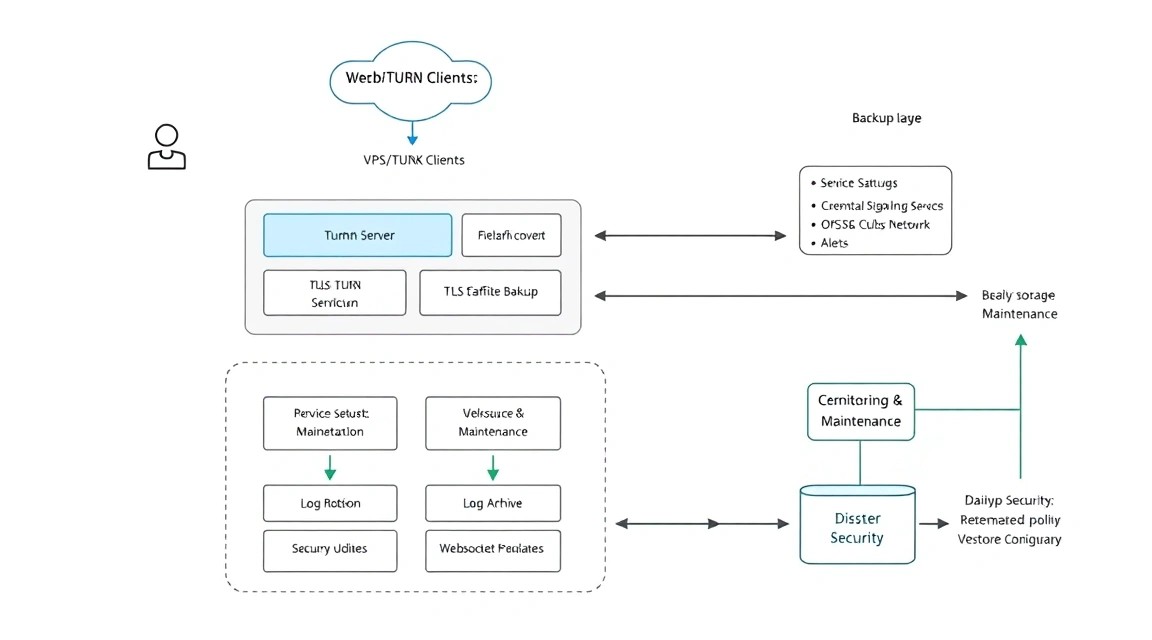
Coturn in use-auth-secret mode does not store users, call records, or media data. Therefore, you need to back up the configuration, TLS materials, secrets, firewall rules, and infrastructure scripts—not relay traffic. If your backend stores users, rooms, history, or recordings, back up its database using a separate process.
What to include in the backup
/etc/turnserver.confand the secret file/etc/coturn/auth-secret;/etc/letsencrypt, if you need to quickly restore existing certificates;- Caddy and signaling application configurations;
- PostgreSQL, MySQL, or other backend application database dumps;
- a package list, UFW rules, and DNS record documentation;
- optional: Coturn logs with a short retention period for incident investigation.
Do not keep the only copy of the secret on the same VPS. If the secret is lost, you can generate a new one, but all active credentials will stop working immediately. This is an acceptable emergency scenario, but it is better to carry it out in a controlled manner.
Example of backing up with Restic
apt install -y restic
export RESTIC_REPOSITORY="s3:https://s3.example.net/turn-backups"
export RESTIC_PASSWORD_FILE="/root/.config/restic/password"
export AWS_ACCESS_KEY_ID="REPLACE_ME"
export AWS_SECRET_ACCESS_KEY="REPLACE_ME"

restic init
restic backup /etc/turnserver.conf /etc/coturn /etc/letsencrypt /etc/caddy
restic snapshots
Replace the S3 address and credentials. In production, pass variables through a protected root-only environment file or systemd unit rather than saving keys in shell history. An alternative is a separate backup VPS over SSH, BorgBackup, or rsync over SSH with a key restricted to the backup command only.
Script and cron
cat > /usr/local/sbin/backup-coturn.sh <<'EOF'
#!/bin/sh
set -eu
. /root/.config/restic/env
restic backup /etc/turnserver.conf /etc/coturn /etc/letsencrypt /etc/caddy
restic forget --keep-daily 7 --keep-weekly 4 --keep-monthly 6 --prune
EOF
chmod 700 /usr/local/sbin/backup-coturn.sh

cat > /etc/cron.d/backup-coturn <<'EOF'
17 3   * root /usr/local/sbin/backup-coturn.sh >> /var/log/backup-coturn.log 2>&1
EOF
The file /root/.config/restic/env must have 600 permissions and contain the Restic variables. Once a quarter, test a restore on a separate machine: a backup that has not been tested for restoration is not a reliable backup.
Updates and maintenance window
Ubuntu security updates can be installed regularly, but updating Coturn or OpenSSL, or restarting the service, can interrupt active relay allocations. For a small service, choose a short maintenance window, notify users in advance, and run:
apt update
apt list --upgradable
apt upgrade -y
systemctl restart coturn
systemctl status coturn --no-pager
journalctl -u coturn -n 50 --no-pager
For high availability, use at least two TURN nodes in different zones and return several URLs to clients in iceServers. You can then update them one at a time: stop issuing new credentials for a node, wait for calls to end, update it, and return it to the pool.
Troubleshooting + FAQ
Why doesn't the browser use a relay candidate even though Coturn is running?
This is not always an error. WebRTC prefers a direct host or server-reflexive route if it works. To test TURN, test two clients on different networks, for example mobile internet and a corporate network. In chrome://webrtc-internals, check the selected candidate pair. If relay candidates do not appear at all, check the URLs, temporary credentials, DNS, availability of 3478/udp, and Coturn log entries for authentication errors.
401 Unauthorized or Wrong credentials error when connecting to TURN: what should I do?
Check that the backend and Coturn use the same static-auth-secret. The username must contain a future Unix timestamp, and the password must be the Base64 encoding of the HMAC-SHA1 of the username string itself. Common mistakes include using HMAC-SHA256, hex encoding instead of Base64, or a timestamp in milliseconds. Also synchronize the server time using systemd-timesyncd or chrony: Coturn will reject an expired credential.
Why does TURN over UDP work, but turns:// on 5349 won't connect?
First, check openssl s_client with the -servername parameter. If the certificate cannot be read, check the permissions on privkey.pem, the ssl-cert group, and the journalctl -u coturn log. Then make sure 5349/tcp is open in UFW and in the provider's external firewall. Check that the DNS name in the certificate matches the name in the TURN URL; otherwise, the browser will reject the TLS connection.
Why do calls work at home but not on a mobile or corporate network?
Your home network may allow P2P, so TURN is not used there. On the problematic network, UDP is often blocked or NAT is symmetric. Make sure you provide the client not only with turn: over UDP, but also a TCP option on 3478 and turns: on 5349. Check that no-tcp-relay is not enabled if your clients need TCP relay specifically, rather than just a TCP connection to the server.
What does the Allocate request timed out error mean?
Usually, the request reached Coturn, but the server could not create or use a relay socket. Check external-ip, relay-ip, the min-port/max-port range, and whether this range is allowed in UFW and the network firewall. On a VPS behind private NAT, be sure to specify the mapping between the public and private IPs in the format external-ip=PUBLIC/PRIVATE. Also check whether the relay range is too narrow and has been exhausted by a large number of calls.
What is the minimum suitable VPS configuration?
For development, testing, and dozens of occasional calls, 1 vCPU, 1 GB RAM, 10 GB SSD, and a public IPv4 address are sufficient. For a small production service, a reasonable minimum is 2 vCPU, 2 GB RAM, 20 GB SSD, and a 1 Gbit/s connection. Consider more than just computing resources: TURN uses traffic in both directions, so the included data transfer limit and network quality are often more important than RAM.
Which should I choose for this task—VPS or dedicated?
A VPS suits most small and medium-sized WebRTC projects: Coturn does not require much disk space and is easy to scale by adding nodes. Choose dedicated hosting for consistently high loads, predictable packet-rate requirements, gigabits of relay traffic, or the need for multiple public IPs. Start with a VPS node you can monitor, collect metrics from real calls, and switch to dedicated hosting only when network or CPU load is confirmed to require it.
Can I use port 443 for TURN if it's already used by an HTTPS site?
On a single IP and TCP port, you cannot directly serve an HTTPS site and TURN-TLS at the same time without special L4 multiplexing. The standard, simple option is HTTPS/WSS on 443 and TURN-TLS on 5349. If users are behind very restrictive firewalls, use a separate IP for TURN on 443 or a separate TURN node. Do not try to solve the problem with a regular HTTP reverse proxy: TURN is not an HTTP protocol.
Summary and Next Steps
You now have a Coturn TURN/STUN server with a restricted relay range, a TLS certificate, firewall protection, and secure short-lived authentication. This setup allows WebRTC clients to reliably switch to a relay route when a direct P2P connection is not possible.
- Integrate REST credentials generation into the authorized backend and issue them only to participants in an active call.
- Add monitoring for port availability, TLS certificate expiration, CPU, traffic, and the number of allocations.
- As your audience grows, deploy several regional Coturn nodes and update them gradually without taking the entire network offline.