
Installing Nextcloud AIO on a VPS: Creating a Personal Cloud Storage with SSL and Redis
TL;DR
This guide covers the process of deploying Nextcloud All-in-One (AIO) on a virtual server running Ubuntu 24.04/26.04. We will set up a complete collaboration ecosystem, including automatic SSL certificate management, high-performance caching via Redis, the Collabora Online office suite, and the BorgBackup system. Nextcloud AIO is the optimal choice for those who value data privacy and want to get Google Drive or Microsoft 365 functionality on their own hardware without the complex manual configuration of dozens of Docker containers.
- Automation: Installation of all components (DB, Redis, Office, Talk) with a single Docker command.
- Security: Automatic SSL acquisition via Let's Encrypt and built-in brute-force protection.
- Performance: Using Redis for transaction caching and interface acceleration.
- Scalability: Easy connection of external storage (S3, SMB) and expansion of VPS resources.
- Maintenance: Built-in control panel for one-click updates of all components.

1. What we are setting up and why
Nextcloud is not just "file storage." It is a complete collaboration platform that has become the de facto standard for digital sovereignty in 2026. In this tutorial, we are deploying the Nextcloud AIO (All-in-One) version. This is an official project by the Nextcloud team that packages all necessary services into Docker containers and provides a user-friendly web interface for managing them.
Why choose Self-hosted on a VPS instead of ready-made cloud solutions like Google Drive or Dropbox?
- Privacy: Your files belong only to you. No algorithms analyze your photos or documents for neural network training or ad targeting.
- Cost: On a VPS with a 1 TB drive, you can host an unlimited number of users, whereas corporate cloud plans charge per employee.
- Functionality: You get a built-in messenger (Talk), calendar, contacts, task manager (Deck), and a full office suite for editing .docx and .xlsx files directly in the browser.
- Control: You decide where your data is physically located (data center location) and which security policies to apply.
Using Nextcloud AIO solves the main problem of a classic installation: the complexity of configuring PHP-FPM, Nginx/Apache web server, PostgreSQL database, and Redis caching. In AIO, all these components are already configured for maximum performance "out of the box."
2. What VPS configuration is needed for this task
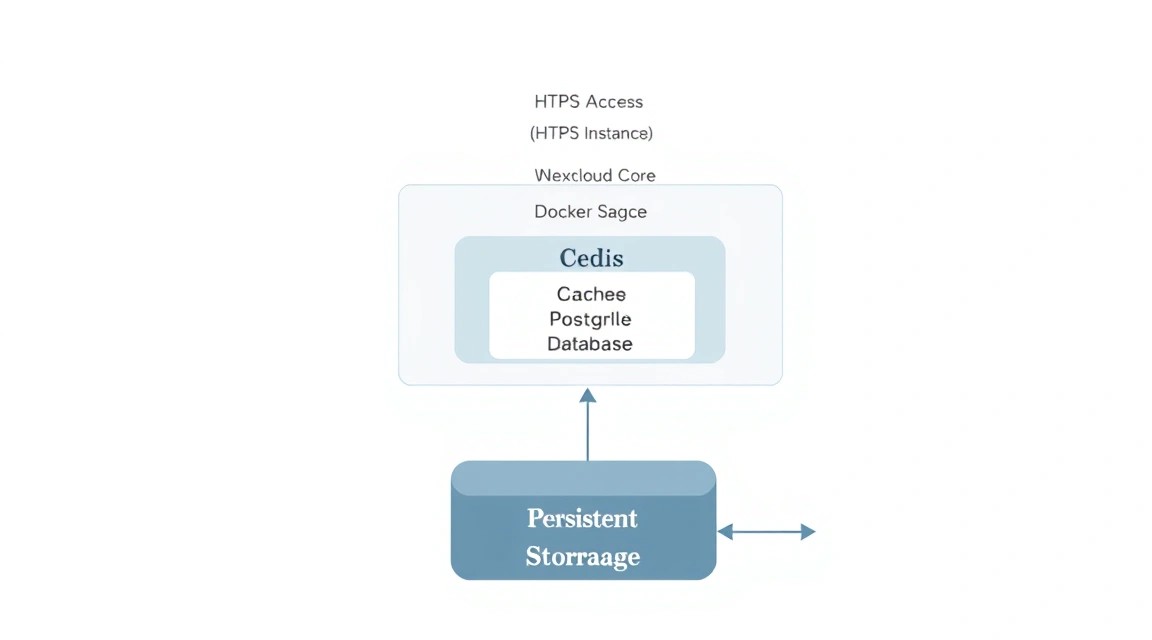
Nextcloud AIO is a fairly resource-intensive application, as it runs about 10-12 Docker containers simultaneously (PHP, Postgres, Redis, Caddy, ClamAV, Talk, Collabora, etc.). For the comfortable work of a group of 5-10 people or active personal use, certain hardware specifications are required.
| Component | Minimum Requirements | Recommended (for teams) |
|---|---|---|
| Processor (CPU) | 2 vCPU (Intel Xeon / AMD EPYC) | 4+ vCPU (with high clock speed) |
| RAM | 4 GB (with Swap enabled) | 8 GB - 16 GB |
| Disk Subsystem | 40 GB NVMe/SSD | 200 GB+ NVMe (depends on data volume) |
| Network | 100 Mbps | 1 Gbps |
| OS | Ubuntu 24.04 LTS | Ubuntu 24.04 / Debian 12 |
Special attention should be paid to the disk subsystem. Since Nextcloud constantly works with the database and small files (image previews, cache), using regular HDDs is highly discouraged. Only NVMe or SSD will ensure fast interface rendering.
For stable system operation and fast access to files from anywhere in the world, it is best to choose a suitable VPS with a location in Europe or the USA, ensuring minimum ping to your target audience.
If you plan to store terabytes of video content or use Nextcloud as a corporate archive for 50+ employees, it is worth considering switching to a dedicated server. This will eliminate the influence of "neighbors" on the hypervisor on your system's performance and allow you to connect additional disk arrays.
3. Server preparation
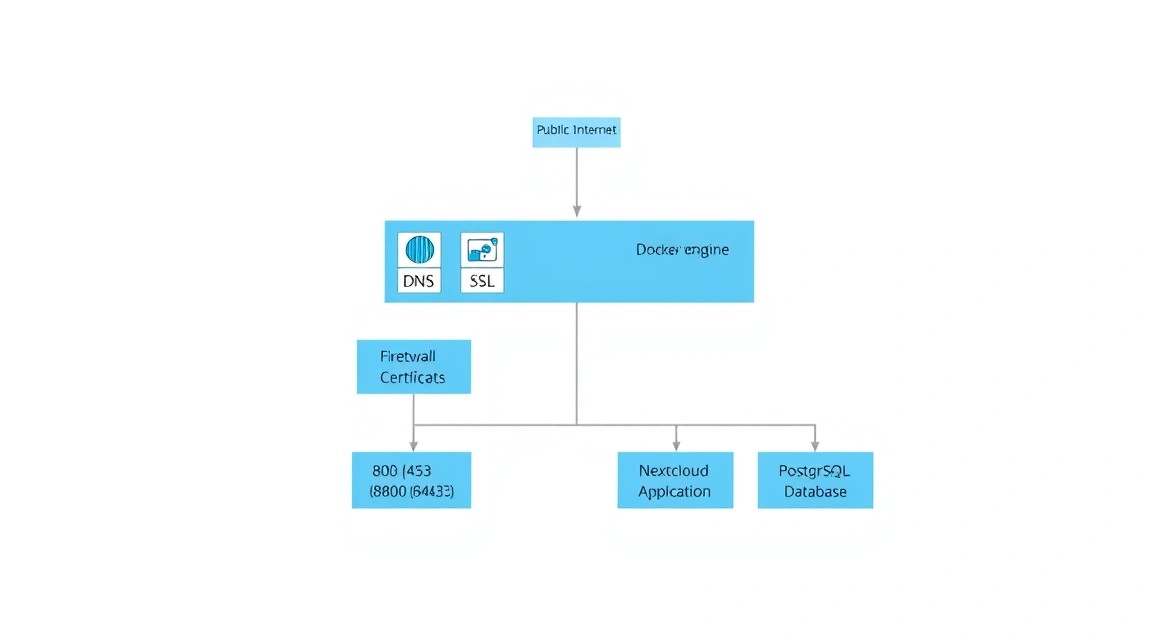
Before proceeding with the Docker installation, it is necessary to basically secure the server and update system packages. We assume you have a clean installation of Ubuntu 24.04.
Connect to the server via SSH:
ssh root@your_server_ipFirst, let's update the package list and the packages themselves to the current 2026 versions:
apt update && apt upgrade -ySet the time zone (important for correct log operation and backup scheduler):
timedatectl set-timezone Europe/MoscowCreate a user with sudo privileges to avoid working under root (a good security practice):
useradd -m -s /bin/bash adminuser
usermod -aG sudo adminuser
passwd adminuser
Configure the basic UFW firewall. For Nextcloud AIO to work, we need to open ports 80, 443 (HTTP/HTTPS), and 8080 (AIO control panel):
ufw allow OpenSSH
ufw allow 80/tcp
ufw allow 443/tcp
ufw allow 8080/tcp
ufw allow 3478/udp
ufw --force enable
Note: Port 3478 (UDP) is required for the STUN/TURN protocol in the Nextcloud Talk application (video calls).
4. Installing Docker and necessary utilities
Nextcloud AIO is fully based on Docker. We will install the current version of Docker Engine from the official Docker repository, rather than from standard Ubuntu repositories, to have access to the latest security updates.
Remove old versions if they existed:
for pkg in docker.io docker-doc docker-compose docker-compose-v2 podman-docker containerd runc; do sudo apt-get remove $pkg; doneInstall dependencies and add the Docker GPG key:
sudo apt-get update
sudo apt-get install ca-certificates curl gnupg
sudo install -m 0755 -d /etc/apt/keyrings
curl -fsSL https://download.docker.com/linux/ubuntu/gpg | sudo gpg --dearmor -o /etc/apt/keyrings/docker.gpg
sudo chmod a+r /etc/apt/keyrings/docker.gpg
Add the repository to apt sources:
echo \
  "deb [arch=$(dpkg --print-architecture) signed-by=/etc/apt/keyrings/docker.gpg] https://download.docker.com/linux/ubuntu \
  $(. /etc/os-release && echo "$VERSION_CODENAME") stable" | \
  sudo tee /etc/apt/sources.list.d/docker.list > /dev/null
sudo apt-get update
Install Docker Engine and Docker Compose:
sudo apt-get install docker-ce docker-ce-cli containerd.io docker-buildx-plugin docker-compose-plugin -yCheck that the service is running and added to startup:
sudo systemctl enable docker
sudo systemctl start docker
5. Installing Nextcloud AIO — step-by-step
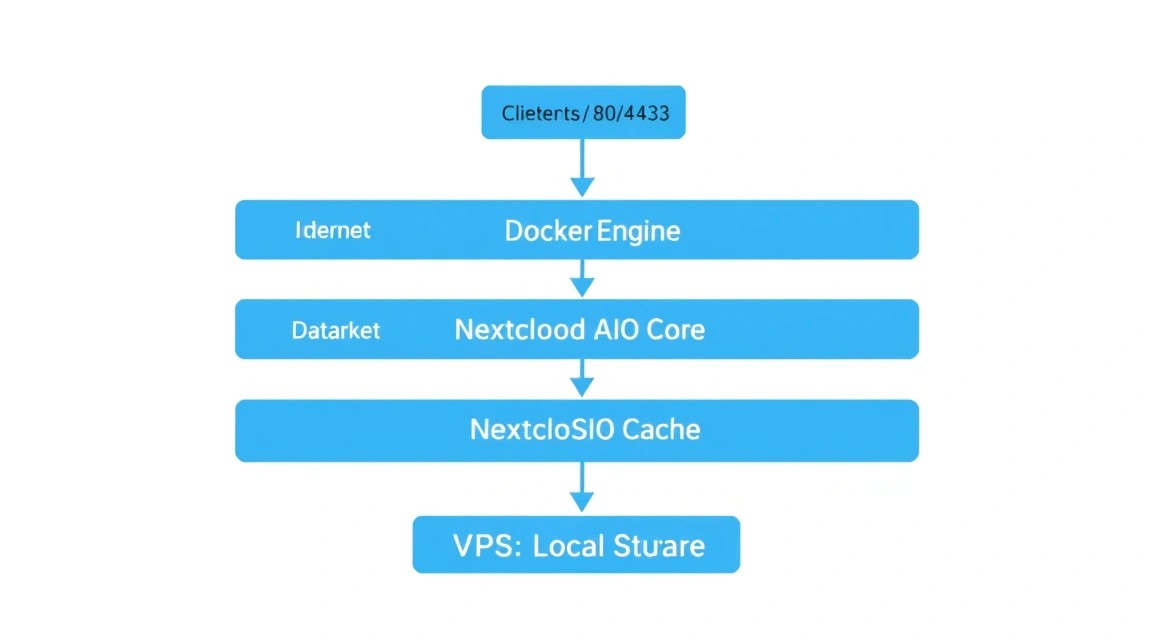
Unlike manual assembly via docker-compose.yml, the AIO project is launched with a single command that creates a "master container." This container will subsequently download and configure all other parts of the system itself.
Launch the master container:
sudo docker run \
--sig-proxy=false \
--name nextcloud-aio-mastercontainer \
--restart always \
--publish 80:80 \
--publish 8080:8080 \
--publish 443:443 \
--volume nextcloud_aio_mastercontainer:/mnt/docker-aio-config \
--volume /var/run/docker.sock:/var/run/docker.sock:ro \
nextcloud/all-in-one:latest
Let's break down the command parameters:
--publish 8080:8080— opens the web interface for initial configuration.--volume /var/run/docker.sock:/var/run/docker.sock:ro— allows the master container to manage the host's Docker daemon to create other containers.--volume nextcloud_aio_mastercontainer— storage for the configuration files of the AIO system itself.
After running the command, wait 1-2 minutes. A message will appear in the console stating that the master container is running. Now, all further configuration will take place in the browser.
6. Domain and SSL Setup
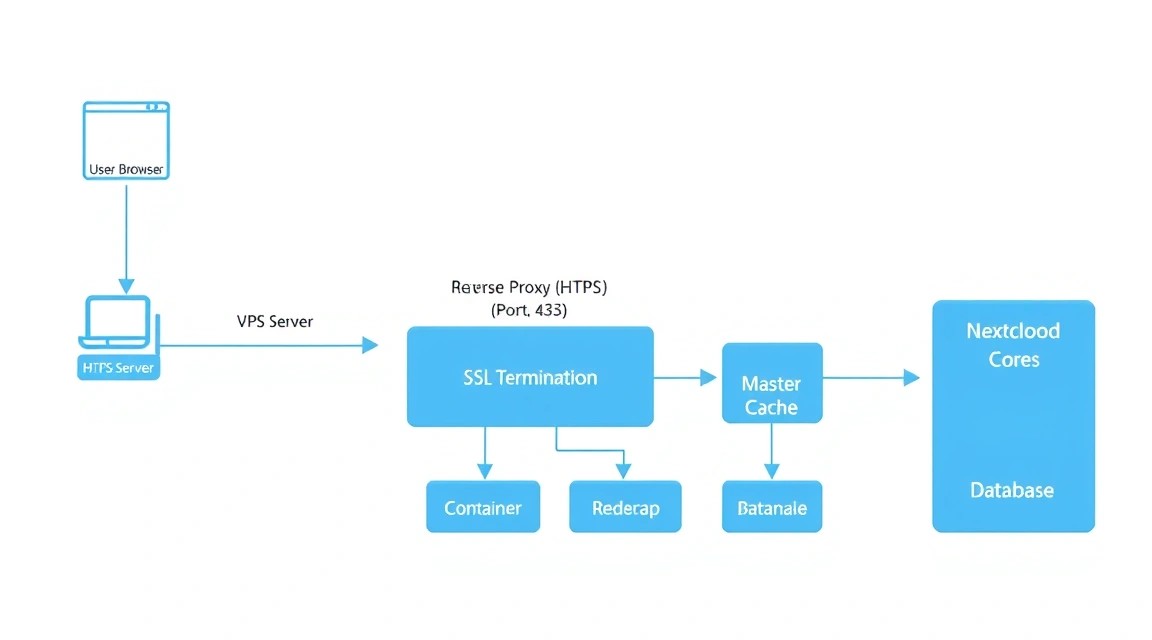
For Nextcloud to work correctly (especially mobile apps and synchronization), you need a domain or subdomain (for example, cloud.example.com). SSL certificates will be obtained automatically via Let's Encrypt.
Step 1: DNS Setup. Go to your domain's control panel and create an A-record pointing to your VPS IP address.
| Record Type | Name (Host) | Value (IP) | TTL |
|---|---|---|---|
| A | cloud | 123.123.123.123 (your IP) | Auto / 3600 |
Step 2: AIO Web Interface. Open the address in your browser: https://your_server_ip:8080. You will see a warning about a self-signed certificate — this is normal, confirm the exception and continue.
On the page, you will see the password for logging into the AIO control panel. Be sure to copy and save it. Enter the password and click "Login".
Step 3: Domain Verification. Enter your domain name (for example, cloud.yourdomain.com). The system will check that ports 80 and 443 are open and the domain points to the correct IP. If the check is successful, you will proceed to component selection.
7. Initial Configuration and Redis
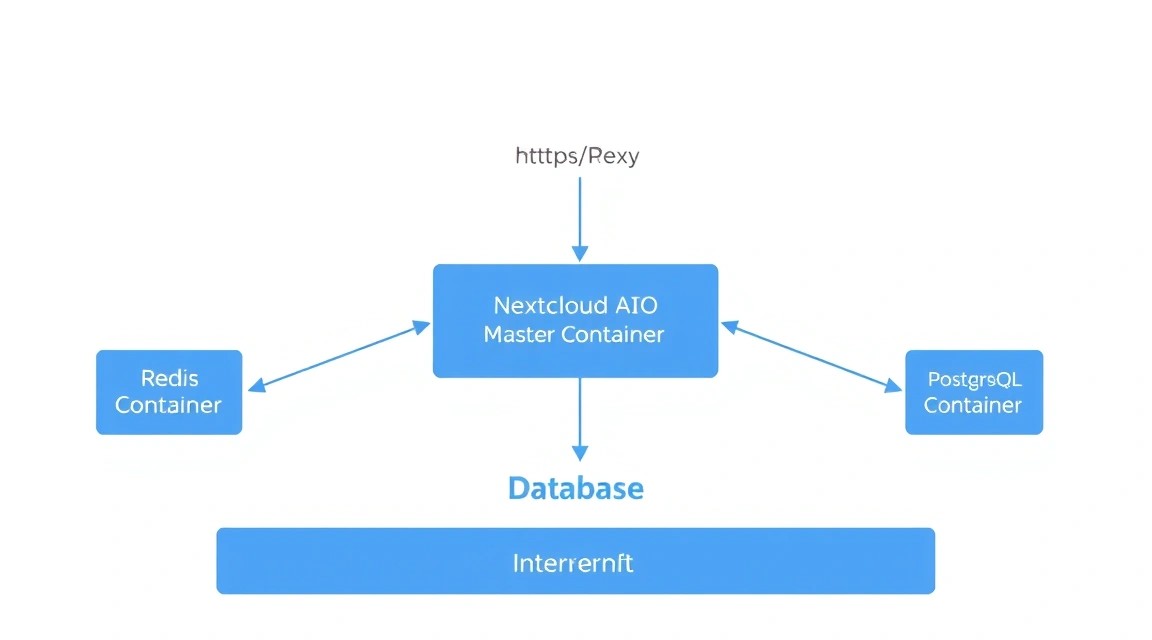
On the options selection page, you can activate additional services. For maximum performance and functionality, it is recommended to select the following:
- Nextcloud Talk: For video calls and chats (requires high-performance backend configuration, which AIO handles automatically).
- Collabora Online: Allows editing Office documents directly in the browser.
- Imaginary: For fast image preview generation.
- ClamAV: Antivirus for scanning uploaded files (requires +1-2 GB RAM).
- Fulltextsearch: Search by document content (requires significant CPU/RAM resources).
Redis: In Nextcloud AIO, Redis is enabled and configured by default. It is used for Transactional File Locking. Without Redis, when multiple users work with the same files simultaneously, the PostgreSQL database could lock up, leading to 503 errors. Redis stores these locks in RAM, ensuring an instant response.
Click the "Download and start containers" button. The process of downloading images (about 3-5 GB of data) can take from 5 to 15 minutes depending on your VPS network speed.
When all containers reach "Healthy" status, the Nextcloud administrator credentials (login admin and a generated password) will appear on the screen. Save them!
8. Backups and Maintenance
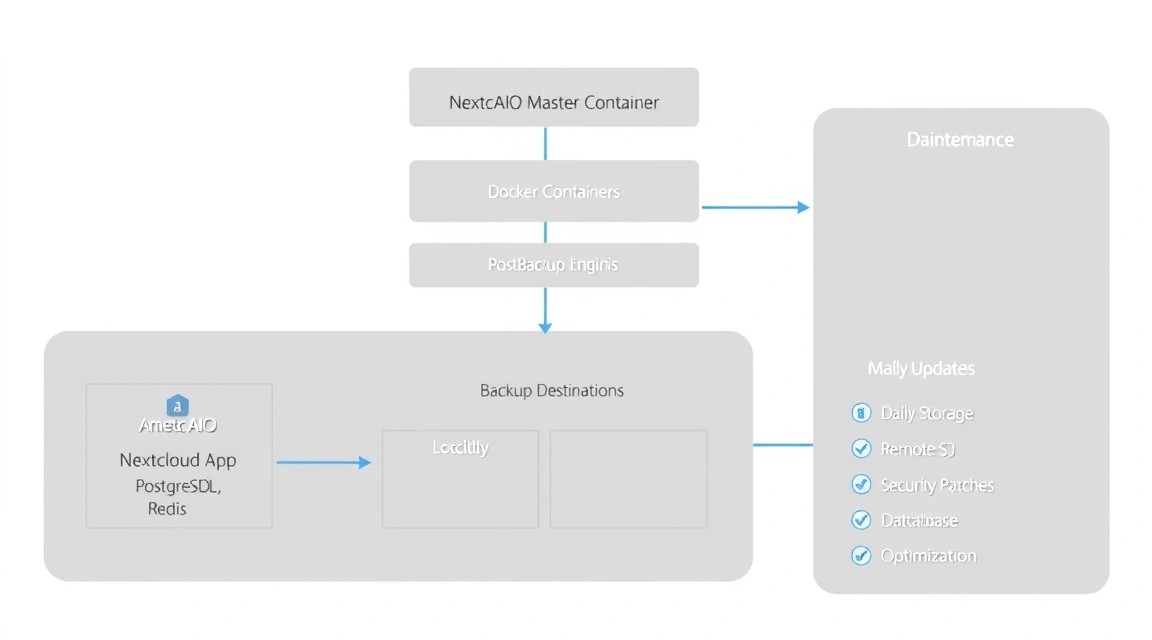
Nextcloud AIO has a built-in backup system based on BorgBackup. This is an incremental solution with support for compression and encryption.
In the AIO control panel (port 8080), go to the "Backups" section. You have two options:
- Local backup: Specify the path to a mounted external drive on your VPS.
- Remote backup: Mount external storage (for example, via S3FS or Rclone) into the server's file system and specify that path.
An example of setting up an automatic backup via cron for the AIO container itself is not required — you can set a schedule in the interface. However, we recommend taking snapshots of the entire VPS at the provider level before every major Nextcloud update.
System Update: When a new version of Nextcloud is released, an "Update containers" button will appear in the 8080 control panel. The process is fully automated: the master container will stop old versions, download new ones, and perform the database migration.
9. Troubleshooting + FAQ
Error "Domain does not point to this server"
This error occurs if DNS records have not yet updated or if you are using Cloudflare with "proxying" enabled (orange cloud). For initial verification and obtaining SSL in Cloudflare, you must temporarily switch the mode to "DNS Only". Also, make sure port 80 is open in ufw, as Let's Encrypt uses it for validation (HTTP-01 challenge).
Nextcloud works slowly, previews take a long time to load
Check CPU and RAM usage with the htop command. If RAM is 90%+ full, the system starts using Swap, which drastically reduces speed. Solution: either increase RAM on the VPS or disable resource-intensive modules such as ClamAV or Fulltextsearch. Also, ensure that "Cron" is selected instead of "AJAX" in the Nextcloud settings ("Basic settings" section) for background task execution.
What is the minimum suitable VPS configuration?
To run Nextcloud AIO with a basic set of features (without antivirus and text search), 2 vCPUs and 4 GB of RAM are minimally sufficient. However, for comfortable work in 2026, considering the increasing "weight" of web interfaces, we strongly recommend 8 GB of RAM. This will allow the system to keep the Redis cache in memory and process PHP scripts quickly.
What to choose — VPS or dedicated for this task?
If your data volume does not exceed 1-2 TB, a modern VPS on NVMe drives will be a more efficient and cheaper solution. A dedicated server should be chosen in two cases: if you need absolute resource isolation for security reasons or if you require massive amounts of disk space (10 TB and above), which are too expensive on a VPS.
How to reset the Nextcloud admin password?
If you lose access to the admin account, run the following command in the server console:
sudo docker exec --user www-data -it nextcloud-aio-nextcloud ./occ user:resetpassword admin10. Conclusions and Next Steps
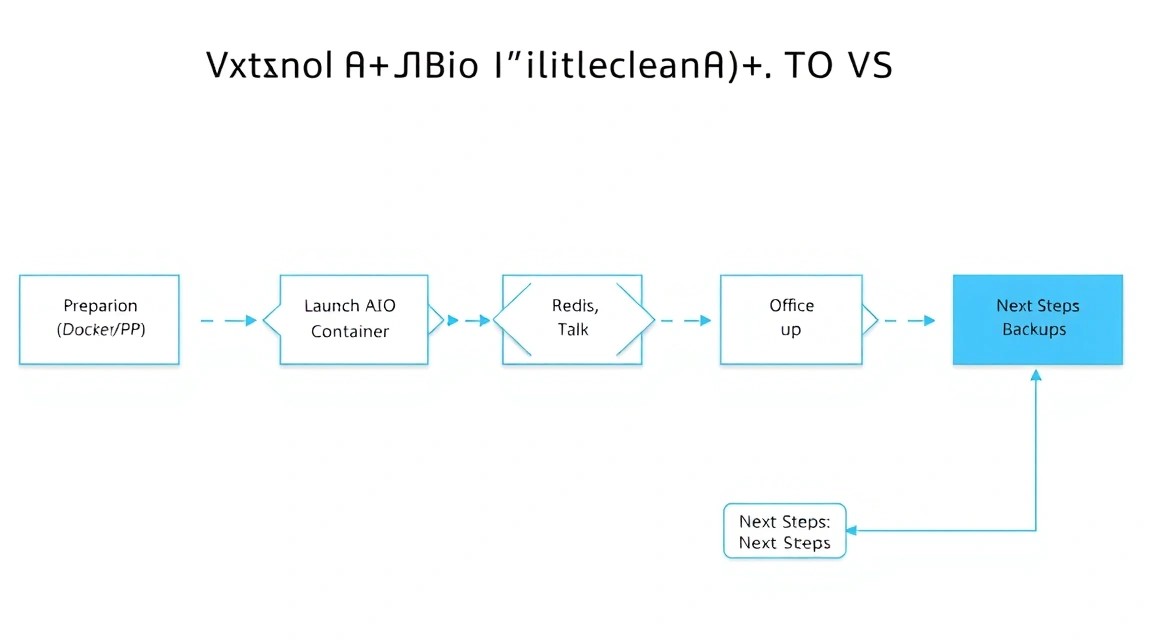
We have successfully deployed Nextcloud AIO on a VPS, ensuring security via SSL and high performance thanks to Redis. Now you have your own cloud, which is not inferior in functionality to solutions from tech giants, but is completely under your control.
What to do next?
- Install mobile apps: Download Nextcloud clients for iOS/Android for automatic photo uploads from your phone.
- Set up Desktop Sync: Install the client on Windows/macOS/Linux to synchronize work documents.
- Two-Factor Authentication (2FA): Be sure to enable it in the user settings to protect against password theft.
- External Storage: If you run out of space on the VPS, you can connect S3 object storage as an external folder via the built-in "External Storage Support" plugin.
Regularly check for updates in the control panel on port 8080 and monitor free disk space. With proper maintenance, your personal cloud will serve you for years, providing reliable access to your digital assets.