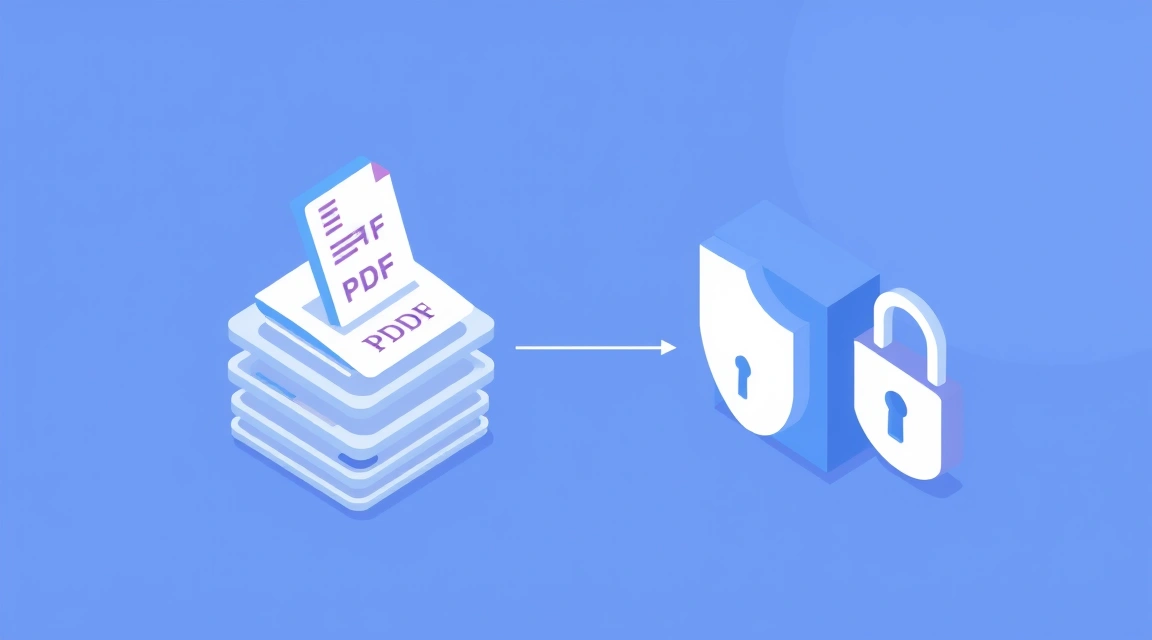
Stirling PDF is a free, open-source PDF toolkit you host on your own server — it does more than 50 operations (merge, split, convert, OCR, compress, sign, password-protect and more), and every file is processed locally, so nothing is ever uploaded to a third party. That is the core difference versus iLovePDF, Smallpdf or Adobe Acrobat online: those services receive your document on their servers, while Stirling PDF keeps contracts, IDs and financial or legal files entirely on your own machine. If document privacy matters to you, self-hosting is the bottom line.
⚡ Keep your documents private: Valebyte deploys Stirling PDF on a VPS in one click from $9/mo — your files never leave your server.
Why the cloud PDF tools are a privacy problem
Every time you drag a PDF into iLovePDF, Smallpdf or Adobe's online tools, that file leaves your computer and lands on someone else's server to be processed. For a meme it is harmless. For a signed contract, a scan of your passport, a bank statement or a legal filing, you have just handed a copy of sensitive data to a third party and trusted their retention policy. Self-hosting removes that trust requirement entirely: the file is processed on hardware you control and is never transmitted anywhere else.
Comparison: Stirling PDF vs iLovePDF vs Smallpdf vs Adobe online
| Tool | Where files are processed | Privacy | Per-file limits / watermarks | Account required | Cost |
|---|---|---|---|---|---|
| Stirling PDF (self-hosted) | Your own server | Files never leave your machine | None — no watermark, no forced limit | No login by default | Free (you pay only for the server) |
| iLovePDF | iLovePDF cloud servers | Uploaded to a third party | Free tier caps size/tasks; premium unlocks more | Account needed for most features | Freemium (paid plans) |
| Smallpdf | Smallpdf cloud servers | Uploaded to a third party | Free tier limits daily tasks/size | Account/sign-in pushed heavily | Freemium (paid plans) |
| Adobe Acrobat online | Adobe cloud servers | Uploaded to a third party | Free tier limited; full set behind subscription | Adobe ID required | Subscription for full tools |
Comparison checked July 2026.
What Stirling PDF can actually do
Despite being self-hosted and free, Stirling PDF is not a stripped-down toy. It ships with over 50 operations covering essentially everything the cloud tools charge for:
- Organise: merge, split, rotate, reorder, remove or extract pages.
- Convert: PDF ↔ images (JPG/PNG) and PDF ↔ Office formats (Word, Excel, PowerPoint) via a bundled LibreOffice engine.
- OCR: make scanned documents searchable using Tesseract, in many languages.
- Optimise: compress to shrink file size.
- Secure: add or remove passwords, sign, and manage permissions.
- Finish: add watermarks, stamp, edit metadata, and clean up documents.
No login, no limits, no watermark
By default Stirling PDF has no login at all — you open the URL and start working immediately. There is no account wall, no daily task counter, no maximum file size imposed by a vendor, and no watermark stamped onto your output. The only real limits are the RAM and CPU of the server you run it on. (Login and user accounts are optional if you want to lock the instance down, but nothing forces it.)
Runs in Docker
Stirling PDF is distributed as a Docker image, so deployment is a single container. On a VPS you point Docker at the image, expose a port behind HTTPS, and you have a private PDF suite reachable from any browser. No desktop install, no per-machine setup for your team.

Honest trade-offs
Self-hosting is not magic, so weigh these before you switch:
- OCR and Office conversions are heavier. Rendering pages, running Tesseract and driving LibreOffice use noticeably more RAM and CPU than a simple merge. Plan for 2 GB RAM as a sensible minimum; large batch OCR jobs will want more vCPU to stay fast.
- You maintain it. It is a tool you host, which means you are responsible for updates, backups and keeping the container patched. That is the price of not trusting a third party.
For most people running document work on a small VPS, those trade-offs are minor next to the payoff: a full PDF toolkit that never sends your files anywhere.
Who should self-host Stirling PDF?
If you regularly process contracts, IDs, invoices, medical or legal documents — or you run a small team that does — Stirling PDF gives you the same everyday operations as the cloud tools without the privacy cost or the subscription. Casual, one-off editing of non-sensitive files is fine in the cloud; anything confidential belongs on a server you control.
⚡ Keep your documents private: Valebyte deploys Stirling PDF on a VPS in one click from $9/mo — your files never leave your server.