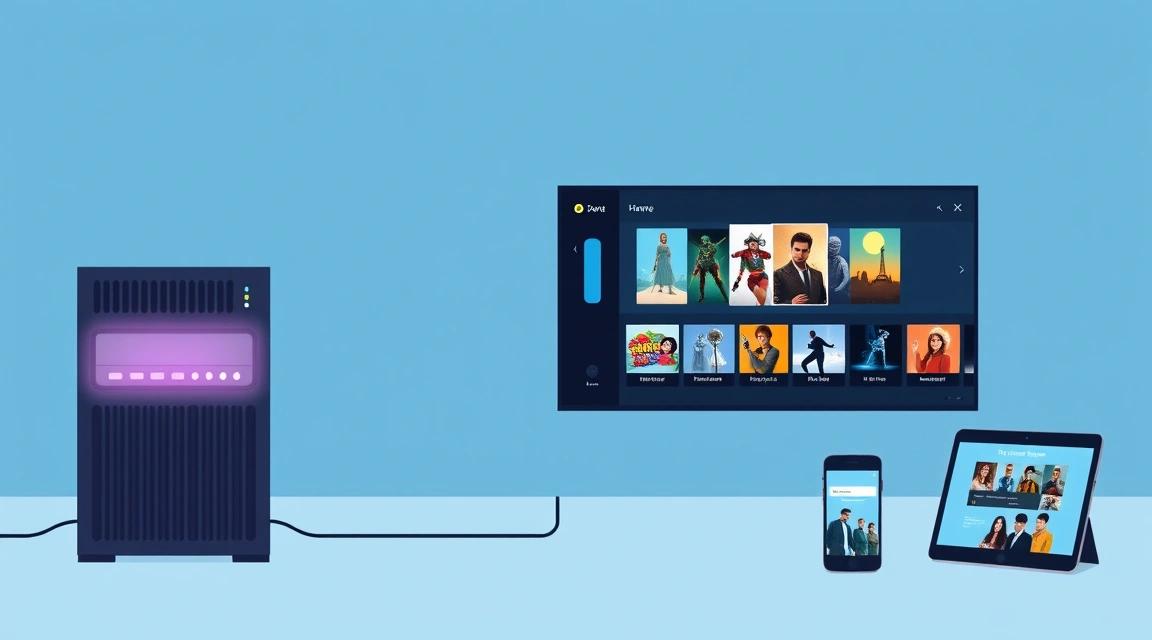
Jellyfin is a free, fully open-source media server that lets you stream your own movies, TV, and music from a server to any device — no subscription, no account, no phone-home. If you want to self-host on a VPS in 2026, Jellyfin is the top pick: Plex is the most polished experience but locks key features behind the paid Plex Pass and requires a Plex account, while Emby is a middle ground with an open core and a paid Premiere tier.
⚡ Don't want to configure it by hand? Valebyte deploys Jellyfin on a VPS in one click from $9/mo — managed, HTTPS, ready in minutes.
What each media server actually is
Plex is the oldest and most polished of the three. It started as an open project but is now a closed commercial product. The server software is free, but many features — hardware transcoding, mobile playback, skip intro, and more — require a Plex Pass subscription. Plex also routes discovery and remote access through its own cloud, and you need a Plex account to sign in. That account requirement and the "phone-home" nature of the platform is the main reason self-hosters look elsewhere.
Emby forked from an earlier open codebase and keeps an open core, but its most useful features (hardware transcoding, mobile apps, DVR) sit behind Emby Premiere, a paid license. It's less cloud-dependent than Plex but still not fully free.
Jellyfin is a community fork of Emby, released before Emby closed its source. It is 100% free and open (GPL), with no paywall, no premium tier, and no account or license server. Every feature — including hardware transcoding — is included. Your server talks to your clients directly; nothing phones home.
Jellyfin vs Plex vs Emby: comparison table
| Server | License / cost | Hardware transcoding | Remote access | Account required | Best for |
|---|---|---|---|---|---|
| Jellyfin | Free, open-source (GPL) | Included, free | Direct (your domain/IP) | No | Privacy, full control, no cost |
| Plex | Free core; Plex Pass paid | Plex Pass only | Via Plex cloud relay | Yes (Plex account) | Polish & smart-TV apps |
| Emby | Free core; Premiere paid | Premiere only | Direct or Emby Connect | Optional | Middle ground |
Comparison checked July 2026.
The Plex Pass paywall and the phone-home problem
The single biggest friction with Plex for self-hosters is that the parts you most want on a VPS — hardware-accelerated transcoding and smooth remote streaming — are gated behind Plex Pass ($5/mo, or a one-time lifetime fee). On top of that, Plex requires a login and relays some traffic through its servers, so your viewing metadata passes through a third party. Emby is friendlier but still charges for transcoding via Premiere. Jellyfin sidesteps both issues entirely: nothing is paywalled and nothing leaves your VPS unless you point a client at it.

Hardware transcoding: the honest reality
Transcoding is where people over-spec their server. Here is the truth:
- Direct play — when the client supports the file's codec, the server just streams the bytes. This is nearly free on CPU and works great on a small VPS.
- Transcoding — when the server must re-encode video on the fly (wrong codec, bandwidth limit, subtitle burn-in), it becomes CPU-heavy. Software transcoding a 1080p stream needs a few modern vCPUs; a single 4K HDR transcode can saturate a small server.
Practical guidance: a small 2–4 vCPU VPS comfortably handles 1–2 direct-play or light 1080p streams. If you expect heavy simultaneous 4K transcoding, size up on vCPU. The smart move is to keep your library in codecs your clients already support (H.264/HEVC) so most sessions direct-play and never transcode at all.
Clients: what you watch on
Jellyfin has broad client coverage:
- Web browser — works anywhere, no install.
- Android & iOS apps.
- Android TV / Google TV / Fire TV native app.
- Kodi via the official Jellyfin add-on.
- Roku, Samsung/LG (webOS/Tizen) and third-party clients like Findroid and Swiftfin.
Running it on a VPS
A VPS is the ideal home for a media server if you want it reachable anywhere without leaving a machine on at home. You get a static IP, real upload bandwidth, and 24/7 uptime. The workflow is: install Jellyfin (Docker or native), point it at your media folders, put it behind HTTPS with a reverse proxy, and add your domain. Storage is the main planning item — media libraries grow fast, so pick a plan with room to attach volume.
Honest cons
Jellyfin is not perfect. Its apps on some smart-TV platforms (older Samsung/LG models especially) are a little rougher than Plex's highly polished ones, and features like remote streaming need a bit more manual setup than Plex's turnkey cloud. And as noted, heavy simultaneous transcoding — multiple 4K streams at once — genuinely needs more CPU regardless of which server you choose. For most self-hosters running one household, none of this outweighs being fully free, private, and unlocked.
Bottom line
If you value polish above all and don't mind an account plus a subscription, Plex is fine. If you want everything free, private, and fully in your control, Jellyfin wins — and a VPS makes it reachable from anywhere.
⚡ Don't want to configure it by hand? Valebyte deploys Jellyfin on a VPS in one click from $9/mo — managed, HTTPS, ready in minutes.