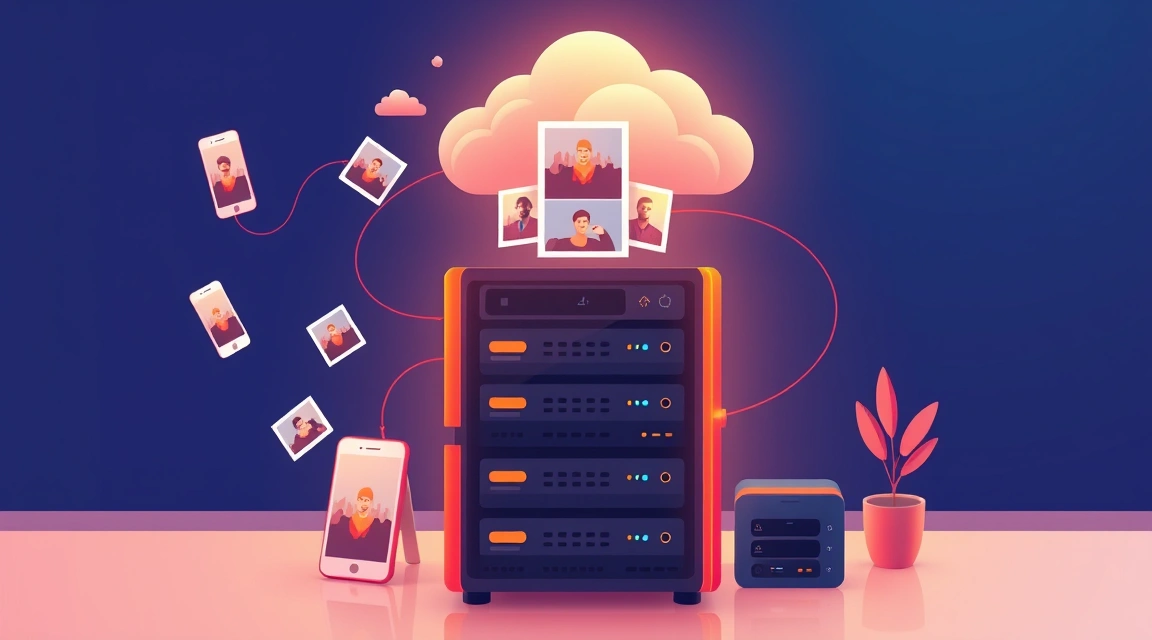

Immich earned its place as the self-hosted Google Photos: phone auto-upload that actually works, a fast timeline over tens of thousands of items, shared albums, and machine-learning search — faces, objects, natural-language queries via CLIP — running entirely on your hardware. Sizing it is unlike most self-hosted apps because the constraint is not the web stack, it is storage arithmetic plus the ML appetite, and getting those two right decides whether the family actually migrates off Google.
What the stack really consumes
| Component | CPU | RAM | Notes |
|---|---|---|---|
| Server + Postgres + Redis | light | ~1–1.5 GB | steady state |
| Machine learning (faces, CLIP) | bursty, loves cores | 1.5–3 GB | heaviest during initial library scan |
| Video transcoding | heavy without HW accel | moderate | QuickSync/VAAPI turns hours into minutes |
Practical floors: 4 GB RAM total works for a small library if you accept slow initial ML indexing; 6–8 GB is the honest recommendation for a family instance. CPU matters most twice — the first full scan (days on 2 weak cores, hours on 6 real ones) and video transcodes. If the machine has an iGPU (Intel QuickSync), enabling hardware transcoding is the single biggest performance unlock.
The storage math nobody does upfront
Photos are a growing dataset with no natural ceiling. Realistic generation rates we see:
- One heavy phone user: 50–150 GB/year (photos + casual video).
- A couple with kids: 200–300 GB/year — kid videos dominate.
- 4K-video households or hobby photographers (RAW): 0.5–1 TB/year.
Rules that follow: provision at least 2× your current library on day one; keep the database and thumbnails on NVMe regardless of where originals live (thumbnail latency is what makes the timeline feel instant); and plan the growth path before you need it. Immich's storage-template feature keeps originals in a plain, portable folder structure — your escape hatch stays open.
Three hosting profiles that work
- Library under ~500 GB: a VPS with generous NVMe or a small dedicated box. The $25–35 tier with a 1 TB drive in our catalog covers years for most families.
- 1–10 TB library: this is HDD territory with an SSD hot path — a storage server with 2×4 TB HDD (from ~$47) plus NVMe for DB/thumbs. Our storage server guide covers the RAID trade-offs.
- Massive archives (10 TB+): dedicated storage boxes (up to 6×14 TB SAS in stock) — at this size you are running a private photo datacenter and per-TB price is the whole game.
Bandwidth footnote: initial phone uploads are the one bursty moment (a 200 GB first sync saturates home uplinks, not the server); afterwards traffic is trivial except shared-album binges.

Immich is not a backup — say it twice
Deleting a photo in the app deletes it on the server; a dead disk without redundancy deletes everything. The layer people skip: RAID mirrors protect against disk death, restic/borg snapshots of originals + a Postgres dump to a second machine protect against everything else (user error, ransomware, software bugs). Photos are the one dataset where "I'll set backups up later" reliably becomes a family tragedy. Two-location rule, tested restores, quarterly.
Bottom line
Budget 6–8 GB RAM, real cores for the first scan, NVMe for the hot path, and honest growth math for originals — then Immich genuinely retires Google Photos, subscription and privacy questions included. Facts checked July 8, 2026; Immich ships fast, but the resource shape above has been stable across the 1.x line.