Building a Universal CI/CD Pipeline for Hybrid Environments: From VPS to Kubernetes
TL;DR
- **Hybrid Environments – The New Reality:** In 2026, most infrastructures combine traditional VPS with containerized platforms (Kubernetes, Docker Swarm), requiring flexible CI/CD.
- **Abstraction and Automation:** The key to success is creating abstraction layers that allow CI/CD to operate independently of the target deployment platform, utilizing containerization and IaC.
- **Tool Choice Determines Everything:** GitLab CI, GitHub Actions, and Jenkins remain leaders, but their configuration must account for hybrid specifics, from SSH deployment to Helm charts.
- **Security and Observability – Not Options:** Integrated security scanners, centralized logging, and monitoring are critical for maintaining pipeline stability and protection.
- **Cost and Scalability:** The balance between self-hosted solutions (Jenkins on VPS) and managed cloud services (GitHub Actions, GitLab SaaS) must be calculated considering project growth.
- **GitOps – The Gold Standard:** Adopting a GitOps approach with tools like ArgoCD or Flux simplifies configuration management and increases deployment transparency in Kubernetes.
- **Continuous Development:** A CI/CD pipeline is a living organism. It requires regular auditing, optimization, and adaptation to new technologies and business needs.
Introduction
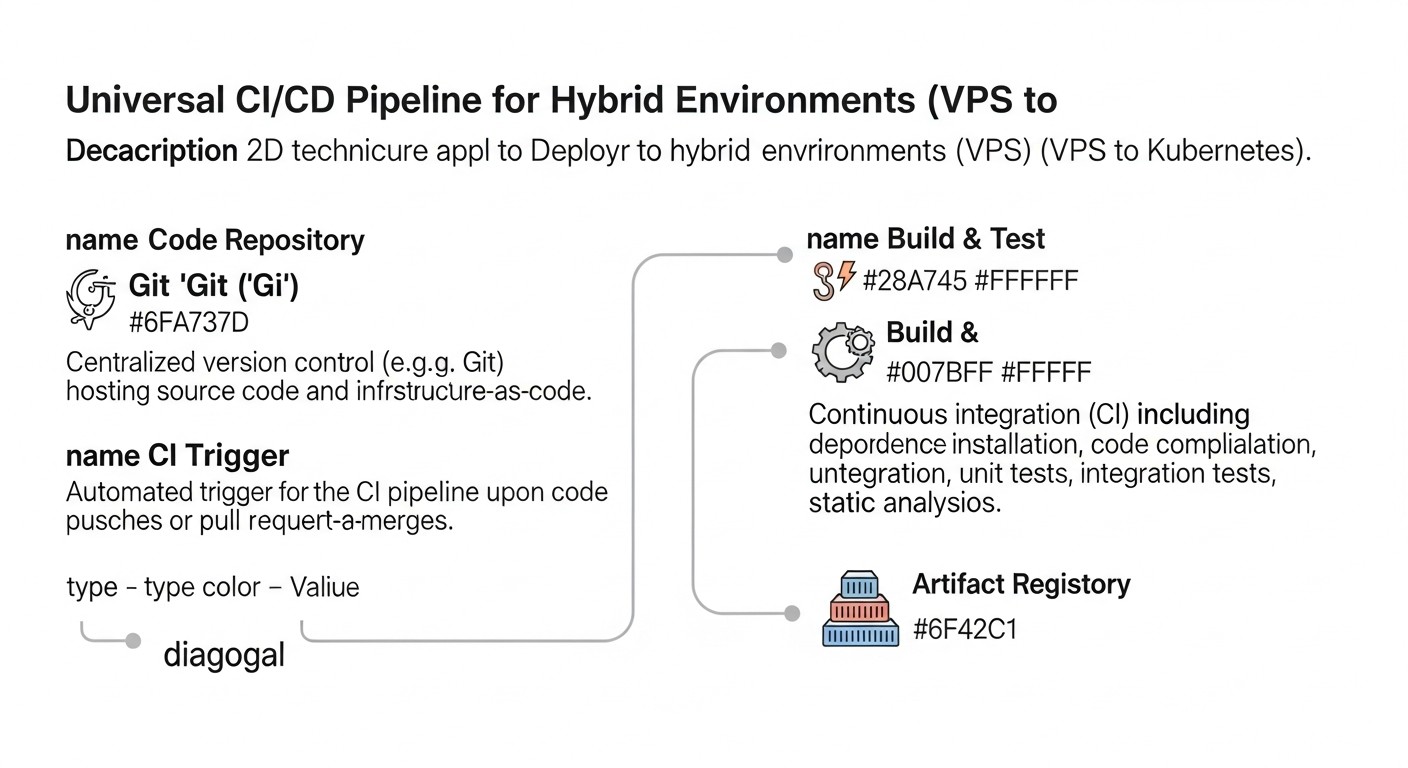
In 2026, the world of software development continues to evolve rapidly, and the concept of a "hybrid environment" has become not just a buzzword, but a ubiquitous reality. Companies, from startups to corporations, rarely use a single platform for their applications. More often, we see a complex landscape where critical, legacy services might run on good old Virtual Private Servers (VPS) or dedicated servers, while new microservices and scalable components are deployed in container orchestrators like Kubernetes or Docker Swarm, and some functionality even migrates to serverless functions. This diversity of infrastructure presents unique challenges for DevOps teams and developers, especially in the context of Continuous Integration/Continuous Delivery (CI/CD).
Why is this topic so important right now? Firstly, economic efficiency. Migrating all applications to Kubernetes is often an prohibitively expensive and labor-intensive process, especially for projects with limited budgets or an established codebase. VPS remain an attractive solution for many backend services, databases, or even small SaaS projects, where simplicity and predictability outweigh maximum scalability. Secondly, flexibility and resilience. Hybrid environments allow for risk distribution, leveraging the advantages of each platform, and gradually modernizing infrastructure without a "big bang." Thirdly, accelerated development. The faster and more reliably we can deliver changes to any of our environments, the faster we respond to market changes and user needs.
This article aims to be a comprehensive guide to building a universal CI/CD pipeline capable of effectively managing deployments in such diverse environments. We will explore how to abstract deployment logic, which tools are best suited for this task, how to ensure security and observability, and how to avoid common pitfalls. Who is this written for? For DevOps engineers who daily grapple with infrastructure heterogeneity; for Backend developers who want to understand how their code reaches production; for SaaS project founders striving to optimize costs and accelerate Time-to-Market; for system administrators seeking automation methods; and, of course, for startup CTOs making strategic infrastructure decisions.
Our goal is to provide not just theoretical discussions, but concrete, practical recommendations, supported by real-world examples and current data for 2026. We will delve into details, show commands, configurations, and help you create a reliable and efficient CI/CD that will serve as a bridge between your VPS and Kubernetes clusters, ensuring seamless value delivery to your users.
Key Criteria and Factors for Choosing CI/CD in Hybrid Environments
Choosing and designing a CI/CD pipeline for hybrid environments is not just about selecting a specific tool. It's a strategic decision that will impact development speed, reliability, security, and, of course, total cost of ownership. In 2026, as infrastructure becomes increasingly complex, it's especially important to carefully weigh the following criteria:
1. Flexibility and Adaptability to Various Target Environments
This is arguably the most crucial criterion for hybrid environments. The pipeline must be able to deploy applications both on classic VPS (via SSH, Ansible, Docker Compose) and in Kubernetes clusters (via Helm, Kustomize, ArgoCD), and potentially in serverless functions or on PaaS platforms. This means the CI/CD system must support diverse plugins, integrations, and authentication methods. The ability to create modular steps that can be reused for different deployment types, abstracting platform-specific details, is vital. For example, the same artifact (Docker image) should be ready for deployment using both `docker run` on a VPS and a Kubernetes Deployment.
2. Scalability and Performance
As a project grows and the number of developers, microservices, and commit frequency increases, the CI/CD system must scale seamlessly. This includes the ability to run multiple parallel builds, dynamically allocate agents (runners), and efficiently utilize resources. For hybrid environments, this is particularly relevant, as agents can be distributed: some on VPS for local builds, some in Kubernetes for heavier tasks, and some in the cloud. Performance directly impacts Time-to-Market and developer satisfaction. It's important to assess how the system handles peak loads and how quickly new builds start.
3. Security and Compliance
In 2026, cybersecurity is not just a feature, but a foundation. The CI/CD pipeline is a potential entry point for attacks, so it must be maximally protected. This includes:
- **Secret Management:** Secure storage and access to API keys, passwords, tokens (e.g., via HashiCorp Vault, Kubernetes Secrets, or built-in CI/CD vaults).
- **Build Isolation:** Running each job in an isolated environment (containers, temporary VMs).
- **Vulnerability Scanning:** Integration of static (SAST) and dynamic (DAST) code analyzers, container image scanners (Trivy, Snyk), as well as dependency checking.
- **Audit and Logging:** Comprehensive logging of all pipeline activities for auditing and retrospection purposes.
- **Access Control (RBAC):** Granular management of user and team permissions for accessing pipelines and their configurations.
4. Observability and Monitoring
"What cannot be measured, cannot be managed." An effective CI/CD pipeline must provide a complete picture of what's happening:
- **Build Status:** A clear interface for tracking current and completed jobs.
- **Metrics:** Stage execution time, frequency of successful/failed builds, resource utilization.
- **Logging:** Centralized access to logs for all pipeline stages.
- **Alerting:** Notifications for failures, slow builds, or critical events.
5. Total Cost of Ownership (TCO)
This includes not only direct costs for licenses or cloud services, but also hidden expenses:
- **Engineer Time:** Setup, maintenance, debugging, training. A complex system requires more time.
- **Infrastructure:** Cost of servers, VMs, network resources for self-hosted solutions.
- **Power Consumption:** Relevant for large self-hosted clusters.
- **Downtime Losses:** Inefficient CI/CD slows down development, leading to lost revenue.
6. Developer Experience and Ease of Use
CI/CD should be a tool that simplifies developers' lives, not complicates them. Simple and intuitive configuration syntax, fast feedback, the ability to run local CI/CD tests, good documentation, and an active community all contribute to system adoption and effective use. The less time developers spend debugging CI/CD, the more they focus on product code.
7. Integrations and Ecosystem
Modern CI/CD does not exist in a vacuum. It must easily integrate with:
- **Version Control Systems:** Git (GitHub, GitLab, Bitbucket).
- **Project Management Systems:** Jira, Asana.
- **Artifact Registries:** Docker Hub, GitLab Registry, Nexus, Artifactory.
- **Cloud Providers:** AWS, GCP, Azure.
- **Infrastructure as Code (IaC) Tools:** Terraform, Ansible, Pulumi.
- **Testing Tools:** JUnit, Selenium, Cypress.
- **Alerting Systems:** Slack, Telegram, PagerDuty.
Comparison Table of Popular CI/CD Solutions for Hybrid Environments (2026)
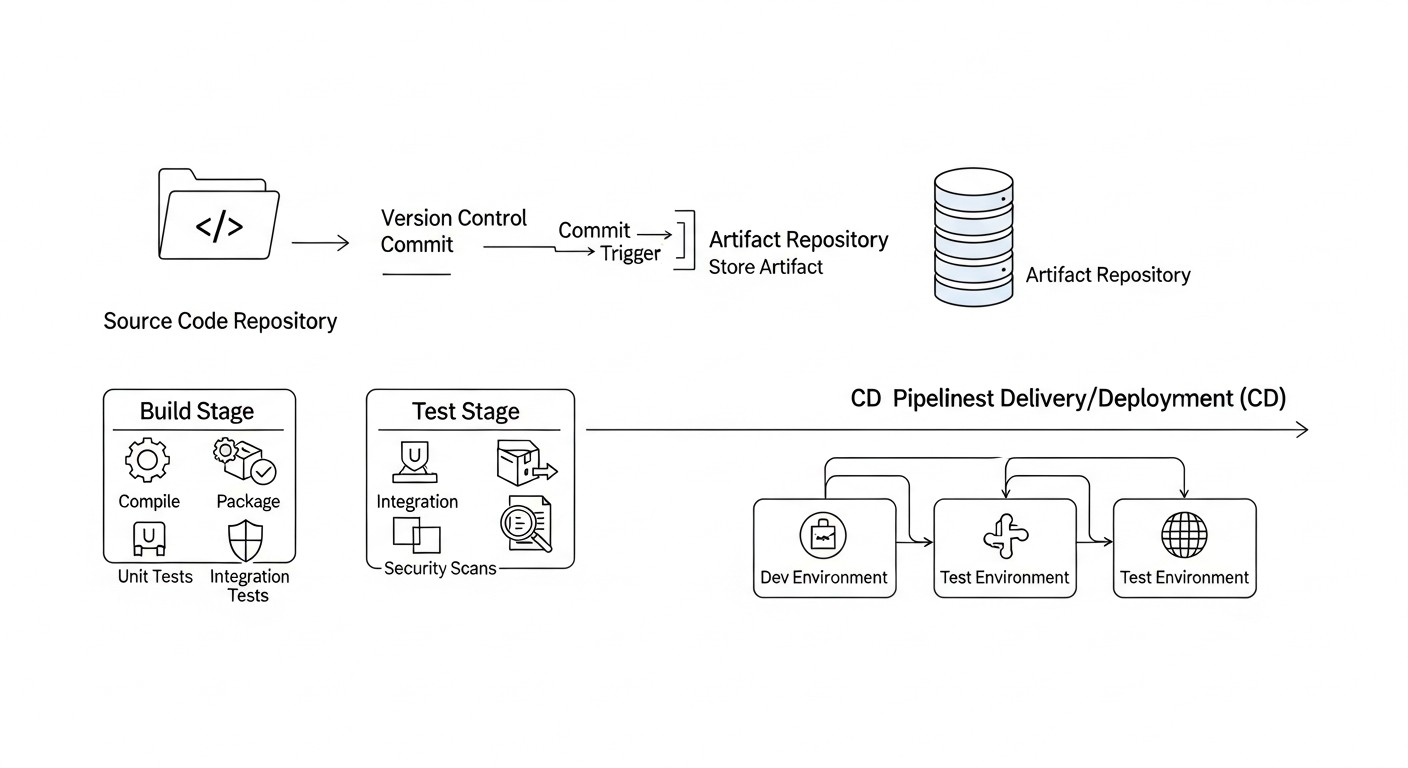
This table presents key characteristics and approximate data for 2026 for major CI/CD platforms used in hybrid environments. Pricing data is approximate and can vary significantly depending on usage volume and plan.
| Criterion | GitLab CI/CD | GitHub Actions | Jenkins | CircleCI | ArgoCD (GitOps) | Tekton (Kubernetes-native) |
|---|---|---|---|---|---|---|
| **Solution Type** | Integrated (GitLab) | Integrated (GitHub) | Self-hosted / SaaS | SaaS | Kubernetes-native | Kubernetes-native |
| **Hybrid Orientation** | High. Flexible runners (shared/self-hosted/Kubernetes). | High. Flexible runners (GitHub-hosted/self-hosted). | Maximum. Full control over agents. | Medium. Self-hosted runners available, but primary focus is SaaS. | High. Ideal for K8s, but can deploy to VPS via GitOps controller. | High. Ideal for K8s, but can execute SSH commands. |
| **Secret Management** | Built-in (Variables), HashiCorp Vault, K8s Secrets. | Built-in (Secrets), HashiCorp Vault, OIDC integration. | Built-in (Credentials), HashiCorp Vault. | Built-in (Contexts), HashiCorp Vault. | Kubernetes Secrets, External Secrets Operator. | Kubernetes Secrets, Tekton Secrets. |
| **Runner Scalability** | Kubernetes runner autoscaling, Docker Machine. | Self-hosted runner autoscaling, Scale Sets. | Dynamic agent allocation (EC2, K8s, Swarm). | Cloud resource autoscaling. | Scales with K8s cluster. | Scales with K8s cluster. |
| **IaC Support (Terraform, Ansible)** | Excellent, built-in templates. | Excellent, many Actions. | Excellent, via plugins. | Good, via orbs. | IaC configurations in Git (GitOps). | IaC configurations as Tasks/Pipelines. |
| **Monitoring/Observability** | Built-in dashboards, Prometheus, Grafana. | Built-in logs, OpenTelemetry. | Plugins (Prometheus, Grafana, ELK). | Built-in dashboards, API. | Built-in dashboards, Prometheus. | OpenTelemetry, K8s monitoring. |
| **Approximate Cost (2026)** | Free/Premium from $19/month/user. Self-hosted: infrastructure only. | Free/Pay-as-you-go (from $0.008/min Linux). Self-hosted: infrastructure only. | Free (Open Source). Infrastructure + administration. | Free/from $15/month (up to 1000 builds). | Free (Open Source). K8s infrastructure. | Free (Open Source). K8s infrastructure. |
| **Learning Curve** | Medium. YAML syntax. | Low-Medium. YAML syntax, ready-made Actions. | Medium-High. Groovy, UI, plugins. | Low-Medium. YAML syntax. | Medium. Kubernetes-specific concepts. | Medium-High. Kubernetes-specific concepts, CRD. |
Detailed Review of Key CI/CD Approaches and Options
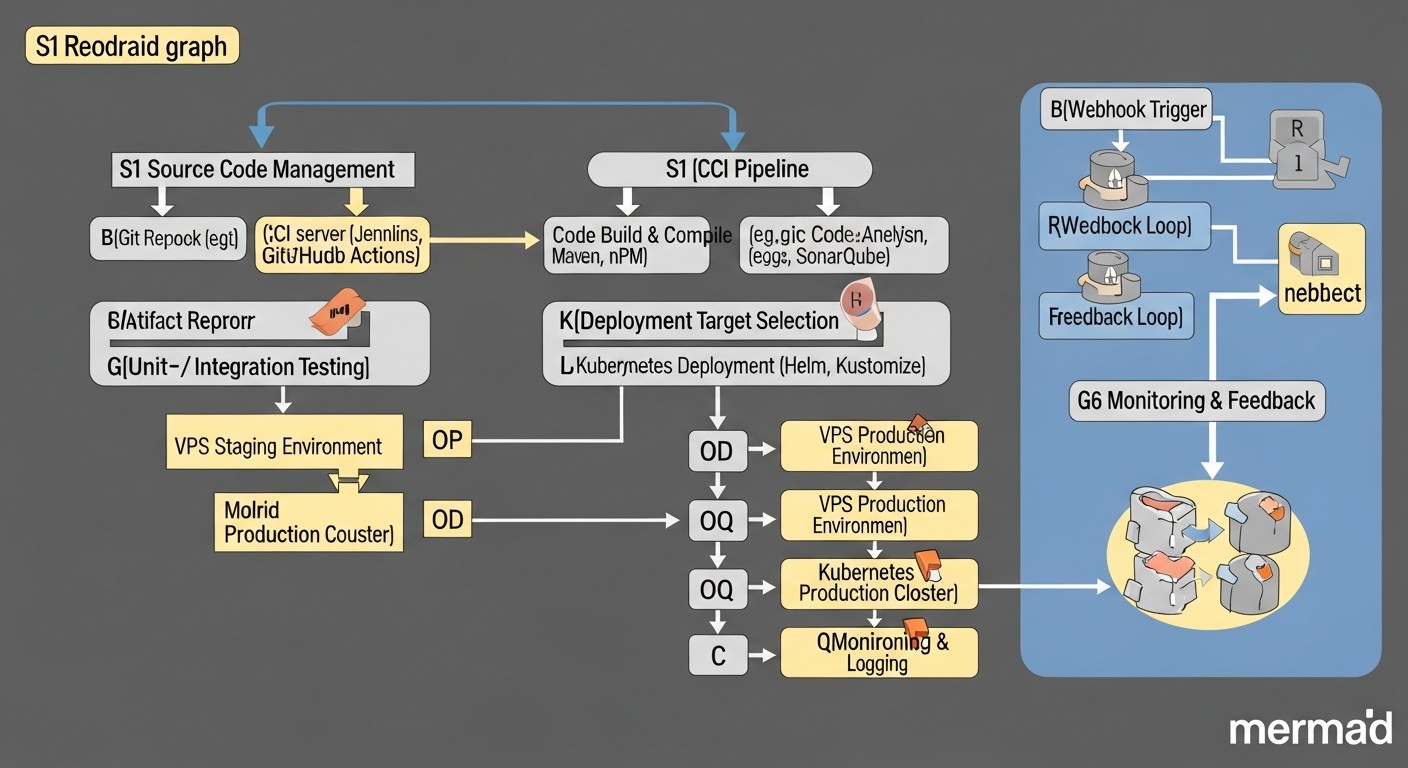
To create a universal CI/CD pipeline in hybrid environments, it's essential to understand the strengths and weaknesses of various approaches and tools. We will focus on three main categories of CI/CD solutions most commonly found in such conditions, as well as GitOps as a paradigm.
1. Integrated Git-Hosting Solutions (GitLab CI/CD, GitHub Actions)
These platforms have become the de-facto standard for many teams due to their deep integration with code repositories and ease of use. In 2026, their functionality has significantly expanded, offering even greater flexibility for hybrid scenarios.
GitLab CI/CD
GitLab CI/CD is part of the comprehensive GitLab platform, covering the entire development lifecycle. This is its main advantage: from repository and project management to CI/CD, security, and monitoring – all in one place. For hybrid environments, GitLab offers a powerful runner system. You can use GitLab's shared runners (for quick starts and small projects), but for hybrid and high-load environments, self-hosted runners are indispensable. They can be deployed on regular VPS (using the Docker-executor), in Docker Swarm, or, most effectively, in a Kubernetes cluster using the Kubernetes-executor, which dynamically creates pods for each job. This allows builds and deployments to be executed as close as possible to the target infrastructure, minimizing latency and enhancing security. The .gitlab-ci.yml syntax is intuitive and allows for the creation of complex pipelines with stages, caching, artifacts, and conditional runs. GitLab actively develops security features (SAST, DAST, Container Scanning) and provides built-in Docker image and package registries, simplifying artifact management. Integration with HashiCorp Vault and Kubernetes Secrets ensures secure credential management.
- **Pros:** Deep integration with Git, single platform, powerful runners for any environment (including Kubernetes), built-in security tools and registries, active community, excellent documentation. Ideal for teams that want everything under one roof, especially if they already have a GitLab installation.
- **Cons:** For very large installations, self-hosted GitLab can be resource-intensive. The cost of the SaaS version can be high for large teams.
- **Who it's for:** For teams of any size, especially those looking for a comprehensive "out-of-the-box" solution and willing to invest in the GitLab ecosystem. Excellent for hybrid deployments due to runner flexibility.
GitHub Actions
GitHub Actions have gained immense popularity due to their simplicity, extensive marketplace of ready-made "actions," and deep integration with GitHub. Like GitLab CI, GitHub Actions supports self-hosted runners, which is critical for hybrid environments. These runners can be installed on any VM, container, or in a Kubernetes cluster, allowing CI/CD tasks to be executed within your own infrastructure, with access to internal resources. The Actions marketplace contains thousands of ready-made modules for building, testing, scanning, and deploying, significantly accelerating pipeline creation. For example, there are Actions for SSH deployment to VPS, for working with Helm and Kubernetes, and for deploying to cloud providers. GitHub also actively develops security features such as CodeQL and Dependabot, which are easily integrated into Actions. OIDC integration allows for secure acquisition of temporary credentials for cloud providers, minimizing the need to store long-term secrets.
- **Pros:** Huge Actions marketplace, ease of use, deep integration with GitHub, excellent documentation, self-hosted runners for hybrid scenarios, powerful security features and secret management via OIDC.
- **Cons:** Some advanced features may require additional Actions or writing custom scripts. Cloud runner costs can become substantial with high volumes.
- **Who it's for:** For teams using GitHub as their primary version control system. Ideal for projects needing quick CI/CD setup with minimal effort and access to a broad library of ready-made solutions.
2. Universal Open Source Solutions (Jenkins)
Jenkins remains a veteran and one of the most flexible CI/CD servers. In 2026, despite the emergence of more modern cloud solutions, Jenkins continues to be the choice for companies that need full control over their CI/CD pipeline and maximum customization. Its "master-agent" architecture is ideally suited for hybrid environments, as agents (runners) can be deployed anywhere: on separate VPS, in Docker Swarm, in Kubernetes, on physical servers, and even on different operating systems. This allows specific deployment tasks to be executed directly on the target platform. Jenkins has an extensive plugin ecosystem (tens of thousands) that allows integration with almost any tool, from version control systems to deployment and monitoring tools. Pipelines can be described both in a graphical interface and using Jenkinsfile (Groovy scripts), enabling "Pipeline as Code." For hybrid environments, Jenkins can be configured for SSH deployment to VPS using the SSH Agent plugin, and for Kubernetes – using Kubernetes, Helm plugins, or even by running kubectl commands directly from the agent.
- **Pros:** Maximum flexibility and customization, vast plugin ecosystem, full control over infrastructure, ability to deploy agents in any environment, "Pipeline as Code" via Jenkinsfile.
- **Cons:** Requires more effort for setup and maintenance, potential complexity in plugin management (dependency hell), interface may be less modern compared to cloud counterparts. Requires dedicated resources for the Master server.
- **Who it's for:** For large organizations with unique CI/CD requirements, for teams needing full control and deep customization capabilities, and for those willing to invest in administration and support. Excellent for complex hybrid environments where specific infrastructure interaction is required.
3. GitOps Solutions (ArgoCD, FluxCD) for Kubernetes
GitOps is an operational paradigm that uses Git as the single source of truth for declaratively describing the desired state of infrastructure and applications. In 2026, GitOps has become the gold standard for managing deployments in Kubernetes. ArgoCD and FluxCD are leading tools in this area. They operate on a "pull-based" principle: instead of the CI/CD pipeline "pushing" changes to the cluster, a GitOps operator running inside Kubernetes continuously "pulls" configurations from a Git repository and reconciles the cluster to that state. This significantly increases the stability, security, and transparency of deployments.
While ArgoCD and FluxCD are primarily Kubernetes-focused, they can also be used in hybrid scenarios. For example, the CI part of the pipeline (build, test, Docker image creation) can be executed in GitLab CI or GitHub Actions, and then these tools update Kubernetes manifests in a Git repository. ArgoCD/FluxCD pick up these changes and deploy them to the cluster. For deployment to VPS, a specialized GitOps controller can be used, which monitors the Git repository and, upon detecting changes, triggers Ansible playbooks or SSH commands on the target VPS. Thus, Git becomes a single point of control for the entire hybrid infrastructure.
- **Pros:** Increased deployment stability and reliability, transparency (Git history of all changes), simplified rollbacks, improved security (no need to grant the CI/CD system direct cluster permissions), declarativeness.
- **Cons:** Primary focus on Kubernetes; for VPS, additional logic or controllers are required. Can be more complex to learn initially.
- **Who it's for:** For teams actively using Kubernetes, striving for maximum automation and deployment stability. Ideal for managing complex microservice architectures in K8s.
Practical Tips and Recommendations for Building a Pipeline
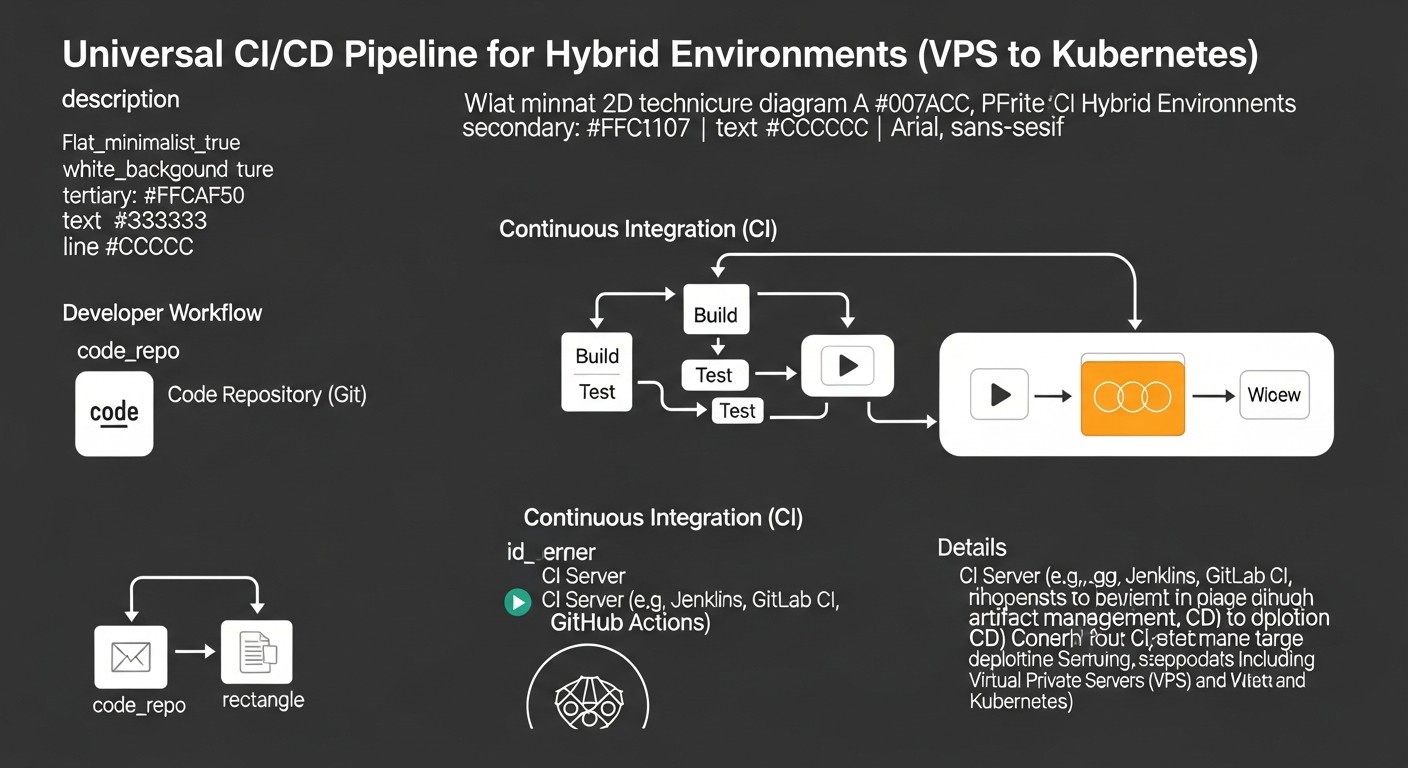
Building a universal CI/CD pipeline for hybrid environments requires not only choosing the right tools but also a strategic approach to design. Below are specific recommendations and examples to help you in this process.
1. Abstracting Deployment Logic with Containers
Maximize the use of Docker and other container technologies. This allows you to create artifacts (Docker images) that can be deployed in virtually any environment — on VPS, in Docker Swarm, or in Kubernetes. The CI pipeline should be responsible for building the code, testing it, and building the Docker image, which is then published to a registry (Docker Hub, GitLab Registry, Artifactory).
Example GitLab CI for building a Docker image:
stages:
  - build
  - test
  - publish

variables:
  DOCKER_IMAGE_NAME: $CI_REGISTRY_IMAGE/$CI_COMMIT_REF_SLUG
  DOCKER_TAG: $CI_COMMIT_SHORT_SHA

build_and_test_app:
  stage: build
  image: node:20-alpine # Or any other for building
  script:
    - npm install
    - npm test
    - npm run build
  artifacts:
    paths:
      - build/ # Save build artifacts

publish_docker_image:
  stage: publish
  image: docker:24.0.5-dind # Docker-in-Docker for building the image
  services:
    - docker:24.0.5-dind
  script:
    - docker login -u $CI_REGISTRY_USER -p $CI_REGISTRY_PASSWORD $CI_REGISTRY
    - docker build -t $DOCKER_IMAGE_NAME:$DOCKER_TAG -t $DOCKER_IMAGE_NAME:latest .
    - docker push $DOCKER_IMAGE_NAME:$DOCKER_TAG
    - docker push $DOCKER_IMAGE_NAME:latest
  only:
    - main # Publish only for the main branch
2. Unified Approach to Configuration Management (Infrastructure as Code)
Use IaC tools such as Terraform, Ansible, Pulumi, to manage both infrastructure and application configurations. This allows you to declaratively describe the desired state of the environment, whether it's a VPS or a Kubernetes cluster.
- **For VPS:** Use Ansible to install dependencies, deploy Docker Compose files, and manage services.
- **For Kubernetes:** Use Helm for packaging applications and their dependencies, Kustomize for customizing manifests.
Example Ansible Playbook for deploying Docker Compose on VPS:
- name: Deploy Docker Compose application
  hosts: web_servers
  become: yes
  vars:
    app_dir: /opt/my-app
    docker_image: "my-registry/my-app:{{ lookup('env', 'CI_COMMIT_SHORT_SHA') }}" # From CI/CD variable
  tasks:
    - name: Ensure app directory exists
      ansible.builtin.file:
        path: "{{ app_dir }}"
        state: directory
        mode: '0755'

    - name: Copy docker-compose.yml
      ansible.builtin.template:
        src: templates/docker-compose.yml.j2
        dest: "{{ app_dir }}/docker-compose.yml"
        mode: '0644'

    - name: Pull latest Docker images
      community.docker.docker_compose:
        project_src: "{{ app_dir }}"
        pull: yes
        state: present

    - name: Start/restart Docker Compose services
      community.docker.docker_compose:
        project_src: "{{ app_dir }}"
        state: started
        restarted: yes
In templates/docker-compose.yml.j2 you can use the variable {{ docker_image }}.
3. Secret Management
Never store secrets in code or Git repositories. Use built-in CI/CD mechanisms (e.g., GitLab CI/CD Variables, GitHub Actions Secrets) or external vaults (HashiCorp Vault, Kubernetes Secrets, AWS Secrets Manager, GCP Secret Manager). For accessing cloud resources, use temporary credentials via OIDC if possible.
Example of using secrets in GitHub Actions:
name: Deploy to VPS

on:
  push:
    branches:
      - main

jobs:
  deploy:
    runs-on: self-hosted # Use a self-hosted runner on VPS
    steps:
      - uses: actions/checkout@v4

      - name: Deploy with SSH
        uses: appleboy/ssh-action@master
        with:
          host: ${{ secrets.VPS_HOST }}
          username: ${{ secrets.VPS_USER }}
          key: ${{ secrets.VPS_SSH_KEY }}
          script: |
            cd /opt/my-app
            docker login -u ${{ secrets.DOCKER_USERNAME }} -p ${{ secrets.DOCKER_PASSWORD }}
            docker-compose pull
            docker-compose up -d --remove-orphans
            docker system prune -f
4. Progressive Delivery
To minimize risks, use progressive delivery strategies:
- **Canary deployments:** Deploy a new version to a small subset of users, then gradually increase traffic.
- **Blue/Green deployments:** Deploy a new version alongside the old one, then switch traffic.
5. Feedback and Monitoring
Integrate CI/CD with monitoring and alerting systems. After each deployment, check application health, performance metrics, and logs. If something goes wrong, the pipeline should be able to automatically roll back or send an alert.
Example POST-deployment check in GitLab CI:
post_deploy_check:
  stage: deploy_validation
  image: curlimages/curl:latest
  script:
    - curl -f -s http://my-app.example.com/health || (echo "Health check failed!" && exit 1)
    - echo "Application is healthy after deployment."
  dependencies:
    - deploy_to_kubernetes # Or deploy_to_vps
  allow_failure: false # Do not allow the pipeline to succeed if the check fails
6. Test Automation
Include all types of testing in the pipeline:
- **Unit tests:** Fast tests for individual components.
- **Integration tests:** Verification of interaction between components.
- **End-to-End (E2E) tests:** Simulation of user behavior (Selenium, Cypress).
- **Load testing:** Performance verification under load (JMeter, k6).
- **Security tests:** SAST, DAST, dependency and container scanning.
7. Using GitOps for Kubernetes
For the Kubernetes parts of your hybrid environment, it is highly recommended to use GitOps tools such as ArgoCD or FluxCD. They significantly simplify configuration management, ensure consistency, and allow for easy rollbacks to previous states.
Example GitOps workflow:
- Developer pushes code to
feature-branch. - CI (GitLab CI/GitHub Actions) runs build, tests, creates Docker image.
- Upon successful test completion, CI updates the Docker image tag in Kubernetes manifests (or Helm values) in a separate
gitops-repo. - ArgoCD/FluxCD, observing the
gitops-repo, automatically detects the change and applies it to the Kubernetes cluster. - If necessary, manual approval can be added in the GitOps tool or via a Pull Request in the
gitops-repo.
Common Mistakes in Implementing Hybrid CI/CD and How to Avoid Them
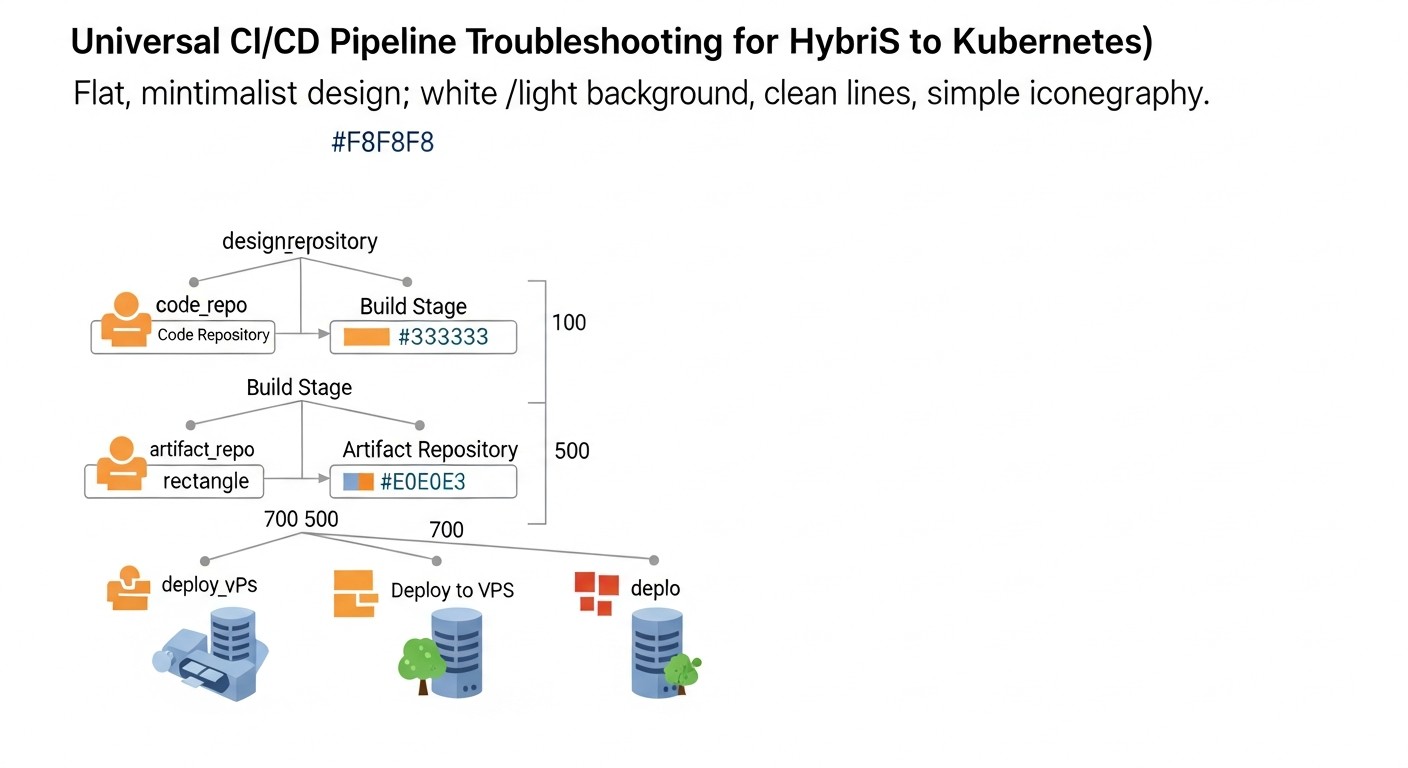
Implementing CI/CD in hybrid environments comes with unique complexities, and many teams make the same mistakes. Knowing these pitfalls will help you build a more reliable and efficient pipeline.
1. Lack of a Unified Secret Management Strategy
Mistake: Storing secrets (passwords, tokens, SSH keys) directly in configuration files within the Git repository, passing them through environment variables that are logged, or using different mechanisms for VPS and Kubernetes without a centralized approach. This leads to leaks, difficulties with rotation, and auditing.
How to avoid: Implement a centralized secret management system. For CI/CD, these can be built-in vaults (GitLab CI/CD Variables, GitHub Actions Secrets) with strict access control. For deployment, use HashiCorp Vault, cloud services (AWS Secrets Manager, GCP Secret Manager), or Kubernetes Secrets (with etcd encryption and, possibly, External Secrets Operator for synchronization with external vaults). Always use OIDC to obtain temporary credentials if the cloud provider supports it.
2. Too Strong a Coupling to a Specific Deployment Platform
Mistake: Hardcoding deployment logic specific to VPS (e.g., direct, "ad-hoc" SSH commands) or Kubernetes (e.g., very specific Helm charts that cannot be adapted). This makes the pipeline inflexible and hinders migration or infrastructure changes.
How to avoid: Create layers of abstraction. Your CI part should produce a universal artifact (e.g., a Docker image). The CD part should use IaC tools (Ansible for VPS, Helm/Kustomize for Kubernetes) that can be parameterized. Separate build logic from deployment logic. Strive for the same artifact to be deployable on different platforms with minimal changes to CD scripts.
3. Ignoring Pipeline Observability and Monitoring
Mistake: Lack of monitoring for CI/CD metrics (build time, success rate, resource utilization), absence of centralized logging for all stages, and no alerts for failures. As a result, teams only learn about problems when the application fails to deploy or users report errors.
How to avoid: Implement CI/CD monitoring as part of your pipeline. Use Prometheus and Grafana to collect and visualize metrics (e.g., using exporters for Jenkins, GitLab). Centralize build logs in ELK Stack, Loki, or Splunk. Configure alerts (via Slack, PagerDuty, Telegram) for any failures, build time anomalies, or deployment issues. This will allow for prompt response and identification of bottlenecks.
4. Insufficient Testing in CI/CD
Mistake: Limiting testing to only Unit tests or completely omitting it. Deploying untested code in hybrid environments, where infrastructure can be complex, increases the risk of critical errors in production.
How to avoid: Include a full spectrum of automated tests: Unit, Integration, E2E, load, and security tests (SAST, DAST, container scanning). Run them at appropriate pipeline stages. Use test environments that are as close to production as possible. Consider implementing contract testing for microservices to ensure compatibility between components deployed on different platforms.
5. Manual Operations in the Pipeline
Mistake: Introducing manual steps into the deployment process, such as manual file copying, executing SSH commands, or manual parameter configuration after deployment. This slows down the process, increases the likelihood of human errors, and makes the pipeline irreproducible.
How to avoid: Automate absolutely all steps. Use IaC to manage infrastructure and configuration. For VPS deployment, use Ansible or Fabric. For Kubernetes – Helm, Kustomize, ArgoCD. If approval is required, implement it as an explicit step in CI/CD (e.g., manual stage trigger in GitLab/GitHub Actions) or through a Pull Request process in the GitOps repository. The goal is to make deployment fully deterministic and repeatable.
6. Lack of a Rollback Strategy
Mistake: Absence of a clear and automated mechanism to roll back to a previous stable version in case of post-deployment issues. This can lead to prolonged downtime and panic in critical situations.
How to avoid: Design the pipeline with rollback capability in mind. For Docker Compose on VPS, this might involve rolling back to the previous Docker image and restarting the service. For Kubernetes, this is a built-in feature (kubectl rollout undo, or Helm release rollback, or GitOps repository commit rollback). Automate rollbacks based on monitoring metrics or post-deployment test results. Ensure your CI/CD can quickly and reliably deploy the previous application version.
Checklist for Practical Application of Hybrid CI/CD
This checklist will help you systematize the process of building and optimizing a CI/CD pipeline for hybrid environments, ensuring you don't miss important aspects.
Planning and Design Phase
- **Define target platforms:** Clearly specify which environments will be used (VPS, Docker Swarm, Kubernetes, Serverless, PaaS) and for which types of applications. This will help in choosing the right tools.
- **Develop an artifact management strategy:** Choose a single Docker image registry (e.g., GitLab Registry, Docker Hub, Artifactory) and an image naming/tagging strategy.
- **Select the primary CI/CD tool:** Decide on GitLab CI, GitHub Actions, Jenkins, or another solution based on requirements, budget, and team expertise.
- **Design the runner/agent architecture:** Decide where builds and deployments will run – cloud runners, self-hosted on VPS, or dynamic runners in a Kubernetes cluster.
- **Define a secret management strategy:** Choose a centralized secret store and access mechanism for all environments (CI/CD, VPS, Kubernetes).
- **Plan IaC integration:** Decide which IaC tools (Terraform, Ansible, Helm, Kustomize) will be used to manage infrastructure and configurations.
- **Define deployment strategies:** Select appropriate strategies (Rolling Update, Blue/Green, Canary) for each target environment.
- **Lay the groundwork for observability:** Plan how CI/CD and application logs and metrics will be collected, and how alerts will be configured.
- **Develop a rollback strategy:** Determine how a quick rollback to a previous version will be performed in case of issues.
- **Conduct a TCO assessment:** Calculate the approximate total cost of ownership for the chosen CI/CD stack, including infrastructure and labor costs.
Implementation and Configuration Phase
- **Configure code repositories:** Ensure your repositories are structured for CI/CD (e.g., monorepo or polyrepo).
- **Write Dockerfiles:** Create optimized Dockerfiles for each application that will be used for building images.
- **Configure the CI pipeline:** Implement build, testing (Unit, Integration, E2E), and Docker image publishing stages to the selected registry.
- **Configure the CD pipeline for VPS:** Use Ansible playbooks or SSH scripts to retrieve Docker images, update Docker Compose files, and restart services on VPS.
- **Configure the CD pipeline for Kubernetes:** Use Helm charts or Kustomize manifests to describe deployments. Integrate with ArgoCD/FluxCD for a GitOps approach.
- **Implement secret management:** Upload all necessary secrets to the chosen secret management system and configure access from CI/CD.
- **Integrate security tools:** Include SAST, DAST, dependency, and container scanning in the CI pipeline.
- **Configure monitoring:** Integrate CI/CD with Prometheus/Grafana for metric monitoring and with a centralized logging system.
- **Configure alerts:** Create alerting rules for critical events in CI/CD and deployed applications.
- **Document the pipeline:** Create detailed documentation on pipeline operation, its structure, tools used, and debugging process.
Optimization and Support Phase
- **Optimize build times:** Look for bottlenecks, use caching, parallel builds, more powerful runners.
- **Regularly audit security:** Conduct periodic security audits of the CI/CD system and used secrets.
- **Update tools:** Stay up-to-date with CI/CD platform, plugin, and IaC tool updates for new features and security fixes.
- **Gather feedback:** Regularly communicate with developers and operators to improve pipeline usability and efficiency.
- **Train the team:** Provide training for new team members on CI/CD usage.
Cost Calculation and Economics of Owning Hybrid CI/CD
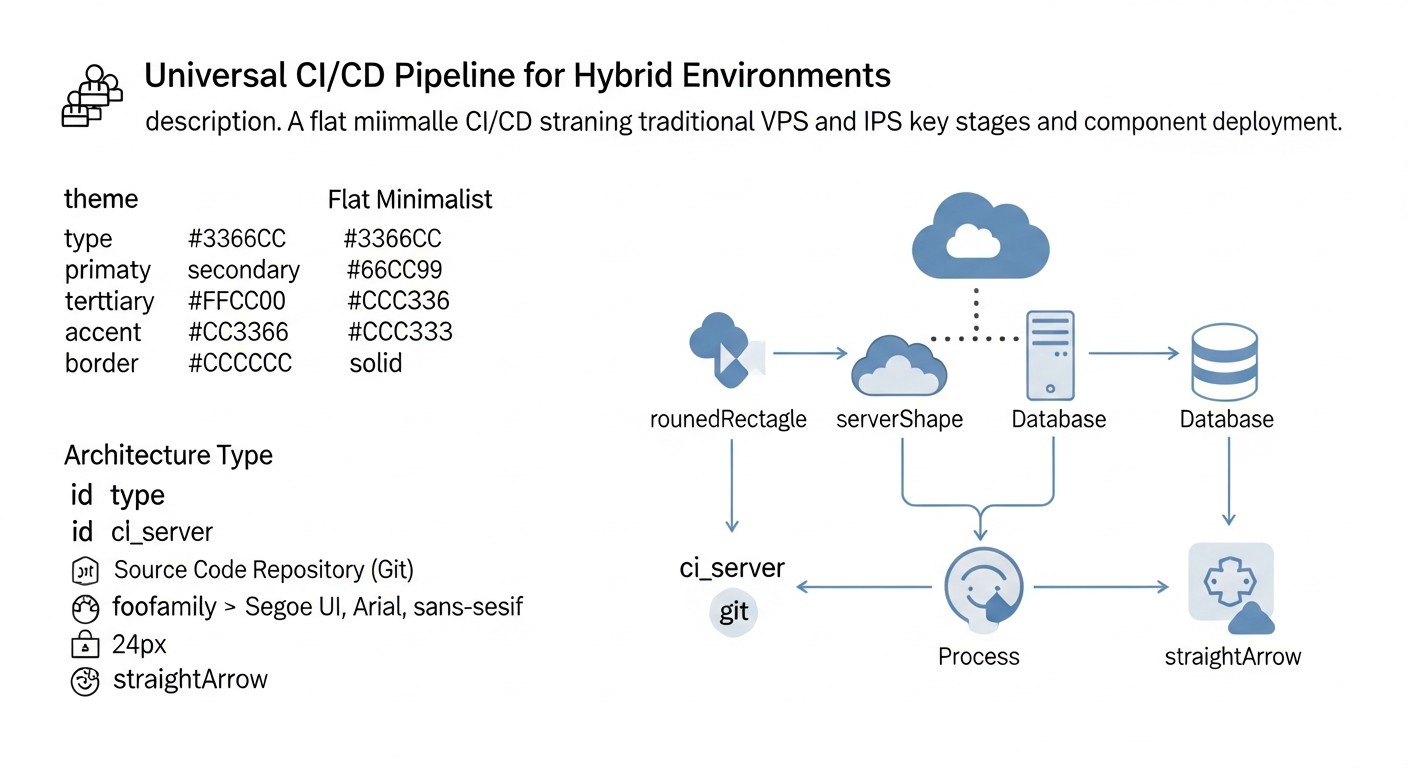
Assessing the Total Cost of Ownership (TCO) for a CI/CD pipeline in hybrid environments is a complex task that requires considering both direct and hidden costs. In 2026, as cloud services continue to become more expensive and the need for flexibility grows, accurate TCO calculation can significantly impact project budgets and efficiency. We will examine examples of calculations for different scenarios.
Hidden costs often overlooked:
- **Engineer labor costs:** This is the largest hidden expense. It includes time for design, setup, debugging, upgrades, maintenance, and training. A complex or poorly designed system can consume hundreds of hours per month.
- **Downtime and delays:** A slow or unstable CI/CD slows down development, increases Time-to-Market, leading to lost revenue.
- **Artifact storage resources:** Cost of storing Docker images, logs, test reports in registries and storage systems.
- **Traffic:** Egress traffic from cloud CI/CD or between your data centers/VPS and cloud services.
- **Licenses and subscriptions:** Beyond core platforms, licenses for third-party security tools, monitoring, or proprietary plugins may be required.
- **Training and certification:** Investment in team skill development.
- **Security:** Implementation and maintenance of security tools, auditing, incident response.
Cost calculation examples for different scenarios (approximate 2026 prices)
Scenario 1: Small SaaS Project (5 developers) on VPS and Docker Compose
- **Target environment:** 3-5 VPS, Docker Compose.
- **CI/CD solution:** GitLab CI (Self-hosted on one VPS) or GitHub Actions (with a self-hosted runner on another VPS).
- **CI/CD tasks:** Docker image builds, Unit/Integration tests, deployment to VPS via SSH/Ansible.
Monthly TCO calculation:
| Expense Item | GitLab CI (Self-hosted) | GitHub Actions (Self-hosted runner) |
|---|---|---|
| VPS for GitLab Master/GitHub Runner (4 vCPU, 8GB RAM) | $35 (DigitalOcean/Hetzner) | $35 (DigitalOcean/Hetzner) |
| VPS for applications (x3) | $75 ($25x3) | $75 ($25x3) |
| Docker image registry (built-in GitLab/Docker Hub Pro) | $0 (built-in) | $10 (Docker Hub Pro) |
| Cloud CI/CD minutes (for GitHub Actions, if no self-hosted) | N/A | $15 (if ~2000 minutes/month) |
| Engineer labor costs (setup/support ~10 hours/month @$80/hour) | $800 | $800 |
| Monitoring/logging (Prometheus, Grafana, Loki on a separate VPS) | $25 | $25 |
| **TOTAL (monthly)** | **~ $935** | **~ $960** |
Conclusion: For small projects, self-hosted solutions can be cost-effective but require significant labor for maintenance. Cloud services (GitHub Actions) might be more expensive due to minutes but simplify administration.
Scenario 2: Medium Project (20 developers) with Microservices on Kubernetes and VPS for DB/Cache
- **Target environment:** Managed Kubernetes (EKS/GKE/AKS), 2-3 VPS for databases/cache.
- **CI/CD solution:** GitLab SaaS (Premium) or GitHub Actions + ArgoCD.
- **CI/CD tasks:** Docker image builds, comprehensive testing, deployment to K8s via Helm/GitOps, Ansible for VPS.
Monthly TCO calculation:
| Expense Item | GitLab SaaS (Premium) | GitHub Actions + ArgoCD |
|---|---|---|
| GitLab SaaS Premium (20 users @$19/month) | $380 | N/A |
| GitHub Actions (cloud runners, ~15000 minutes/month) | N/A | $120 (Linux) + $60 (Windows/macOS) |
| Managed Kubernetes (3 nodes, 8 vCPU, 32GB RAM) | $450 (GKE/EKS) | $450 (GKE/EKS) |
| VPS for DB/cache (x3) | $120 | $120 |
| Docker image registry (built-in GitLab/GCR/ECR) | $0 (built-in) | $30 (GCR/ECR) |
| ArgoCD (infrastructure in K8s) | N/A | $20 (part of K8s resources) |
| Engineer labor costs (setup/support ~40 hours/month @$100/hour) | $4000 | $4000 |
| Monitoring/logging (Managed Prometheus/Grafana, ELK) | $150 | $150 |
| **TOTAL (monthly)** | **~ $5100** | **~ $4950** |
Conclusion: For medium projects with Kubernetes, cloud CI/CD solutions become more attractive as they reduce the overhead of administering the CI/CD itself. Kubernetes infrastructure costs and engineer labor remain the primary drivers of TCO.
Scenario 3: Large Corporation (100+ developers) with Complex Hybrid Infrastructure
- **Target environment:** On-prem Kubernetes, multiple cloud K8s clusters, dozens of VPS, Serverless, PaaS.
- **CI/CD solution:** Jenkins (Enterprise version or powerful Open Source installation) + ArgoCD + Tekton.
- **CI/CD tasks:** All types of testing, multi-stage deployments, complex integrations, compliance.
Monthly TCO calculation:
| Expense Item | Jenkins (Self-hosted) + ArgoCD/Tekton |
|---|---|
| Servers for Jenkins Master/Agents (physical/VMs, ~50 vCPU, 100GB RAM) | $1500 (own infrastructure) |
| Jenkins Enterprise Licenses / Plugins | $1000 (estimate) |
| Managed/On-prem Kubernetes (multiple clusters) | $5000 (average) |
| VPS/Serverless/PaaS (general infrastructure) | $2000 |
| Artifact registries (Artifactory/Nexus Enterprise) | $500 |
| ArgoCD/Tekton (infrastructure in K8s) | $100 |
| Engineer labor costs (DevOps team ~4 engineers @$120/hour) | $76800 (4 * 160 * 120) |
| Monitoring/logging (Enterprise ELK/Splunk) | $1000 |
| Security tools (SAST/DAST Enterprise) | $800 |
| **TOTAL (monthly)** | **~ $89300** |
Conclusion: For large corporations, TCO is primarily driven by the labor costs of highly skilled engineers and the cost of complex infrastructure. Choosing Open Source solutions can reduce direct license costs but will increase maintenance and customization expenses. At this scale, hybridity becomes even more complex and costly, but necessary for flexibility and resilience.
How to optimize costs:
- **Use self-hosted runners:** For cloud CI/CD (GitHub Actions, CircleCI), running runners on your own VPS or in Kubernetes can significantly reduce minute costs, especially for Linux builds.
- **Optimize pipelines:** Reduce build times, use dependency caching, parallelize tasks. The faster the pipeline, the fewer minutes it consumes.
- **Automate administration:** Use IaC to deploy and configure the CI/CD server itself and its agents.
- **Efficiently manage resources:** Configure runner autoscaling so they only launch when needed.
- **Clean up artifacts:** Regularly delete old Docker images and artifacts to reduce storage costs.
- **Use Open Source:** For many tasks, high-quality Open Source alternatives exist that can significantly reduce direct costs but require greater investment in labor.
- **Audit and analyze:** Regularly analyze expense reports and resource utilization to identify inefficiencies.
Ultimately, the choice and economics of CI/CD for hybrid environments is a constant balance between functionality, flexibility, security, and cost, which must be re-evaluated as the project grows and evolves.
Case Studies and Examples of Hybrid CI/CD Implementation
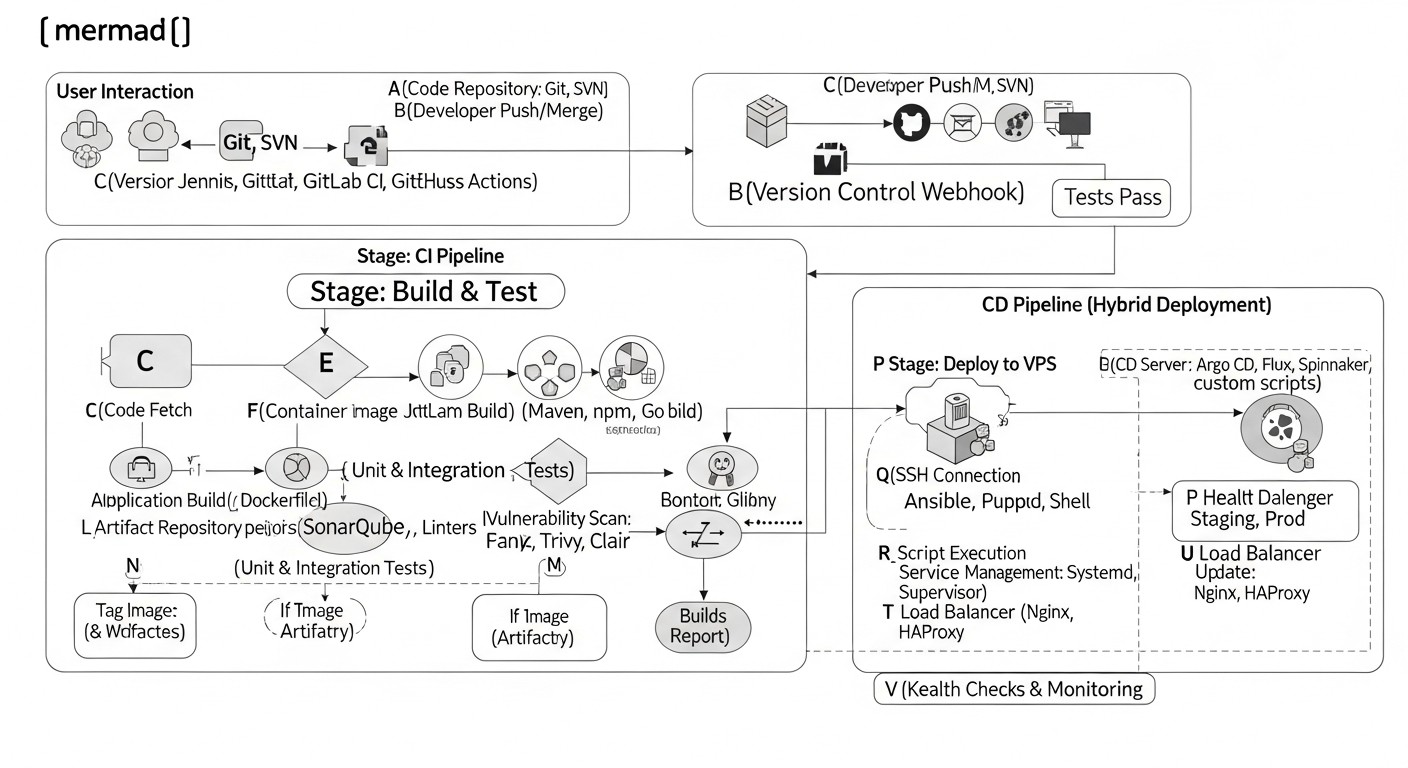
To better understand how theoretical CI/CD concepts for hybrid environments are applied in practice, let's look at a few realistic scenarios. These case studies demonstrate how different companies solve deployment challenges in heterogeneous infrastructure.
Case 1: Startup "SmartLogistics" - Migration from VPS to Kubernetes while retaining legacy components
Problem:
"SmartLogistics" started as a monolithic Python/Django application deployed on two VPS with Docker Compose. As the business grew and new services were added (route analytics, API for mobile drivers), the monolith became a bottleneck. The team decided to transition to a microservice architecture using Kubernetes for new services, but could not immediately migrate all existing functionality due to complexity and cost.
Solution:
A hybrid strategy was chosen, with GitLab CI/CD as the central element.
- **CI-part:** All services (both old and new) were containerized. GitLab CI was responsible for building Docker images, running Unit and Integration tests, and then pushing images to the GitLab Container Registry.
- **CD for VPS (Legacy monolith):** An Ansible playbook was developed for the existing monolith. After a successful image build, GitLab CI triggered this playbook, which connected to the VPS via SSH, updated the
docker-compose.ymlwith the new image tag, and restarted the services. Secrets were stored in GitLab CI/CD Variables. - **CD for Kubernetes (New microservices):** A GitOps approach with ArgoCD was used for new microservices. After building the image, GitLab CI updated Helm charts (
image.tagvalues) in a separate Git repository (GitOps repo). ArgoCD, installed in a Managed Kubernetes cluster (GKE), automatically synchronized these changes and deployed new versions of microservices. - **Shared infrastructure:** Terraform was used to manage the base infrastructure (VPS, GKE cluster, network settings).
- **Monitoring:** Prometheus and Grafana collected metrics from both VPS (via Node Exporter) and the Kubernetes cluster. Logs were centralized in Loki.
Results:
- Significantly accelerated development of new microservices (deployment in 5-7 minutes).
- Stability of the legacy monolith maintained, minimizing risks during gradual migration.
- A single entry point for CI/CD (GitLab) simplified management for the DevOps team.
- GitOps for Kubernetes ensured transparency and reliability of deployments.
- Overall infrastructure costs were optimized by using VPS for stable but resource-intensive parts and Kubernetes for scalable services.
Case 2: Enterprise Company "FinTech Solutions" - Deployment in On-Prem and Cloud K8s with Enhanced Security
Problem:
"FinTech Solutions" develops critical financial applications. They have a legacy infrastructure based on On-Premise Kubernetes for sensitive data and a new, scalable service for a public API deployed in cloud Kubernetes (Azure AKS). Security, audit, and compliance requirements were extremely high. There was a risk of data leakage and non-compliance with regulatory norms.
Solution:
A complex hybrid CI/CD system was built based on Jenkins using Tekton and enhanced security measures.
- **CI-part (Jenkins + Tekton):** Jenkins Master managed all orchestration. For building and testing, dynamic Jenkins agents were used, deployed as Tekton pods in the On-Prem Kubernetes cluster (for sensitive builds) and in Azure AKS (for public services). This ensured isolation and execution of builds as close as possible to the target environment. Jenkinsfile pipelines included:
- SAST (SonarQube) and DAST (OWASP ZAP) scanning.
- Dependency scanning (Snyk) and Docker image scanning (Trivy).
- Signing Docker images using Notary.
- **Secret Management:** HashiCorp Vault was integrated with Jenkins and Kubernetes clusters. Jenkins obtained temporary tokens to access Vault, and Tekton pods used an Injector to retrieve secrets at runtime. Azure AKS used Azure Key Vault with OIDC integration to access cloud resources.
- **CD-part (GitOps with FluxCD):** FluxCD was used for both Kubernetes clusters (On-Prem and AKS). After a successful build and image signing, Jenkins updated Helm charts in the GitOps repository. FluxCD, running in each cluster, automatically synchronized the changes. This provided full transparency and auditability of all deployments via Git.
- **Automated Rollback:** In case of problems detected by monitoring or a failed health check, FluxCD was configured for automatic rollback to the previous version described in Git.
- **Monitoring and Auditing:** Splunk collected logs from all parts of the pipeline and both clusters. Prometheus and Grafana were used for performance and availability monitoring. All actions in Jenkins and the GitOps repository were logged for compliance audits.
Results:
- A high level of security and compliance with regulatory requirements was achieved through comprehensive checks and strict secret management.
- Deployment management in two heterogeneous Kubernetes clusters became unified and transparent thanks to GitOps.
- CI/CD scalability was ensured by dynamic Tekton agents.
- Reduced risks of human error and accelerated delivery of changes to production, despite the complexity of the infrastructure.
These case studies show that a universal CI/CD for hybrid environments is not a utopia, but a perfectly achievable task that requires a well-thought-out approach, the right choice of tools, and constant attention to security and observability details.
Tools and Resources for Hybrid CI/CD
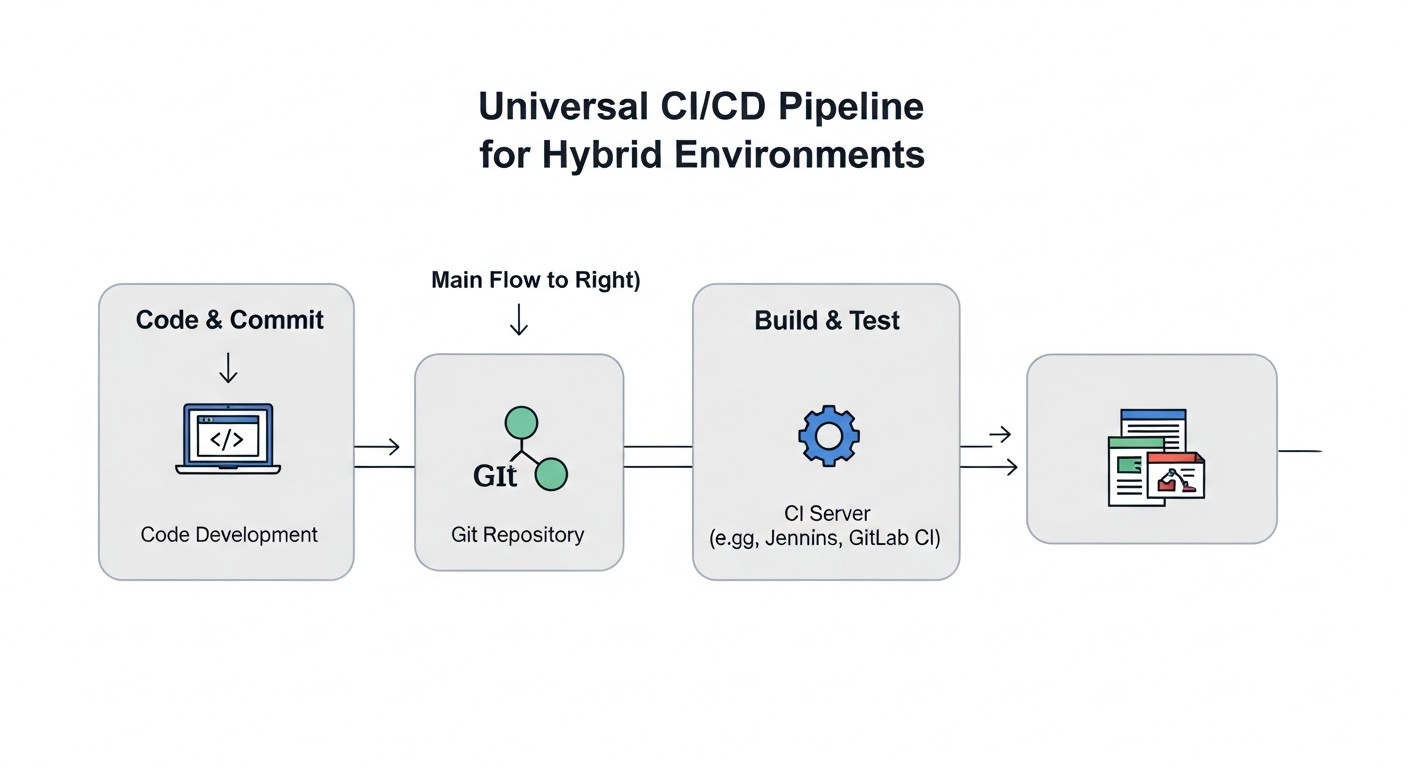
Effective construction and maintenance of a hybrid CI/CD pipeline is impossible without using a variety of tools and continuous learning. In 2026, the DevOps ecosystem continues to expand, offering new solutions and improving existing ones. Below is a list of key tool categories and useful resources.
1. CI/CD Platforms
- **GitLab CI/CD:** A comprehensive "all-in-one" platform. An excellent choice for teams looking for an integrated solution. Documentation
- **GitHub Actions:** Ideal for projects on GitHub, with a huge marketplace of ready-made actions. Documentation
- **Jenkins:** Highly configurable Open Source solution for maximum control and flexibility. Requires more effort for maintenance. Documentation
- **CircleCI:** Cloud-based CI/CD with good container support. Documentation
- **Tekton:** Kubernetes-native CI/CD framework, allowing pipelines to be built within the cluster. Documentation
2. Infrastructure as Code (IaC) Tools
- **Terraform:** For declarative management of cloud and on-prem infrastructure (VPS, Kubernetes clusters, networks). Documentation
- **Ansible:** For automating server configuration (VPS), application deployment, and orchestration. Documentation
- **Pulumi:** Use familiar programming languages (Python, Go, TypeScript) to describe infrastructure. Documentation
- **Helm:** The de-facto standard for managing applications in Kubernetes. Documentation
- **Kustomize:** For declarative customization of Kubernetes manifests without templating. Built into
kubectl. Documentation
3. GitOps Tools for Kubernetes
- **ArgoCD:** Popular GitOps controller for Kubernetes with an excellent UI and rich functionality. Documentation
- **FluxCD:** Another powerful GitOps tool, focused on simplicity and extensibility. Documentation
4. Secret Management
- **HashiCorp Vault:** Centralized secret store with dynamic credential allocation. Documentation
- **Kubernetes Secrets:** Built-in mechanism for storing sensitive data in K8s. Recommended for use with etcd encryption. Documentation
- **External Secrets Operator:** Integrates Kubernetes Secrets with external stores (Vault, AWS Secrets Manager, Azure Key Vault). Documentation
- **Cloud Providers Secrets Managers:** AWS Secrets Manager, Azure Key Vault, Google Secret Manager.
5. Monitoring and Logging
- **Prometheus:** Monitoring system with a powerful PromQL query language. Documentation
- **Grafana:** Tool for visualizing metrics from Prometheus and other sources. Documentation
- **Loki:** Log aggregation system, similar to Prometheus but for logs. Documentation
- **ELK Stack (Elasticsearch, Logstash, Kibana):** Powerful stack for centralized collection, analysis, and visualization of logs. Documentation
- **OpenTelemetry:** A unified standard for collecting telemetry (metrics, logs, traces). Documentation
6. Security Tools
- **Trivy:** Vulnerability scanner for container images, file systems, Git repositories, and configurations. Documentation
- **Snyk:** Platform for scanning vulnerabilities in code, dependencies, containers, and cloud configurations. Documentation
- **SonarQube:** Tool for static code analysis (SAST), finding bugs and vulnerabilities. Documentation
- **OWASP ZAP:** Tool for dynamic application security testing (DAST). Documentation
- **Open Policy Agent (OPA):** Universal policy engine for enforcing policies in CI/CD, Kubernetes, and other systems. Documentation
7. Additional Utilities
- **Docker Compose:** For local development and deployment of multi-container applications on VPS. Documentation
- **kubectl:** Command-line tool for managing Kubernetes clusters. Documentation
- **SSH:** Basic tool for remote access and command execution on VPS.
- **cURL/Wget:** For HTTP requests and post-deployment checks.
8. Useful Resources and Documentation
- **CNCF Landscape:** An interactive map of Cloud Native Computing Foundation projects, covering many tools for containers and Kubernetes. Link
- **Awesome CI/CD:** A curated list of resources, tools, and articles on CI/CD. Link
- **DevOps Roadmap:** A visual roadmap for learning DevOps tools and concepts. Link
- **Blogs and Communities:** Regularly read blogs from companies like GitLab, GitHub, HashiCorp, and participate in DevOps communities on Slack, Telegram, Reddit.
Remember that tools are just means. The main thing is understanding the principles and applying them taking into account the specifics of your project and team. Don't be afraid to experiment, but always start small and gradually expand the functionality of your CI/CD pipeline.
Troubleshooting: Solving Problems in Hybrid CI/CD Pipelines
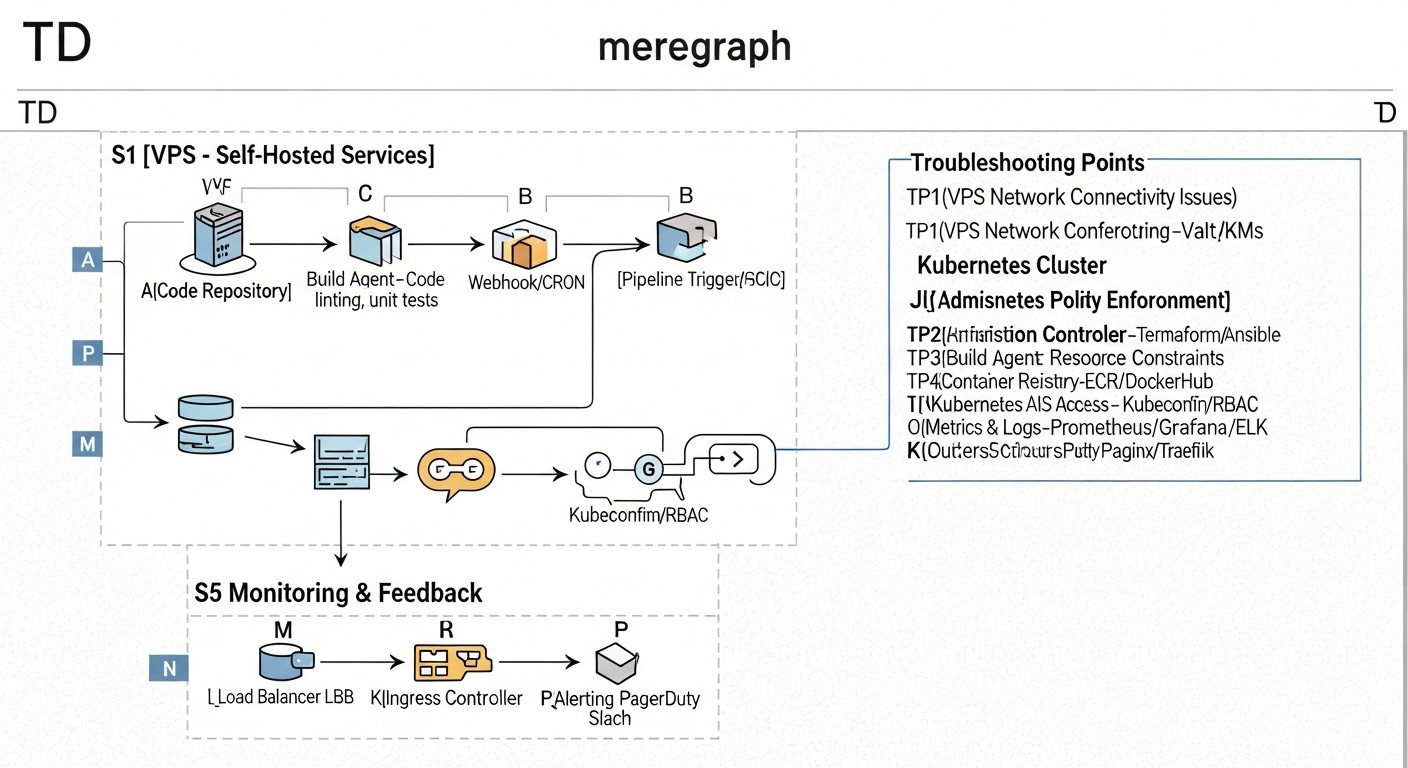
Even the most carefully designed CI/CD pipeline will eventually encounter problems. In hybrid environments, diagnosis can be particularly challenging due to the variety of platforms and tools. Effective troubleshooting requires a systematic approach and knowledge of typical scenarios.
Typical problems and their solutions:
1. Docker image build fails or takes too long
- **Problem:** Build errors (missing dependencies, syntax errors in Dockerfile), slow build.
- **Diagnosis:**
- Check build logs in the CI/CD system.
- Locally run
docker build .in the project root to reproduce the error. - Use
docker history <image>to analyze image layers.
- **Solution:**
- Optimize Dockerfile: use multi-stage builds, layer caching, minimal base images (e.g., Alpine).
- Ensure all dependencies are available and correctly specified.
- Increase resources for the CI/CD runner if performance is the issue.
- Use dependency caching (e.g.,
npm cache,pip cache) in CI/CD.
2. Deployment to VPS via SSH/Ansible fails
- **Problem:** SSH access denied, command execution errors, incorrect paths, permission issues.
- **Diagnosis:**
- Check CI/CD logs, look for specific SSH or Ansible error messages.
- Try to manually connect to the VPS from the machine where the CI/CD runner is running, using the same credentials (SSH key).
- Check file paths and environment variables on the target VPS.
- Run Ansible with the
-vvvflag for verbose output.
- **Solution:**
- Ensure the SSH key has correct permissions (
chmod 400) and is added to CI/CD as a secret. - Verify that the SSH user has necessary permissions (e.g., sudo without password for Ansible).
- Ensure Docker Compose file and other configurations are correctly copied and in the right directories.
- Check network connectivity between the runner and the VPS.
- Ensure the SSH key has correct permissions (
3. Application does not start or works incorrectly after deployment to Kubernetes
- **Problem:** Pods in Pending/CrashLoopBackOff state, Service not delivering traffic, application returning errors.
- **Diagnosis:**
kubectl get pods -n <namespace>: Check pod status.kubectl describe pod <pod-name> -n <namespace>: View pod events, startup errors.kubectl logs <pod-name> -n <namespace>: Check application logs.kubectl get events -n <namespace>: General cluster events.- Check Service, Ingress, Deployment/StatefulSet configuration.
- **Solution:**
- Ensure the Docker image is accessible from the cluster and correctly specified in manifests.
- Check
imagePullSecretsif a private registry is used. - Check
resource requests/limits: the pod might lack resources. - Ensure
livenessProbeandreadinessProbeare configured correctly. - Verify that environment variables and secrets are correctly mounted into the pod.
- Check network policies (Network Policies) if they are used.
- If Helm is used:
helm status <release-name>,helm get manifest <release-name>. - If ArgoCD/FluxCD is used: check synchronization status in UI/CLI, view controller logs.
4. Secret management issues
- **Problem:** Application cannot access database, API key, or CI/CD runner fails to authenticate.
- **Diagnosis:**
- Verify that the secret exists in the store (GitLab/GitHub Secrets, Vault, K8s Secrets).
- Check access rights: does the CI/CD runner/pod have the necessary permissions to read the secret.
- Ensure the secret is correctly mounted (for K8s) or passed as an environment variable.
- Check application logs for authorization errors.
- **Solution:**
- Recreate the secret if there are suspicions of corruption.
- Check the access policy (IAM, RBAC) for the CI/CD runner or service account in Kubernetes.
- Ensure environment variable names or keys in configuration files match.
- Use temporary tokens and OIDC to minimize risks.
5. Slow CI/CD pipeline performance
- **Problem:** Builds and deployments take too long, slowing down development.
- **Diagnosis:**
- Use built-in CI/CD dashboards (GitLab, Jenkins) to analyze the execution time of each stage.
- Check CPU/RAM load on CI/CD runners.
- Use
timeto measure the execution of individual commands in scripts.
- **Solution:**
- Optimize Dockerfile and build scripts (see point 1).
- Use dependency and artifact caching between builds.
- Parallelize pipeline stages that have no dependencies.
- Increase runner resources or use more powerful instances.
- Optimize network interaction (e.g., place runners closer to artifact registries).
When to contact support:
- **Problems with CI/CD SaaS platform:** If you are using GitHub Actions, GitLab SaaS, or CircleCI, and the problem is clearly related to their infrastructure (e.g., service unavailability, errors in their runners), contact their technical support.
- **Problems with managed Kubernetes:** If you are using GKE, EKS, AKS and encounter cluster-level problems (e.g., API server unavailability, Control Plane issues), contact your cloud provider's support.
- **Critical vulnerabilities:** If you discover a critical vulnerability in an Open Source tool you are using, first check if there is already a patch or known solution in the community. If not, report it to the project developers.
- **Irreproducible errors:** If you cannot reproduce the problem locally and logs do not provide a clear picture, it may be related to the specifics of the CI/CD environment or target platform, and a third-party expert or support may help.
Remember that good documentation of your CI/CD pipeline and infrastructure significantly simplifies troubleshooting. Keep a change log so you can always understand what was changed and when.
FAQ: Frequently Asked Questions about Hybrid CI/CD
What is a hybrid environment in the context of CI/CD?
A hybrid environment is an infrastructure that combines various deployment platforms. For example, some applications might run on traditional Virtual Private Servers (VPS) or dedicated servers, while others run in container orchestrators like Kubernetes or Docker Swarm, possibly with elements of serverless computing. CI/CD for such an environment must be able to efficiently deploy applications to each of these platforms.
Why can't all applications simply be migrated to Kubernetes?
Migrating all applications to Kubernetes is often a complex, costly, and labor-intensive process. For legacy monolithic applications, this might require significant refactoring. Furthermore, for small, stable services or databases, VPS often offer better predictability, simpler management, and lower cost compared to the overhead of Kubernetes.
Which CI/CD tool is best suited for hybrid environments?
There is no single "best" tool; the choice depends on team size, budget, and specific requirements. GitLab CI/CD and GitHub Actions offer excellent Git integration and flexible runners (self-hosted), making them good choices. Jenkins provides maximum flexibility and control but requires more effort for maintenance. A combination of these tools (e.g., GitLab CI for building and ArgoCD for Kubernetes deployment) is also a popular solution.
How to ensure CI/CD security in a hybrid environment?
Security is achieved through several layers: centralized secret management (Vault, Secrets Managers), running each build in an isolated environment (containers), integrating vulnerability scanners (SAST, DAST, Trivy) into the pipeline, strict access control (RBAC) to the CI/CD system and target environments, and regular log auditing.
Is GitOps necessary if I have VPS?
GitOps is primarily focused on Kubernetes, where it provides declarative management of the cluster state. However, GitOps principles (Git as the single source of truth, declarativeness, pull-based deployment) can also be applied to VPS. This can be achieved by using specialized GitOps controllers or CI/CD that monitor a Git repository and trigger Ansible playbooks for deployment to VPS upon detecting changes.
How to manage configurations for different environments (dev, stage, prod) in hybrid CI/CD?
Use Infrastructure as Code (IaC) and parameterization. For Kubernetes, this could be Helm charts with different values.yaml files for each environment or Kustomize with overlays. For VPS – Ansible playbooks with environment-specific variables. All configurations should be stored in Git and versioned.
How to ensure fast rollback in a hybrid environment?
Automated rollback is critically important. For Docker Compose on VPS, this might involve rolling back to the previous Docker image and restarting the service. In Kubernetes, this is a built-in feature (kubectl rollout undo), or a Helm release rollback, or a commit rollback in the GitOps repository. Ensure your CI/CD can quickly and reliably deploy the previous stable version.
Which CI/CD metrics are important for monitoring?
Key metrics include: execution time of each pipeline stage, total build/deployment duration, frequency of successful/failed builds, resource utilization by runners (CPU, RAM), number of pending tasks in the queue. This data helps identify bottlenecks and optimize performance.
How to test applications deployed in hybrid environments?
Include all types of testing in CI/CD: Unit, Integration, E2E (End-to-End), load, and security tests. For hybrid environments, contract testing is especially important to ensure that services deployed on different platforms interact correctly. E2E tests should verify functionality across all components, regardless of their placement.
How to deal with "vendor lock-in" when choosing CI/CD for hybrid environments?
Avoid tight coupling to proprietary features. Use standardized technologies (Docker, Kubernetes, Git, YAML, Bash). Separate build logic from deployment logic. If possible, use Open Source tools. This will allow you to migrate to another CI/CD platform relatively easily in the future if your needs change.
Conclusion
Building a universal CI/CD pipeline for hybrid environments is not just a technical task, but a strategic imperative for most modern companies in 2026. A world where VPS coexists with Kubernetes, and traditional monoliths interact with microservices, demands flexibility, reliability, and a high degree of automation. We have established that such a pipeline is not only possible but necessary to maintain competitiveness, accelerate value delivery, and optimize operational costs.
The key to success lies in several fundamental principles: maximum abstraction of deployment logic using containers and Infrastructure as Code, selecting tools capable of working with heterogeneous target platforms, and strict adherence to security and observability practices. Regardless of whether you choose integrated solutions like GitLab CI or GitHub Actions, or prefer full control with Jenkins combined with GitOps tools like ArgoCD, it's important to remember modularity, reusability, and automation of every step.
Final Recommendations:
- **Start small:** Don't try to automate everything at once. Identify the most critical and frequently changing parts of your application and begin by automating them.
- **Invest in IaC:** Use Terraform, Ansible, Helm to declaratively describe all your infrastructure and configurations. This will pay off many times over.
- **Containerize everything:** Docker images are a universal artifact format that significantly simplifies deployment in any environment.
- **Embrace GitOps for Kubernetes:** If you are using Kubernetes, a GitOps approach with ArgoCD or FluxCD will become your best friend for reliable and transparent deployments.
- **Prioritize security and observability:** Embed vulnerability scanning, centralized logging, and monitoring into every stage of your pipeline.
- **Educate and develop your team:** CI/CD is not just about tools, but also culture. Invest in training your team so they can effectively use and evolve the pipeline.
- **Continuously optimize:** Your CI/CD pipeline is a living organism. Regularly analyze its performance, identify bottlenecks, and adapt to new technologies and business needs.
Next Steps for the Reader:
Now that you are armed with knowledge and recommendations, it's time to act. Start by auditing your current infrastructure and processes. Identify the most painful points and choose one small project for a pilot implementation of hybrid CI/CD. Experiment with tools, use the provided examples, and don't be afraid to make mistakes – every mistake is a valuable lesson. Ultimately, a well-built universal CI/CD pipeline will become the cornerstone of your engineering culture, ensuring stability, speed, and a competitive advantage in the ever-changing world of software development.
Was this guide helpful?