Implementing FinOps on VPS and Dedicated Servers: Strategies and Tools for Cost Control
TL;DR
- FinOps is a culture and set of practices for maximizing the business value of IT infrastructure, applicable not only to clouds but also to VPS/Dedicated servers.
- Key principles include full cost visibility, team accountability, continuous resource optimization, and automation.
- For VPS and dedicated servers, correct sizing, using long-term contracts, and thorough performance monitoring are critically important.
- Implementing FinOps allows for cost reduction of 15-30% by eliminating inefficiencies, preventing overspending, and improving planning.
- Use a combination of monitoring tools (Prometheus, Grafana), automation systems (Ansible, Terraform), and internal processes to achieve FinOps goals.
- Don't forget about hidden costs: traffic, licenses, backups, support costs, and human resources.
- FinOps culture requires constant interaction between technical and financial teams, as well as regular strategy reviews.
Introduction
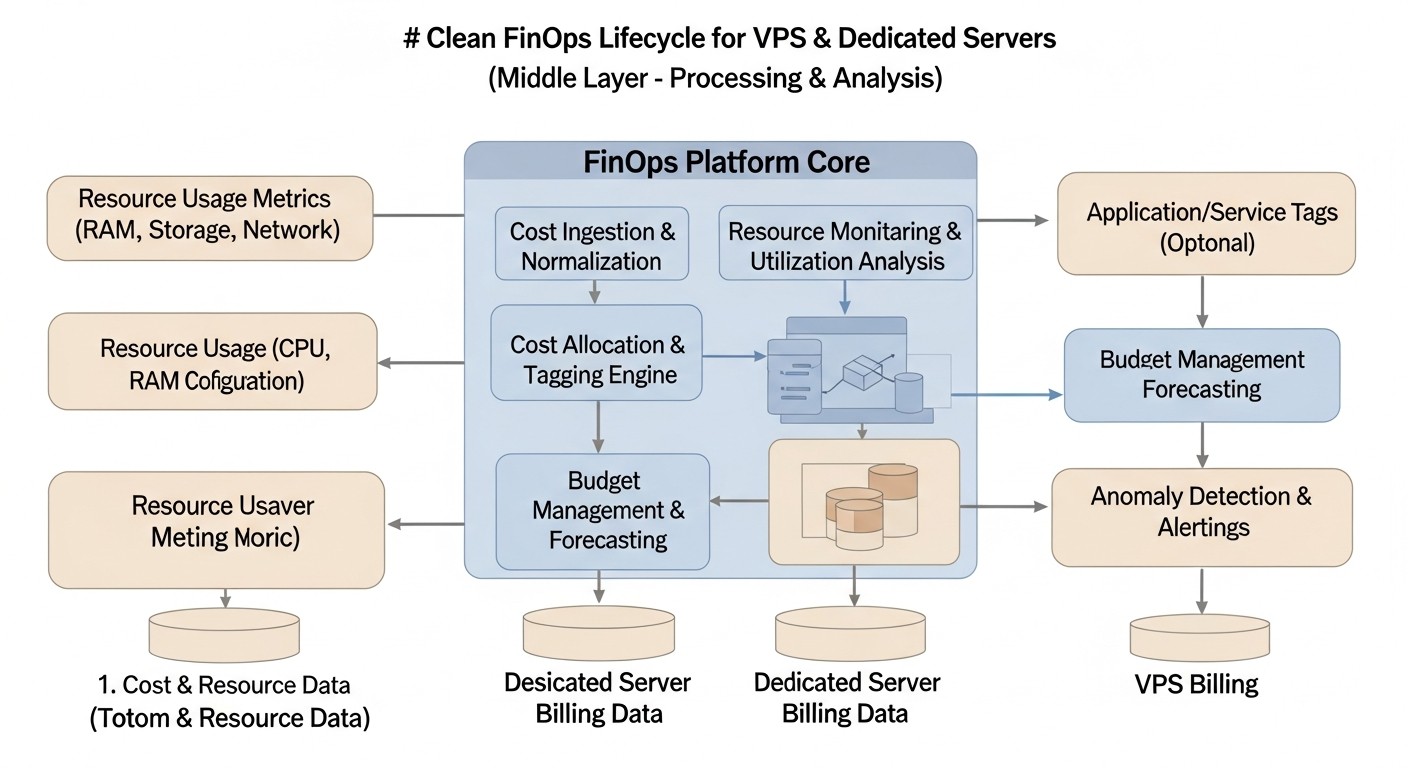 Diagram: Introduction
In 2026, the IT infrastructure landscape continues to evolve rapidly, offering companies a wide range of solutions – from fully cloud-based environments to hybrid configurations and traditional dedicated servers. However, regardless of the chosen strategy, effective cost management remains the cornerstone of a successful business. While the FinOps concept has gained widespread adoption in cloud ecosystems, its principles and methodologies are no less, and sometimes even more, relevant for those using Virtual Private Servers (VPS) and dedicated servers. Many mistakenly believe that on fixed infrastructure, costs are predictable and do not require active management, but practice shows the opposite. Hidden costs, suboptimal resource utilization, outdated configurations, and a lack of transparency can lead to significant financial losses.
This article aims to fill the gap in understanding and applying FinOps for traditional and hybrid infrastructures. We will explore why, in 2026, FinOps is becoming not just a desirable but a necessary practice for VPS and dedicated server owners. The growing complexity of applications, the need for high availability, tightening security requirements, and constant pressure to reduce operational costs make a systematic approach to infrastructure financial management critically important. The problems we aim to solve include a lack of clear cost visibility across projects and teams, overpaying for unused or redundant resources, difficulties in forecasting future costs, and the absence of a unified optimization strategy.
This expert guide is intended for a broad audience of technical specialists and managers who face the challenges of infrastructure and budget management. DevOps engineers will find practical advice on automation and monitoring, backend developers (whether using Python, Node.js, Go, or PHP) will learn how their architectural decisions impact costs. SaaS project founders and startup CTOs will gain strategies for scaling without inflating the budget, and system administrators will find tools to improve their work efficiency. Our goal is to provide not just a set of recommendations, but a comprehensive practical framework that will allow you to take full control of your infrastructure costs, increase its efficiency, and ensure the sustainable development of your business.
In an environment where every dollar matters, especially for startups and fast-growing companies, understanding how to effectively utilize server resources becomes a direct competitive advantage. FinOps on VPS and dedicated servers is not about cutting the budget at all costs, but about smart investment in infrastructure that yields maximum returns. We will show how, with the right strategies, tools, and cultural changes, this goal can be achieved, transforming costs into strategic investments.
Key FinOps Criteria/Factors for VPS and Dedicated Servers
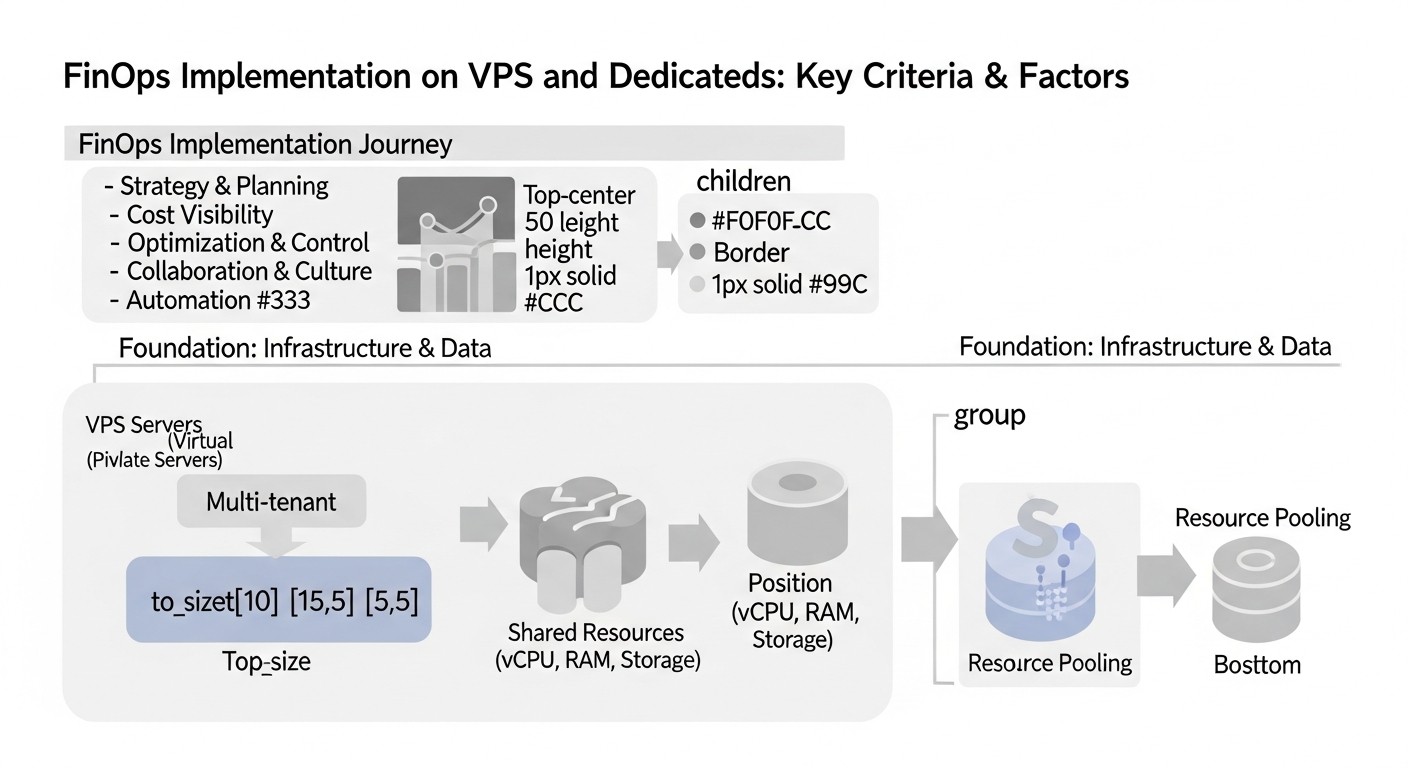 Diagram: Key FinOps Criteria/Factors for VPS and Dedicated Servers
Effective FinOps implementation on VPS and dedicated servers requires understanding and systematic application of several key factors. These criteria form the basis for making informed decisions and ensure continuous improvement in the financial efficiency of the infrastructure. Each plays a role in achieving cost transparency, control, and optimization.
2.1. Cost Visibility
Visibility is the first and perhaps most important step in FinOps. Without a clear understanding of where money is going, it's impossible to manage costs. On VPS and dedicated servers, this means not only knowing the monthly rental fee but also detailing all associated costs: traffic, software licenses (OS, control panels, databases), backups, IP addresses, additional services (DDoS protection, CDN), as well as indirect costs such as engineers' salaries, downtime, and technical support. It's crucial to break down these costs by projects, teams, or even microservices, if applicable. Without detailed visibility, it's impossible to identify areas of overspending or inefficiency. Visibility can be assessed by the level of detail in reports, the availability of data to all stakeholders, and the ability to correlate costs with specific business metrics.
2.2. Accountability
The principle of accountability means that each team or even individual engineer must understand the financial consequences of their decisions and be responsible for the costs they generate. In the context of VPS and dedicated servers, this can be more challenging than in the cloud with its flexible tags and detailed billing reports. However, this does not make the principle less important. Mechanisms for "showback" or "chargeback" need to be implemented, where costs for a specific server or service are tied to the responsible team or project. This encourages teams to take a more responsible approach to resource consumption. Accountability is assessed through regular cost reviews with teams, the presence of internal efficiency metrics, and the degree of developer involvement in the optimization process.
2.3. Resource Optimization
Optimization is a continuous process of aligning resource consumption with actual needs. On VPS and dedicated servers, this includes:
- Right-sizing: Choosing a server with the optimal amount of CPU, RAM, disk space, and network bandwidth, avoiding both over-provisioning and under-provisioning. This requires in-depth analysis of load and performance.
- Consolidation: Combining several less-loaded VPS onto one more powerful dedicated server using virtualization (e.g., Proxmox, VMware ESXi), which can significantly reduce overall rental and management costs.
- Automated Lifecycle Management: Automating the de-provisioning of unused test or temporary servers.
- Performance Optimization: Fine-tuning operating systems, databases, web servers, and applications for more efficient use of available resources.
Optimization is assessed through resource utilization metrics (CPU, RAM, I/O), the number of "idle" servers, and the percentage of savings achieved by changing configurations.
2.4. Automation and Infrastructure as Code (IaC)
Automation is the engine of efficiency in FinOps. Manual management of hundreds of servers is not only labor-intensive but also prone to errors and inefficiencies. Implementing Infrastructure as Code (IaC) using tools like Ansible, Terraform, or Puppet allows for standardizing server deployment, updates, and de-provisioning, ensuring that resources are allocated according to specified parameters and do not remain active longer than necessary. Automation also simplifies metric collection and the application of optimization policies. Automation is assessed by the number of manual operations, the time to deploy new services, and the percentage of infrastructure managed by IaC.
2.5. Forecasting & Budgeting
Reliable forecasting of future expenses and their alignment with the budget is a critically important aspect of FinOps. On VPS and dedicated servers, where contracts are often long-term and scaling is not always instantaneous, accurate forecasting helps avoid surprises and allows for proactive planning of necessary investments or cost reduction measures. This includes analyzing historical resource consumption data, accounting for seasonality, planned business growth, and the launch of new projects. Accuracy of forecasts, timeliness of identifying budget deviations, and the ability to take proactive measures are assessed.
2.6. Collaboration
FinOps is not just about technology, but also about culture. It requires close collaboration between technical teams (DevOps, developers, sysadmins) and financial departments. Developers must understand the financial implications of their architectural decisions, and financial managers must have an understanding of the technical aspects of the infrastructure to make informed budget decisions. Regular meetings, shared dashboards, training, and common terminology contribute to creating this culture. Collaboration is assessed through feedback from teams, the speed of decision-making regarding costs, and the level of mutual understanding between departments.
All these criteria are interconnected and must be applied comprehensively to achieve maximum effect. Ignoring any of them will lead to gaps in the FinOps strategy and a reduction in its overall effectiveness on VPS and dedicated servers.
Comparison Table: Server Types and Their Costs in 2026
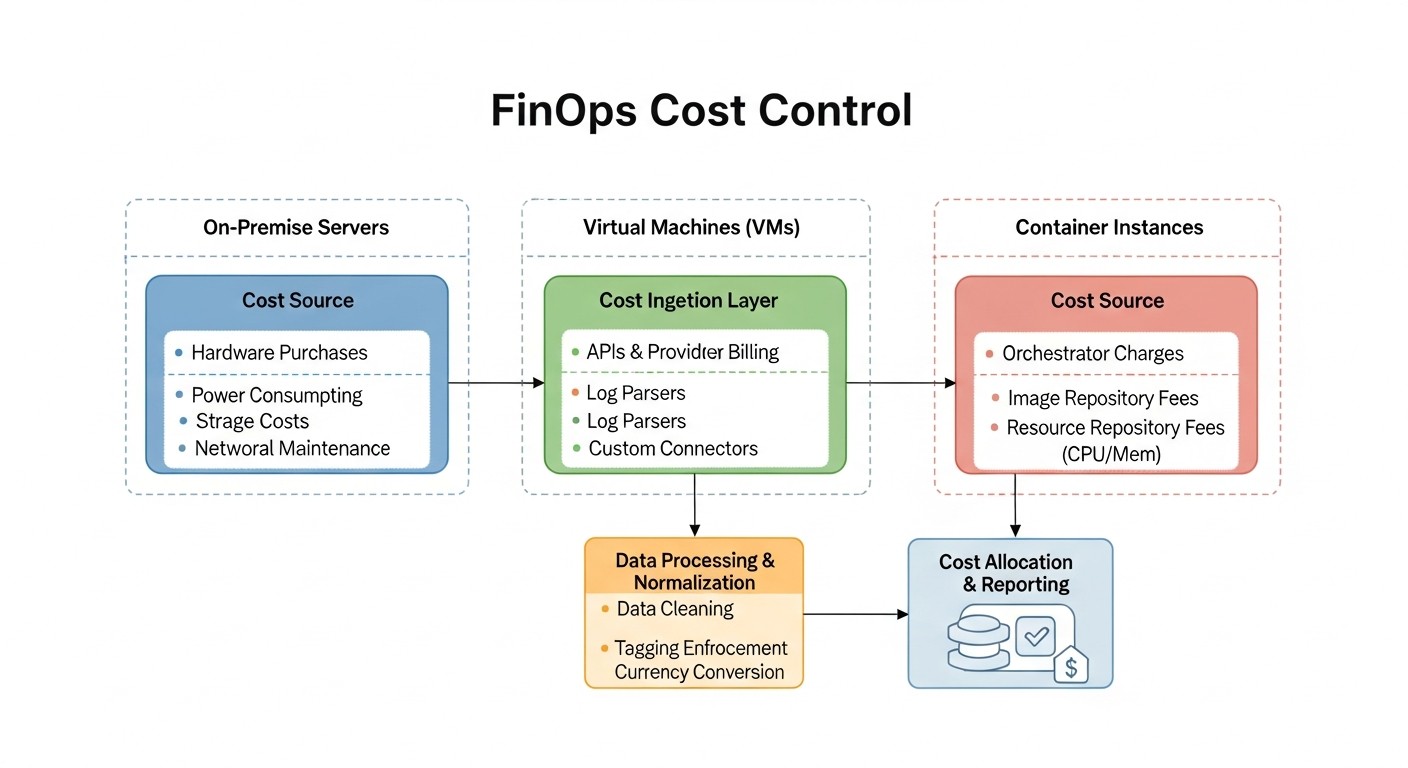 Diagram: Comparison Table: Server Types and Their Costs in 2026
Choosing the right server type is one of the first and most significant decisions in the context of FinOps. In 2026, the market for VPS and dedicated servers continues to offer a wide range of configurations capable of meeting diverse needs, from small blogs to high-load enterprise applications. However, with this variety comes the complexity of choosing the optimal solution that will be cost-effective and performant. This table presents current data and approximate prices for various server types available from leading providers, taking into account technological progress and market trends for 2026.
Prices and characteristics are approximate and may vary depending on the specific provider, region, contract duration, and included additional services (e.g., managed hosting, DDoS protection, specific licenses). Nevertheless, this table provides a good overview of typical configurations and their price range, which will assist in preliminary planning and budgeting.
| Parameter |
Entry-Level VPS (Standard) |
Mid-Range VPS (Performance) |
High-Performance VPS (Optimized) |
Small Dedicated Server |
Enterprise Dedicated Server |
GPU Dedicated Server |
| Typical CPU |
2 vCPU (Intel Xeon E3/E5, 3.0-3.2 GHz) |
4 vCPU (Intel Xeon E5/Gold, AMD EPYC, 3.5-3.8 GHz) |
8 vCPU (Intel Xeon Platinum, AMD EPYC, 4.0+ GHz) |
Intel Xeon E-2414 (4c/4t, 3.2 GHz) |
Dual AMD EPYC 9354 (64c/128t, 3.2 GHz) |
Intel Xeon E-2414 (4c/4t) + NVIDIA L40S |
| RAM (GB) |
4 GB DDR4 |
8-16 GB DDR4/DDR5 |
32-64 GB DDR5 ECC |
32 GB DDR5 ECC |
256-512 GB DDR5 ECC |
64 GB DDR5 ECC |
| Storage (Type/Volume) |
80 GB NVMe SSD |
160-320 GB NVMe SSD |
640 GB - 1.2 TB NVMe SSD (RAID 1) |
2 x 1 TB NVMe SSD (RAID 1) |
4 x 3.84 TB NVMe SSD (RAID 10) |
2 x 2 TB NVMe SSD (RAID 1) |
| Network Interface |
1 Gbps (1-2 TB traffic) |
2.5 Gbps (5-10 TB traffic) |
5-10 Gbps (15-20 TB traffic) |
10 Gbps (10-20 TB traffic) |
2 x 25 Gbps (unlimited traffic) |
10 Gbps (15-20 TB traffic) |
| Approximate Monthly Cost (USD) |
$12 - $25 |
$35 - $80 |
$90 - $200 |
$110 - $180 |
$700 - $1500+ |
$400 - $1000+ |
| Key Features |
Basic performance, SSD, quick start |
Good CPU/RAM balance, NVMe, scalability |
High performance, low latency, ECC RAM |
Full control, predictable performance, isolation |
Maximum performance, redundancy, high scalability |
High computing power for AI/ML, rendering |
| Best Use Case |
Small websites, test environments, blogs, VPN servers |
Medium web applications, API services, small databases, staging environments |
High-load web servers, analytics, microservices, e-commerce, game servers |
Production environments, critical DBs, high-load applications requiring stability |
Large enterprise applications, Big Data, high-performance computing, virtualization |
Machine learning, deep learning, scientific research, video processing, 3D rendering |
When choosing a server, it is important to consider not only current needs but also potential growth. Migrating from a VPS to a dedicated server or between different configurations can involve downtime and migration costs, which must also be included in the FinOps analysis. Long-term contracts (1 to 3 years) typically offer significant discounts, making them an attractive option for stable workloads on dedicated servers. However, this also ties you to one provider and configuration for an extended period, requiring more accurate forecasting.
For VPS, various pricing plans also exist, including those offering hourly or minute-based billing, although this is more common in public clouds. In the VPS market, providers often offer fixed monthly payments for a specific set of resources. In 2026, the popularity of "cloud VPS" is growing, combining the advantages of VPS (fixed price, simplicity) with some cloud elements (fast scaling, API), which blurs the lines between these infrastructure types and requires deeper analysis when choosing.
Detailed Overview of FinOps Strategies for VPS and Dedicated
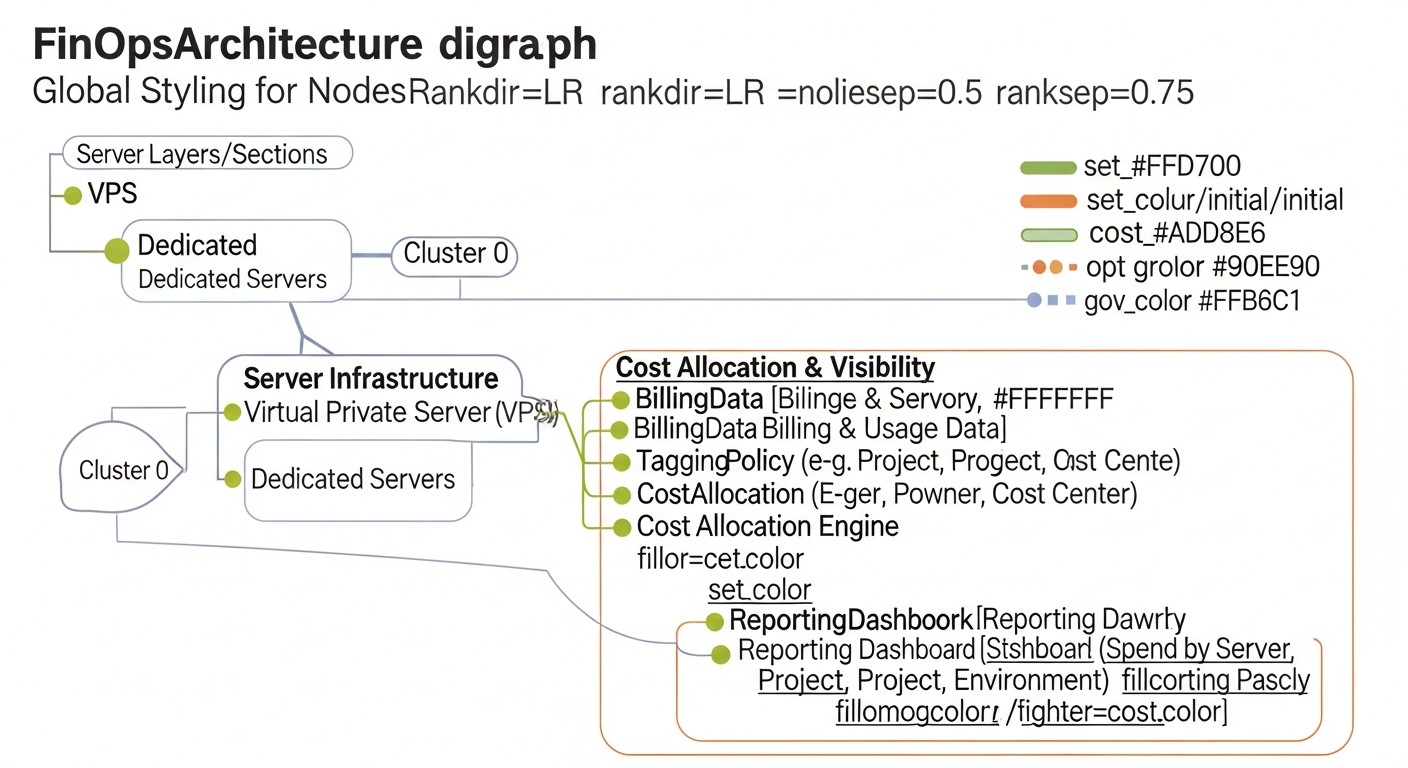 Diagram: Detailed Overview of FinOps Strategies for VPS and Dedicated
Implementing FinOps on VPS and dedicated servers requires applying targeted strategies adapted to the specifics of this infrastructure. Unlike public clouds with their flexibility and granular billing, here the focus shifts to maximizing the use of fixed resources and optimizing long-term investments. Let's examine the key strategies in more detail.
4.1. Right-sizing and Resource Consolidation
Essence: Choosing the optimal server configuration (CPU, RAM, disk, network) and combining multiple workloads on one physical server to increase utilization.
Pros:
- Significant reduction in direct server rental costs.
- Lower operational expenses by reducing the number of managed entities.
- Increased overall efficiency of hardware utilization.
- Reduced energy consumption and, consequently, environmental footprint.
Cons:
- Requires deep understanding of application load profiles and performance.
- Risk of "domino effect": failure of one physical server can affect multiple virtual machines.
- May require investment in monitoring and virtualization tools.
- Difficulties with resource isolation for critical applications on a consolidated server.
Who it's for: Companies with diverse workloads (from low-load services to high-performance databases), startups aiming to optimize costs, enterprises with outdated or inefficiently used equipment.
Use cases:
- Analysis shows that several VPS with 2 vCPU and 4GB RAM are utilized at 10-20%. They can be consolidated onto one dedicated server with 16 vCPU and 64GB RAM, using containerization (Docker/Kubernetes) or lightweight virtualization (LXC).
- An application running on a dedicated server with 32GB RAM, but using no more than 12GB at peak, can be migrated to a cheaper VPS with 16GB RAM, or another service can be moved to this server.
4.2. Utilizing Long-Term Contracts and Reservations
Essence: Entering into server rental contracts for an extended period (1-3 years) to obtain significant discounts.
Pros:
- Substantial savings (up to 30-50% of the monthly cost) compared to month-to-month payments.
- Predictability of infrastructure costs over a long period.
- Guaranteed resource availability and no issues with capacity shortages.
Cons:
- Requires accurate forecasting of resource needs for the entire contract term.
- Reduces flexibility: difficult to change configuration or provider before the contract ends.
- Risk of overpaying if resource needs decrease.
- Requires initial investment (sometimes full upfront payment).
Who it's for: Companies with stable, predictable workloads, long-term projects, high-load production environments where resource changes are not planned in the near future.
Use cases:
- A SaaS project with a steadily growing but stable user base that knows its main production servers will be needed for at least 2-3 years. Signing a 3-year contract for 5 dedicated servers saves the company hundreds of thousands of dollars annually.
- An enterprise ERP system running on a dedicated server that requires a stable configuration and is not subject to frequent changes.
4.3. Automated Resource Lifecycle Management
Essence: Using Infrastructure as Code (IaC) tools and automation for deploying, configuring, updating, and de-provisioning servers.
Pros:
- Elimination of errors associated with manual configuration.
- Accelerated deployment and de-provisioning of resources.
- Guaranteed configuration compliance and security.
- Automatic shutdown or deletion of temporary test environments, reducing unproductive costs.
Cons:
- Requires initial investment in learning and implementing tools (Terraform, Ansible).
- Need for IaC code maintenance and updates.
- Difficulties with automation on highly customized or legacy systems.
Who it's for: Companies with a large number of servers, frequently changing test environments, DevOps-oriented teams.
Use cases:
- Creating Ansible playbooks for automatic installation and configuration of all necessary services on a new VPS.
- Using Terraform to manage the entire infrastructure lifecycle, including creating/deleting VPS via the provider's API (if available).
- Automatic shutdown or destruction of staging servers on a schedule during off-hours.
4.4. Monitoring and Alerting for Costs and Performance
Essence: Implementing systems for collecting performance and resource consumption metrics, as well as alerts for exceeding thresholds or cost anomalies.
Pros:
- Early detection of performance issues and potential overspending.
- Accurate data for making sizing and optimization decisions.
- Increased service availability through proactive response.
- Improved understanding of system behavior and its impact on costs.
Cons:
- Requires setup and maintenance of monitoring systems (Prometheus, Grafana, Zabbix).
- Risk of "information noise" from too many alerts.
- Need to define meaningful metrics and thresholds.
Who it's for: All companies using VPS or dedicated servers, especially for production environments and critical services.
Use cases:
- Setting up Grafana dashboards displaying CPU, RAM, I/O, and network traffic utilization for each server, with aggregated metrics by project.
- Creating alerts in Prometheus that notify the DevOps team if server CPU usage exceeds 80% for 15 minutes or if outgoing traffic volume exceeds the monthly limit by 70%.
4.5. Network Cost Optimization
Essence: Managing inbound and outbound network traffic, which is often a hidden but significant cost item.
Pros:
- Reduced charges for traffic overages, especially outbound.
- Improved performance and content delivery speed to users.
- Increased fault tolerance and availability.
Cons:
- Requires analysis of network patterns and implementation of additional services (CDN).
- Potential for increased infrastructure complexity.
- Initial costs for implementing CDN or other solutions.
Who it's for: Websites with large volumes of static content, streaming services, high-load APIs.
Use cases:
- Integrating a CDN (Content Delivery Network) for caching static content (images, videos, JS/CSS files). This reduces server load and significantly cuts down on outbound traffic volume, which is billed according to provider rates.
- Optimizing network protocols and data compression (gzip, Brotli) to reduce the size of transmitted data.
- Revisiting architecture to minimize inter-server traffic if it is billed.
4.6. License and Software Management
Essence: Careful accounting and optimization of costs for operating system licenses, databases, control panels, and other commercial software.
Pros:
- Avoidance of penalties for unlicensed software.
- Cost reduction through selection of optimal licensing models.
- Improved security and support.
Cons:
- Requires regular auditing of software in use.
- Difficulties in tracking all licenses, especially in large infrastructures.
- Need for a deep understanding of licensing agreements.
Who it's for: All companies using commercial software on their servers.
Use cases:
- Migrating from a commercial DBMS (e.g., MS SQL Server) to an open-source one (PostgreSQL, MySQL) where possible, to save on licenses.
- Choosing a Linux operating system instead of Windows Server, if functionality allows, to avoid monthly license fees.
- Using free control panels (HestiaCP, VestaCP) instead of commercial ones (cPanel, Plesk) for VPS, where justified.
Each of these strategies requires detailed planning and execution. A comprehensive approach, combining technical solutions with organizational changes and a cultural shift, is key to successful FinOps implementation on VPS and dedicated servers.
Practical Tips and Optimization Recommendations
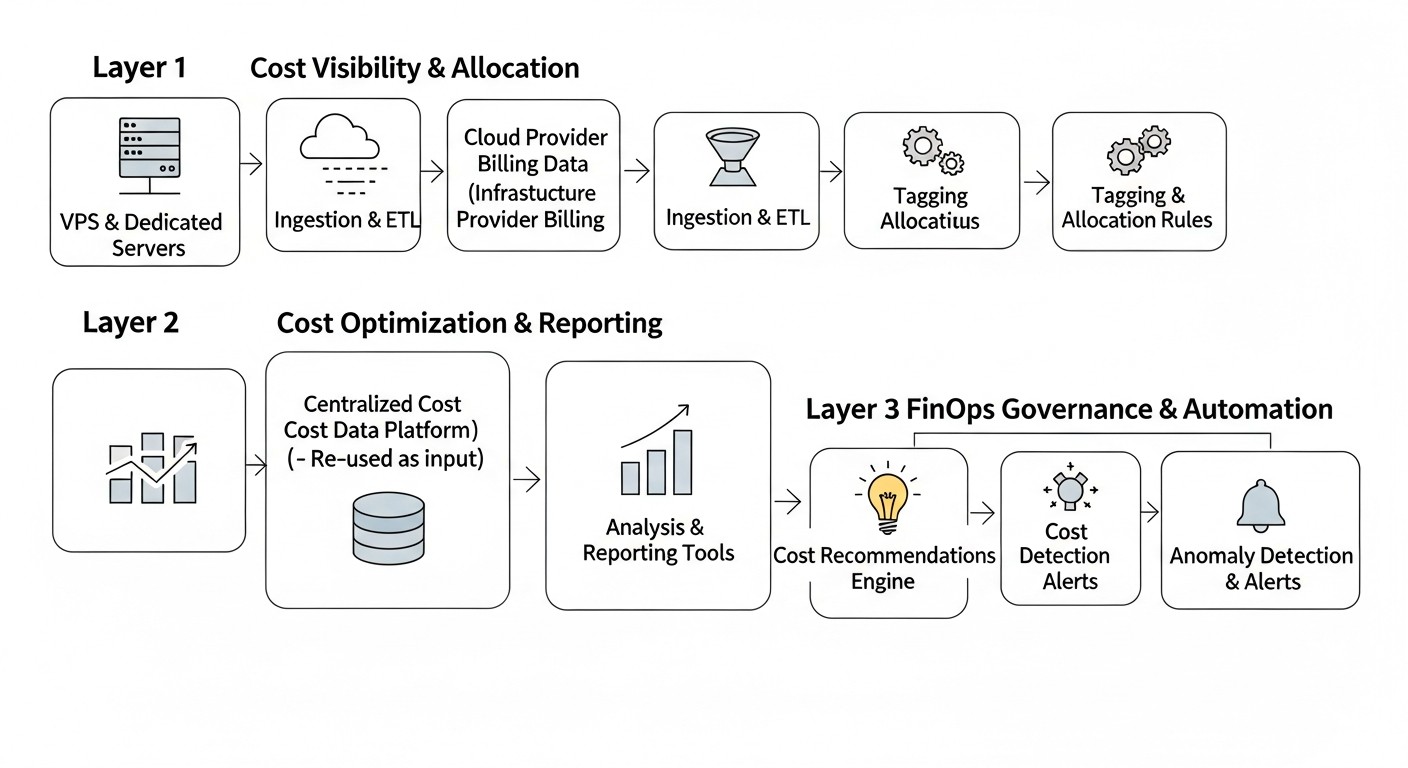 Diagram: Practical Tips and Optimization Recommendations
Implementing FinOps is an ongoing process that requires practical actions and regular review. Below are specific steps, commands, and configurations that will help you optimize costs on VPS and dedicated servers.
5.1. Audit Current Infrastructure and Establish a Baseline
Before optimizing anything, you need to understand the current state. Conduct a full audit of all your servers, their configurations, software used, and actual load.
- Inventory: Create a list of all VPS and dedicated servers, their IP addresses, providers, start dates of leases, costs, purposes (production, staging, dev, test), and responsible teams.
- Metric Collection: Configure monitoring systems (Prometheus + Node Exporter, Zabbix, Netdata) to collect data on CPU, RAM, disk I/O, and network traffic usage. Collect data for at least 3-6 months to observe peak and minimum loads, as well as seasonal fluctuations.
- Log Analysis: Use centralized logging systems (ELK Stack, Loki + Promtail) to analyze errors, application performance, and identify bottlenecks.
Example commands for a quick resource overview:
# Overview of CPU and RAM usage
top -b -n 1 | head -n 15

# Overview of disk usage
df -h
du -sh /var/log /home /opt

# Overview of network connections
netstat -tunlp

# Overview of disk I/O (install sysstat if not present)
iostat -xz 1 10
These commands provide an instant snapshot, but for long-term analysis, a monitoring system is needed.
5.2. Implement Right-sizing and Consolidation
Based on the collected data, identify servers that are overloaded (require an upgrade) or, more often, underloaded (can be downsized or consolidated).
- Upgrade/Downgrade: If a server consistently runs at 80%+ CPU or RAM load, consider upgrading it. If the load is consistently below 20-30%, you might be overpaying.
- Consolidation: For several underloaded VPS, consider migrating them to one more powerful dedicated server using virtualization (Proxmox, KVM) or containerization (Docker Swarm, Kubernetes). This can significantly save on individual VPS rentals.
Practical Case: We had 5 VPS at $25/month each (2vCPU, 4GB RAM), whose utilization did not exceed 15%. We migrated all applications to one dedicated server for $120/month (8c/16t, 64GB RAM) with Proxmox. Total savings: $125 - $120 = $5/month, but with much more resource headroom and simplified management. Additionally, 4 IP addresses were freed up, for which we stopped paying.
Example configuration for virtualization on a dedicated server (Proxmox):
# Proxmox VE installation (assumes a clean Debian installation)
echo "deb http://download.proxmox.com/debian/pve bookworm pve-no-subscription" > /etc/apt/sources.list.d/pve-no-subscription.list
wget https://enterprise.proxmox.com/debian/proxmox-release-bookworm.gpg -O /etc/apt/trusted.gpg.d/proxmox-release-bookworm.gpg
apt update && apt full-upgrade -y
apt install proxmox-ve postfix open-iscsi chrony -y
After installing Proxmox, you can create and manage virtual machines and containers through the web interface.
5.3. Automate De-provisioning and Environment Management
Many companies spend money on unused test, dev, or staging servers. Automate their shutdown or deletion.
- Lifecycle Policies: Define rules for temporary environments: for example, all dev servers automatically shut down at 7 PM and start at 8 AM, or are deleted after 7 days of inactivity.
- IaC for Environments: Use Terraform or Ansible to deploy and destroy entire environments.
Example Ansible playbook for shutting down a VPS (via provider API, if supported, or via SSH):
---
- name: Shutdown non-production VPS
  hosts: non_prod_vps
  become: yes
  tasks:
    - name: Check if server is running
      shell: systemctl is-active --quiet
      register: service_status
      failed_when: service_status.rc not in [0, 3] # 0 for active, 3 for inactive

    - name: Shutdown server if active
      command: /sbin/shutdown -h now
      when: service_status.rc == 0
      ignore_errors: yes # Allow playbook to continue even if shutdown fails (e.g., already off)
For providers offering an API, Terraform modules or custom scripts can be used to manage VPS.
5.4. Optimize Network Traffic
Traffic, especially outbound (egress), can be expensive.
- CDN: For web applications with large amounts of static content (images, videos, CSS, JS), use a CDN (Cloudflare, Akamai, KeyCDN). This will significantly reduce the load on your server and decrease the amount of billed traffic.
- Data Compression: Ensure your web server (Nginx, Apache) is configured for compression (gzip, Brotli) of transmitted data.
Example Nginx Gzip configuration:
http {
    gzip on;
    gzip_vary on;
    gzip_proxied any;
    gzip_comp_level 6;
    gzip_buffers 16 8k;
    gzip_http_version 1.1;
    gzip_types text/plain text/css application/json application/javascript text/xml application/xml application/xml+rss text/javascript;
}
5.5. Optimize Databases and Applications
Inefficient database queries or resource-intensive code sections can "eat up" CPU and RAM, requiring more powerful servers.
- DB Indexing: Check for slow queries and add necessary indexes.
- Caching: Use caching at all levels: Redis, Memcached for data, Varnish for HTTP responses, in-application caching.
- Code Optimization: Regular profiling and optimization of application code.
Example command to find slow queries in PostgreSQL:
SELECT
    query,
    calls,
    total_time,
    mean_time
FROM
    pg_stat_statements
ORDER BY
    total_time DESC
LIMIT 10;
To enable `pg_stat_statements`, you need to add `shared_preload_libraries = 'pg_stat_statements'` to `postgresql.conf` and restart the service.
5.6. Implement Showback/Chargeback
This is a cultural shift, but it has practical tools.
- Tagging: If the provider supports it (some cloud VPS), use tags for servers (e.g., `project: frontend`, `owner: dev_team_A`). If not, keep track in a CMDB or spreadsheet.
- Reporting: Regularly generate cost reports by project/team and review them.
Example: An internal accounting system can monthly generate reports showing that team "Alpha" spent $300 on VPS for their service, and team "Beta" spent $150. This allows teams to see their costs and take optimization measures.
By applying these practical tips and recommendations, you can not only reduce current costs but also establish a sustainable culture of infrastructure financial management that will yield long-term dividends.
Common Mistakes in Cost Management and How to Avoid Them
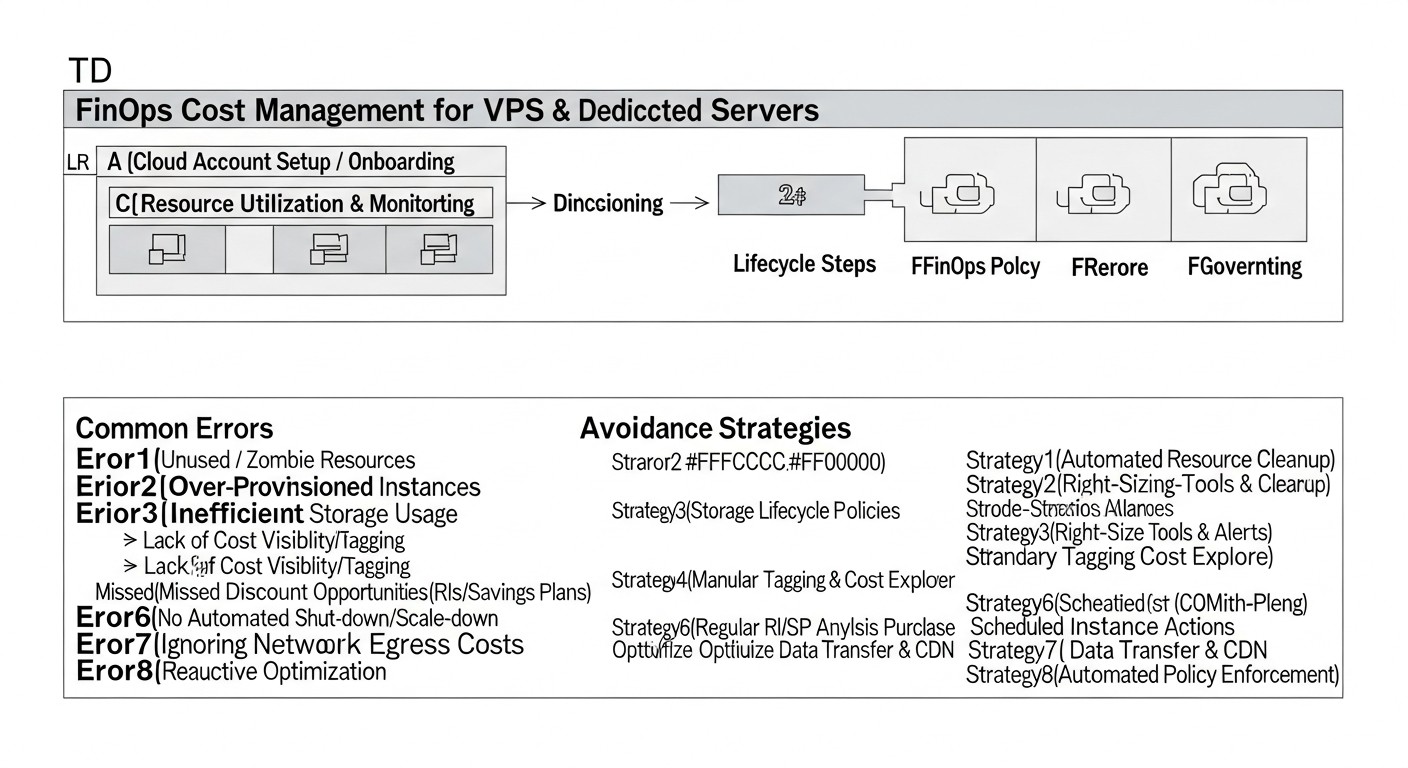 Diagram: Common Mistakes in Cost Management and How to Avoid Them
Managing costs on VPS and dedicated servers, despite its apparent straightforwardness, is fraught with a number of common mistakes that can lead to significant overpayments and inefficiencies. Understanding these pitfalls and knowing how to avoid them is a critically important component of a FinOps strategy.
6.1. Over-provisioning
Mistake: Allocating more resources (CPU, RAM, disk) than an application actually requires, "for future growth" or "just in case." This is the most common and costly mistake.
How to avoid:
- Accurate Monitoring: Implement a comprehensive monitoring system (Prometheus, Grafana) to collect and analyze resource utilization data over a long period (at least 3-6 months).
- Right-sizing: Regularly review server configurations, aligning them with actual load. Don't be afraid to downgrade a server if it is underutilized.
- Phased Scaling: Start with a minimally sufficient configuration and scale as needs grow, rather than in advance.
Example of consequences: A company rented a dedicated server with 64GB RAM for $250/month, while the application used no more than 10GB. Over a year, this led to an overpayment of $2400 for unused memory.
6.2. Ignoring Network Costs (Egress Traffic)
Mistake: Focusing only on server cost, ignoring the cost of outbound traffic, which can be a significant expense, especially for media services or APIs with a large number of requests.
How to avoid:
- Traffic Analysis: Include network traffic monitoring in your FinOps system. Track inbound and outbound traffic volumes for each server.
- Using CDN: For delivering static content, use Content Delivery Networks.
- Data Optimization: Apply compression (gzip, Brotli) for HTTP responses and other transmitted data. Minimize the size of API responses.
- Provider Selection: When choosing a VPS/Dedicated provider, carefully examine traffic rates, especially after exceeding the included volume.
Example of consequences: A SaaS project that forgot to configure a CDN for its images received a traffic bill 3 times the cost of server rental. The monthly overpayment amounted to $400.
6.3. Lack of De-provisioning Automation
Mistake: Forgotten or unused test/development servers that continue to consume resources and money. Manual resource lifecycle management leads to "zombie servers."
How to avoid:
- Lifecycle Policies: Implement clear policies for all temporary environments (e.g., "all dev servers are deleted after 3 days of inactivity").
- IaC Automation: Use Terraform or Ansible to automatically create and destroy environments on a schedule or by trigger.
- Regular Audits: Conduct weekly or monthly audits of all running servers and their assignments.
Example of consequences: A large company discovered 15 unused VPS that had been launched for short-term testing a year ago. The total cost of lost resources amounted to over $3000 per year.
6.4. Ignoring Long-Term Contracts and Discounts
Mistake: Continuously paying for servers at a month-to-month rate, even if their need is predictable and long-term.
How to avoid:
- Forecasting: Analyze long-term business development plans and infrastructure needs.
- Load Fixation: For stable production servers with predictable loads, sign contracts for 1-3 years.
- Negotiate with Provider: Don't hesitate to negotiate and request individual terms, especially if you have a large consumption volume.
Example of consequences: A startup rented 10 VPS at $50/month each for two years. If they had signed a 2-year contract, they could have received a 20% discount, saving them $2400 over two years.
6.5. Lack of Cost Transparency and Accountability
Mistake: Absence of a clear picture of who is paying for what. Infrastructure costs are perceived as a single, opaque budget item, without being tied to specific projects or teams.
How to avoid:
- Accounting System: Implement a system for tracking costs by projects, teams, or business units (e.g., through an internal CMDB or specialized software).
- Showback/Chargeback: Implement "showback" mechanisms (simply informing about costs) or "chargeback" (actual internal billing within the company).
- Team Training: Conduct regular sessions for developers and DevOps engineers, explaining the financial implications of their decisions.
- Unified Terminology: Create a common language for technical and financial teams.
Example of consequences: Developers launched new test servers without notification, unaware of their cost. The finance department only saw the total bill, without understanding its structure. This led to constant budget overruns and the inability to identify the source of overspending.
6.6. Insufficient Performance and Resource Monitoring
Mistake: Lack of adequate tools for monitoring or collecting an insufficient number of metrics, leading to blind management and inability to identify problems before they become critical.
How to avoid:
- Comprehensive Monitoring: Implement monitoring systems that collect CPU, RAM, I/O, network traffic metrics, as well as application metrics (requests per second, response time, number of errors).
- Dashboards and Alerts: Create informative dashboards for a quick overview of infrastructure status and configure alerts for anomalous resource consumption or exceeding thresholds.
- Regular Analysis: Conduct regular analysis of collected data to identify trends and potential problems.
Example of consequences: A database server started running slowly, but the team couldn't understand the cause because monitoring was basic. After a week of downtime and manual debugging, it turned out that disk space ran out due to unoptimized logs, leading to performance loss and ultimately to the cost of an emergency upgrade.
By avoiding these common mistakes, companies can significantly increase the efficiency of their investments in VPS and dedicated servers, ensuring cost stability and predictability.
FinOps Practical Application Checklist
Successful FinOps implementation on VPS and dedicated servers requires a systematic approach. This checklist will help you structure your work and ensure you haven't missed any important steps.
- Conduct a full inventory of all servers:
- Compile a list of all VPS and dedicated servers (IP, provider, configuration).
- Specify the purpose of each server (prod, dev, staging, test) and responsible teams/projects.
- Record current monthly/annual costs for each server and all associated services (traffic, licenses, backups, IP addresses).
- Implement a comprehensive monitoring system:
- Install monitoring agents (Node Exporter for Prometheus, Zabbix agents) on all servers.
- Configure collection of CPU, RAM, disk I/O, network traffic (in/out) metrics, as well as application metrics (if applicable).
- Deploy a centralized monitoring and visualization system (Prometheus + Grafana, Zabbix).
- Collect data for at least 3-6 months to analyze trends.
- Define a cost baseline and key metrics (KPIs):
- Calculate current total infrastructure costs.
- Define metrics such as "cost per request," "cost per user," "cost per terabyte of data," "CPU/RAM utilization."
- Set target goals for cost reduction or efficiency improvement.
- Conduct Right-sizing and consolidation analysis:
- Using monitoring data, identify overloaded (over 80% utilization) and underloaded (less than 20-30% utilization) servers.
- Develop a plan for downgrading or upgrading configurations.
- Identify opportunities for consolidating several underloaded VPS onto one dedicated server using virtualization or containerization.
- Optimize the use of long-term contracts:
- Identify stable workloads that are not planned to change within 1-3 years.
- Review provider offers for long-term contracts and reservations.
- Enter into long-term contracts for suitable servers to obtain discounts.
- Implement resource management automation (IaC):
- Use Terraform to manage the lifecycle (creation/deletion) of VPS via the provider's API (if available).
- Apply Ansible, Puppet, or Chef for automatic configuration, application deployment, and server configuration management.
- Automate the shutdown/deletion of temporary dev/staging environments on a schedule or after a certain period of inactivity.
- Optimize network costs:
- Analyze outbound traffic volumes for each server.
- Implement a CDN for static content delivery.
- Ensure web servers are configured for data compression (gzip/Brotli).
- Manage licenses and software:
- Conduct an audit of all commercial software used on servers.
- Consider migrating to open-source software (Linux, PostgreSQL, Nginx) to save on licenses.
- Regularly review licensing agreements and choose optimal models.
- Implement Showback/Chargeback and a culture of accountability:
- Create an internal system to link server costs to specific projects or teams.
- Regularly generate cost reports for each team and conduct reviews.
- Educate technical teams on the financial aspects of their decisions.
- Conduct regular FinOps reviews:
- Monthly or quarterly gather DevOps, development, and finance teams to analyze current costs, discuss optimization strategies, and forecast future needs.
- Adjust FinOps strategies based on collected data and feedback.
- Develop an incident response plan for cost-related issues:
- Set up alerts for anomalous cost increases or traffic limit overruns.
- Define procedures for rapid response to such incidents.
- Document all processes and decisions:
- Create a knowledge base for FinOps practices, configuration standards, and optimization procedures.
- Update documentation as infrastructure or strategies change.
By following this checklist, you can gradually implement a FinOps culture in your organization, ensuring transparency, control, and continuous optimization of costs on VPS and dedicated servers.
Cost Calculation / FinOps Economics
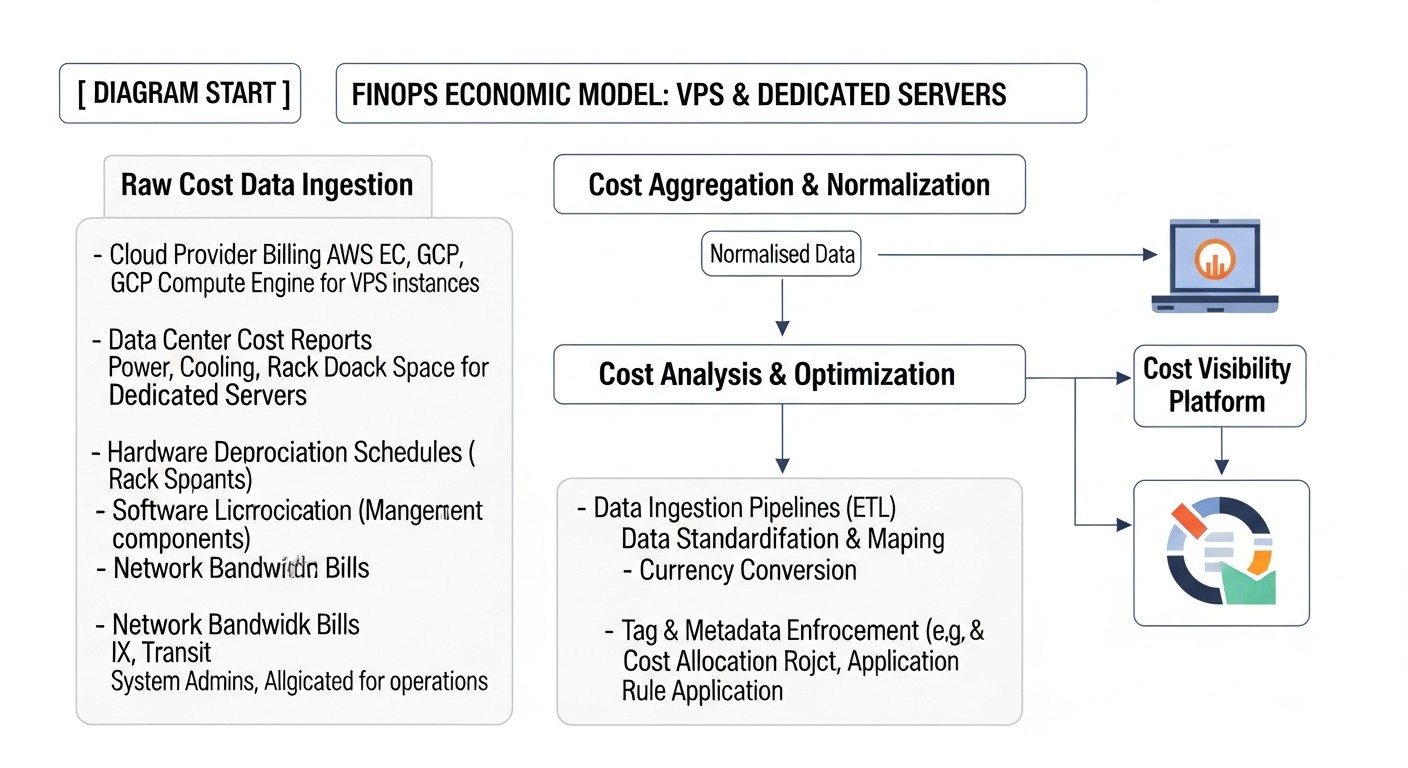 Diagram: Cost Calculation / FinOps Economics
Understanding the economics of FinOps on VPS and dedicated servers goes beyond a simple price comparison. It involves a detailed analysis of direct and hidden costs, as well as an assessment of potential savings from implementing optimization strategies. Here, we will look at calculation examples for different scenarios and identify frequently overlooked expenses.
8.1. Direct and Hidden Costs
Direct Costs:
- Server/VPS Rental: The main item, often fixed monthly.
- Additional IP Addresses: Each additional IP is usually charged.
- Traffic: Charges for exceeding the included volume, especially outbound (egress).
- Software Licenses: Operating systems (Windows Server), control panels (cPanel, Plesk), commercial DBMS (MS SQL Server), antivirus software.
- Additional Provider Services: DDoS protection, backups, managed services, KVM access.
Hidden Costs:
- Human Resources: Engineer time for deployment, configuration, monitoring, troubleshooting. This is one of the most significant hidden costs. Automation reduces these costs.
- Power Consumption (for co-location): If you have your own server in a data center, you pay for electricity.
- Downtime: Loss of profit, reputational damage due to service unavailability.
- Penalties for License Non-compliance: If you use unlicensed software.
- Outdated Hardware: If you own servers, old hardware requires more energy, breaks down more often, and is less productive.
- Migration Costs: Moving between providers or servers takes time and can lead to downtime.
- Training: Costs for training staff on new FinOps tools and practices.
8.2. Calculation Examples for Different Scenarios
Let's consider a few scenarios to illustrate how FinOps can impact economics.
Scenario 1: Small SaaS Project (up to 5000 active users)
Initial Situation:
- 2 x Mid-Range VPS (4 vCPU, 8GB RAM, 160GB NVMe) at $50/month each = $100/month.
- 1 x Entry-Level VPS (2 vCPU, 4GB RAM, 80GB NVMe) for staging/dev at $20/month.
- Total direct costs: $120/month.
- Monitoring shows that production VPS are loaded at 20-30% during normal times, and up to 60% at peaks. Staging VPS is used 2-3 times a week.
- Initial cost: $120/month = $1440/year.
FinOps Optimization:
- Right-sizing: Analysis showed that one High-Performance VPS (8 vCPU, 32GB RAM, 640GB NVMe) for $100/month can handle both production workloads with headroom.
- Automation: Staging VPS is configured for automatic shutdown during off-hours (saving 50% of $20 = $10/month).
- Long-term contract: Production VPS moved to a 1-year contract with a 10% discount ($100 -> $90/month).
Final Situation:
- 1 x High-Performance VPS (prod) at $90/month.
- 1 x Entry-Level VPS (staging/dev) at $10/month.
- Total direct costs: $100/month.
Savings: $120 - $100 = $20/month, or $240/year (16.7%).
Scenario 2: Growing E-commerce Project (up to 50,000 unique visitors per day)
Initial Situation:
- 3 x High-Performance VPS (8 vCPU, 32GB RAM) for web servers at $100/month each = $300/month.
- 1 x High-Performance VPS (8 vCPU, 64GB RAM) for DBMS at $150/month.
- Additional traffic: $50/month (after exceeding the included limit).
- Total direct costs: $500/month.
- Initial cost: $500/month = $6000/year.
FinOps Optimization:
- Consolidation: Instead of 4 VPS, the company switches to 2 Small Dedicated Servers (Xeon E-2414, 32GB RAM, 2x1TB NVMe) at $120/month each = $240/month. One hosts web servers, the other - DBMS and backups. This provides more resources and isolation.
- CDN: Implementation of CDN for static content, which completely eliminates overpayment for traffic (saving $50/month).
- Long-term contract: A 2-year contract for dedicated servers was signed with a 15% discount ($240 -> $204/month).
Final Situation:
- 2 x Small Dedicated Servers at $102/month each = $204/month.
- Traffic costs: $0/month.
- Total direct costs: $204/month.
Savings: $500 - $204 = $296/month, or $3552/year (59.2%).
8.3. Table with Calculation Examples
This table demonstrates potential savings when transitioning from monthly payments to long-term contracts for a typical dedicated server.
| Parameter |
Monthly Payment (USD) |
1-year Contract (USD/month) |
2-year Contract (USD/month) |
3-year Contract (USD/month) |
| Standard Dedicated Server (e.g., Small Dedicated) |
$120 |
$108 (10% discount) |
$96 (20% discount) |
$84 (30% discount) |
| Annual Costs (without discount) |
$1440 |
$1296 |
$1152 |
$1008 |
| Total Savings over 3 years |
- |
$432 (12%) |
$864 (24%) |
$1296 (36%) |
As seen from the table, long-term contracts can bring significant savings, especially with stable workloads. However, it is important to remember that this requires accurate forecasting and a willingness to commit long-term.
The economics of FinOps on VPS and dedicated servers is not just about direct savings. It is also about increasing resource efficiency, reducing risks, improving performance, and ultimately, maximizing the business value of IT infrastructure. Investments in FinOps practices pay off through cost reduction and a more strategic approach to resource allocation.
FinOps Implementation Cases and Examples
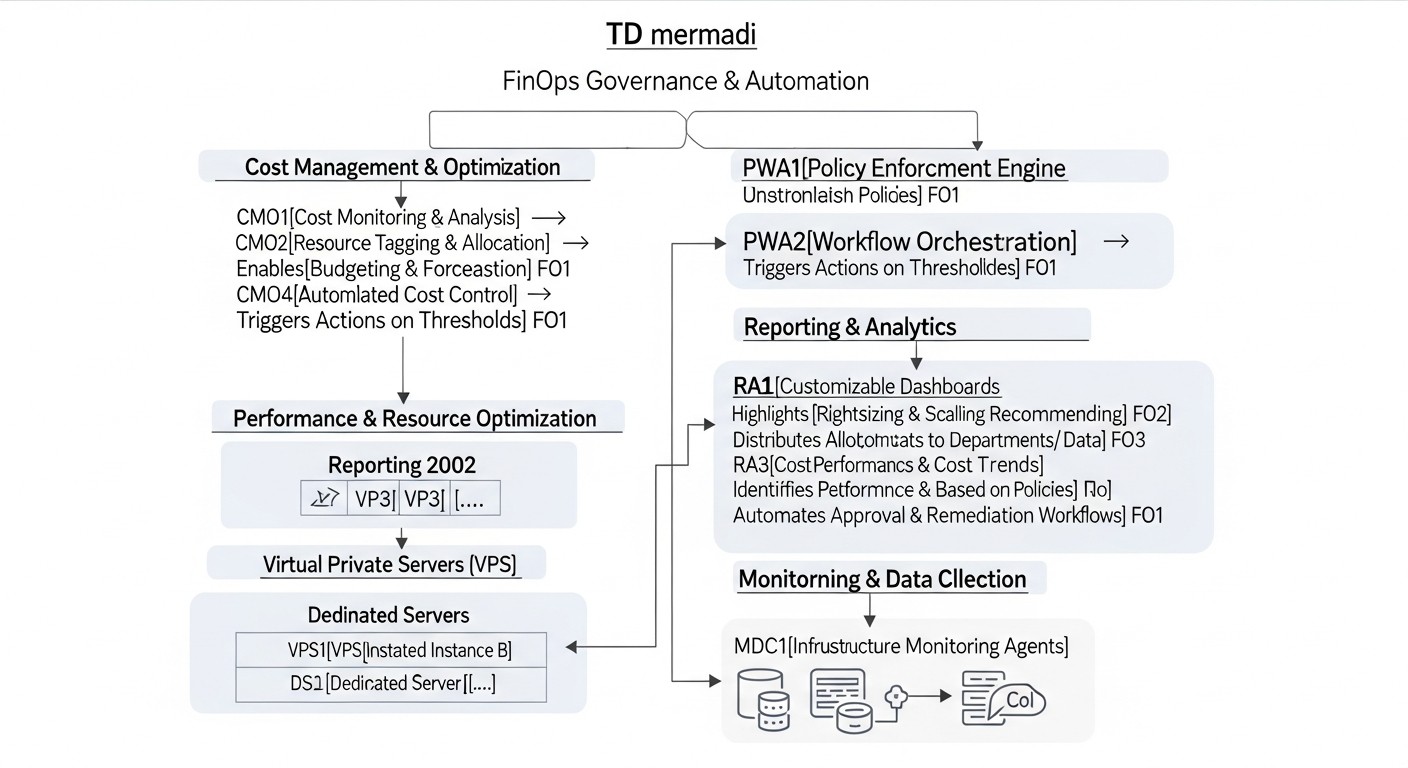 Diagram: FinOps Implementation Cases and Examples
Real-world cases best demonstrate the effectiveness of the FinOps approach. Here, we will look at several hypothetical but realistic scenarios based on typical problems faced by companies using VPS and dedicated servers.
9.1. Case 1: "PixelPulse" Startup – Optimizing Development and Testing Costs
Problem: "PixelPulse," a rapidly growing startup in graphic design and cloud tools, used over 20 VPS for various development, testing, and client demonstration environments. VPS were launched at developers' request and often remained active after work was completed. Monthly infrastructure costs exceeded $600, which was critical for a young startup. There was a lack of transparency regarding who was paying for what.
FinOps Solution:
- Inventory and Monitoring: A monitoring system (Netdata + Prometheus) was implemented to collect resource utilization data across all VPS. It was found that 70% of dev/test VPS were used less than 20% of the time.
- De-provisioning Automation: Ansible playbooks were developed to automatically shut down all dev/test VPS at 7:00 PM local time and start them at 8:00 AM. For temporary demonstration environments, a trigger was set to delete them 24 hours after last use.
- Consolidation: Several low-load VPS were migrated to one more powerful VPS using Docker containers, which reduced the number of active machines.
- Showback: A simple "showback" system was implemented, where each VPS was tagged with the owner team's name, and a weekly cost report by team was generated.
Results:
- Cost Reduction: Monthly VPS costs decreased from $600 to $380 (36.7% savings).
- Increased Efficiency: Teams became more responsible in their resource usage, actively participating in optimization.
- Transparency: Developers gained a clear understanding of their environment costs, leading to more thoughtful architectural decisions.
9.2. Case 2: "DataVault Solutions" – Optimizing Dedicated Servers for Big Data
Problem: "DataVault Solutions," a company providing big data processing services, used 10 dedicated servers for an Apache Kafka and Apache Spark cluster. Servers were rented on a month-to-month basis, which prevented obtaining discounts. Due to peak loads and unoptimized database queries, the team periodically faced performance issues requiring manual optimization and, consequently, costly emergency upgrades. Total costs were around $1500/month.
FinOps Solution:
- Detailed Monitoring and Load Analysis: Comprehensive monitoring with Prometheus, Grafana, and JMX exporters for Kafka/Spark was implemented. "Hot" spots in the cluster and inefficient Spark jobs were identified.
- Performance Optimization: Data analysts and DevOps engineers collaborated to optimize SQL queries and Spark applications, which reduced peak load by 20%.
- Long-Term Contracts: After stabilizing the load and confirming the long-term need for the current configuration, the company signed 2-year contracts for all 10 servers, receiving a 20% discount.
- Automation of Scaling (partial): Ansible playbooks were implemented for rapid deployment of new cluster nodes if needed (although these were dedicated servers, the deployment process was standardized).
Results:
- Cost Reduction: Monthly server costs decreased from $1500 to $1200 (20% savings) due to long-term contract discounts.
- Increased Stability: Application optimization and monitoring helped avoid costly emergency upgrades and improved cluster stability.
- Improved Planning: Predictability of infrastructure costs for two years ahead emerged, simplifying budgeting.
9.3. Case 3: "GlobalConnect" – Hybrid Infrastructure and Network Cost Management
Problem: "GlobalConnect," an international logistics company, used a hybrid infrastructure: some services ran in the public cloud, while critically important ERP systems and databases were hosted on 5 dedicated servers in their own data center (co-location). The main problem was uncontrolled outbound traffic costs between the data center and the cloud, as well as inefficient use of disk space on dedicated servers due to an outdated backup policy. Total co-location and traffic costs were around $2000/month.
FinOps Solution:
- Network Traffic Analysis: NetFlow monitoring was implemented to analyze inter-network traffic. It was found that a large volume of data was transferred between the cloud and on-prem for analytics that could have been performed closer to the data source.
- Architecture Optimization: Some analytical services were moved to the data center to process data locally, minimizing outbound traffic to the cloud. For critical data transferred to the cloud, compression and deduplication were implemented.
- Storage and Backup Optimization: The backup policy on dedicated servers was revised. Instead of full daily backups, incremental backups and archiving of old data to cheaper storage were implemented. Outdated data stored "just in case" was deleted.
- License Management: An audit of DBMS licenses (MS SQL Server) on dedicated servers was conducted. It was discovered that one server was using an excessively expensive license, which was replaced with a more suitable version.
Results:
- Reduced Network Costs: Outbound traffic costs between the data center and the cloud decreased by 40%, amounting to $300/month.
- Storage Optimization: 15TB of disk space was freed up, allowing the purchase of new storage equipment to be postponed for 1.5 years (saving $5000).
- Reduced License Costs: Replacing one MS SQL Server license saved $150/month.
- Overall Savings: Over $450/month in direct costs and significant deferral of capital expenditures.
These cases demonstrate that FinOps is not a one-size-fits-all solution, but its principles – visibility, accountability, optimization, and automation – are applicable in a wide variety of scenarios and bring tangible financial benefits, even on traditional infrastructure.
Tools and Resources for FinOps on VPS/Dedicated
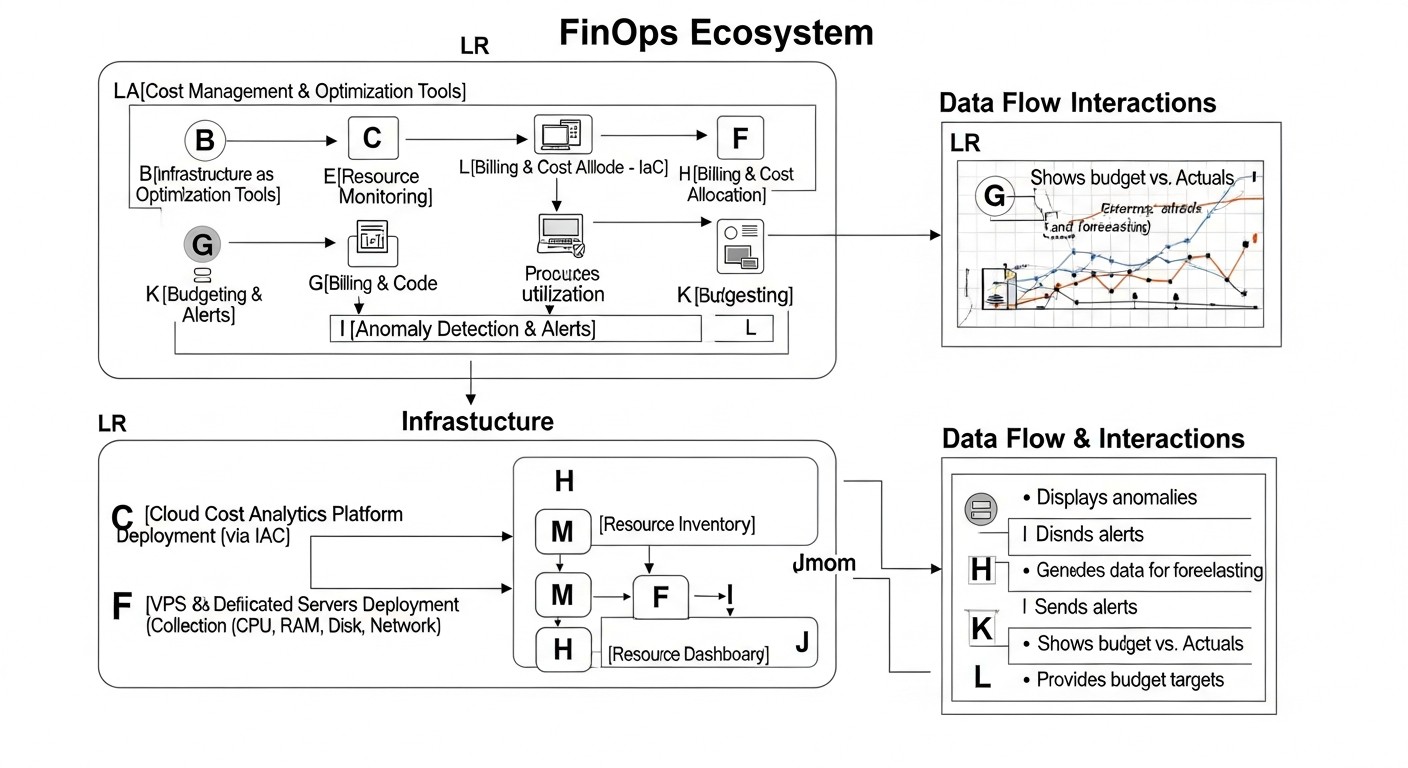 Diagram: Tools and Resources for FinOps on VPS/Dedicated
Effective FinOps implementation on VPS and dedicated servers is impossible without using the right tools. Unlike cloud platforms, where many FinOps tools are built into the provider's ecosystem, on-prem and hybrid environments often require the integration of various solutions. Below is a list of key tools and useful resources.
10.1. Monitoring and Metric Collection Utilities
The foundation of FinOps is data. Without detailed monitoring, it is impossible to make informed optimization decisions.
10.2. Automation and Infrastructure as Code (IaC) Tools
Automation is key to reducing manual labor and increasing efficiency.
10.3. Inventory and CMDB Tools
For understanding what you own and who is responsible for it.
- NetBox: An open-source system for IPAM (IP Address Management) and DCIM (Data Center Infrastructure Management). Allows for detailed tracking of servers, network equipment, IP addresses, virtual machines, and their relationships.
- GLPI: A comprehensive IT asset management and Service Desk system. Helps track all IT assets, including hardware and software.
- Custom Spreadsheets/Databases: For small companies, a simple Google Sheets or Excel spreadsheet, as well as a database (PostgreSQL, MySQL) with a custom interface, may be sufficient for asset and cost tracking.
10.4. Cost Analysis and Reporting Tools
Since VPS/Dedicated providers do not have built-in FinOps reports, custom solutions are often required.
- Custom Scripts: Scripts in Python, Go, or Bash for collecting data from provider billing APIs (if available), monitoring data, and CMDB, then aggregating and generating reports.
- Business Intelligence (BI) Tools: Tableau, Power BI, Metabase (open-source) for creating custom dashboards and cost reports, combining data from various sources.
- Infracost: A tool that integrates with Terraform and shows estimated infrastructure costs before deployment. While it is more cloud-oriented, its principles can be adapted to estimate VPS/Dedicated costs if you have your own Terraform modules for these resources.
10.5. Useful Links and Documentation
- FinOps Foundation: https://www.finops.org/ – the primary resource for FinOps practices. Although many materials focus on the cloud, the principles are universal.
- Provider Documentation: Carefully study the documentation of your hosting providers, especially sections related to APIs (if any), traffic billing, and additional services.
- Open-source communities: Forums and communities for Prometheus, Grafana, Ansible, Terraform – these are valuable sources of knowledge and ready-made solutions.
The choice of tools depends on the scale of your infrastructure, the complexity of tasks, and available resources. Start with basic monitoring and automation, gradually expanding your toolset as your FinOps culture develops.
Troubleshooting: Resolving Cost and Performance Issues
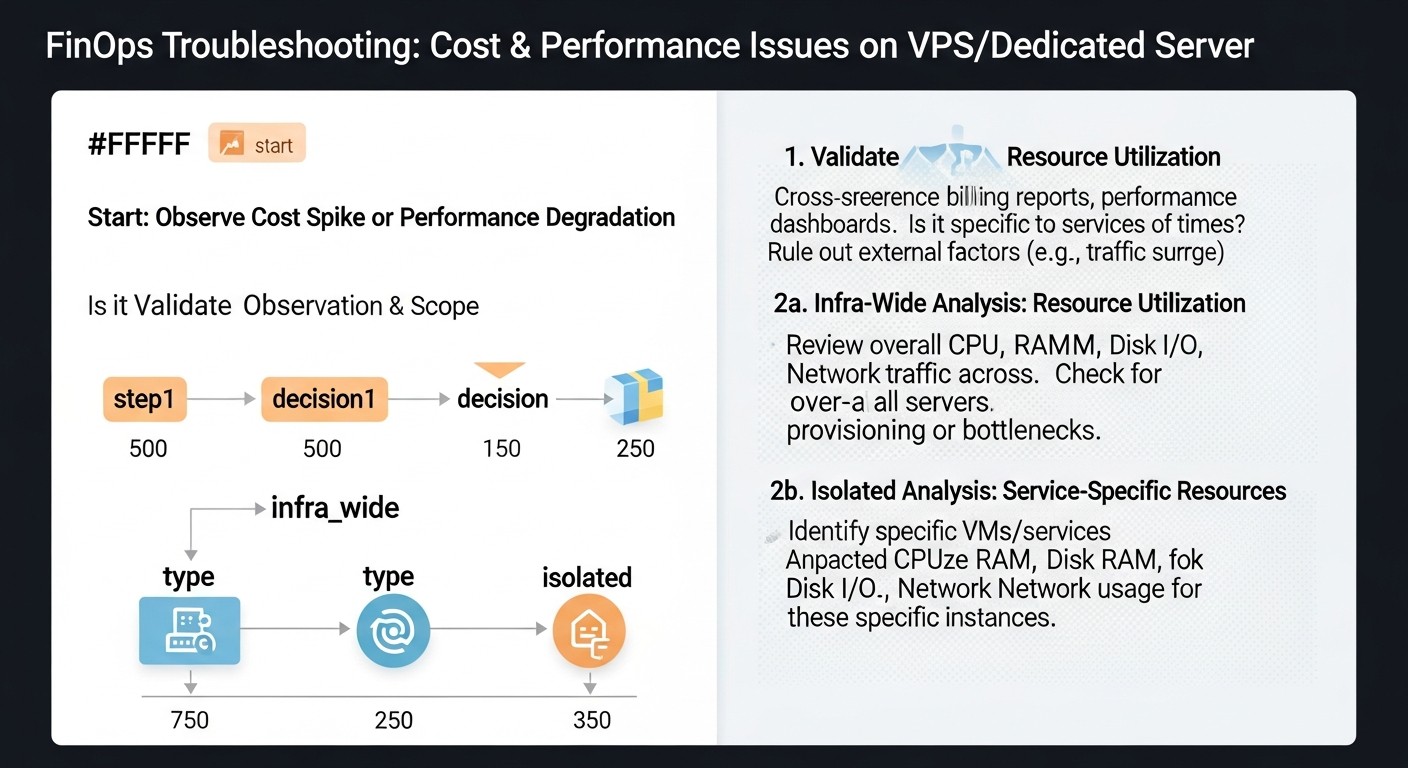 Diagram: Troubleshooting: Resolving Cost and Performance Issues
Performance issues on a VPS or dedicated server almost always directly or indirectly lead to increased costs. This can be either direct overspending (e.g., due to the need for an upgrade) or indirect (losses from downtime, engineer time for debugging). Effective troubleshooting is a key element of FinOps.
11.1. Common Problems and Their Solutions
11.1.1. High CPU Utilization
Problem: The server constantly runs with high CPU usage (over 80%), leading to slow application performance, increased response times, and potential errors.
Diagnosis:
- `top` or `htop`: Identify processes consuming the most CPU.
- `perf`, `strace`: For in-depth analysis of system calls and application profiling.
- CPU metrics in Grafana/Prometheus: View historical data and trends.
Solutions:
- Code Optimization: If the problem is in a specific application, profile its code and optimize resource-intensive sections.
- Database Optimization: Slow SQL queries can heavily load the CPU. Use indexes, optimize queries.
- Caching: Implement caching at the application level, Redis/Memcached, Varnish.
- Scaling: If optimization doesn't help, consider upgrading the VPS/server to a more powerful configuration or horizontal scaling (adding another server and load balancing).
11.1.2. Out Of Memory (OOM)
Problem: The server experiences RAM shortage, leading to swap usage (significantly slows down performance), forced termination of processes (OOM Killer), and system instability.
Diagnosis:
- `free -h`: Show current RAM and swap usage.
- `top` or `htop`: Identify processes consuming the most memory.
- `dmesg | grep -i oom`: Check kernel logs for OOM Killer messages.
- RAM metrics in Grafana/Prometheus: Track memory consumption over time.
Solutions:
- Application Optimization: Reduce memory consumption by applications (e.g., configure thread pools, memory limits for containers).
- Database Optimization: Configure DB buffers and caches so they don't consume all available memory.
- Reduce Number of Services: Disable or remove unused services.
- RAM Upgrade: If all optimizations are exhausted, it is necessary to increase the server's RAM.
11.1.3. Disk I/O Issues
Problem: Slow disk subsystem performance, leading to long load times, application delays, especially for databases.
Diagnosis:
- `iostat -xz 1`: Show disk utilization, average request queue size (avgqu-sz), wait time (await).
- `iotop`: Show processes generating the most disk I/O.
- `df -h`: Check free disk space.
- I/O metrics in Grafana/Prometheus.
Solutions:
- DB Optimization: Ensure the DB is configured for maximum disk efficiency (e.g., proper placement of logs, data, temporary files).
- Caching: Implement caching to reduce the number of disk accesses.
- Migrate to NVMe: If SATA SSDs or HDDs are used, consider upgrading to NVMe drives, which offer significantly higher performance.
- Filesystem Optimization: Configure mount options (e.g., `noatime`).
- Load Distribution: If possible, distribute disk load across multiple disks or servers.
11.1.4. Network Problems / High Traffic
Problem: High network latency, packet loss, or excessive outbound traffic consumption leading to overpayments.
Diagnosis:
- `ping`, `traceroute`: Check connectivity and latency to external resources.
- `netstat -tunlp`: Show open ports and active network connections.
- `iftop`, `nload`: Real-time network traffic monitoring.
- Network traffic metrics in Grafana/Prometheus: Track inbound/outbound traffic volume.
- Provider billing reports: Check traffic details.
Solutions:
- Application Optimization: Reduce the size of transmitted data (compression, API optimization).
- CDN: For static content, use a Content Delivery Network.
- Rate Limiting: If a service generates excessive traffic, consider limiting its network activity.
- DDoS Check: An unexpected traffic surge could be a DDoS attack; contact your provider to activate protection.
- Change Plan: If traffic consumption consistently exceeds limits, it may be cheaper to switch to a plan with a larger included volume or unlimited traffic.
11.2. When to Contact Provider Support
Some problems are beyond your expertise and require intervention from the hosting provider. Contact support if:
- Hardware Failures: Server won't power on, disks fail (though modern monitoring systems can predict this), RAM issues, network card malfunctions.
- Data Center Network Issues: Global network problems, server unavailability from outside, high latency to the data center not caused by your settings.
- DDoS Attacks: If your server is under a large-scale DDoS attack that exceeds your protection capabilities.
- Physical Security Issues: For example, access to the server or rack.
- Billing Questions: Errors in invoices, questions about rates.
- KVM/IPMI Issues: If you need console access to the server, but KVM/IPMI is not working.
Before contacting support, always gather as much information as possible: exact time of the problem, logs, screenshots, results of diagnostic commands. This will significantly speed up the resolution process.
FAQ: Frequently Asked Questions about FinOps on VPS and Dedicated Servers
What is FinOps in the context of VPS and dedicated servers?
FinOps on VPS and dedicated servers is an operational methodology that unites financial and engineering teams to manage and optimize costs for non-cloud infrastructure. It focuses on increasing cost transparency, distributing accountability, continuous resource optimization, and process automation to maximize the business value of every dollar spent on server resources.
How do I start implementing FinOps in my company if we only use VPS?
Start small:
- Conduct a full inventory of all your VPS and their purposes.
- Implement basic monitoring (Prometheus/Grafana) to collect CPU, RAM, I/O metrics.
- Identify 2-3 of the most underutilized VPS and try to optimize them (right-sizing, consolidation).
- Begin discussing costs with the teams that use these VPS.
This will allow for quick wins and demonstrate the value of FinOps.
Which metrics are most important for FinOps on VPS/Dedicated?
Key metrics include: CPU, RAM, disk I/O utilization, inbound and outbound network traffic volume, number of active and inactive servers, cost per business metric unit (e.g., cost per active user, cost per transaction), and the percentage of savings from optimization.
Can FinOps be automated on dedicated servers?
Yes, automation is a cornerstone of FinOps. With IaC tools (Ansible, Terraform), you can automate server deployment, configuration, and de-provisioning. Monitoring systems (Prometheus) can automatically generate alerts about potential cost or performance issues. Scripts can aggregate billing data and generate reports.
What is the difference between FinOps and traditional IT budget management?
Traditional budget management is often static and reactive, focusing on approving and controlling expenses by line item. FinOps is dynamic, proactive, and culture-centric. It involves continuous collaboration between finance and engineering, real-time data-driven decision-making, and a drive not just to cut costs but to maximize the business value of IT investments.
How to avoid vendor lock-in when choosing a VPS/Dedicated provider?
Choose providers that offer standard operating systems (Linux), open APIs (if available), and data export capabilities. Use IaC (Terraform, Ansible) to manage infrastructure, making it more portable. Avoid highly customized solutions or proprietary software that may be difficult to migrate.
How to account for human resources in FinOps?
Human resources are a hidden but significant cost. Evaluate the time engineers spend on routine operations, debugging inefficiencies, and compare this to the cost of implementing automation. The goal of FinOps is not to reduce staff, but to redirect their efforts to more valuable tasks by automating routine work.
What to do with outdated hardware on dedicated servers?
Outdated hardware can be inefficient. Evaluate its performance, power consumption, and maintenance costs. If it cannot handle the load, requires expensive maintenance, or consumes too much energy, consider replacing it with newer, more efficient equipment or migrating to more powerful VPS. Sometimes selling or disposing of old hardware is more economically beneficial than continuing to use it.
How does FinOps affect security?
FinOps indirectly improves security. Resource optimization means you better understand your infrastructure. Automation reduces manual errors that can lead to vulnerabilities. Deleting unused servers reduces the attack surface. However, FinOps does not replace specialized security practices but complements them.
What are the pitfalls when transitioning to FinOps?
Key pitfalls include: resistance to change within teams, lack of management support, insufficient data for decision-making, focusing solely on cost reduction without considering business value, and attempting to implement everything at once instead of a gradual approach.
Can FinOps be applied in hybrid environments (part in the cloud, part on-prem)?
Yes, FinOps is ideally suited for hybrid environments. It helps unify the approach to cost management across the entire infrastructure, ensuring transparency and optimization for both cloud and on-prem resources. This allows for informed decisions about where best to place specific workloads.
Conclusion
Implementing FinOps on VPS and dedicated servers is not just a trendy buzzword, but a strategic necessity in the constantly evolving IT infrastructure landscape of 2026. We have seen that FinOps principles, originally developed for cloud environments, are not only applicable but critically important for those managing traditional or hybrid infrastructures. The lack of flexibility and granular billing characteristic of public clouds actually makes FinOps even more significant, requiring deeper analysis, careful planning, and proactive management.
We have thoroughly examined the key FinOps criteria – visibility, accountability, optimization, automation, forecasting, and collaboration – and confirmed that each plays a decisive role in forming an effective strategy. From right-sizing and resource consolidation to utilizing long-term contracts and optimizing network costs, every measure, supported by monitoring data and automation, contributes to significant cost reduction and increased overall infrastructure efficiency.
Practical tips, command examples, economic calculations, and real-world cases have demonstrated that FinOps is not an abstract concept, but a set of concrete, practically applicable actions. By avoiding common mistakes such as over-provisioning or ignoring hidden costs, companies can not only reduce their operational expenses by 15-30% or more but also transform their IT expenditures from a passive cost item into a strategic investment that delivers maximum business value.
Final Recommendations:
- Start with Visibility: Without understanding where money is going, it's impossible to manage costs. Implement comprehensive monitoring and inventory.
- Cultivate Collaboration: FinOps is a team effort. Establish dialogue between technical and financial teams.
- Automate Routine Tasks: Use IaC and scripts to automate deployment, configuration, and de-provisioning, freeing engineers for more complex tasks.
- Optimize Continuously: FinOps is a continuous cycle. Regularly analyze data, review configurations, and seek new optimization opportunities.
- Make Data-Driven Decisions: Avoid guesswork. Use metrics and reports to justify every decision.
Next Steps for the Reader:
Do not delay FinOps implementation. Start small: choose one project or a few VPS, conduct an audit, implement monitoring, and try to apply one of the optimization strategies. The results obtained will be the best proof of FinOps' value and will provide momentum for further scaling these practices across your entire infrastructure. Remember that the path to full financial transparency and IT infrastructure efficiency is a marathon, not a sprint. But every step taken brings you closer to a more sustainable and profitable future for your business.