Optimizing Costs for Cloud VPS and Dedicated Servers: FinOps Practices and Tools (Relevant for 2026)
TL;DR
- FinOps is not just about saving, but a culture: Integrating finance and operations for continuous management of cloud spending, focusing on value and business outcomes.
- Visibility and control are key: Use tagging, detailed reports, and specialized tools to understand who is paying for what. Without this, optimization is impossible.
- Rightsizing is your best friend: Regularly analyze resource utilization and scale servers (VPS/Dedicated) to optimal sizes. You're overpaying for unused capacity.
- Automation and flexibility: Apply autoscaling, scheduled power on/off, Spot Instances, and Reserved Capacity to adapt to load and reduce baseline costs.
- Don't forget about network and storage: Egress traffic, unused disks, and outdated snapshots can make up a significant portion of the bill. Optimize them as thoroughly as CPU/RAM.
- Culture of collaboration: FinOps requires interaction between engineers, product managers, and finance departments for joint decision-making on expenditures.
- Choose the right server type: VPS for flexibility and scaling, dedicated servers for high performance and predictable loads, containerization and Serverless for maximum efficiency.
3. Introduction
 Diagram: 3. Introduction
In the rapidly evolving world of technology, where cloud computing has become the de facto standard for most startups, SaaS projects, and even large enterprises, managing IT infrastructure costs has transformed from a secondary task into a critically important aspect of business strategy. By 2026, as the cloud market continues its exponential growth and competition among providers and consumers reaches its peak, the ability to effectively manage the budget for VPS and dedicated servers will become not just an advantage, but a necessity for survival and prosperity.
This article is dedicated to FinOps — an operational model that unites finance, technology, and business to achieve maximum value from cloud investments. FinOps is not a one-time cost-cutting event, but a continuous process, a culture of collaboration aimed at increasing transparency, accountability, and efficiency in cloud resource utilization. We will explore how FinOps practices and modern tools help DevOps engineers, backend developers, SaaS founders, system administrators, and startup CTOs not just reduce costs, but also make informed, strategic decisions that contribute to business growth.
Why is this topic particularly important in 2026? Because the complexity of cloud ecosystems continues to grow. A multitude of services, pricing plans, and pricing models (on-demand, reserved instances, spot instances, serverless functions) create a labyrinth where it's easy to get lost and unknowingly overpay. On the other hand, increasingly sophisticated tools for monitoring, analysis, and automation are emerging, allowing this complexity to be managed. This article aims to help you navigate this labyrinth using advanced FinOps approaches.
The article addresses the following problems:
- Lack of transparency: How to understand where money is going and which services consume the largest part of the budget?
- Excessive consumption: How to avoid overpaying for unused or underutilized resources?
- Complexity of choice: How to choose between VPS, dedicated servers, containers, or serverless solutions, considering cost and performance?
- Lack of a unified approach: How to establish interaction between technical and financial departments for effective cost management?
- Smart scaling: How to ensure infrastructure growth without a proportional increase in costs?
This article is written for anyone facing the challenges of cloud cost management and striving not only to reduce them but also to optimize the value received from every dollar spent. We will provide specific, practical recommendations, supported by examples and current data for 2026, so you can confidently manage your cloud infrastructure.
4. Key Criteria/Factors for Selection and Optimization
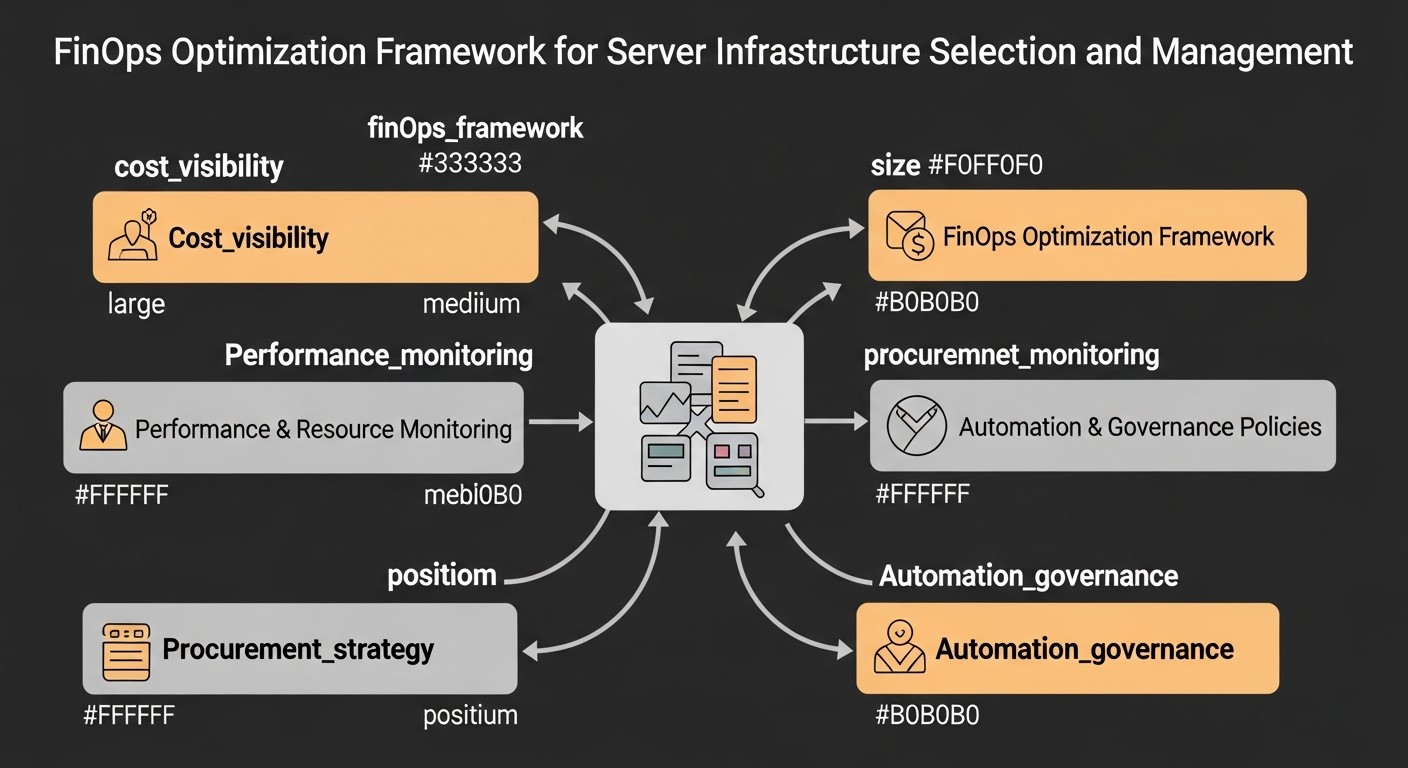 Diagram: 4. Key Criteria/Factors for Selection and Optimization
Choosing the optimal infrastructure and subsequently optimizing it is a multifaceted process that depends on many factors. In the context of FinOps, each of these criteria directly impacts the final cost and the value that the business derives from IT investments. Let's consider the key factors relevant for 2026.
Performance and Workload Type
Why it's important: Underestimating or overestimating the required performance leads to inefficient costs. A server that is too weak cannot handle the load, causing slowdowns and failures, which results in customer loss and reputational risks. A server that is too powerful is a direct overpayment for unused resources.
How to evaluate:
- CPU-intensive tasks: High computations, processing large data volumes, machine learning, compilation. Require powerful cores and possibly specialized processors (GPU, TPU).
- RAM-intensive tasks: In-memory databases (Redis, Memcached), JVM applications with large heaps, big data analytics, image processing. Require a large amount of RAM.
- I/O-intensive tasks: Databases (PostgreSQL, MongoDB), file servers, high-load web servers with a large amount of static content. Require fast SSD/NVMe disks and high I/O throughput.
- Network load: High-load API gateways, streaming services, CDN nodes. Require high network bandwidth and low latency.
By 2026, new generations of processors (e.g., ARM processors like AWS Graviton are becoming even more competitive in price/performance ratio) are emerging, as well as specialized solutions for AI and ML, which can significantly reduce the cost of performing specific tasks.
Scalability and Elasticity
Why it's important: The ability of the infrastructure to adapt to changing loads without manual intervention and with minimal costs. An inelastic system either fails to cope with peaks or idles during troughs, consuming resources. FinOps aims to pay only for actually used resources.
How to evaluate:
- Vertical scalability: Increasing resources (CPU, RAM) of a single server. Simple to implement but has physical limitations and requires a restart.
- Horizontal scalability: Adding new servers to distribute the load. More complex to implement (requires stateless applications, load balancers) but provides almost infinite growth and high availability.
- Autoscaling: Automatic addition/removal of servers based on metrics (CPU, RAM, request queue). A key FinOps tool for dynamic optimization.
In 2026, further development of serverless and container (Kubernetes) solutions is expected, offering the highest level of elasticity and pay-per-use, making them extremely attractive from a FinOps perspective.
Reliability and Availability (SLA)
Why it's important: Downtime represents direct and indirect losses for the business: lost revenue, customer loss, reputational damage. High availability usually costs more, so it's important to find a balance between the required SLA level and the budget.
How to evaluate:
- SLA (Service Level Agreement): The guaranteed percentage of service uptime by the provider (e.g., 99.9% or 99.99%). The higher the SLA, the higher the cost.
- Redundancy: Duplication of critical components (servers, databases, network equipment) to prevent single points of failure.
- Geographic distribution: Deploying infrastructure in multiple regions/availability zones to protect against regional outages.
- Backup & Recovery: Regular backups and tested disaster recovery plans.
A FinOps approach requires a conscious choice of availability level, based on the business value of the application, rather than the "maximum possible."
Security and Compliance
Why it's important: Data breaches, cyberattacks, non-compliance with GDPR, HIPAA, PCI DSS, and other standards can lead to huge fines, lawsuits, and loss of trust. Security costs are investments, not expenses.
How to evaluate:
- Network security: Firewalls, VPN, WAF (Web Application Firewall), DDoS protection.
- Data security: Encryption of data at rest and in transit, access management, backup.
- Identity and Access Management (IAM): Principle of least privilege, two-factor authentication.
- Compliance with standards: Provider certifications (ISO 27001, SOC 2), compliance with regional and industry regulations.
By 2026, the role of automated security tools (DevSecOps) and compliance management platforms is increasing, helping to minimize manual checks and associated costs.
Pricing Model and Cost Predictability
Why it's important: Opaque or unpredictable costs make budgeting and planning difficult. FinOps aims for maximum predictability and optimization opportunities.
How to evaluate:
- Pay-as-you-go: Payment for actually consumed resources. High flexibility, but potentially high unpredictability without proper monitoring.
- Reserved Instances / Savings Plans: Discounts for committing to use a certain volume of resources for a long period (1-3 years). Significantly reduce baseline costs.
- Spot Instances: Very cheap but interruptible instances, suitable for fault-tolerant and batch tasks.
- Fixed cost: Dedicated servers or some VPS plans with predictable monthly payments. Suitable for stable, predictable loads.
In 2026, providers offer even more complex pricing models, requiring deep analysis and the use of FinOps tools to choose the most advantageous option.
Support and Ecosystem
Why it's important: The quality of support and the availability of tools affect problem resolution speed, time to market, and overall operational efficiency. Poor support can lead to prolonged downtime and additional costs for internal resources.
How to evaluate:
- Support level: 24/7, response time, communication channels (chat, phone, tickets).
- Documentation and community: Availability of comprehensive documentation, active community, forums.
- Ecosystem: Availability of additional services (databases, CDN, analytics), integration with other tools.
- Managed services: Ability to delegate part of operational tasks to the provider (e.g., Managed Databases, Kubernetes as a Service).
Geographic Location and Latency
Why it's important: The physical location of servers relative to end-users directly affects application response speed. For global services, this is critically important. Data sovereignty and compliance with local laws are also important considerations.
How to evaluate:
- Distance to users: Choosing data centers as close as possible to the primary audience.
- CDN (Content Delivery Network): Using a CDN to cache content closer to users, reducing the load on the main server and decreasing latency.
- Multi-Region/Multi-Zone architecture: Deploying in multiple geographic locations for fault tolerance and reduced latency.
- Data retention laws: Ensure data is stored in compliance with the jurisdiction requirements where your audience is located.
Optimizing network costs, including egress traffic, is becoming one of the key FinOps directions by 2026, as the volume of data transferred continues to grow.
Vendor Lock-in
Why it's important: Dependence on a single provider can limit migration options, reduce negotiation power, and lead to increased service costs in the long run. FinOps encourages architectures that minimize dependence.
How to evaluate:
- Standardization: Using open standards (Docker, Kubernetes, Terraform) and cloud-agnostic technologies.
- Abstraction: Separating application logic from specific cloud services.
- Multi-cloud/Hybrid strategy: Deploying in multiple clouds or combining cloud with on-premises infrastructure to reduce risks.
By 2026, tools for multi-cloud management and infrastructure abstraction are becoming increasingly mature, allowing companies to be more flexible in choosing providers and avoiding rigid lock-in.
5. Comparison Table of Cloud and Dedicated Servers (2026)
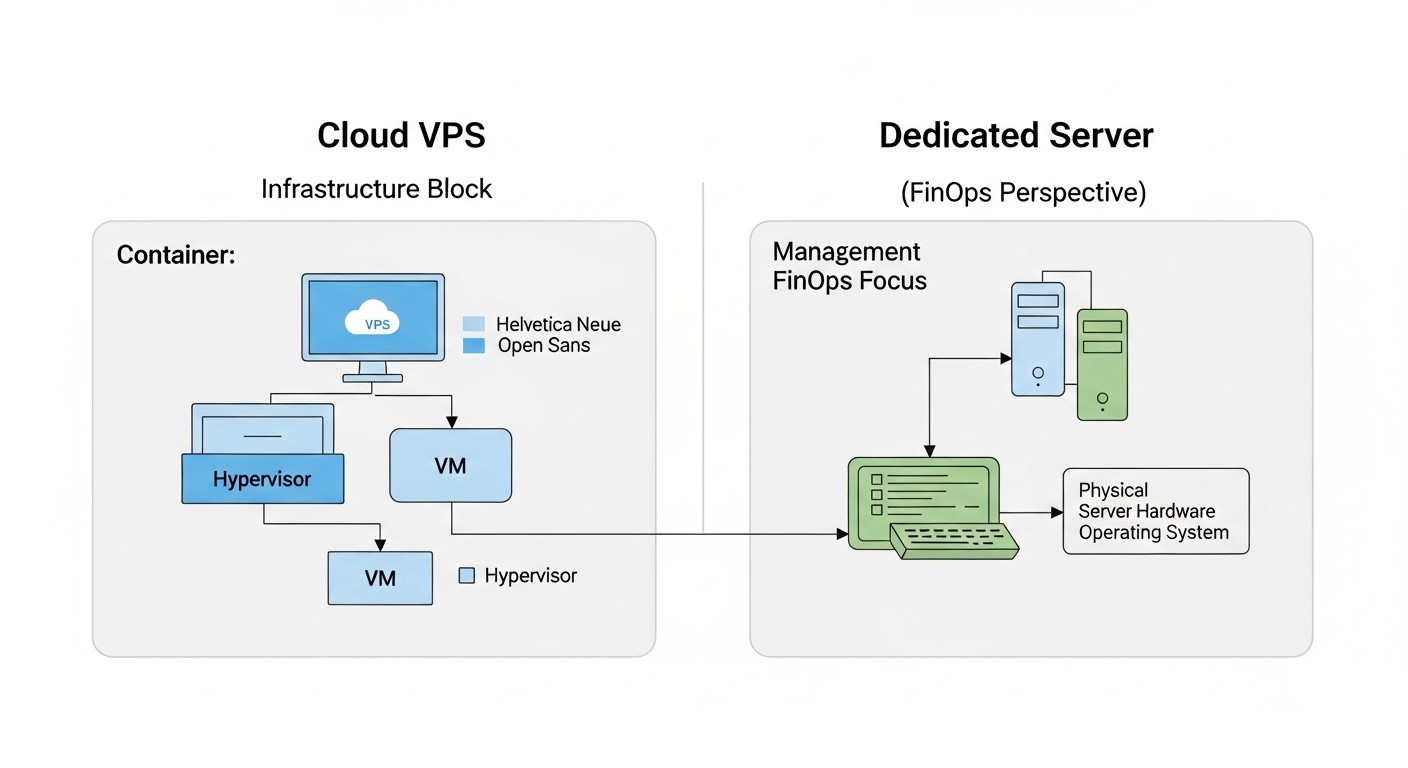 Diagram: 5. Comparison Table of Cloud and Dedicated Servers (2026)
In 2026, the market for cloud services and dedicated servers continues to evolve, offering a wide range of solutions. Below is a comparison table reflecting key characteristics and approximate prices for various infrastructure types, relevant for 2026. Prices are hypothetical and may vary depending on the provider, region, and specific configuration. We assume average configurations suitable for a typical SaaS application or backend.
| Criterion |
Cloud VPS (Shared CPU, 8-16 GB RAM) |
Cloud VPS (Dedicated CPU, 16-32 GB RAM) |
Managed VPS (16-32 GB RAM) |
Dedicated Server (Bare Metal, L-configuration) |
Cloud Instance (AWS EC2/GCP Compute, m5.xlarge/e2-standard-4) |
Kubernetes as a Service (EKS/GKE, 3 nodes) |
Serverless (Lambda/Cloud Functions, 100M invocations) |
| Typical CPU |
2-4 vCPU (shared) |
4-8 vCPU (dedicated) |
4-8 vCPU (dedicated) |
8-16 Cores (physical) |
4 vCPU (dedicated) |
3 x 4 vCPU (dedicated) |
0.25-1 vCPU (burst) |
| Typical RAM |
8-16 GB |
16-32 GB |
16-32 GB |
64-128 GB |
16 GB |
3 x 16 GB |
128-512 MB |
| Typical Storage |
160-320 GB SSD |
320-640 GB NVMe |
320-640 GB NVMe |
2 x 1 TB NVMe |
300 GB GP3 SSD |
3 x 300 GB GP3 SSD |
N/A (Ephemeral) |
| Network Traffic (Inbound/Outbound) |
1-2 TB / 1-2 TB |
2-4 TB / 2-4 TB |
2-4 TB / 2-4 TB |
10-20 TB / 10-20 TB |
Inbound free, Outbound 0.08-0.12 $/GB |
Inbound free, Outbound 0.08-0.12 $/GB |
Inbound free, Outbound 0.08-0.12 $/GB |
| Approximate Monthly Cost (2026, USD) |
40-80 $ |
80-180 $ |
150-300 $ |
250-500 $ (without OS/panel) |
150-250 $ (On-Demand) |
400-800 $ (without Control Plane) |
50-150 $ (for 100M invocations) |
| Scalability |
Manual/Vertical |
Manual/Vertical |
Manual/Vertical |
Manual/Vertical (upgrade) |
Automatic (horizontal, vertical) |
Automatic (horizontal, pods/nodes) |
Automatic (on-demand) |
| Management Level |
Low (OS Only) |
Low (OS Only) |
Medium (OS + Panel) |
Low (Hardware Only) |
Medium (IaaS) |
High (PaaS) |
Very High (FaaS) |
| Cost Predictability |
High |
High |
High |
Very High |
Low (On-Demand), High (RI/SP) |
Medium (per node), Low (per traffic) |
Low (per invocation/RAM/CPU) |
| Deployment Time |
Minutes |
Minutes |
Minutes |
Hours/Days |
Minutes |
Tens of minutes |
Seconds |
Table Explanations:
- Cloud VPS (Shared CPU): Virtual servers where the CPU is shared among several clients. The most budget-friendly option, but susceptible to the "noisy neighbor" problem. Ideal for small websites, test environments.
- Cloud VPS (Dedicated CPU): Virtual servers with guaranteed CPU cores. More stable performance, suitable for production environments with moderate load.
- Managed VPS: VPS with additional administration services, control panel (cPanel, Plesk), backups from the provider. Convenient for those without their own system administrators.
- Dedicated Server (Bare Metal): A physical server entirely at your disposal. Maximum performance and control, but requires deep administration knowledge. Economically advantageous for very high and stable loads.
- Cloud Instance (AWS EC2/GCP Compute): A typical IaaS service from major cloud providers. Offers immense flexibility, many instance types, advanced network and disk options, but requires active FinOps management for cost control.
- Kubernetes as a Service: Managed Kubernetes clusters (e.g., EKS, GKE, AKS). Allow running containerized applications with high scalability and fault tolerance. Cost includes payment for nodes and potentially for the control plane.
- Serverless (Lambda/Cloud Functions): Functions as a Service (FaaS). Payment is based on the number of invocations and execution time. Ideal for event-driven, infrequent tasks, microservices. Maximum elasticity, minimal administration, but harder to predict costs under unpredictable loads.
The choice between these options is always a compromise between cost, performance, flexibility, management level, and predictability. FinOps helps make this decision based on actual business needs.
6. Detailed Review of Each Item/Option
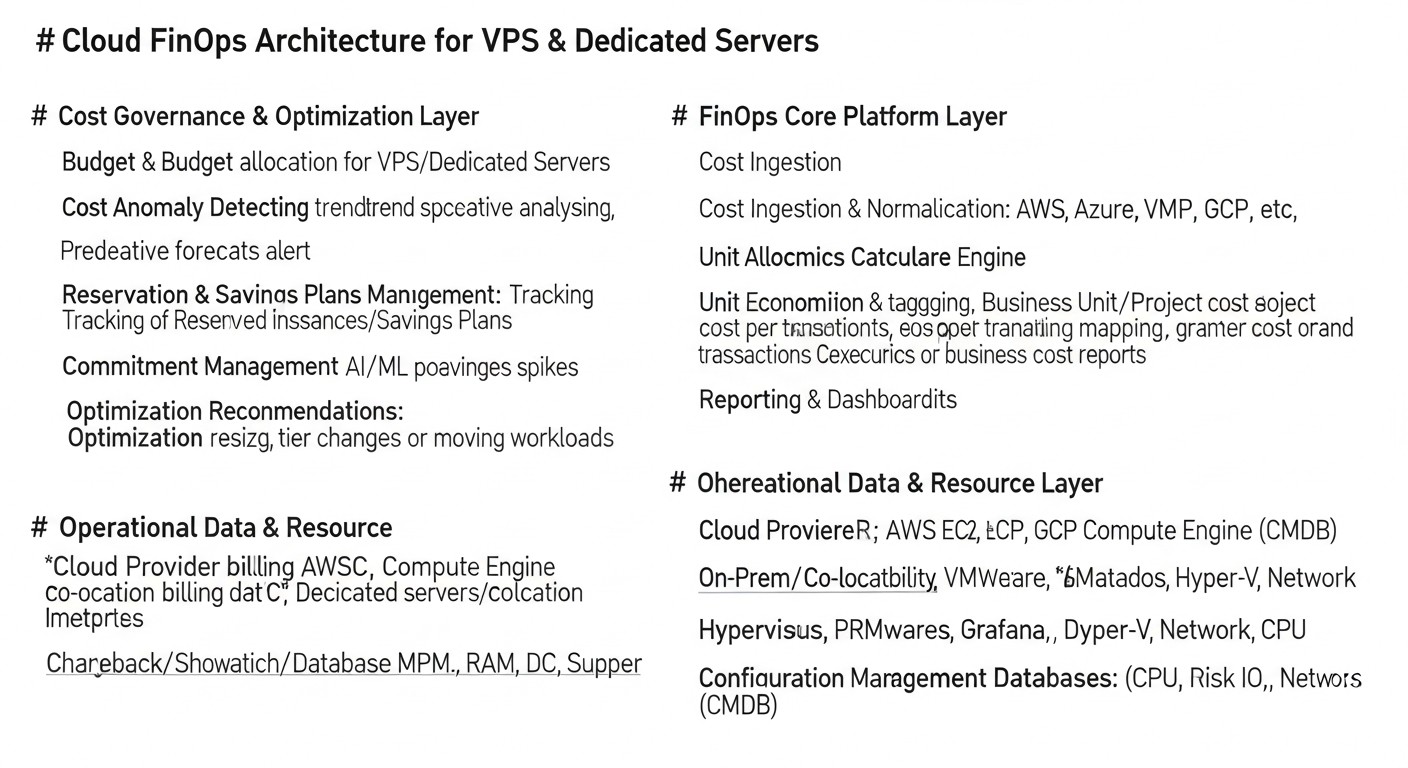 Diagram: 6. Detailed Review of Each Item/Option
Understanding the nuances of each infrastructure type is critically important for making informed FinOps decisions. By 2026, the differences between them have become even more pronounced, and their optimal application requires deep expertise.
Cloud VPS (Virtual Private Servers)
Cloud VPS remain one of the most popular and accessible solutions for most startups and medium-sized projects. They represent a virtualized part of a physical server, where you get guaranteed resources (or oversubscribed resources in the case of Shared CPU) and full control over the operating system. Providers such as DigitalOcean, Vultr, Hetzner, Linode, as well as Russian providers (Yandex.Cloud, VK Cloud Solutions, Selectel) offer a wide range of VPS.
Pros:
- Affordability: Low entry barrier, starting plans begin at a few dollars per month.
- Flexibility: Easy to scale resources (CPU, RAM, Storage) vertically (often with a reboot). Fast deployment.
- Control: Full root access to the operating system, allowing installation of any software and customization of the environment to your needs.
- Predictability: Usually a fixed monthly fee, which simplifies budgeting.
- Wide choice: Many providers competing on price and quality.
Cons:
- Limited scalability: Vertical scaling has physical limits. Horizontal scaling requires manual configuration or the use of additional services (load balancers).
- "Noisy neighbor" problem: On Shared CPU VPS, performance can suffer due to other clients on the same physical server.
- Lack of Managed services: Most VPS do not include managed databases, message queues, and other PaaS services available from large cloud providers.
- Manual administration: All responsibility for the OS, security, updates, backups lies with the user (unless it's a Managed VPS).
Who it's suitable for:
Small and medium web applications, API services, blogs, test and dev environments, VPN servers, personal projects. Ideal for early-stage startups that need flexibility and low initial costs. FinOps here focuses on choosing the right plan, regularly monitoring utilization, and timely upgrading/downgrading.
Specific use cases:
Deploying a WordPress/Laravel site, a small Node.js/Python API, a server for CI/CD agents, a test environment for developers. For example, a startup might start with a $20/month VPS, and as traffic grows, upgrade to a Dedicated CPU VPS for $80-100/month until a more complex load-balanced architecture is required.
Dedicated Servers (Bare Metal)
A dedicated server provides you with a complete physical server, without virtualization (unless you deploy it yourself). This means exclusive access to all hardware resources: CPU, RAM, disks, and network interface. Providers such as Hetzner, OVHcloud, Contabo, as well as Russian Selectel, DataLine, offer a wide range of configurations.
Pros:
- Maximum performance: No virtualization overhead, full access to the hardware. Ideal for resource-intensive tasks.
- Stability and predictability: Performance does not depend on "neighbors."
- Full control: You manage everything, from OS selection to low-level BIOS/UEFI settings.
- Security: Physical isolation from other clients.
- Cost savings for large volumes: For high and constant loads, a dedicated server can be cheaper than an equivalent cloud configuration (especially without long-term commitments).
- High traffic limits: Providers often offer very large volumes of traffic or even unlimited traffic for a fixed fee.
Cons:
- Low flexibility/scalability: Vertical scaling requires hardware replacement and downtime. Horizontal scaling requires purchasing new servers and manual configuration.
- Long deployment time: Ordering and preparing a server can take from several hours to several days.
- High entry cost: Rental cost is significantly higher than for VPS.
- High administration requirements: Requires deep knowledge of system administration, network configuration, RAID arrays, security.
- Lack of managed services: All additional services (databases, load balancers) must be configured and maintained independently.
Who it's suitable for:
Large databases, high-load game servers, streaming platforms, ERP systems, projects with very stable and high loads where every millisecond and maximum throughput are critical. Also suitable for companies that need maximum control over their infrastructure or require specific hardware. FinOps here focuses on long-term planning, correct configuration selection, and efficient use of every core and gigabyte.
Specific use cases:
Minecraft servers with hundreds of players, a high-load PostgreSQL cluster, a machine learning server with GPUs, an enterprise 1C system, a private cloud based on Proxmox/OpenStack. For example, a game studio for a new title might need a dedicated server with a powerful CPU and large amount of RAM, capable of handling a peak load of 5000 concurrent users, which would cost $400-600/month but would avoid lag and ensure a stable gaming experience.
Cloud Instances (IaaS from major providers: AWS EC2, GCP Compute Engine, Azure VMs)
These services provide virtual machines in large-scale cloud infrastructures such as Amazon Web Services (AWS), Google Cloud Platform (GCP), and Microsoft Azure. They offer immense flexibility, scalability, and integration with a vast ecosystem of cloud services.
Pros:
- Highest scalability: Simple autoscaling setup, ability to launch thousands of instances in minutes.
- Configuration flexibility: Wide selection of instance types (optimized for CPU, RAM, I/O, GPU), possibility of custom configurations.
- Service ecosystem: Seamless integration with managed databases (RDS, Cloud SQL), message queues (SQS, Pub/Sub), CDNs (CloudFront, Cloud CDN), serverless functions (Lambda, Cloud Functions), and many other PaaS/SaaS solutions.
- High availability: Ability to deploy in multiple availability zones and regions for maximum fault tolerance.
- Advanced FinOps tools: Built-in tools for cost monitoring, billing, budgeting, capacity reservation (Reserved Instances, Savings Plans, Spot Instances).
Cons:
- Complexity: The vast number of services and options can be overwhelming for newcomers.
- Cost unpredictability: The Pay-as-you-go model can lead to unexpectedly high bills without proper control and optimization.
- Vendor lock-in: Using specific cloud services can make migration to another provider difficult.
- Network costs: Egress traffic (outbound traffic from the cloud) can be very expensive.
Who it's suitable for:
Large SaaS projects, e-commerce platforms, high-load web services, projects with dynamic and unpredictable loads, Big Data, ML projects. For companies that need maximum flexibility, scalability, and a wide range of managed services. FinOps here is a central discipline, including managing Reserved Instances, Spot Instances, rightsizing, network traffic optimization, and regular auditing.
Specific use cases:
Backend for a mobile application with millions of users, an analytical platform processing petabytes of data, a global e-commerce website. For example, a SaaS company providing a CRM system might use EC2 instances for its microservices, RDS for the database, SQS for queues, and S3 for file storage. With proper FinOps application, using Reserved Instances for baseline load and autoscaling with Spot Instances for peaks, costs can be reduced by 30-70% compared to On-Demand.
Kubernetes as a Service (EKS, GKE, AKS)
Managed Kubernetes services (Amazon EKS, Google GKE, Azure AKS) provide ready-to-use Kubernetes clusters, abstracting the user from managing master nodes and their infrastructure. This allows focusing on deploying applications in containers.
Pros:
- High scalability: Automatic scaling of pods and cluster nodes depending on the load.
- Fault tolerance: Built-in orchestration and self-healing mechanisms.
- Portability: Containers (Docker) and Kubernetes are open standards, which reduces vendor lock-in.
- Efficient resource utilization: Kubernetes allows tightly packing workloads on nodes, maximizing resource utilization.
- DevOps-friendly: Simplifies CI/CD and application deployment.
Cons:
- Complexity: Kubernetes itself has a high learning curve.
- Control plane cost: Some providers charge for master nodes (e.g., EKS), others include it in the node cost.
- Overhead: A Kubernetes cluster requires more resources for its operation compared to "bare" VPS.
- Training costs: Requires specialists with deep Kubernetes knowledge.
Who it's suitable for:
Microservice architectures, high-load distributed applications, SaaS platforms that require a high degree of automation, scalability, and fault tolerance. Companies that already use containerization or plan to migrate to microservices. FinOps in Kubernetes includes optimizing pod sizes (requests/limits), node autoscaling (Cluster Autoscaler, Karpenter), selecting optimal instance types for nodes, and monitoring and managing network costs.
Specific use cases:
Deploying multiple microservices, each serving a separate function, on a single Kubernetes cluster. For example, a media platform where each service (users, content, recommendations, streaming) runs in its own pod, scaling independently. The cost of such a cluster can start from $400-500 per month for several nodes and the control plane, but it significantly reduces operational costs for administration and efficiently utilizes resources.
Serverless (Lambda, Cloud Functions, Azure Functions)
Serverless computing, or "Functions as a Service" (FaaS), allows developers to run code without the need to manage servers. The provider automatically scales and manages all underlying infrastructure, and payment is charged only for the actual code execution time and the number of invocations.
Pros:
- Maximum elasticity: Instant scaling from zero to thousands of invocations per second.
- Pay-as-you-go: You pay only for what you actually consume, without idle servers.
- No administration: The provider handles all tasks related to server management, patching, OS updates.
- Low operational costs: Significant reduction in DevOps and system administrator efforts.
- Built-in fault tolerance: Functions are automatically duplicated and run in different availability zones.
Cons:
- Cold Start: The first invocations of a function after a period of inactivity may take longer due to environment initialization.
- Limitations: Limits on execution time, memory size, deployment package size.
- Debugging and monitoring complexity: The distributed nature of Serverless architectures can complicate debugging.
- Vendor lock-in: Although code can be portable, integration with other provider services creates dependency.
- Cost unpredictability: With very high and unpredictable loads, the cost can be higher than for a continuously running server.
Who it's suitable for:
Event-driven architectures, API gateways, mobile application backends, file processing, ETL processes, chatbots, webhooks, background tasks. Ideal for applications with variable or sporadic loads. FinOps for Serverless includes optimizing function execution time, choosing the optimal memory size, aggressive caching, and monitoring and analyzing invocations to identify inefficient functions.
Specific use cases:
Image processing after upload to S3, sending email notifications, user authentication, implementing small microservices that react to database events. For example, for processing 100 million Lambda invocations per month with an execution time of 500 ms and 256 MB RAM, the cost can be around $70-120 per month, which is extremely cost-effective for such a processing volume compared to maintaining a continuously running server.
7. Practical FinOps Tips and Recommendations
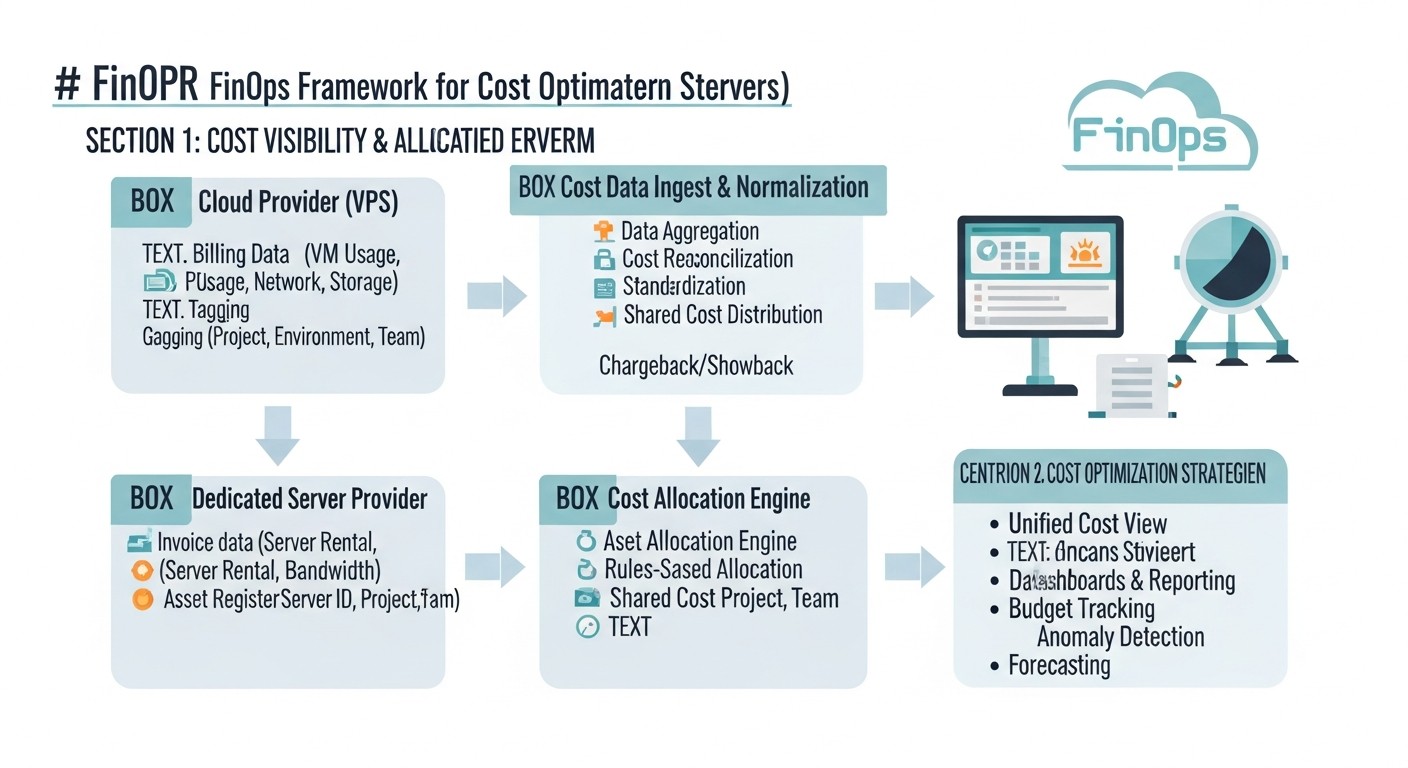 Diagram: 7. Practical FinOps Tips and Recommendations
Applying FinOps is not limited to theoretical knowledge; it requires concrete actions and tools. Below are step-by-step instructions and recommendations to help you effectively manage costs for VPS and dedicated servers.
1. Implementing a Culture of Transparency and Accountability (Tagging & Cost Allocation)
The first step to optimization is understanding who pays for what. By 2026, without an adequate tagging and cost allocation system, it's impossible to effectively manage the cloud.
Actions:
- Develop a tagging policy: Define mandatory tags for all resources (e.g.,
Project, Environment, Owner, CostCenter).
- Automate tagging: Use Infrastructure as Code (IaC) to automatically apply tags when creating resources.
- Monitor compliance: Regularly check that all resources have the necessary tags.
Example tagging policy:
# Example tagging policy for AWS/GCP/Azure
# All resources must have the following tags:

- Key: Project
  Description: Name of the project or product (e.g., "SaaS_CRM", "Analytics_Platform")
  Required: true
  Values: [CRM, Analytics, CoreServices, InternalTools, ... ]

- Key: Environment
  Description: Deployment environment (e.g., "prod", "staging", "dev", "test")
  Required: true
  Values: [prod, staging, dev, test]

- Key: Owner
  Description: Name or ID of the team/engineer responsible for the resource
  Required: true
  Values: [devops-team, backend-crm, data-eng, ... ]

- Key: CostCenter
  Description: Cost center code for financial reporting
  Required: false # May be optional for dev environments
  Values: [CC101, CC202, ... ]

- Key: Application
  Description: Name of the specific application or microservice
  Required: false
  Values: [AuthService, PaymentGateway, UserPortal, ... ]
2. Rightsizing and Regular Audits
One of the most effective ways to reduce costs is to select the optimal server size for the actual load. Many companies overpay for excess resources.
Actions:
- Monitor utilization: Collect CPU, RAM, disk I/O, and network traffic metrics over a long period (at least 30-90 days).
- Identify underutilized resources: Look for servers with consistently low utilization (e.g., CPU below 10-15%, RAM below 30-40%).
- Downgrade/Terminate: Migrate underutilized servers to smaller plans or completely delete unused ones.
- Code optimization: If a resource is constantly overloaded, consider optimizing the application code instead of upgrading the server.
Example command to check RAM/CPU utilization (Linux):
# Check current CPU and RAM utilization
top -bn1 | head -n 5 # Brief overview
free -h # RAM usage
vmstat 1 10 # Real-time monitoring of CPU, I/O, RAM

# Deeper analysis using sar (System Activity Reporter)
# Install sysstat if not present: sudo apt install sysstat
sar -u 1 10 # CPU utilization
sar -r 1 10 # RAM utilization
sar -b 1 10 # I/O operations
# To view history for a specific date (e.g., 2026-03-15)
# sar -f /var/log/sysstat/sa15 # (saYY where YY is the day of the month)
3. Using Commitment-Based Pricing Models (Reserved Instances / Savings Plans)
For predictable baseline loads, reserved capacity can provide significant savings.
Actions:
- Analyze stable load: Determine the minimum number of servers (VPS/VMs) that run 24/7 for a long period.
- Choose the optimal plan: Select Reserved Instances (RI) or Savings Plans (SP) for 1 or 3 years, with or without upfront payment, depending on your financial strategy.
- Monitor coverage: Regularly check what percentage of your stable load is covered by RI/SP.
Important: RI/SP are only suitable for stable loads. Do not reserve what can be turned off or reduced.
4. Infrastructure and Scaling Automation
Automation is not only about acceleration but also significant savings.
Actions:
- Autoscaling: Configure automatic addition/removal of servers (in clouds) or containers (in Kubernetes) depending on the load.
- Scheduled power on/off: Automatically shut down dev/test/staging environments during off-hours (at night, on weekends).
- Use Spot Instances: For fault-tolerant, interruptible workloads (e.g., big data processing, rendering, CI/CD), use Spot Instances with their huge discounts.
- Infrastructure as Code (IaC): Use Terraform, Ansible, CloudFormation, Pulumi for declarative infrastructure management, which reduces errors and ensures reproducibility.
Example script to stop dev servers during off-hours (for VPS with API, e.g., DigitalOcean):
#!/bin/bash
# Script to stop DigitalOcean dev droplets by tag 'Environment:dev'
# Requires doctl to be installed and authenticated
# doctl auth init

DO_TOKEN="YOUR_DIGITALOCEAN_API_TOKEN" # Use environment variables!

# Get a list of droplets with the tag 'Environment:dev'
DROPLET_IDS=$(doctl compute droplet list --format "ID,Tags" | grep "Environment:dev" | awk '{print $1}')

if [ -z "$DROPLET_IDS" ]; then
    echo "No active dev droplets to stop."
    exit 0
fi

echo "Stopping the following dev droplets: $DROPLET_IDS"

for ID in $DROPLET_IDS; do
    echo "Stopping droplet ID: $ID..."
    doctl compute droplet-action power-off $ID --force
    if [ $? -eq 0 ]; then
        echo "Droplet $ID successfully stopped."
    else
        echo "Error stopping droplet $ID."
    fi
done

echo "Dev droplet stopping process completed."
5. Storage and Network Traffic Optimization
These components are often underestimated but can account for a significant portion of the bill.
Actions:
- Disk audit: Identify unused disks, outdated snapshots, irrelevant images. Delete them.
- Choose storage type: Use S3-compatible storage for static files, block storage for databases, and cold storage (Glacier, Coldline) for archives.
- Optimize egress traffic:
- Use a CDN (Content Delivery Network) to cache content closer to users, reducing the load on the main server and decreasing egress traffic from the cloud.
- Compress data (gzip, brotli) before sending.
- Minimize image and video sizes.
- Consider placing resources in the same region as consumers to avoid inter-regional traffic.
Example Nginx configuration for Gzip compression:
http {
    # ... other settings ...

    gzip on;
    gzip_vary on;
    gzip_proxied any;
    gzip_comp_level 6; # Compression level: 1 (fast) - 9 (max compression)
    gzip_buffers 16 8k;
    gzip_http_version 1.1;
    gzip_types text/plain text/css application/json application/javascript text/xml application/xml application/xml+rss text/javascript font/truetype font/opentype application/vnd.ms-fontobject image/svg+xml;
    gzip_disable "MSIE [1-6]\."; # Disable for old IE

    server {
        # ... your server settings ...
    }
}
6. Cost Monitoring and Alerts
Without constant monitoring, it's impossible to react quickly to changes.
Actions:
- Set budgets: Establish monthly or quarterly budgets for each project/department and configure alerts when thresholds are exceeded (e.g., 50%, 80%, 100% of the budget).
- Track anomalies: Use tools to identify sudden cost spikes or unusual resource usage.
- Regular reports: Provide regular cost reports to technical and financial teams.
7. Database Optimization
Databases are often one of the most expensive components of infrastructure.
Actions:
- Rightsizing: Ensure the database instance type and size match the actual load.
- Indexing: Optimize queries and add necessary indexes to speed up database operations, which can reduce the need for more powerful hardware.
- Caching: Use caching (Redis, Memcached) to reduce the load on the database.
- Archiving/Sharding: Move old data to cold storage or shard the database to distribute the load.
- Managed Databases: Use managed databases from cloud providers, which often include automatic scaling, backups, and patching, reducing TCO (Total Cost of Ownership).
Example SQL query to find slow queries in PostgreSQL:
-- Ensure pg_stat_statements is enabled in postgresql.conf
-- shared_preload_libraries = 'pg_stat_statements'
-- pg_stat_statements.track = all
-- RESTART DB

SELECT
    query,
    calls,
    total_time,
    mean_time,
    stddev_time,
    rows,
    100.0 * shared_blks_hit / (shared_blks_hit + shared_blks_read) AS hit_percent
FROM
    pg_stat_statements
ORDER BY
    total_time DESC
LIMIT 10;
8. Data Deduplication and Archiving
Storage accounts for a significant portion of costs, especially considering backups and snapshots.
Actions:
- Lifecycle policies: Configure automatic movement of old data to cheaper storage classes (e.g., S3 Standard-IA, Glacier).
- Delete outdated backups/snapshots: Regularly delete backups and snapshots that have exceeded established retention policies.
- Deduplication: Use deduplication tools to store only unique copies of data.
8. Common Mistakes in Cost Optimization
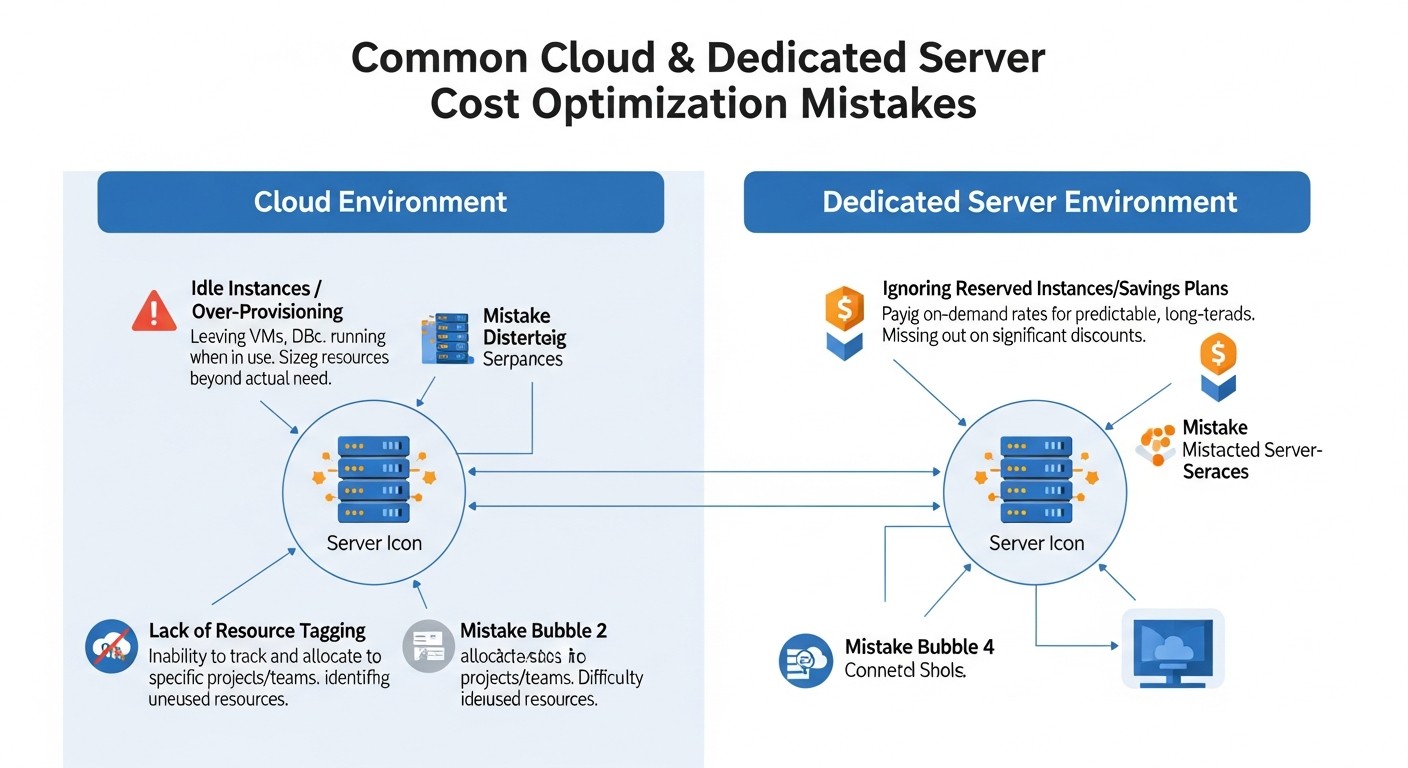 Diagram: 8. Common Mistakes in Cost Optimization
Even experienced DevOps teams and system administrators can make mistakes that lead to overspending. By 2026, these mistakes become even more costly due to the increasing complexity of cloud ecosystems.
1. Ignoring Unused Resources (Zombie Resources)
Error description: This is perhaps the most common and costly mistake. After testing, experiments, or deactivating old services, often running but unused servers (VPS/VM), inactive load balancers, unused IP addresses, unused disks, snapshots, databases, and other resources remain. They continue to generate bills, sometimes unnoticed, until they grow to significant amounts.
How to avoid:
- Implement a strict policy for deleting resources after use, especially for dev/test environments.
- Automate resource cleanup using scripts or IaC (Infrastructure as Code) after project completion or expiration of their lifecycle.
- Set up regular audits of cloud resources using specialized tools (see section 12) to identify "zombie resources."
- Use tagging (
Owner, TTL - Time To Live) for all resources to easily identify their owners and lifecycle.
Real-world consequence example: One startup discovered it was paying $1500 per month for 10 EC2 instances that were used for A/B testing six months ago and had been forgotten. The total overpayment amounted to $9000, which was critical for their modest budget.
2. Insufficient Rightsizing (Overpaying for Excess Capacity)
Error description: Engineers often choose "with a margin" or standard large configurations for servers without analyzing the actual needs of the application. As a result, servers run with CPU utilization of 5-10% and RAM of 20-30%, and the company overpays for unused capacity.
How to avoid:
- Implement a monitoring system that collects utilization metrics (CPU, RAM, I/O, Network) over a long period (at least 30-90 days).
- Regularly analyze these metrics and use provider recommendations (e.g., AWS Compute Optimizer) or third-party tools to determine the optimal instance size.
- Don't be afraid to reduce server size (downgrade) if the load allows. It's easier to increase if needed.
- Consider using autoscaling, which automatically adjusts the number and size of instances to the current load.
Real-world consequence example: A SaaS project hosted its backend on 4 VPS at $120 each, although monitoring showed that 3 of them were consistently loaded less than 15% CPU. After downgrading to VPS at $60 each, the monthly savings amounted to $240, or $2880 per year, without loss of performance.
3. Ignoring Network Costs (Egress Traffic)
Error description: Many focus on CPU/RAM/Storage costs, forgetting that outbound network traffic (egress) from the cloud can be very expensive, especially with large data volumes or inter-regional transfers. By 2026, with the growth of data and multimedia volumes, this problem only worsens.
How to avoid:
- Use a CDN (Content Delivery Network) to deliver static content (images, videos, JS/CSS) to users, as CDN traffic is often cheaper than direct egress from the cloud.
- Compress data (gzip, brotli) before transmitting it over the network.
- Place resources that frequently exchange data in the same availability zone or region to minimize inter-zone/inter-regional traffic.
- Optimize API requests to avoid transmitting excessive data.
- Cache data on the client side or in intermediate services.
Real-world consequence example: A media platform faced an AWS CloudFront egress traffic bill that exceeded the cost of all their EC2 instances. The reason: unoptimized images and videos that were transmitted without proper compression and caching. After optimization and CDN implementation, traffic costs were reduced by 60%.
4. Lack of Automation and Planning
Error description: Manual infrastructure management not only takes time but also leads to inefficient resource utilization. Forgotten test environments running on weekends, or manual scaling that can't keep up with the load, all lead to overspending.
How to avoid:
- Implement Infrastructure as Code (IaC) for declarative resource management.
- Configure autoscaling for dynamic resource changes based on load.
- Use schedulers (cronjobs, cloud functions) to automatically turn dev/test environments on/off during off-hours.
- Automate the deletion of outdated snapshots and backups.
Real-world consequence example: A development team manually started and stopped test servers. As a result, every Friday they forgot to turn off 3 servers that ran all weekend. Over a year, this led to an overpayment of $3600 for idle hours that could have been avoided with a simple cron script.
5. Inefficient Use of Reserved Capacity (Reserved Instances / Savings Plans)
Error description: Either the company does not use RI/SP at all, losing the opportunity to save up to 70% on baseline load, or buys them without proper analysis, reserving too many or the wrong types of instances that are then not used.
How to avoid:
- Conduct a thorough analysis of resource usage history to identify stable, predictable baseline loads that run 24/7.
- Use cloud provider recommendations (e.g., AWS Cost Explorer RI/SP recommendations) to determine the optimal quantity and types of RI/SP.
- Monitor the utilization of your RI/SP to ensure they are being used effectively. If necessary, sell unused RIs on marketplaces (if available).
- Remember that RI/SP are a commitment. Do not purchase them for temporary or experimental workloads.
Real-world consequence example: A large company purchased $50,000 worth of Reserved Instances for its EC2 instances, but due to a sudden project restructuring and migration to Kubernetes, 40% of these instances ceased to be used. The RIs remained unpaid for, as there was no way to transfer or sell them, leading to significant financial losses.
6. Lack of FinOps Culture and Cross-Functional Collaboration
Error description: When engineers do not understand the financial implications of their decisions, and finance departments do not understand the technical specifics, a gap arises. Engineers may choose the most expensive but convenient solutions, while financial managers may demand cost reductions without understanding the impact on performance or stability.
How to avoid:
- Implement FinOps as a culture, not just a tool. Create a cross-functional team (engineers, finance, product).
- Educate engineers on financial literacy in the cloud context.
- Provide engineers with access to cost reports (for their projects/services) and make them accountable for the budget.
- Establish KPIs that include both technical metrics (uptime, performance) and financial ones (Cost per Transaction, Cost per User).
- Hold regular meetings where both technical and financial aspects of cloud usage are discussed.
Real-world consequence example: In one company, developers constantly chose the most powerful instances for their databases because "it's faster that way." The finance department, not understanding the technical side, simply paid the bills. As a result, database costs accounted for 40% of the entire cloud budget, even though most of this capacity was unused, and query optimization could have yielded a much greater effect at lower costs.
9. FinOps Practical Application Checklist
This checklist will help you systematically approach cost optimization for cloud VPS and dedicated servers, following FinOps principles. Review it regularly, for example, monthly or quarterly.
Phase 1: Inform
- Is a tagging policy implemented for all resources?
- Do all resources have mandatory tags (Project, Environment, Owner, CostCenter)?
- Is tagging automated via IaC?
- Is regular auditing of tagging policy compliance conducted?
- Are cost monitoring tools configured?
- Are native cloud provider tools used (Cost Explorer, Billing Reports)?
- Are third-party FinOps platforms integrated (CloudHealth, Apptio Cloudability, CloudZero)?
- Are detailed cost reports available by project, team, environment?
- Are budgets and alerts configured?
- Are monthly/quarterly budgets set for each project/department?
- Are alerts configured for exceeding thresholds (50%, 80%, 100%)?
- Do responsible parties receive these alerts?
- Is there a centralized repository for utilization metrics?
- Are CPU, RAM, I/O, Network metrics collected for the last 30-90 days for all servers?
- Are these metrics available for analysis and reporting?
Phase 2: Optimize
- Has an audit of unused resources ("zombie resources") been conducted?
- Are unused VPS/VMs, disks, IPs, load balancers, snapshots identified?
- Is there a plan for their deletion or deactivation?
- Is cleanup of temporary resources automated?
- Is Rightsizing performed for all servers?
- Are utilization metrics analyzed to identify underutilized/overutilized servers?
- Are recommendations for decreasing/increasing instance sizes applied?
- Are recommendations for migrating to newer, more economical instance types (e.g., Graviton) used?
- Is data storage optimized?
- Is rarely used data moved to cheaper storage classes (e.g., Glacier, Coldline)?
- Are outdated backups/snapshots deleted in accordance with policies?
- Are optimal disk types used (GP3 instead of GP2, HDD instead of SSD for archives)?
- Are commitment-based pricing models (RI/Savings Plans) applied?
- Is the stable baseline load identified that can be covered by RI/SP?
- Are provider recommendations used for purchasing RI/SP?
- Is RI/SP utilization tracked?
- Is scaling and management automation implemented?
- Is autoscaling configured for dynamic workloads?
- Are Spot Instances used for fault-tolerant tasks?
- Are automatic on/off schedules configured for dev/test environments?
- Is IaC (Terraform, Ansible) used for infrastructure management?
- Is network traffic (especially egress) optimized?
- Is a CDN used for static content?
- Is data compression (gzip, brotli) applied to traffic?
- Is inter-regional/inter-zone traffic minimized?
- Are databases optimized?
- Has an audit of slow queries been conducted and necessary indexes added?
- Is caching (Redis, Memcached) used to reduce database load?
- Has the use of managed databases been considered to reduce TCO?
Phase 3: Operate and Collaborate
- Is a FinOps culture implemented within the team?
- Are engineers trained in FinOps fundamentals and financial literacy?
- Do engineers have access to cost reports for their services/projects?
- Are KPIs established that include cost metrics?
- Are regular FinOps meetings held?
- Do representatives from engineering, finance, and product participate?
- Are current costs, optimization plans, and new projects discussed?
- Is there a plan for responding to cost anomalies?
- Are procedures defined for investigating and resolving the causes of sudden cost spikes?
- Is the provider strategy periodically reviewed?
- Are new offerings from other cloud providers or dedicated server options evaluated?
- Is the possibility of migration analyzed to obtain better terms?
10. Cost Calculation / Economics of Cloud and Dedicated Servers
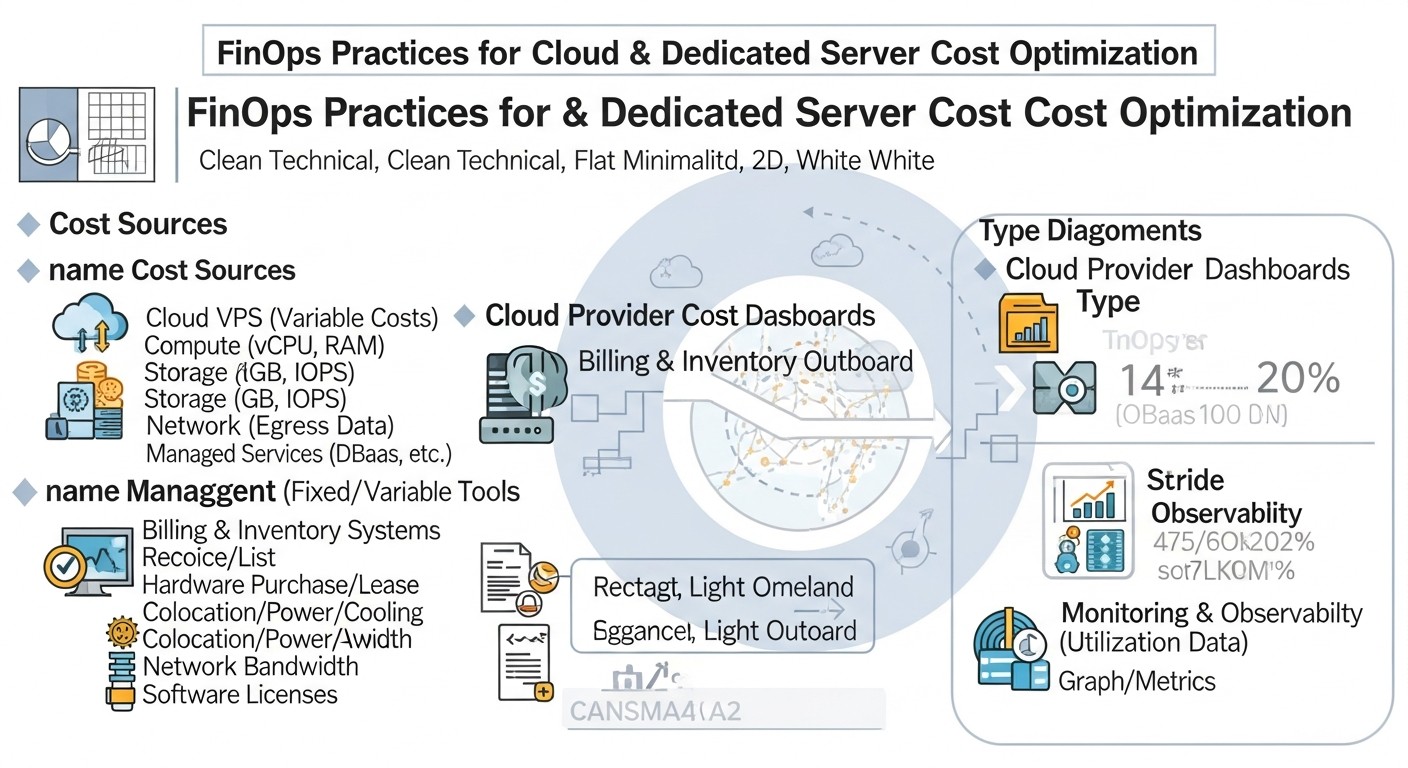 Diagram: 10. Cost Calculation / Economics of Cloud and Dedicated Servers
Understanding the economics of cloud and dedicated servers is the foundation of FinOps. Costs are not limited to just the monthly fee for CPU and RAM; there are hidden costs and factors that can significantly impact the final bill. By 2026, these factors become even more complex.
Main Cost Components
- Compute Resources: CPU, RAM. The primary expense, but often not the only one.
- Storage: Disks (SSD, NVMe, HDD), object storage (S3-compatible), file systems. Depend on volume, type (performance), and number of I/O operations.
- Network Traffic: Inbound (ingress) is usually free, outbound (egress) is paid and can be very expensive, especially inter-regional. IP addresses, load balancers, VPN gateways are also charged.
- Databases: Managed databases (RDS, Cloud SQL) include the cost of the instance, storage, I/O, and backup.
- Additional Services: CDN, message queues, serverless functions, monitoring, logging, security (WAF, DDoS protection).
- Licenses: Cost of licenses for OS (Windows Server), databases (MS SQL Server), control panels (cPanel, Plesk), and other software.
- Operational Expenses (OpEx): Personnel costs (DevOps, sysadmins), their training, time spent on management and debugging.
How to Optimize Costs
Cost optimization is not just about reduction, but about getting maximum value for every ruble/dollar spent. This is achieved through:
- Rightsizing: Continuously selecting the optimal resource size.
- Automation: Using autoscaling, scheduled power on/off.
- Pricing Models: Applying Reserved Instances, Savings Plans, Spot Instances.
- Code Optimization: More efficient code requires fewer resources.
- Architectural Solutions: Migrating to microservices, containers, Serverless for better utilization and scalability.
- Storage Management: Using tiered storage, deleting unnecessary data.
- Network Optimization: CDN, data compression, minimizing inter-regional traffic.
- Monitoring and Reporting: Continuous cost analysis and anomaly detection.
Hidden Costs
By 2026, despite providers' efforts towards transparency, some costs remain "hidden" or non-obvious:
- Inactive Resources: Unused IP addresses, load balancers, disks that continue to be charged.
- Inter-zone/Inter-regional Traffic: Data transfer between different availability zones or regions within the same provider.
- Storage I/O Operations: In some pricing models, in addition to disk volume, read/write operations are charged.
- Logging and Monitoring Costs: Collecting and storing logs, metrics can be expensive for large volumes.
- Support Costs: Premium support from cloud providers can be expensive, but often justified for mission-critical systems.
- Migration Costs: Migrating data and applications between providers or within the cloud can incur traffic costs and labor.
- Staff Training Costs: The need to train the team on new technologies and FinOps practices.
Calculation Examples for Different Scenarios (2026, Hypothetical Prices)
For clarity, let's consider three typical scenarios and perform a simplified cost calculation demonstrating the impact of FinOps practices.
Scenario 1: Small SaaS Project (MVP at launch)
Description: A small web application with a basic API and a simple database, 1000 active users, peak load 50 RPS. Requires high flexibility and low initial costs.
| Resource |
Configuration |
Monthly Cost (without FinOps) |
Monthly Cost (with FinOps) |
Comment |
| Backend/API |
1 x Dedicated CPU VPS (4vCPU, 8GB RAM, 160GB NVMe) |
80 $ |
40 $ |
Rightsizing: 1 x Shared CPU VPS (2vCPU, 4GB RAM, 80GB SSD) at startup. |
| Database |
1 x Managed PostgreSQL (4vCPU, 8GB RAM, 100GB SSD) |
120 $ |
80 $ |
Rightsizing: Smaller DB instance (2vCPU, 4GB RAM). |
| CDN |
None |
0 $ (but expensive egress) |
15 $ |
CDN implementation for static content (500GB traffic). |
| Traffic (Egress) |
1 TB |
80 $ |
20 $ |
Reduction due to CDN and compression. |
| Backups |
Manual/Basic |
10 $ |
10 $ |
Automatic snapshots/backups. |
| Total: |
|
290 $ |
165 $ |
Savings: 43% |
Scenario 2: Growing E-commerce Project
Description: Online store with variable load, peaks during holidays and sales. 10,000 active users, up to 500 RPS. Requires high availability and scalability.
| Resource |
Configuration |
Monthly Cost (without FinOps) |
Monthly Cost (with FinOps) |
Comment |
| Backend (EC2/Compute Engine) |
4 x m5.large (2vCPU, 8GB RAM) On-Demand |
4 x 70 $ = 280 $ |
2 x m5.large RI + 2 x m5.large On-Demand with autoscaling |
2 x 40 $ (RI) + 2 x 70 $ (On-Demand) = 220 $ |
RI for baseline load, autoscaling for peaks, 21% savings |
| Database (RDS/Cloud SQL) |
1 x db.m5.xlarge (4vCPU, 16GB RAM) On-Demand |
350 $ |
1 x db.m5.large (2vCPU, 8GB RAM) RI + Read Replica |
200 $ (RI) + 100 $ (Replica) = 300 $ |
Rightsizing + RI + Read Replica for read scaling, 14% savings |
| Cache (Redis) |
1 x Elasticache m5.large (8GB RAM) |
80 $ |
1 x Elasticache m5.medium (4GB RAM) |
40 $ |
Rightsizing, 50% savings |
| CDN (CloudFront/Cloud CDN) |
10 TB traffic |
1000 $ |
600 $ |
Image/video optimization, compression, caching, 40% savings |
| S3/Cloud Storage |
5 TB Standard |
120 $ |
60 $ |
Lifecycle policies (move old data to IA), 50% savings |
| Other (LB, IP, Monitoring) |
50 $ |
30 $ |
Delete unused IPs, optimize logs, 40% savings |
| Total: |
|
1880 $ |
1250 $ |
Savings: 33.6% |
Scenario 3: High-Load Game Server (Dedicated Server)
Description: Game server for an online game, requiring maximum CPU performance and low latency. 5000 concurrent players. Stable, high load.
| Resource |
Configuration |
Monthly Cost (without FinOps) |
Monthly Cost (with FinOps) |
Comment |
| Game Server |
1 x Dedicated Server (16 Cores, 128GB RAM, 2x1TB NVMe) |
450 $ |
450 $ |
Dedicated server is often optimal for such a load; FinOps here focuses on utilization. |
| Database |
On the same server |
0 $ (but resource contention) |
80 $ |
Move DB to a separate VPS (4vCPU, 8GB RAM) for isolation and stability. |
| CDN/DDoS Protection |
Basic |
30 $ |
70 $ |
Enhanced DDoS protection and CDN for game resource downloads. Investment in stability. |
| Monitoring/Logging |
Basic |
10 $ |
30 $ |
Extended monitoring (Prometheus/Grafana) and centralized logging (ELK). Investment in operational efficiency. |
| Traffic |
20 TB included |
0 $ |
0 $ |
Usually included in dedicated server plan. |
| Licenses (OS/Panel) |
Windows Server |
25 $ |
0 $ |
Migrate to Linux, saving on licenses. |
| Total: |
|
515 $ |
630 $ |
Increase by 22% |
Conclusion for Scenario 3: In this case, FinOps does not always mean direct cost reduction. Sometimes it means value optimization, where a small increase in costs for the right services (separate DB, enhanced security, monitoring) leads to a significant improvement in stability, performance, and reduced operational risks, which ultimately brings more profit or prevents significantly larger losses.
11. Case Studies and Examples
 Diagram: 11. Case Studies and Examples
Real-world examples always best demonstrate the effectiveness of FinOps. By 2026, companies continue to face similar challenges, but solutions are becoming more sophisticated thanks to the development of tools and methodologies.
Case 1: SaaS Platform for Project Management
Problem: "TaskMaster" (a medium-sized SaaS, 50,000 active users) faced constantly rising cloud bills (AWS), exceeding $20,000 per month. The main costs were for EC2 instances, RDS PostgreSQL, and outbound traffic. The DevOps team was busy with new features, and there wasn't enough time for deep optimization. The finance department demanded cuts.
FinOps Solution:
- Visibility and Tagging: First, the team implemented a strict tagging policy for all resources:
Project (Backend, Frontend, Analytics), Environment (prod, staging, dev), Owner (development team). This allowed them to accurately identify which teams and services were generating the main costs.
- EC2 Rightsizing: Using AWS Cost Explorer and Compute Optimizer, an audit of all EC2 instances was conducted. It was found that about 30% of instances were over-provisioned (CPU utilization < 15%). 10 m5.xlarge instances were downsized to m5.large, and 5 test m5.large instances, running 24/7, were configured for automatic shutdown during off-hours.
- RDS Optimization: The RDS PostgreSQL instance was also rightsized from db.r5.2xlarge to db.r5.xlarge, as peak load did not reach full utilization of the current instance. Indexes were added for slow queries, which reduced the CPU load on the DB.
- Reserved Instances/Savings Plans: After analyzing the stable baseline load (about 70% of all EC2 and RDS instances), the company purchased Savings Plans for 1 year, which provided a discount of up to 30% on these resources.
- Egress Traffic Optimization: Noticed high traffic from S3 to the internet. It turned out that users often downloaded large files. Integration with CloudFront was implemented for all static files and downloadable content, and Gzip compression was configured for all HTTP responses.
Results:
- Monthly costs reduced from $20,000 to $13,500 (32.5% savings).
- Cost transparency improved, each team now saw its "budget" and was motivated to optimize.
- Application performance did not suffer, and in some places even improved due to DB and CDN optimization.
- FinOps became part of regular processes, and the DevOps team now spends 2-3 hours per week on monitoring and optimization.
Case 2: Developing a New AI Product on Dedicated Servers
Problem: The startup "VisionAI" was developing a new product for image processing using machine learning. Training models required powerful servers with GPUs. They rented 3 dedicated servers from Hetzner with NVIDIA A100 GPUs, each costing about $1500 per month. The problem was that model training was not 24/7, but the servers ran constantly, and there were also difficulties with dependency management and scaling for different development stages.
FinOps Solution:
- Hybrid Approach: Decided not to abandon dedicated servers (due to the high cost of GPUs in the cloud), but to supplement them with cloud solutions for flexibility.
- Optimizing GPU Server Usage:
- Instead of continuous operation, GPU servers were configured to turn on only on demand (via Hetzner API) or on a schedule for nightly training.
- A queuing system (Kubernetes with a GPU scheduler or simply Celery/RQ) was implemented to maximize GPU server utilization when active.
- Docker containers were used to isolate training environments, allowing different experiments to run on one server without conflicts.
- Migrating Non-GPU Tasks to the Cloud:
- Data preprocessing, dataset storage, and API hosting for inference (after training) were migrated to AWS.
- EC2 Spot Instances were used for preprocessing (for batch tasks) and AWS Lambda (for small transformations).
- S3 with lifecycle policies (moving old data to Glacier) was used for dataset storage.
- The inference API was deployed on EKS with autoscaling, using cheaper instances without GPUs.
- Monitoring and Metrics: Configured monitoring of GPU utilization on dedicated servers and cost metrics in AWS to see how efficiently resources were being used.
Results:
- GPU server costs reduced by 40% (from $4500 to $2700 per month) by turning them on only on demand and maximizing utilization during operation.
- Overall infrastructure costs became more flexible and predictable.
- Development process significantly accelerated: engineers could quickly launch experiments on Spot Instances or Serverless without waiting for free GPU servers.
- Scalability of the inference service improved, which could now automatically handle peak loads.
- The overall value from the infrastructure significantly increased, while the company saved on the most expensive components.
Case 3: Migration of an Outdated ERP System
Problem: A large manufacturing company "GlobalProd" used an outdated ERP system based on MS SQL Server, running on a physical dedicated server in a local data center. The server was purchased 5 years ago, was morally obsolete, its maintenance was expensive, and scalability was absent. Monthly OpEx (electricity, cooling, administration, licenses) amounted to about $1000, not including CAPEX for purchasing a new server.
FinOps Solution:
- TCO (Total Cost of Ownership) Assessment: A detailed analysis of all costs was conducted, including CAPEX for equipment upgrades, OpEx for maintenance, licenses, and downtime risks. It turned out that the current TCO was significantly higher than it seemed.
- Migration to the Cloud: A decision was made to migrate the ERP system to the cloud to take advantage of managed services and flexibility. Azure was chosen because existing MS SQL Server licenses and .NET expertise were available.
- Selecting Optimal Services:
- For MS SQL Server, Azure SQL Database (Managed Instance) was chosen — this allowed using existing licenses (Azure Hybrid Benefit) and offloading the burden of DB administration.
- For the server-side of the ERP (API, web interface), Azure Virtual Machines were used.
- For file storage (reports, documents) — Azure Files.
- Cloud Cost Optimization:
- After migration and monitoring, Azure Virtual Machines were rightsized to optimal configurations.
- Azure Reserved VM Instances were purchased for 3 years for baseline load, providing a discount of up to 72%.
- Automatic scaling was configured for web servers during peaks (end of month, reporting period).
- Lifecycle policies were implemented for Azure Files, moving old documents to cold storage.
Results:
- OpEx reduced from $1000 to $450 per month (55% savings), including SQL Server licenses (due to Azure Hybrid Benefit) and Managed Instance.
- Complete absence of CAPEX for equipment upgrades.
- Significant increase in system reliability and availability (SLA from Azure).
- Reduced burden on the IT department, which could now focus on development rather than maintaining outdated hardware.
- The ERP system became more flexible and scalable according to business needs.
These cases demonstrate that FinOps is not a "one-size-fits-all" solution but an adaptive approach that requires a deep understanding of both technical and financial aspects, as well as a willingness to change architecture and processes.
13. Troubleshooting (Problem Solving)
Even with the most well-thought-out FinOps practices, unexpected cost problems can arise. The ability to quickly diagnose and resolve them is a key skill.
Typical Problems and Their Solutions
Problem 1: Sudden Sharp Increase in Cloud Bill
Possible causes:
- Forgotten resources: Running test instances, unused databases, old load balancers.
- Uncontrolled autoscaling: Erroneous autoscaling configuration leading to the launch of too many instances.
- Traffic spike: DDoS attack, viral content, unoptimized query, massive upload of large files.
- Changes in provider pricing policy: Rare, but possible.
- Application errors: Infinite loops, memory leaks, inefficient database queries generating excessive load and, consequently, resource consumption.
Solution:
- Check alerts: First, check if budget alerts have triggered.
- Analyze cost reports: Use AWS Cost Explorer, GCP Billing Reports, or Azure Cost Management to determine which service category (Compute, Network, Storage, Database) or which project/service caused the spike.
- Audit resources: Check recently created or modified resources. Look for "zombie resources."
- Monitor traffic: If the problem is traffic-related, check web server/load balancer/CDN logs for anomalous activity.
- Monitor application performance: Use APM tools (Datadog, New Relic) or logs to identify application errors that may cause excessive load.
- Rollback changes: If the increase is related to a recent deployment, consider rolling back to a previous version.
Problem 2: Consistently High Bill with Low Resource Utilization
Possible causes:
- Excessive Rightsizing: Servers are too large for the current load.
- Unused Reserved Instances/Savings Plans: Purchased but not used or used inefficiently.
- Expensive Managed Services: Using expensive configurations of managed services (databases, queues) under low load.
- High licensing costs: Using paid OS or software.
- Hidden costs: Unused IPs, load balancers, snapshots, inter-zone traffic.
Solution:
- Detailed Rightsizing: Conduct a deep analysis of utilization metrics (CPU, RAM, I/O) for 30-90 days and rightsize all instances and managed services.
- Audit RI/SP: Check the utilization of your Reserved Instances or Savings Plans. If they are underutilized, consider selling them (if a marketplace is available) or adjusting future purchases.
- License Optimization: Consider migrating to Open-Source alternatives or using Linux instead of Windows.
- Find hidden costs: Audit all resources through the provider's console or with scripts, looking for unused components.
- Implement autoscaling: If the load is variable, configure autoscaling for dynamic adaptation.
Problem 3: Long "Cold Start" of Serverless Functions
Possible causes:
- Large package size: The larger the function code and its dependencies, the longer the initialization.
- Complex initialization logic: Long loading of libraries, database connections, initialization of external services.
- Infrequent invocations: The function is rarely invoked, and the provider "unloads" it from memory.
Solution:
- Code optimization: Reduce the function package size, remove unused dependencies.
- "Warm-up" functions: Use special services or configure regular "dummy" function invocations to keep it in a "warm" state.
- Increase memory: In some cases, increasing the allocated memory for the function can speed up its initialization.
- Use Provisioned Concurrency: Configure pre-allocated function instances that are always ready to run (paid, but eliminates cold starts).
Diagnostic Commands and Approaches
For diagnosing problems on VPS and dedicated servers:
- System Monitoring:
# General system and process information
top # Interactive process monitor
htop # Enhanced top
free -h # RAM usage
df -h # Disk space usage
iostat -x 1 # Disk I/O (requires sysstat package)
netstat -tunap # Network connections
- Log Analysis:
# View system logs
journalctl -xe # For systemd systems
tail -f /var/log/syslog # General system logs
tail -f /var/log/nginx/access.log # Web server logs
tail -f /var/log/mysql/error.log # Database logs
- Network Problem Check:
ping google.com # Check external resource availability
traceroute google.com # Trace packet route
iperf3 -c <server_ip> # Measure network bandwidth
- Resource Check in Cloud Console: Regularly review the provider's management console. Look for:
- Running instances that should be stopped.
- Unattached disks or IP addresses.
- Autoscaling settings.
- Billing details for each service.
When to Contact Support
Do not hesitate to contact provider support in the following cases:
- Unexplained charges: If you cannot find the reason for a bill increase, and all your resources are accounted for and optimized.
- Provider infrastructure issues: If you suspect the problem is not with your application, but with the provider's network, hardware, or services (e.g., network latency, data center outages).
- Technical problems with managed services: If a managed database or other PaaS service is not working correctly.
- Pricing questions: If you have specific questions about pricing plans, discounts, or payment models.
- DDoS attacks: If you encounter a large-scale DDoS attack, provider support can offer specialized solutions.
When contacting support, always provide as much information as possible: resource IDs, problem timelines, screenshots, logs, and steps you have already taken for diagnosis.
14. FAQ (minimum 10 questions)
What is FinOps and how does it differ from simple cost reduction?
FinOps is an operational model and cultural practice that brings together financial, operational, and engineering teams to achieve maximum business value from cloud investments. Unlike simple cost reduction, FinOps is a continuous process aimed at increasing transparency, accountability, and efficiency in cloud resource utilization. It focuses not only on reducing costs but also on optimizing the value the business receives for every dollar spent, while ensuring necessary performance and scalability.
Can FinOps be useful for a small startup with a limited budget?
Yes, FinOps is extremely useful for startups. For them, every penny counts, and inefficient cloud usage can quickly deplete their budget. FinOps helps startups establish the right cost management culture from the outset, avoid overpaying for unused resources, choose optimal plans, and scale infrastructure smartly, which is critically important for survival and growth.
What are the key metrics to track for FinOps?
Key metrics for FinOps include: total cloud spend, spend by project/team/environment, CPU, RAM, disk I/O, network traffic (especially egress) utilization, Reserved Instances/Savings Plans coverage, as well as business metrics such as Cost per Customer (CPC), Cost per Transaction (CPT), Cost per Feature. The latter help link technical expenses to real business value.
How often should cost audits and optimizations be performed?
FinOps is a continuous process. Monitoring costs and resource utilization should be ongoing. A detailed audit and review of the optimization strategy are recommended monthly or quarterly, depending on the pace of your infrastructure growth and application changes. For large companies with dynamic infrastructure, FinOps teams may hold weekly or even daily "stand-up" meetings to discuss anomalies and plans.
What is the difference between Reserved Instances and Savings Plans?
Both mechanisms offer discounts for committing to use cloud resources for a long period (1 or 3 years). Reserved Instances (RIs) are tied to specific instance parameters (type, region, OS). Savings Plans (SPs) are more flexible: they provide a discount on a certain amount of compute usage (e.g., $10/hour) regardless of instance type, region, or OS. SPs are easier to manage and better suited for dynamic workloads, allowing you to change instance types without losing the discount, as long as you stay within your commitment.
Should I migrate all applications to Serverless for cost savings?
No, Serverless is not a universal solution. While it offers maximum elasticity and pay-per-use, it has its limitations, such as "cold starts," limits on execution time and memory, and the complexity of debugging distributed systems. Serverless is ideal for event-driven, infrequent tasks, and microservices with variable loads. For applications with constant, high loads or long execution times, traditional VPS, EC2 instances, or Kubernetes may be more cost-effective and suitable.
How to avoid vendor lock-in when choosing a cloud provider?
Completely avoiding vendor lock-in is difficult, but it can be minimized. Use open standards (Docker, Kubernetes, Terraform) and cloud-agnostic technologies. Avoid overly deep integration with proprietary provider services where open-source or managed alternatives exist (e.g., consider PostgreSQL or MongoDB instead of DynamoDB). Design your architecture with migration in mind, abstracting business logic from cloud specifics. Consider a multi-cloud or hybrid strategy.
What is the role of a DevOps engineer in FinOps?
The role of a DevOps engineer in FinOps is central. They are responsible for implementing technical solutions that lead to optimization: IaC implementation, autoscaling configuration, rightsizing, code and architecture optimization, selection of optimal instance types, and monitoring utilization and costs. DevOps engineers must understand the financial implications of their technical decisions and actively collaborate with financial and product teams.
Can dedicated servers be used instead of cloud VPS for savings?
Yes, for certain scenarios, dedicated servers can be more cost-effective than cloud VPS, especially for very high, stable, and predictable loads. Dedicated servers offer maximum performance for a fixed fee, often with very large traffic volumes. However, they require deeper administration knowledge and have low scaling flexibility. FinOps will help assess the TCO (Total Cost of Ownership) and determine which option will be optimal for your specific case.
How to start implementing FinOps in my company?
Start small: 1) Transparency: Implement a tagging policy for all resources and set up basic cost reports. 2) Accountability: Assign budget owners for projects. 3) Optimization: Conduct an audit of "zombie resources" and start with rightsizing the most expensive instances. 4) Collaboration: Organize regular meetings between engineering and finance departments. Gradually expand practices, implementing automation and more sophisticated tools. The main thing is to start and make FinOps a part of the corporate culture.
15. Conclusion
In a rapidly changing technological landscape and constantly rising cloud costs, FinOps is becoming not just a buzzword, but a vital discipline for everyone managing IT infrastructure. By 2026, as the complexity of cloud ecosystems reaches new heights and competition demands maximum efficiency, the ability to transform cloud expenses into strategic investments is a key factor for success.
We have explored how FinOps practices and modern tools enable DevOps engineers, backend developers, SaaS founders, system administrators, and startup CTOs not only to reduce costs for VPS and dedicated servers but also to make informed, proactive decisions. From implementing transparency through tagging and detailed reports to automating scaling, rightsizing, utilizing reserved capacities, and optimizing all aspects of infrastructure — every step in FinOps is aimed at maximizing value.
The key takeaway is that FinOps is not a technical or financial task, but a cultural transformation. It requires collaboration among all stakeholders, continuous learning, and adaptation. Only when engineers understand the financial implications of their decisions, and financial professionals possess sufficient technical understanding, can true efficiency be achieved.
Final Recommendations:
- Start now: Don't delay FinOps implementation. Even small steps to increase transparency and remove unused resources can lead to significant savings.
- Collaborate: Break down "silos" between teams. FinOps thrives in an environment where engineers, product managers, and financial professionals work together.
- Automate: Use IaC, autoscaling, and scripts to automate routine tasks and ensure dynamic adaptation of infrastructure.
- Monitor and analyze: Constantly track cost and utilization metrics, look for anomalies and opportunities for optimization.
- Optimize continuously: FinOps is a marathon, not a sprint. The cloud environment is constantly changing, and your optimization strategy must evolve with it.
Next Steps for the Reader:
- Conduct an audit: Start by auditing your current cloud infrastructure. Use the checklist from this article to identify unused resources and over-provisioned servers.
- Implement tagging: If you don't already have a tagging policy, develop one and start applying it to all new resources.
- Set up budgets and alerts: Establish budgets for your cloud accounts and configure alerts to stay informed about current expenses.
- Explore tools: Familiarize yourself with your cloud provider's native cost management tools and consider using third-party FinOps platforms.
- Educate yourself: Continue to learn FinOps practices, follow news and updates from cloud providers, and share experiences with the community.
Remember that effective cost management for cloud VPS and dedicated servers is not just a way to save money, but a strategic advantage that allows your business to be more flexible, scalable, and competitive in the ever-changing world of technology.