What to Do If Your Backup Is Corrupted?
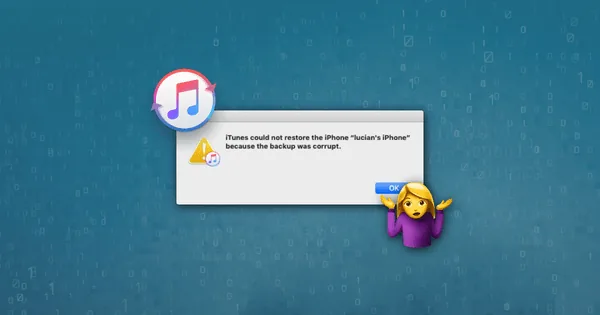
Data backups are a vital part of information security on your computer. They allow you to save your files and documents in case of hard drive failure or other problems with your device. But what if your backup is corrupted?
First of all, don't panic. There are several ways to restore a corrupted backup. In this article, we'll tell you how you can regain access to your data and avoid losing information.
Why Do Problems Arise with Backups?
Before you start restoring a corrupted backup, it's important to understand why these problems can occur. Here are some of the most common reasons for backup corruption:
- Error during backup creation.
- Software version mismatch.
- Incorrect device shutdown during backup creation.
- Damage to the physical media (external hard drive, USB drive).
How to Restore a Corrupted Backup?
If your backup is corrupted, don't despair. There are several ways to restore access to your data:
1. Use Cloud Backups
If you've made backups to cloud storage, try restoring the data from there. Cloud services usually have good data protection mechanisms, and it's possible that your backup wasn't corrupted in storage.
2. Use Specialized Software
There are many programs that specialize in recovering data from corrupted backups. Try to find them on the Internet and seek help from professionals if you are not confident in your abilities.
3. Contact Professionals
If you have no experience in data recovery, it is best to contact professionals. Specialists can help you restore a corrupted backup and return your files and documents.
In any case, remember that it is important to regularly back up your data and check it for integrity. This is the only way you can avoid losing important information and protect yourself from trouble.
We hope this article helps you deal with the problem of a corrupted backup. Be mindful of the security of your data and don't forget about backing up!