KVM vs OpenVZ Virtualization: Architecture, Performance, Choice for VPS in 2026
TL;DR: Executive Summary
KVM (Kernel-based Virtual Machine) offers full hardware virtualization, ensuring maximum isolation and flexibility. It is an ideal choice for resource-intensive applications requiring custom kernels, or for projects where security and stability are critical, as well as the ability to run any OS.
OpenVZ (container-based virtualization) shares the host system's kernel among containers, which provides minimal overhead and high density. It is excellent for lightweight VPS where resource efficiency and fast deployment are important, but only for Linux systems.
Performance: KVM often demonstrates near-native performance, especially when using VirtIO drivers, but with slightly higher overhead. OpenVZ excels in startup speed and density but can suffer from "noisy neighbors" and shared kernel limitations.
Isolation and Security: KVM provides full isolation at the hypervisor level, significantly enhancing security. OpenVZ, by sharing the kernel, has potentially less isolation and requires stricter configuration to prevent vulnerabilities.
Choice for VPS: For most mission-critical production systems, databases, high-load web services, and non-standard configurations, KVM is preferable. For development, testing, small websites, VPN services, or hosting providers needing maximum density and cost savings, OpenVZ remains a viable option.
Relevance in 2026: With the growing popularity of containers (Docker, Kubernetes), OpenVZ faces competition, but its simplicity and low overhead are still valued in certain niches. KVM remains the standard for cloud platforms and full-fledged virtual machines.
Economics: OpenVZ is often cheaper due to high density, while KVM can be more expensive due to the need for more powerful hardware and better isolation, but offers predictable performance.
Introduction: Why This Topic Is Important in 2026
Diagram: Introduction: Why This Topic Is Important in 2026
In the rapidly evolving world of cloud technologies and distributed systems, choosing the right virtualization technology is a cornerstone for any IT project. In 2026, when microservices, serverless computing, and containerization have become mainstream, the role of traditional virtualization remains critically important. Virtual Private Servers (VPS) continue to be the foundation for countless applications, from small startups to large enterprise solutions requiring flexibility, control, and predictable performance.
This article is dedicated to a detailed comparison of two fundamental virtualization approaches that are still widely used in the VPS industry: KVM (Kernel-based Virtual Machine) and OpenVZ. Although KVM dominates the full-fledged virtual machine segment, and OpenVZ is ceding ground to more modern container solutions, understanding their architectural differences, advantages, and disadvantages remains vital for DevOps engineers, backend developers, SaaS project founders, and system administrators. Why? Because the VPS market still offers thousands of solutions based on both technologies, and the right choice can significantly impact your application's performance, security, scalability, and, importantly, operational cost.
We live in an era where resource efficiency, fault tolerance, and deployment speed determine success. The wrong virtualization choice can lead to performance bottlenecks, unexpected security issues, scaling difficulties, or simply overpaying for unused capabilities. This article aims not just to compare two technologies but to provide a deep understanding of how they work, for which scenarios they are best suited, and how to avoid common mistakes. We will examine their architecture, impact on performance, resource management features, security aspects, and economic feasibility, based on current data and trends for 2026.
The goal of this guide is to provide you with comprehensive information needed to make an informed decision when choosing a VPS, whether for your new SaaS project, a high-load API, a test environment, or a personal blog. We will avoid marketing buzzwords and focus on specific technical details, practical advice, and real-world case studies that will help you optimize your infrastructure and achieve maximum efficiency.
Key Criteria for Choosing and Evaluating Virtualization Technology
Diagram: Key Criteria for Choosing and Evaluating Virtualization Technology
The choice between KVM and OpenVZ cannot be made in a vacuum. It always depends on your project's specific requirements, budget, expected load, and the level of control you need. Below, we will detail the key criteria to consider when evaluating any virtualization technology for VPS.
Performance (CPU, RAM, I/O, Network)
Performance is arguably the most obvious and often the most important criterion. It includes several subcategories:
CPU Performance: How efficiently a virtual machine or container uses the host's processor. Virtualization always adds overhead, but its magnitude can vary greatly. It's important to understand how the technology handles CPU instructions, especially for computationally intensive tasks.
RAM Performance: The efficiency of memory allocation and usage. Some technologies allow memory overcommit, which can be beneficial but carries risks. Memory access speed and minimization of overhead are also important.
I/O Performance (disk operations): Disk read/write speed. This is critically important for databases, file servers, and applications that actively work with storage. Various drivers (e.g., VirtIO in KVM) can significantly improve this aspect.
Network Performance: Bandwidth and latency of network operations. For high-load web services, API gateways, or systems with distributed components, network performance plays a key role.
Why it's important: Low performance in any of these areas can lead to application slowdowns, reduced user response times, data loss, or inability to scale. How to evaluate: Use benchmarks (sysbench, fio, iperf3), monitoring (htop, iostat, netdata), and real-world load tests.
Isolation and Security
Isolation determines how independent virtual environments are from each other and from the host system. Security is directly related to isolation.
Level of Isolation: How much one VM/container can affect another or the host system. Full isolation means that problems in one instance will not affect others.
Hypervisor/Kernel Vulnerabilities: The risk of exploiting vulnerabilities in the underlying system. The fewer shared components, the smaller the attack surface.
Resource Sharing: The possibility of one "noisy neighbor" monopolizing resources intended for others.
Why it's important: Insufficient isolation is a direct path to security problems (e.g., data leakage, privilege escalation) and stability issues (e.g., all VMs crashing due to one). How to evaluate: Architectural analysis, studying vulnerability history, checking resource limiting and security mechanisms. For SaaS founders, this can be critical for compliance (GDPR, PCI DSS).
Flexibility and Operating System Support
The ability to run various operating systems and customize them.
OS Support: Which operating systems (Linux, Windows, BSD, etc.) can be run in the virtual environment.
Kernel Customization: The ability to use your own operating system kernel, install specific kernel modules, or modify parameters.
Architectural Flexibility: Support for different architectures (x86, ARM) or specific hardware features.
Why it's important: Some projects require a specific OS (e.g., Windows Server for .NET applications) or a customized kernel (e.g., for VPN services with special modules or specific databases). How to evaluate: Check documentation and provider capabilities, consult with the community.
Resource Management and Scalability
How easily resources can be allocated, changed, and scaled.
Dynamic Resource Changes: The ability to add/remove CPU, RAM, disk space "on the fly" without rebooting.
Live Migration: Moving a running virtual machine from one physical host to another without downtime.
Overcommit of Resources: The ability to allocate more resources than physically available, assuming that not all VMs will use them simultaneously. This saves resources but increases risks.
Why it's important: Scalability is critical for growing projects. The ability to quickly respond to changing loads without interrupting service significantly improves user experience and operational efficiency. How to evaluate: Study the provider's API, control panel capabilities, and test scaling scenarios.
Cost and Licensing
Total Cost of Ownership (TCO).
Direct Costs: Cost of VPS rental, software licenses (if required).
Hidden Costs: Electricity costs (for own hardware), maintenance, monitoring, backup, potential penalties for exceeding limits.
Savings from Density: Higher density of VM/container placement on a single host can reduce the per-unit cost of resources.
Why it's important: Budget is always a limiting factor. Understanding the full cost of ownership helps avoid unexpected expenses. How to evaluate: Detailed calculation of all cost items, both direct and indirect, for a period of 1-3 years.
Management Tools and Ecosystem
Availability and ease of use of tools for managing virtual environments.
Control Panels: Are there convenient graphical interfaces (virt-manager, Proxmox, SolusVM, WHMCS integrations)?
API and Automation: Ability to programmatically manage VPS, integration with CI/CD pipelines, orchestrators.
Community and Documentation: Community activity, availability of documentation and resources for problem-solving.
Why it's important: Efficient management reduces operational costs and incident response time. A good ecosystem facilitates finding solutions and support. How to evaluate: Trial use of tools, studying documentation and forums.
Backup and Recovery
How easily and reliably data can be backed up and restored.
Snapshot Creation: The ability to quickly create "snapshots" of a virtual machine's state.
Backup Mechanisms: Built-in or third-party tools for backup and recovery.
Recovery Time Objective (RTO) and Recovery Point Objective (RPO): Critically important metrics for ensuring business continuity.
Why it's important: Data loss is one of the worst nightmares for any project. Reliable backup and recovery mechanisms are critical. How to evaluate: Testing backup and recovery processes, checking RTO/RPO.
KVM vs OpenVZ Comparison Table (Relevant for 2026)
Diagram: KVM vs OpenVZ Comparison Table (Relevant for 2026)
This table provides a concise yet informative overview of the key differences between KVM and OpenVZ, considering the trends and capabilities of 2026. Prices and characteristics are indicative and may vary depending on the provider and region.
KVM has a more developed ecosystem of tools (virt-manager, libvirt).
Detailed Overview of KVM and OpenVZ: Architecture, Advantages, and Disadvantages
Diagram: Detailed Overview of KVM and OpenVZ: Architecture, Advantages, and Disadvantages
KVM: Overview, Advantages, and Disadvantages
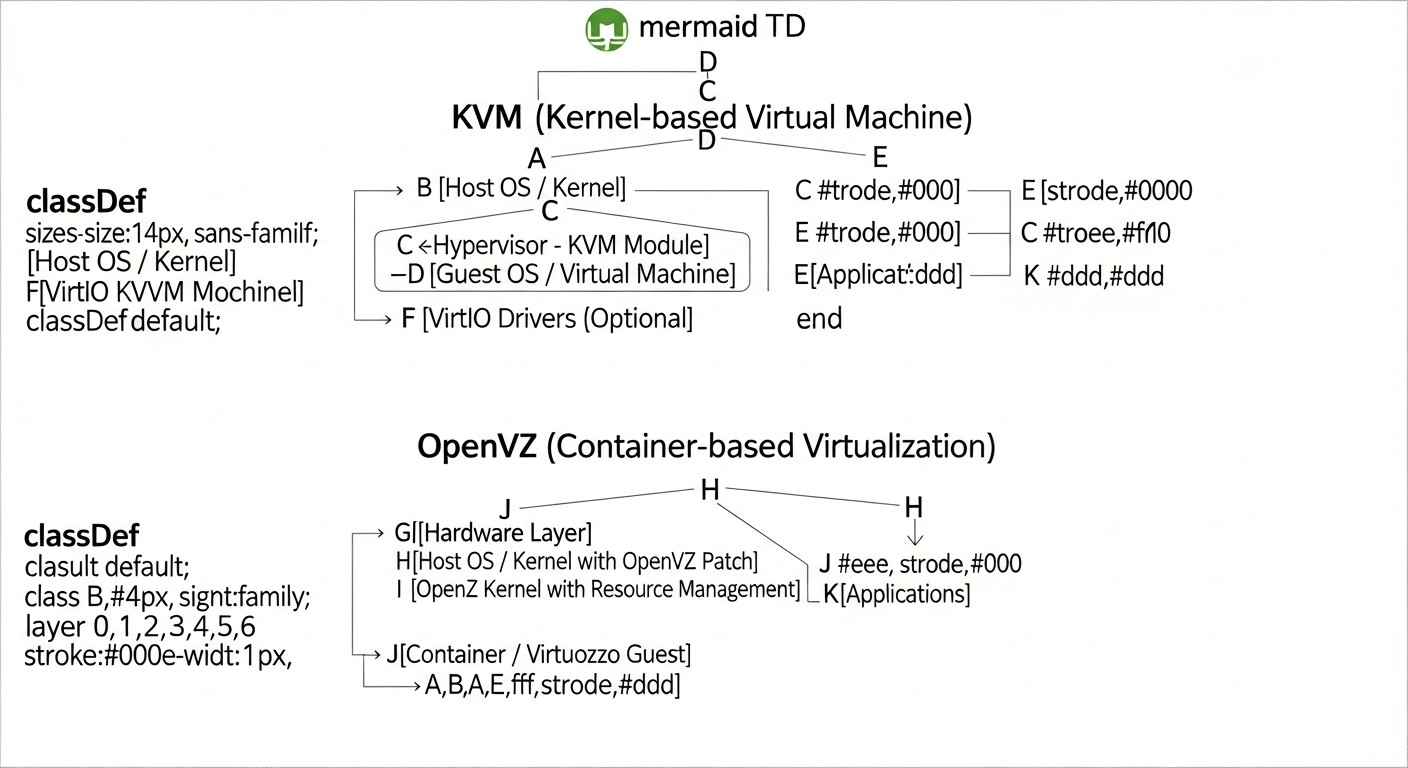
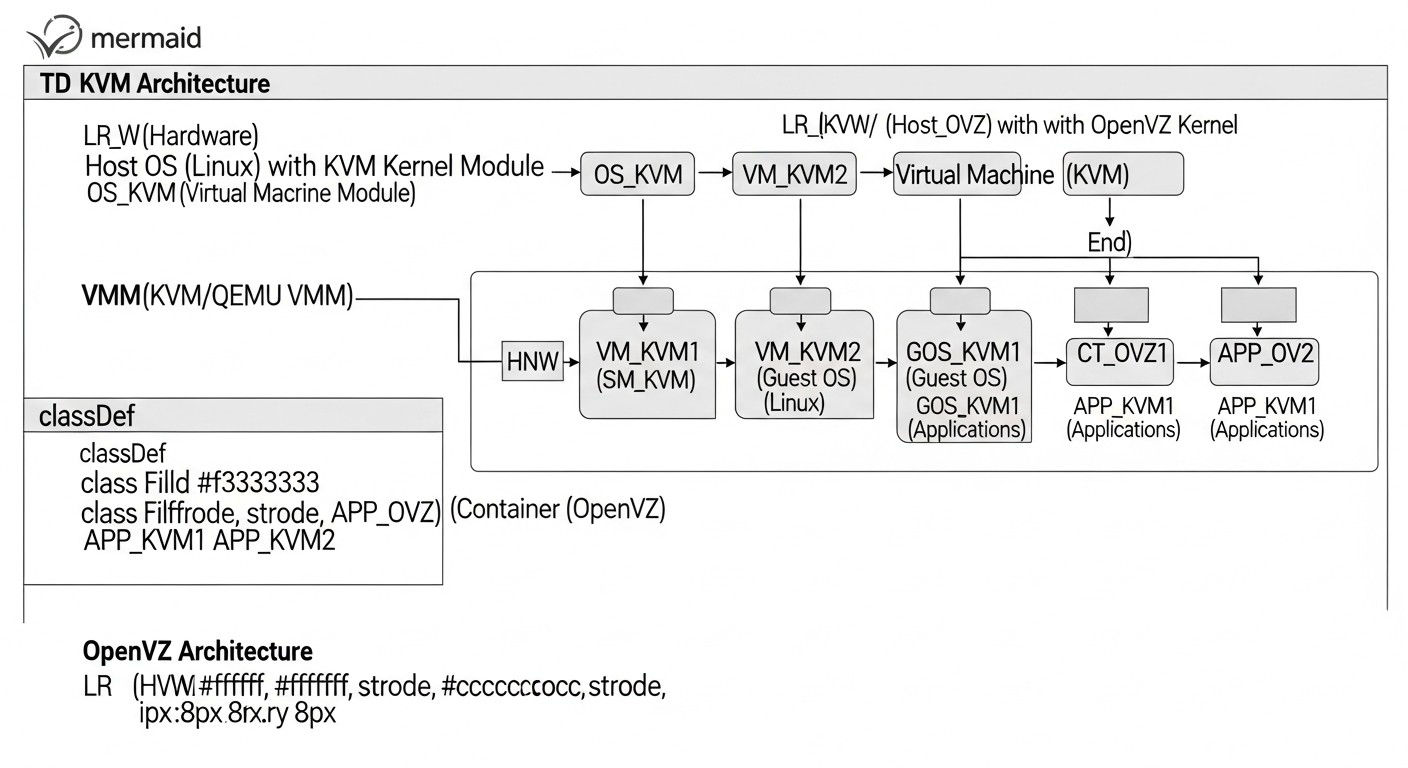
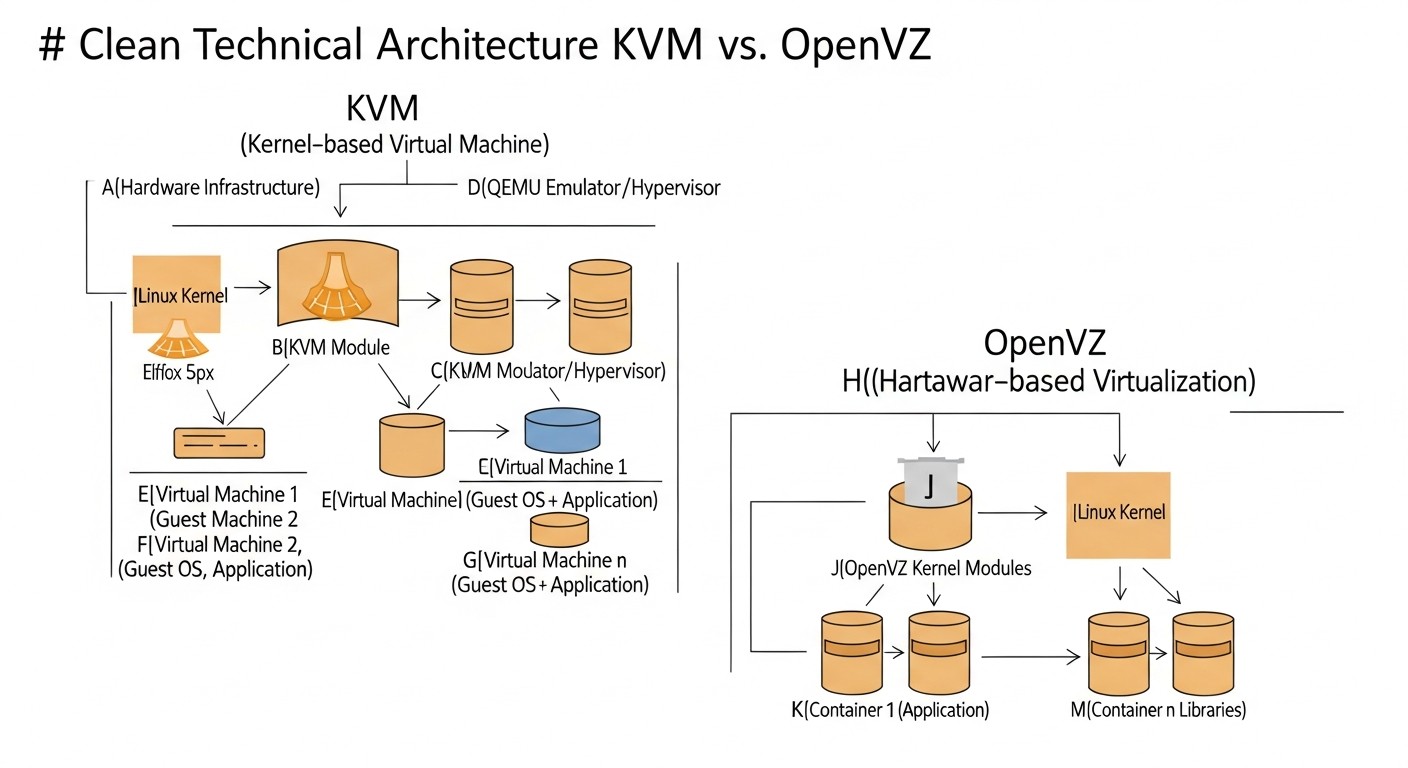
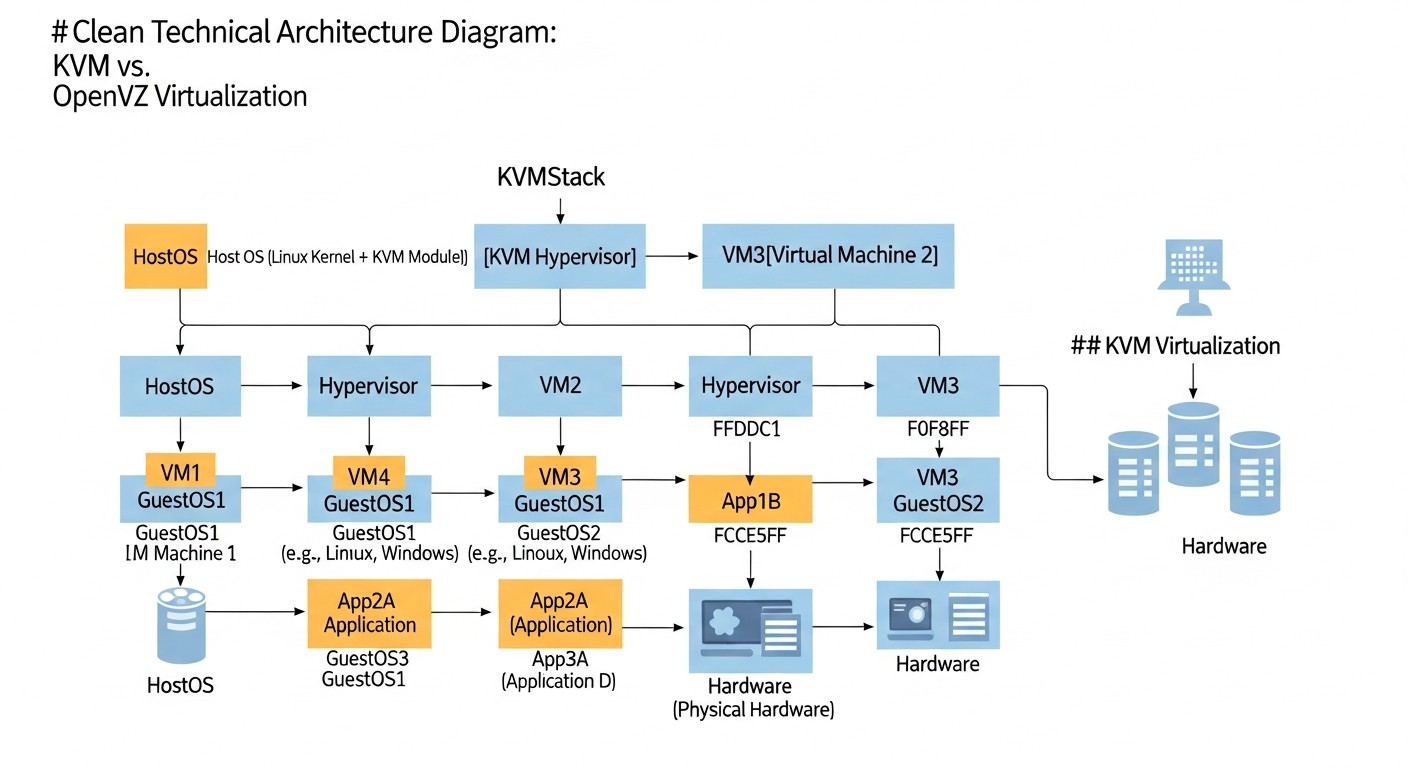
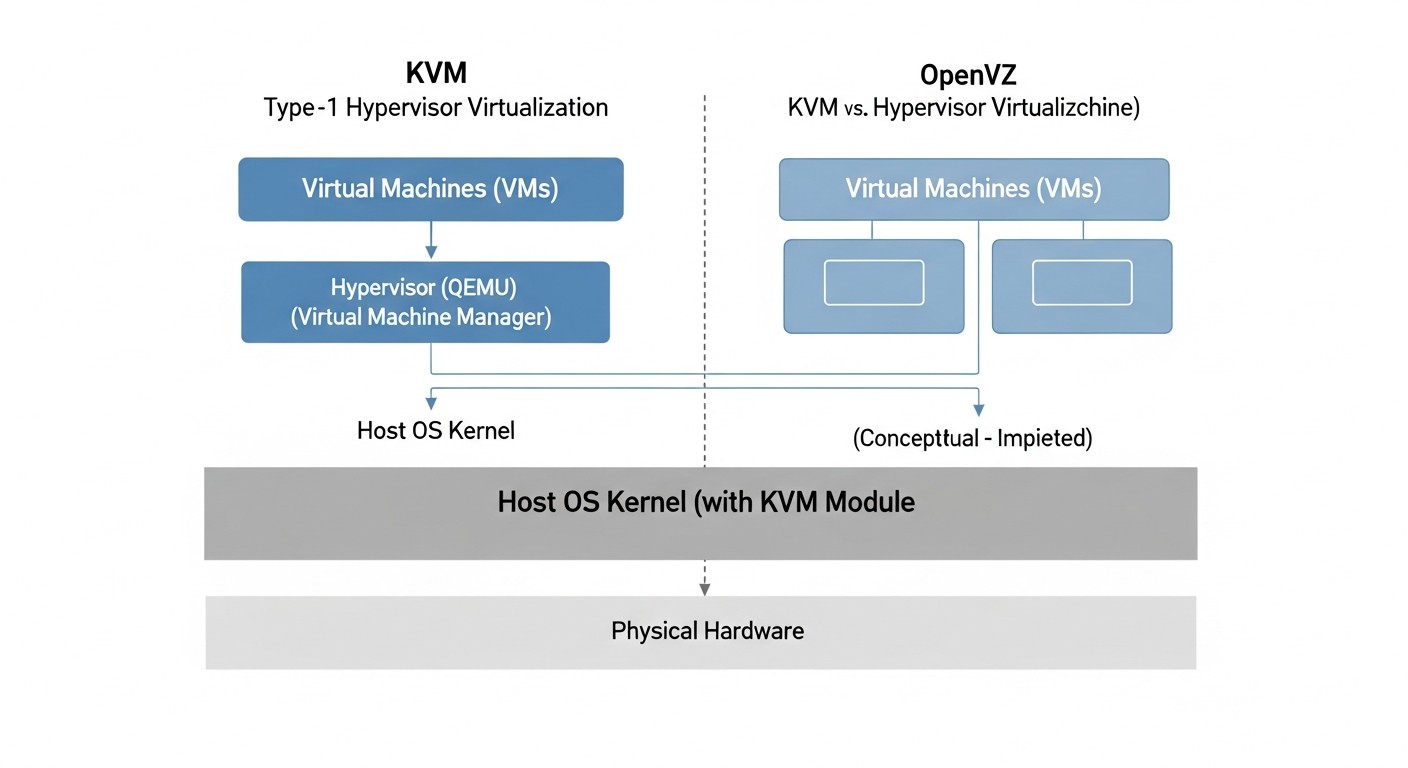
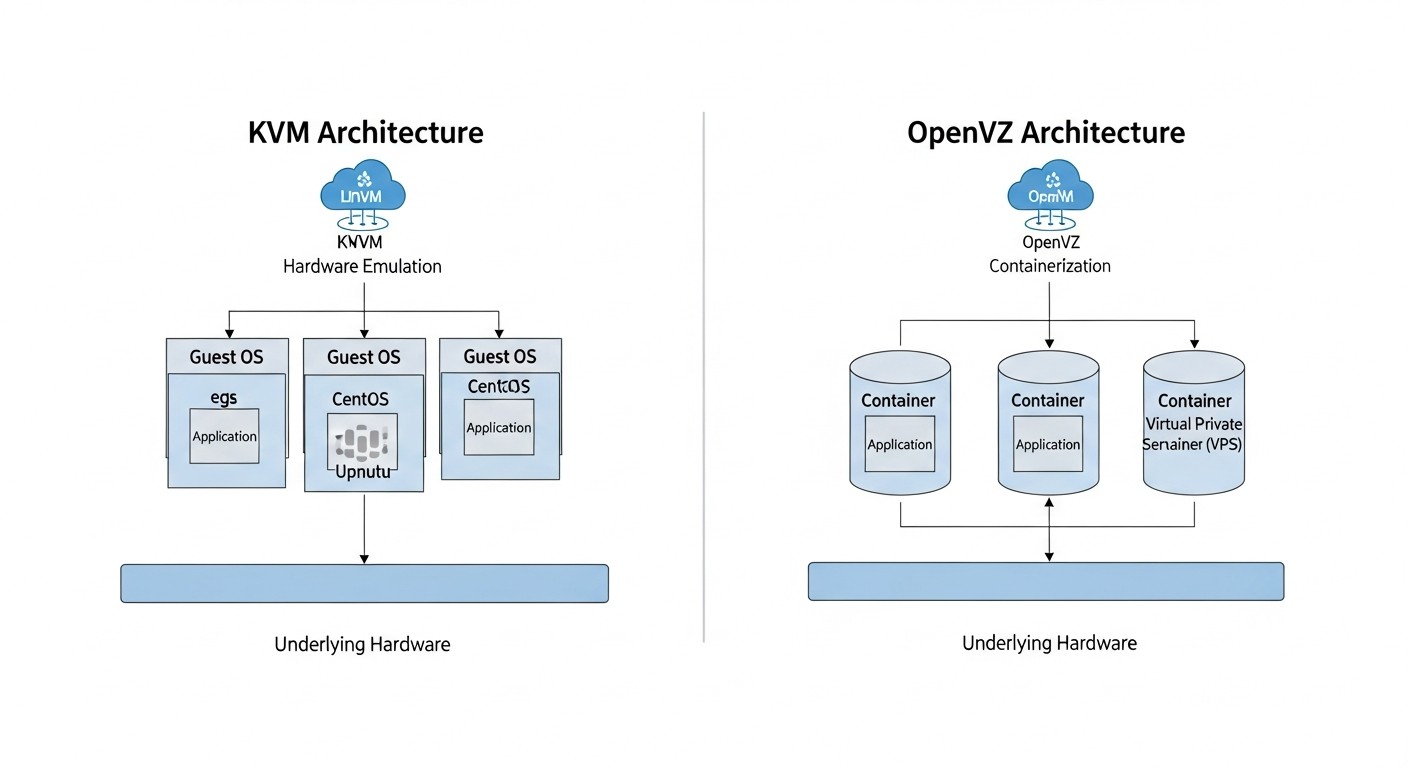
KVM (Kernel-based Virtual Machine) is a full hardware virtualization solution built directly into the Linux kernel. It turns a Linux host into a Type 1 (bare-metal) hypervisor, allowing it to run multiple isolated virtual machines (VMs). Each VM runs as a separate process in Linux user space, but with direct hardware virtualization support via CPU extensions (Intel VT-x or AMD-V). This means the guest OS is unaware it is virtualized and interacts with emulated hardware as if it were real hardware.
KVM Architecture
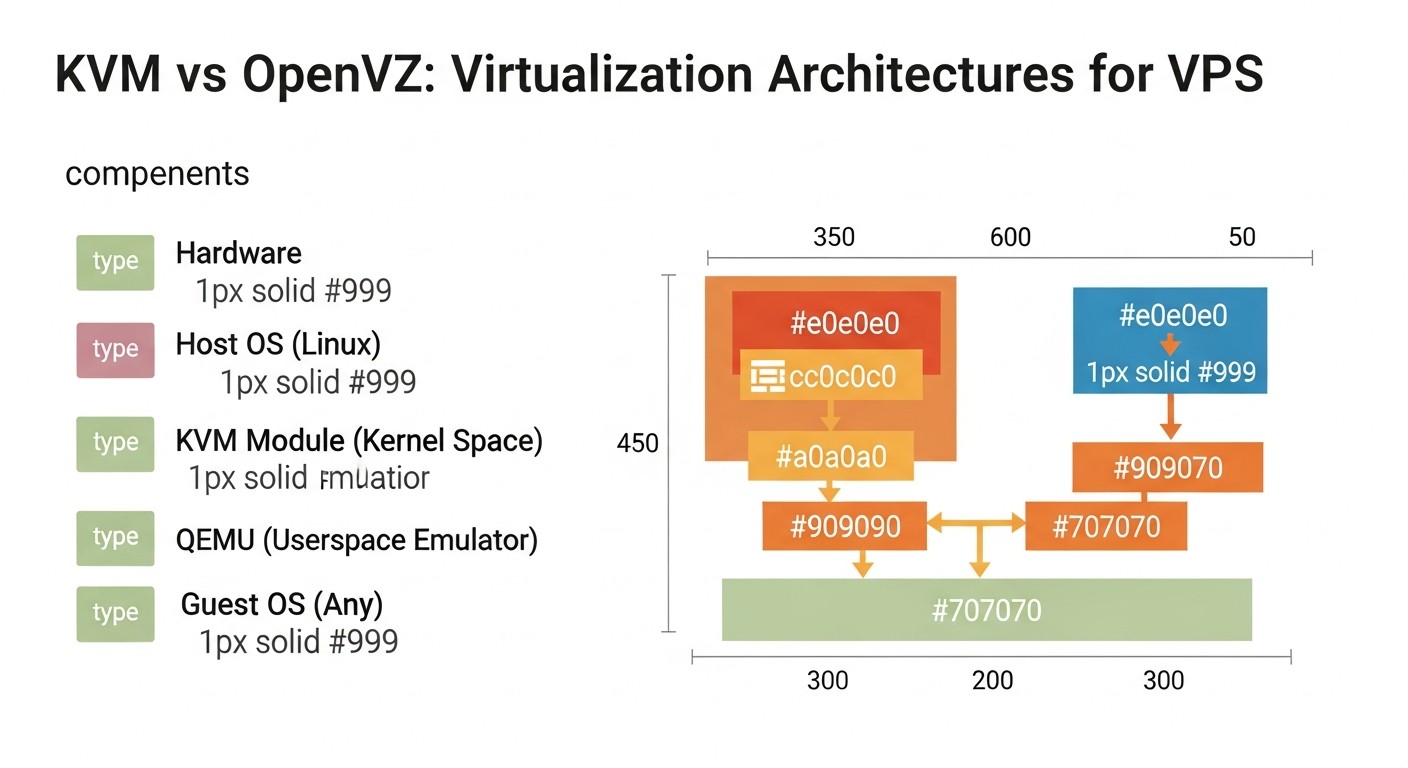
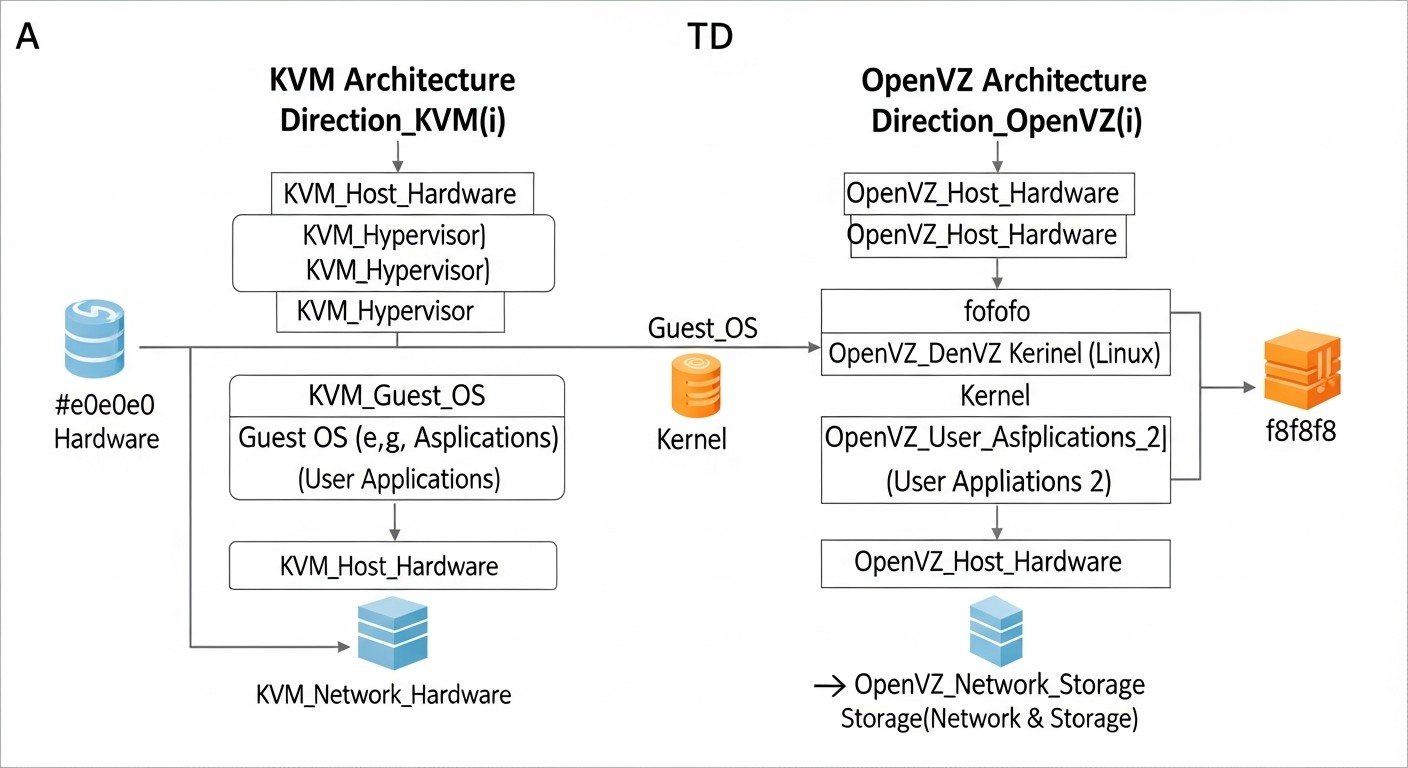
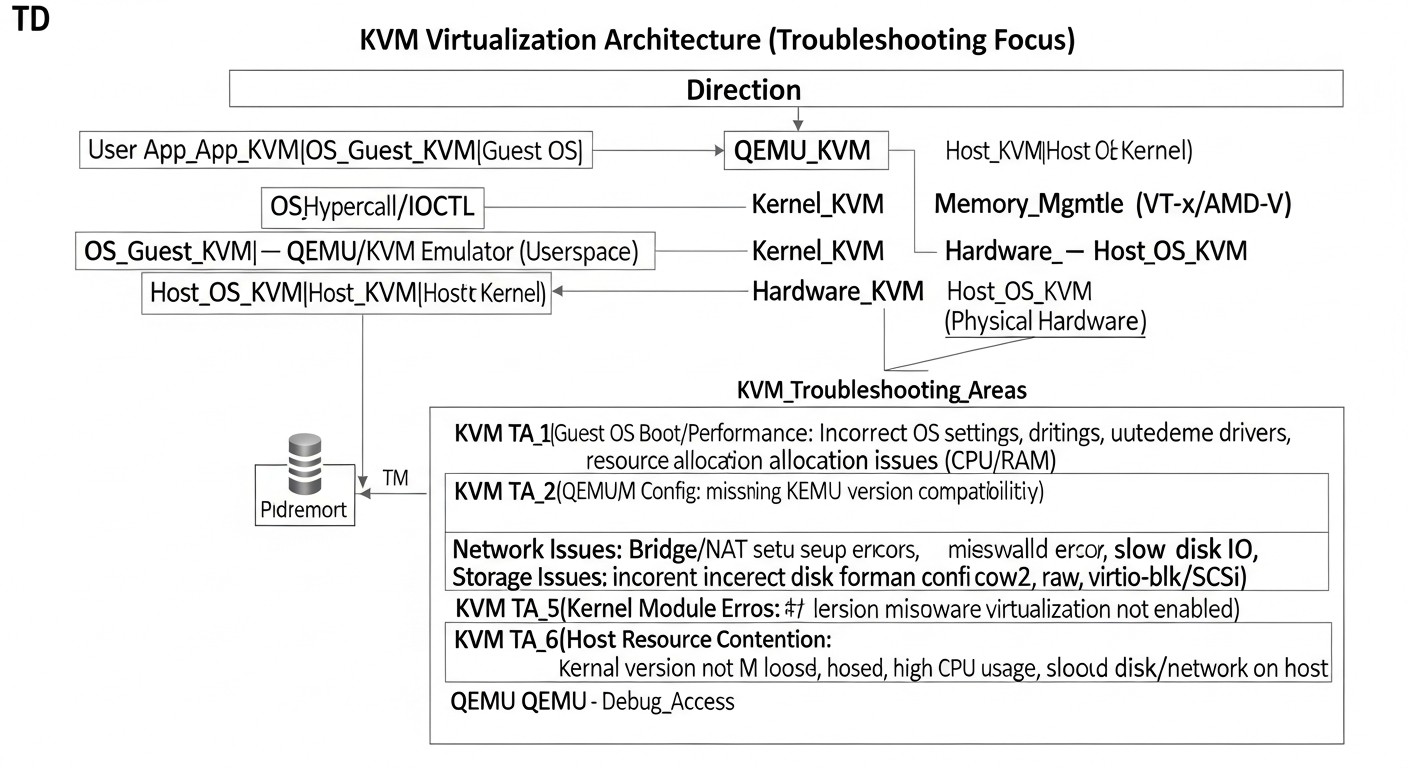
At the core of KVM is a Linux kernel module that provides basic virtualization functionality. For managing virtual machines and emulating peripheral devices (disks, network, USB, etc.), KVM uses QEMU (Quick EMUlator). QEMU runs in user space and is responsible for emulating the hardware seen by the guest OS. When the guest OS attempts to execute a privileged instruction, KVM intercepts it and processes it using hardware CPU extensions, providing near-native performance. To accelerate I/O, KVM actively uses VirtIO — paravirtualized drivers that the guest OS installs for direct interaction with the hypervisor, bypassing full emulation, which significantly improves disk and network operation performance. In 2026, VirtIO is the de facto standard for KVM.
Advantages of KVM
Full Isolation: Each VM has its own OS kernel, its own drivers, and its own memory area. This ensures maximum isolation between virtual machines and from the host system. Problems in one VM do not affect others, which is critically important for security and stability.
OS Flexibility: KVM supports a wide range of guest operating systems, including various Linux distributions, Windows Server, Windows Desktop, BSD, and even macOS (with certain complexities). This makes KVM a versatile solution for various workloads.
High Performance: Thanks to hardware virtualization and the use of VirtIO drivers, KVM provides performance very close to native. For CPU and RAM, losses can be as low as 2-5%, for I/O and network — 5-10% depending on the load and configuration.
Security: The high level of isolation significantly reduces security risks. A vulnerability in one guest OS does not provide direct access to other VMs or the host. KVM is actively developed, and its code is continuously audited.
Live Migration: KVM supports migrating running virtual machines between physical hosts without service downtime. This is critically important for infrastructure maintenance, load balancing, and ensuring high availability.
Broad Support and Ecosystem: KVM is a standard in the cloud industry (OpenStack, Google Cloud, AWS use KVM or its derivatives). This means an abundance of management tools (libvirt, virt-manager, Proxmox VE), extensive documentation, and an active community.
Hardware Passthrough (PCI Passthrough) Support: KVM allows "passing through" physical devices (e.g., GPU, NVMe drives, network cards) directly to a virtual machine, providing it with near-native performance and access to specialized hardware.
Disadvantages of KVM
Overhead: Full hardware emulation and maintaining a separate kernel for each VM requires more system resources (CPU, RAM) on the hypervisor compared to container virtualization. This reduces the density of VM placement on a single physical server.
More Complex Management: Although convenient control panels exist, basic KVM setup and management via the command line (virsh) can be more complex for beginners compared to OpenVZ.
RAM Overcommit: While KVM supports memory overcommit, it carries greater risks to stability if swap is not configured or a ballooning driver is not used. Uncontrolled overcommit can lead to performance issues and VM crashes.
Higher Cost: Due to higher overhead, KVM requires more powerful physical hardware to achieve the same density as OpenVZ, which can lead to a higher VPS cost.
OpenVZ: Overview, Advantages, and Disadvantages
OpenVZ is an operating system-level container virtualization technology based on a modified Linux kernel. Unlike KVM, OpenVZ does not emulate hardware and does not run separate OS kernels for each container. Instead, all containers (often called Virtual Private Servers or VPS in the OpenVZ context) use the same Linux kernel installed on the host system. Each container has its own isolated file system, processes, users, and network interfaces, but they all share a single kernel and the host's hardware resources.
OpenVZ Architecture
OpenVZ works by adding an extra layer of isolation and resource management to the standard Linux kernel. This layer allows the creation of isolated "containers" that look and behave like full-fledged VPS, but share a common kernel. For resource isolation, OpenVZ uses its own mechanisms (e.g., Two-Level Disk Quota, User Beancounters) to control CPU, RAM, disk space, and network traffic for each container. In 2026, OpenVZ is often found in more budget-friendly VPS providers where maximum density and low cost are key factors.
Advantages of OpenVZ
Minimal Overhead: Since containers use a common kernel and there is no need for hardware emulation, OpenVZ's overhead on the host system is extremely low. This allows significantly more containers to be hosted on a single physical server.
High Density: Thanks to low overhead, OpenVZ is ideal for hosting providers who want to maximize hardware resource utilization and offer inexpensive VPS to clients.
Fast Deployment: Launching a new container takes seconds, as there is no need for a full OS kernel boot. This makes OpenVZ very convenient for rapid development, testing, or creating temporary environments.
Efficient Memory Usage (Overcommit): OpenVZ is inherently designed for aggressive memory overcommit. If one container does not use all its allocated memory, it can be used by other containers. This allows for significantly increased density but requires careful monitoring.
High CPU Performance: Due to the absence of emulation, CPU performance in OpenVZ is very close to native.
Live Migration: OpenVZ also supports container migration between hosts without downtime, which is useful for maintenance and load balancing.
Simple Management: Managing OpenVZ containers via the vzctl command is relatively simple and intuitive for basic operations.
Disadvantages of OpenVZ
Limited OS Support: OpenVZ can only run Linux distributions, and all of them must use the same kernel as the host system. This means you cannot run Windows Server, BSD, or even a different Linux kernel version than the host's.
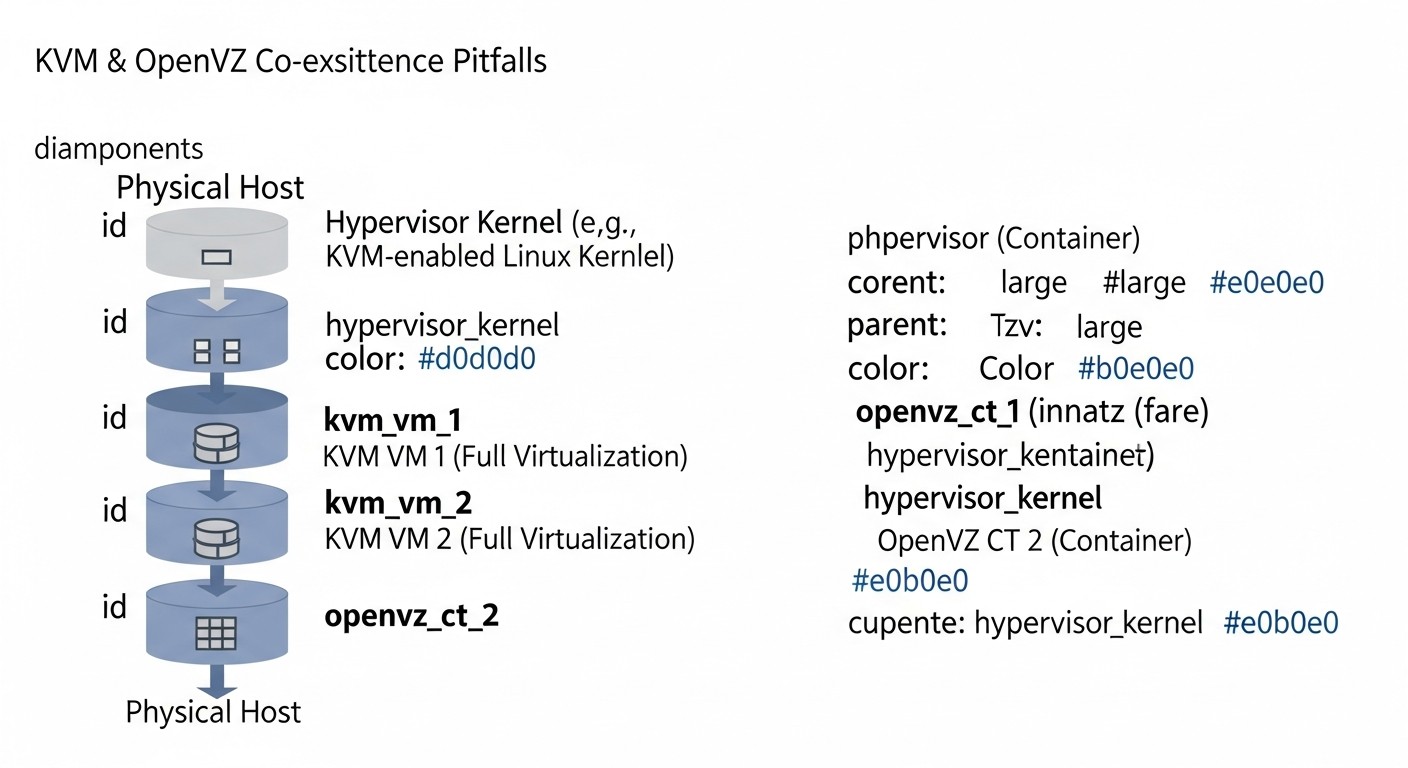
Less Isolation: Since all containers share a single kernel, a kernel vulnerability could potentially affect all containers. This also means that one "noisy neighbor" can impact the performance of other containers, despite resource limiting mechanisms.
No Kernel Customization: Container users cannot install their own kernel modules, change kernel parameters that require a kernel reboot, or use specific kernel versions. This limits possibilities for some applications (e.g., VPNs with special tun/tap modules, firewalls).
Resource Issues (User Beancounters): Although OpenVZ has resource limiting mechanisms, they can be complex to understand and configure. Incorrect configuration or overly aggressive overcommit can lead to unpredictable performance and instability.
Obsolescence: In 2026, OpenVZ is often considered a less modern solution compared to KVM or native container technologies (Docker, LXC/LXD), which offer similar density advantages but with better isolation and more modern tools. The OpenVZ project itself is practically not being developed, its functionality has moved to the Virtuozzo project.
No Hardware Passthrough: Due to its OS-level architecture, OpenVZ cannot pass through hardware devices to containers.
The choice between KVM and OpenVZ often comes down to a trade-off between isolation/flexibility and density/cost. KVM provides a full-fledged VM, OpenVZ provides a lightweight container.
Practical Tips and Recommendations for Selection and Optimization
Diagram: Practical Tips and Recommendations for Selection and Optimization
Choosing virtualization technology is just the first step. Proper configuration and optimization are key to stable and high-performing VPS operation. Here are some practical tips based on years of experience.
How to Choose Between KVM and OpenVZ
Determine your OS requirements:
Need Windows, BSD, or a specific Linux distribution with a custom kernel? Definitely KVM. OpenVZ will not give you this flexibility. For example, if you are developing a .NET application requiring Windows Server, your choice is KVM.
Linux only, and you don't need to change the kernel? OpenVZ can be an option. This is typical for most web servers (Nginx, Apache), PHP applications, Node.js, Go microservices, where a standard Linux kernel is perfectly adequate.
Assess isolation and security requirements:
Does your project handle sensitive data (financial, medical) or require a high level of security (PCI DSS, HIPAA)? Choose KVM. Full isolation is critically important.
Is the project less critical, and are you willing to accept less isolation for cost savings? OpenVZ might be suitable, but be prepared for potential "noisy neighbors" and pay closer attention to host kernel security.
Clarify budget and expected load:
Is your budget limited, and do you need the cheapest possible VPS for a small website, VPN, or dev/test environment? OpenVZ often offers more attractive prices.
Is the project high-load, requiring stable CPU/I/O performance, and does the budget allow? KVM will provide predictability and reliability.
Consider scalability and the future:
Do you expect rapid growth and need flexibility? KVM, especially in cloud environments, offers easier resource scaling and migration.
Will your project remain small and stable? OpenVZ can serve long and reliably in this niche.
Optimizing KVM Performance
To get the most out of KVM, follow these recommendations:
Use VirtIO drivers: Always install VirtIO drivers for disk and network adapters in the guest OS. This significantly reduces emulation overhead and increases throughput. For Linux, they are usually built-in; for Windows, additional drivers need to be installed.
# Example of configuring a VM with VirtIO disk and network via virsh
virsh define --file my_vm.xml
# In my_vm.xml, ensure disks and network are configured as virtio
#
#
#
#
#
#
#
#
#
#
CPU Allocation: Avoid too many vCPUs if they are not needed. Sometimes 2-4 well-configured vCPUs perform better than 8 if the host is overloaded. Use cpu_mode='host-passthrough' in the VM's XML configuration for KVM so that the guest OS sees a CPU as close to physical as possible.
Disk Cache Settings: For most workloads, especially with databases, use cache='none' or cache='writeback' with a battery-backed RAID controller on the host. cache='none' ensures maximum data integrity but can be slower without hardware cache.
Use Modern Disk Formats: Prefer qcow2 (with snapshot capabilities and dynamic expansion) or raw (for maximum performance, but without advanced features).
Monitoring: Regularly monitor CPU steal time, I/O wait, and memory usage on the guest and host systems. Tools like htop, iostat, dstat, netdata will help identify bottlenecks.
Optimizing OpenVZ Density and Stability
For OpenVZ, the main focus is on efficient resource utilization and minimizing overcommit risks:
Careful Resource Planning: Despite overcommit, do not allocate too many resources that will not be used. Determine the actual needs of each container.
Using OS Templates: OpenVZ works with pre-built OS templates. Use minimal templates (e.g., Debian minimal, CentOS minimal) to reduce baseline resource consumption.
Correct User Beancounters (UBC) Configuration: This is critically important for OpenVZ. UBCs define resource limits for each container. Incorrect configuration can lead to "freezes" or unexpected failures. Key parameters: privvmpages (memory), numfile (open files), numproc (processes).
# Example of UBC configuration for container CTID
vzctl set CTID --privvmpages 256M:512M --numfile 10000:10000 --numproc 200:200 --save
# Here 256M - guaranteed memory, 512M - maximum (burst)
Monitoring: Regularly check resource usage by containers and the host. Pay special attention to failcnt values in the output of cat /proc/user_beancounters, which indicate exceeding limits.
Host Kernel Updates: Since all containers use the host kernel, its regular update is critically important for security and stability.
Avoid Resource-Intensive Applications: OpenVZ is not the best choice for I/O-intensive databases or applications requiring a specific kernel.
General Recommendations for Both Technologies
Monitoring is your best friend: Implement a comprehensive monitoring system (Prometheus + Grafana, Zabbix, Netdata) to track all key metrics: CPU usage, RAM usage, disk I/O, network traffic, swap usage. This will allow you to identify problems and optimize resources in a timely manner.
Automation: Use Ansible, Terraform, or other tools to automate the deployment and configuration of your VPS. This will reduce errors and speed up the process.
Backup: Always have a backup strategy. Regular backups of data and configurations are not an option, but a necessity. Verify the ability to restore from backups.
Testing: Before deploying to production, test the performance and stability of your configuration under load.
Choose a reliable provider: The quality of physical hardware and provider support is of great importance, regardless of the chosen virtualization technology.
Common Mistakes When Working with KVM and OpenVZ and How to Avoid Them
Diagram: Common Mistakes When Working with KVM and OpenVZ and How to Avoid Them
Even experienced engineers can make mistakes, especially when working with virtualization. Understanding common pitfalls will help you avoid costly problems.
1. Incorrect Technology Choice for the Task
Mistake: Using OpenVZ for Windows Server or KVM for dozens of lightweight VPN servers with a limited budget. Consequences: Inability to run the required OS, low density, overpayment, performance issues, insufficient isolation. How to avoid: Carefully analyze OS requirements, isolation, performance, and budget before choosing. If maximum flexibility and security are needed — KVM. If price and density for Linux containers are critical — OpenVZ (with caveats). Always start with the criteria from section 4.
2. Ignoring VirtIO Drivers in KVM
Mistake: Running a KVM-VM without installing VirtIO drivers for disk and network (especially in Windows). Consequences: Catastrophically low I/O and network performance, use of resource-intensive emulation, leading to high overhead and poor system responsiveness. How to avoid: Always ensure that VirtIO drivers are installed and actively used. For Linux, they are usually built-in. For Windows, download and install the virtio-win package. Check via lsmod | grep virtio in Linux or Device Manager in Windows.
3. Excessive Resource Overcommit in OpenVZ (or KVM)
Mistake: Allocating too much memory or CPU to containers/VMs than physically available on the host, without proper monitoring and planning. Consequences: OpenVZ containers "freezing" when User Beancounters limits are reached, mass OOM (Out Of Memory) process kills in KVM-VMs, performance degradation of all neighbors, host system instability. How to avoid: In OpenVZ, carefully configure UBCs (privvmpages, numfile, numproc) and monitor failcnt. In KVM, use overcommit cautiously, unless you are confident in low memory usage by guest OSs, and always have sufficient swap. Realistically estimate resource consumption.
4. Lack of Monitoring
Mistake: Running production services on a VPS without active monitoring of CPU, RAM, I/O, network, and swap. Consequences: Inability to timely identify bottlenecks, proactively solve problems leading to service outages, data loss, or slow performance that users will notice before you do. How to avoid: Implement a monitoring system (Netdata, Prometheus/Grafana, Zabbix). Set up alerts for critical metrics. Regularly analyze graphs and logs. For KVM, monitor both the host and guest OSs; for OpenVZ — the host and each container.
5. Ignoring Host Kernel Security in OpenVZ
Mistake: Neglecting regular updates and security patches for the Linux kernel on the OpenVZ host system. Consequences: Since all containers use the same kernel, a vulnerability in it can be exploited to gain access to all containers or the host system. This is a serious risk to isolation and data confidentiality. How to avoid: Automate or regularly manually update the OpenVZ host system kernel. Use only verified and supported Linux distributions. Apply additional security measures on the host (firewall, SELinux/AppArmor, minimal software set).
6. Incorrect Disk Cache Configuration in KVM
Mistake: Using cache='writethrough' or cache='unsafe' without understanding the consequences, or cache='none' without a hardware RAID controller with cache. Consequences: Data loss in case of host or VM failure (writethrough, unsafe), or excessively low I/O performance (none on a slow disk). How to avoid: For maximum data integrity and predictability, use cache='none', especially for databases. If the host has a hardware RAID controller with battery-backed cache, consider cache='writeback' for improved performance. Always consult documentation and test.
7. Lack of a Backup Strategy
Mistake: Relying on "hope" or provider backups, without having your own strategy. Consequences: Irreversible data loss, prolonged service downtime, financial and reputational losses. How to avoid: Develop and implement a 3-2-1 backup strategy (3 copies, on 2 different media, 1 copy off-site). Regularly test the recovery process. Automate backups. For KVM, use disk snapshots and/or file backups. For OpenVZ — vzdump or file backups.
Checklist for Practical Application: VPS Selection and Deployment
This checklist will help you go through all stages from decision-making to launching your VPS, minimizing risks and ensuring optimal configuration.
Defining Project Requirements:
[ ] Which OS is needed (Linux, Windows, BSD)?
[ ] Is kernel customization required (modules, specific parameters)?
[ ] What level of isolation and security is critical? (e.g., for compliance, handling sensitive data)
[ ] What are the expected peak loads on CPU, RAM, I/O, network?
[ ] Is Live Migration required for maintenance without downtime?
[ ] What is the budget allocated for VPS (monthly/annually)?
[ ] Is rapid growth and scaling planned?
Choosing Virtualization Technology:
[ ] If Windows/BSD or a custom Linux kernel is needed, choose KVM.
[ ] If only Linux, budget is limited, and high density is important, consider OpenVZ (with all risks considered).
[ ] If the project is critical for security and stability, KVM is the preferred choice.
Choosing a VPS Provider:
[ ] Check the provider's reputation and reviews.
[ ] Ensure hardware quality (NVMe drives, modern CPUs).
[ ] Evaluate the level of technical support (response speed, competence).
[ ] Review the provider's SLA (Service Level Agreement).
[ ] Check the availability and cost of backup services.
Configuring VPS (after gaining access):
[ ] Update the OS to the latest version (sudo apt update && sudo apt upgrade -y for Debian/Ubuntu; sudo dnf update -y for CentOS/RHEL).
[ ] Install necessary VirtIO drivers if you are using KVM and it's not Linux.
[ ] Configure firewall (UFW, firewalld, iptables) and close all unnecessary ports.
[ ] Configure SSH access using keys and disable password login for root.
[ ] Configure NTP time synchronization (timedatectl set-ntp true).
[ ] Install and configure a monitoring system (Netdata, Prometheus Node Exporter, Zabbix Agent).
[ ] In OpenVZ, if you are a provider, fine-tune User Beancounters for each container.
Application Deployment:
[ ] Use Docker/Podman for application containerization, if possible.
[ ] Automate deployment using Ansible, Terraform, Puppet, Chef.
[ ] Test the application under load in the new environment.
Security and Fault Tolerance:
[ ] Implement a backup strategy (3-2-1 rule).
[ ] Set up regular security checks (vulnerability scanners).
[ ] Plan and test disaster recovery scenarios.
[ ] Enable automatic security updates or configure manual application.
Continuous Monitoring and Optimization:
[ ] Regularly review performance metrics and logs.
[ ] Respond to alerts and eliminate bottlenecks.
[ ] Optimize server and application configurations based on monitoring data.
[ ] Plan resources for the future, based on your project's growth.
Cost Calculation / Economics of KVM and OpenVZ: Hidden Costs and Optimization
Diagram: Cost Calculation / Economics of KVM and OpenVZ: Hidden Costs and Optimization
Understanding the true Total Cost of Ownership (TCO) of a VPS is not just about the monthly fee to the provider. There are hidden costs and optimization opportunities that can significantly impact your budget in 2026.
Direct vs. Hidden Costs
Direct Costs: This is the obvious monthly or annual fee for the VPS. In 2026, KVM VPS prices start from $15-20 for a basic configuration (1-2 vCPU, 2-4 GB RAM, 40-60 GB NVMe) and can go up to hundreds of dollars for powerful instances. OpenVZ VPS are typically 30-50% cheaper for similar advertised specifications, starting from $5-10 for a basic package.
Hidden Costs:
Software Licenses: Windows Server, MSSQL, cPanel/Plesk, and other commercial software can significantly increase costs. KVM allows running Windows, OpenVZ does not.
Backup: Many providers charge separately for backups. If you do your own, this is the cost of storage and traffic.
Monitoring: The cost of paid monitoring solutions or resources spent on deploying and supporting open-source solutions.
Traffic: Some providers limit traffic or charge for exceeding limits.
Engineer Time: The biggest hidden cost. Time spent on setup, optimization, troubleshooting, monitoring, and support. Inefficient infrastructure requires more time.
Downtime: Loss of revenue, reputational damage, SLA penalties due to suboptimal choice or configuration.
Scaling: Unexpected costs for upgrades or migration due to incorrect technology choice that does not allow for efficient scaling.
Cost Calculation Examples for Different Scenarios (2026)
Scenario 1: Small Startup, Development and Testing (lightweight services)
Requirements: 2-3 VPS for development, testing, small internal tools. Linux, 1-2 vCPU, 2-4 GB RAM, 40 GB SSD. Limited budget.
Choice: OpenVZ.
Direct Costs: 3 x $8/month = $24/month.
Hidden Costs:
Backups: $5/month (third-party storage or provider option).
Monitoring: $0 (Netdata on each VPS).
Engineer Time: 5-10 hours/month for setup and support ($50-100).
Total Cost: ~$80-130/month.
Economics: OpenVZ is cost-effective here due to the low cost per VPS unit and high density. If something goes wrong, losses are not critical.
Scenario 2: Production SaaS Project (high load, databases)
Requirements: 2 VPS for web server (Nginx/App), 1 VPS for database (PostgreSQL/MySQL). Linux, 4-8 vCPU, 8-16 GB RAM, 100-200 GB NVMe. High availability, predictable performance, security.
Choice: KVM.
Direct Costs: 3 x $40/month (average price for such KVM configuration) = $120/month.
Hidden Costs:
Backups: $15/month (3 VPS x $5/month for managed backups).
Monitoring: $10/month (Prometheus/Grafana on a separate mini-KVM or Managed service).
Engineer Time: 15-20 hours/month for administration, optimization, incident response ($150-200).
Licenses (if any): e.g., commercial DBMS or control panel. Let's say $0 for open-source.
Potential Downtime: $X/hour of downtime (depends on SaaS, can be very expensive).
Total Cost: ~$295-345/month (excluding downtime cost).
Economics: KVM provides the necessary performance, isolation, and reliability. The higher cost is justified for mission-critical services where downtime is unacceptable.
Scenario 3: Hosting Reseller or Micro-VPS Provider
Requirements: Several hundred small VPS for clients. Maximum density, minimal overhead.
Choice: OpenVZ (or OpenVZ-like solutions such as Virtuozzo/LXC).
Direct Costs: Renting several powerful dedicated servers (e.g., 2 x $200/month = $400/month). Each server can host 50-100 OpenVZ containers.
Hidden Costs:
Control Panel (WHMCS + SolusVM/Proxmox): $50-100/month.
Backups: $30-50/month for centralized storage.
Monitoring: $20-40/month.
Engineer Time: 40-80 hours/month ($400-800) for support, automation, client problem-solving.
Total Cost: ~$900-1500/month.
Economics: OpenVZ allows achieving a very low per-VPS cost ($1-3/month), making it attractive for budget hosting. But it requires significant operational resources for management and support.
How to Optimize Costs
Correct Technology Choice: This is fundamental. Don't overpay for KVM if OpenVZ is sufficient, and conversely, don't skimp on KVM if it threatens production stability.
Resource Optimization: Don't allocate more resources than needed. Monitoring will help identify unused resources. For OpenVZ, carefully configure UBCs.
Automation: Invest in automation tools (Ansible, Terraform). This will reduce engineer time and errors, lowering TCO.
Use Open Source: Choose open-source solutions for OS, databases, monitoring, web servers to avoid licensing fees.
Careful Provider Selection: Compare prices, but also consider hardware quality, support, and SLA. Sometimes a slightly more expensive provider with good support saves you much more time and hassle.
Backup Strategy: Develop an effective strategy. Use incremental backups, deduplication, low-cost cloud storage.
Growth Planning: Choose providers that offer flexible upgrade plans so you can easily scale without costly migrations.
Case Studies and Use Cases for KVM and OpenVZ
Diagram: Case Studies and Use Cases for KVM and OpenVZ
Theory is important, but real-world use cases help to better understand where each technology unleashes its potential.
Case 1: High-Load Backend API for a Mobile Application (KVM)
Project: The startup "CityRide" is developing a mobile application for taxi booking, operating in several major cities. The backend features a microservice architecture built on Python (FastAPI) and Go, with a PostgreSQL database. Rapid user growth and high peak loads are expected.
Problem: High performance, reliable isolation for the database, rapid scalability, and fault tolerance are required. The DevOps team also plans to use specific kernel modules to optimize the network stack.
KVM Choice:
Isolation: Critically important for PostgreSQL to prevent "noisy neighbors" from affecting its I/O. KVM provides full resource isolation.
Performance: Go microservices and FastAPI require stable CPU performance and low network latency. KVM with VirtIO drivers delivers this.
Kernel Customization: The team can install its own Linux kernel with network stack optimizations for better handling of a large number of TCP connections.
Scalability: KVM-VPS can be easily scaled (increased CPU/RAM) or migrated to more powerful hosts without downtime.
Security: Full virtualization provides confidence in client data security.
Solution: 5 KVM VPS were deployed: 2 for API services, 2 for background tasks, 1 for a PostgreSQL cluster (with replication). All KVM-VPS are configured with VirtIO drivers. Ansible is used for automated deployment. Monitoring via Prometheus/Grafana.
Result: The system easily withstands peak loads of up to 1000 RPS, providing an average API response time of less than 50 ms. Thanks to KVM, the team gained full control over the environment and could fine-tune the kernel for their needs, ensuring stability and performance.
Case 2: Hosting for Small Websites and Blogs (OpenVZ)
Project: A small hosting provider "EcoHost" specializes in providing budget VPS for small businesses, personal blogs, and test environments. The main goal is to offer the cheapest possible tariffs while maintaining acceptable performance.
Problem: The need to host hundreds of clients on a limited number of physical servers, minimizing operational costs and the cost per VPS. Clients primarily use standard LAMP/LEMP stacks.
OpenVZ Choice:
Density: OpenVZ allows hosting 2-3 times more containers on a single physical server compared to KVM, significantly reducing the per-unit cost of resources.
Low Overhead: The shared kernel and lack of hardware emulation make OpenVZ very efficient in terms of host CPU and RAM usage.
Ease of Management: For basic operations (creation, deletion, reboot, resource modification), vzctl is simple enough, and integration with control panels (e.g., SolusVM, Proxmox VE) makes it convenient for resellers.
Fast Deployment: New VPS can be created in seconds, improving the user experience for clients.
Solution: 3 powerful physical servers based on Intel Xeon E3/E5 with 64-128 GB RAM and NVMe SSD in RAID 10 were deployed. Each server runs 80 to 120 OpenVZ containers. SolusVM panel is used for client and VPS management. Strict User Beancounters are configured for each tariff.
Result: EcoHost was able to offer VPS at prices ranging from $3 to $10 per month, attracting a large number of clients. Although "noisy neighbor" issues sometimes arise, overall stability is satisfactory for the target audience. Operational costs were kept low.
Case 3: DevOps Sandbox and CI/CD Agents (Combined Approach)
Project: A large IT company "TechInnovate" needs a flexible infrastructure for DevOps teams: "sandboxes" for experiments, agents for CI/CD pipelines, temporary test environments. The ability to quickly create and destroy environments, as well as support for various OS and technologies, is required.
Problem: A universal solution that would be cheap enough for temporary environments, yet provide full flexibility for more complex tasks.
KVM and OpenVZ Choice:
For CI/CD agents and temporary Linux sandboxes: OpenVZ containers are used. They start quickly, consume few resources, and are ideal for executing short tasks (code compilation, test runs).
For more complex sandboxes requiring Windows, a specific Linux kernel (e.g., for Docker-in-Docker), or deep isolation: KVM-VPS are used. They are more expensive but provide the necessary flexibility.
Solution:
Proxmox VE (which supports KVM and LXC/OpenVZ-like containerization) is deployed on several physical servers.
For CI/CD agents, a pool of LXC containers (a modern analogue of OpenVZ) is used, which are dynamically created and destroyed.
For developers requiring specific environments, KVM virtual machines are allocated.
Integration with Jenkins/GitLab CI/CD via Proxmox API for automatic agent creation and management.
Result: The company gained a highly efficient and flexible infrastructure. Lightweight tasks are performed on cheap and fast containers, while complex requirements are met by full-fledged KVM machines. This significantly accelerated development and testing cycles while optimizing costs.
Tools and Resources for Working with KVM and OpenVZ
Diagram: Tools and Resources for Working with KVM and OpenVZ
Effective management of virtual infrastructure is impossible without the right tools. Here is a list of useful utilities, monitoring systems, and documentation relevant in 2026.
KVM Management Tools
libvirt: The standard library for managing virtualization on Linux, including KVM. Provides a unified API.
virsh: Command-line tool for interacting with libvirt. Allows creating, starting, stopping, migrating VMs.
virsh list --all              # Show all VMs
virsh start my_vm             # Start VM
virsh shutdown my_vm          # Gracefully shut down VM
virsh console my_vm           # Connect to VM console
virt-manager: Graphical interface for managing VMs via libvirt. Ideal for local management of one or more KVM machines.
qemu-img: Utility for working with QEMU disk images (qcow2, raw, vmdk). Allows creating, converting, resizing images.
# Create a new qcow2 image of 50GB
qemu-img create -f qcow2 my_disk.qcow2 50G
# Resize an existing image
qemu-img resize my_disk.qcow2 +10G
Proxmox VE: A comprehensive virtualization solution based on Debian, KVM, and LXC. Offers a web interface, clustering, Live Migration, backups. Very popular among hosting providers and small/medium businesses.
OpenStack: Open-source cloud platform using KVM as its primary hypervisor. For large-scale cloud infrastructures.
Terraform: Infrastructure as Code (IaC) tool, can manage KVM VMs via the libvirt provider.
OpenVZ Management Tools (and its modern counterparts LXC/LXD)
It should be noted that pure OpenVZ as a project is practically not being developed, and its functionality is often adopted or replaced by projects like Virtuozzo or LXC/LXD.
vzctl: The main command-line utility for managing OpenVZ containers.
# Create container CTID with debian-11 template
vzctl create CTID --ostemplate debian-11-x86_64
# Set IP address
vzctl set CTID --ipadd 192.168.1.100 --save
# Start container
vzctl start CTID
# Enter container console
vzctl enter CTID
vzm (Virtuozzo Manager): An older solution for centralized OpenVZ management, now rarely used.
LXC (Linux Containers): A modern alternative to OpenVZ, part of the Linux kernel. Offers similar advantages in density and low overhead, but with better kernel integration.
netdata: Lightweight but powerful real-time monitoring with a web interface. Excellent for both host and each VM/container.
Prometheus + Grafana: Comprehensive solution for collecting metrics, storing them, and visualizing them. De facto standard in DevOps.
iperf3: For testing network throughput.
# On server
iperf3 -s
# On client
iperf3 -c
fio: Tool for benchmarking disk I/O operations. Allows precise measurement of IOPS, throughput, latency.
# Example of random write test
fio --name=randwrite --ioengine=libaio --iodepth=16 --rw=randwrite --bs=4k --direct=1 --size=1G --numjobs=1 --runtime=60 --group_reporting
sysbench: Multi-purpose benchmark for testing CPU, I/O, memory, databases.
Useful Links and Documentation (relevant for 2026)
Troubleshooting: Solving Common Problems with KVM and OpenVZ
Diagram: Troubleshooting: Solving Common Problems with KVM and OpenVZ
Working with any virtualization technology inevitably leads to problems. It's important to know how to diagnose and solve them. Here are common problems and approaches to resolving them.
Common Problems for KVM and OpenVZ
VPS/Container does not start or freezes on startup:
Diagnosis: Check hypervisor/host logs (journalctl -xe, /var/log/syslog, /var/log/libvirt/qemu/ for KVM). For KVM, try connecting to the VM console via virsh console <vm_name>. For OpenVZ, use vzctl enter <CTID> if the container reaches some state.
Solution: Most often, these are disk problems (corrupted image, low host space), memory (host shortage), or incorrect configuration. For KVM, check the VM's XML file. For OpenVZ, check UBC parameters and template integrity.
Low performance (CPU, RAM, I/O):
Diagnosis: Use monitoring! htop, iostat, dstat on the host and inside the VM/container. Pay attention to CPU steal time (KVM), I/O wait, swap usage.
Solution:
KVM: Ensure VirtIO drivers are used. Check cache='none' for disks. The host may be overloaded or the VM allocated insufficient resources. Consider cpu_mode='host-passthrough'.
OpenVZ: Check /proc/user_beancounters inside the container for failcnt. Increase corresponding UBC parameters (e.g., privvmpages, numproc). The host may be overloaded, or a "noisy neighbor" is consuming too many resources.
Network problems (no access, high latency):
Diagnosis: Check network settings (IP address, gateway, DNS) inside the VM/container (ip a, ip r, cat /etc/resolv.conf). From the host, check the bridge (brctl show for KVM) or OpenVZ network interfaces. Use ping, traceroute, iperf3.
Solution: Check firewall rules (iptables -L, ufw status) on the host and in the guest OS. Ensure network interfaces are configured correctly. Restart network services. Check the host's physical connection.
Out of disk space:
Diagnosis:df -h on the host and inside the VM/container.
Solution: Delete unnecessary files, logs. Increase VM disk size (for KVM) or container quota (for OpenVZ). For KVM, this is done using qemu-img resize and subsequent file system expansion inside the VM. For OpenVZ, vzctl set CTID --diskspace <size> --save.
Specific KVM Problems
High CPU steal time:
Diagnosis: Inside a KVM VM, top or htop will show a high percentage of st (steal time). This means the hypervisor is taking CPU cycles for other tasks or other VMs.
Solution: The host server is overloaded. Either reduce the number of VMs, redistribute them, or increase the host's physical resources. Check if there are other resource-intensive processes on the host.
VM does not see new hardware after addition:
Diagnosis: Check the VM's XML configuration via virsh edit <vm_name>. Ensure the new device is added. Inside the guest OS, use lspci or Device Manager.
Solution: A VM reboot may be required. For some devices (especially VirtIO) in Linux, udevadm trigger or modprobe of the corresponding module may be needed. Ensure drivers are installed.
Specific OpenVZ Problems
Container "freezes" or processes do not start:
Diagnosis: Check /proc/user_beancounters inside the container (if possible) or from the host cat /proc/vz/ve/<CTID>/user_beancounters. Look for failcnt.
Solution: Most often, this is due to exceeding User Beancounters (UBC) limits. Increase privvmpages (memory), numproc (number of processes), numfile (number of open files), or other parameters that show failcnt.
Cannot install a specific kernel module or update the kernel:
Diagnosis: Attempting modprobe <module> or apt install linux-image-<version> inside the container fails.
Solution: This is a fundamental limitation of OpenVZ. You cannot use your own kernel or kernel modules different from those on the host. If this is critical, you need KVM.
When to Contact Support
If you have exhausted all your options and the problem persists, it's time to contact your provider's support. Before doing so:
Gather as much information as possible: Exact time of the problem, what preceded it, what diagnostic steps you took, command output, logs.
Be polite and specific: Clearly describe the problem and your expectations.
Provide access: SSH access (if safe), or other information requested by support.
Remember that good support is part of the value of a VPS. If you constantly encounter problems that the provider cannot solve, it might be worth considering changing providers.
FAQ: Frequently Asked Questions about KVM and OpenVZ
Can I run Docker/Kubernetes on OpenVZ?
Technically, it is possible to run Docker in an OpenVZ container, but it is highly discouraged. Docker itself is a container technology and requires certain kernel capabilities (e.g., cgroups v2, namespace isolation) that OpenVZ may not provide or provide incompletely. This leads to problems with isolation, performance, and security (the so-called "Docker-in-Docker-in-OpenVZ"). For Docker and Kubernetes, it is better to use KVM virtual machines, where you have a full Linux kernel and complete isolation.
What is a "noisy neighbor" and how does it affect VPS?
"Noisy neighbor" is a situation where one VPS or container on a shared physical host consumes an excessive amount of resources (CPU, RAM, I/O, network), negatively impacting the performance of other VPS on the same host. This is more characteristic of OpenVZ due to the shared kernel and more aggressive overcommit. In KVM, isolation is better, but an overloaded host can still lead to high CPU steal time. A quality provider should have mechanisms to prevent "noisy neighbors" or respond quickly to such situations.
Is KVM always better than OpenVZ?
Not always. KVM offers better isolation, flexibility, and performance for resource-intensive and mission-critical applications. However, OpenVZ can be more economically viable for lightweight tasks where maximum density and low cost are important, and where shared kernel limitations are not critical. The choice depends on your specific needs and budget.
Can I migrate from OpenVZ to KVM or vice versa?
Yes, migration is possible, but it is not always trivial. From OpenVZ to KVM is usually simpler: you make a full backup of the container's file system, create a new KVM VM, install an OS on it (preferably the same Linux version), and restore the data. Reverse migration (KVM to OpenVZ) is more complex, as you need to adapt the KVM VM's OS to the OpenVZ host's kernel, which may require reinstallation. In any case, this will not be "Live Migration" but rather a "lift-and-shift" with service downtime.
Which Linux distributions are best suited for KVM and OpenVZ?
For KVM, you can use almost any Linux distribution (Ubuntu, Debian, CentOS, AlmaLinux, Fedora) as a guest OS. For OpenVZ containers, you only have access to those distributions for which the provider has provided templates, and they will all use the host's kernel. Most often, these are Debian, Ubuntu LTS, CentOS/AlmaLinux. For the KVM or OpenVZ host (as a hypervisor), Debian, CentOS/AlmaLinux, as well as specialized OSs like Proxmox VE, are popular.
What is memory overcommit and why is it risky?
Memory overcommit is the practice of allocating more RAM to virtual machines or containers than is physically available on the host server. The idea is that not all instances will use all their allocated memory simultaneously. This allows for increased density and reduced cost. The risk is that if all instances suddenly demand all their allocated memory, the host system will face a RAM shortage, which can lead to the use of slow swap, "freezes," or forced termination of processes (OOM killer), causing service failures.
Do I need to buy a Windows Server license for KVM?
Yes, if you plan to run Windows Server on a KVM VM, you will need a corresponding license from Microsoft. Some providers offer VPS with pre-installed and licensed Windows Server, which can be convenient but is usually more expensive. Make sure you understand the licensing requirements before deployment.
How do I check which virtualization is used on my VPS?
You can use the systemd-detect-virt or virt-what command.
# For systemd-detect-virt
systemd-detect-virt
# Output: kvm, openvz, docker, systemd-nspawn, etc.

# For virt-what (may require installation)
virt-what
# Output: kvm, openvz, vmware, etc.
You can also check for the presence of files: ls -l /proc/vz (OpenVZ), ls -l /dev/kvm (KVM).
Does the Linux kernel version affect KVM or OpenVZ?
For KVM, the host kernel version affects the availability of new KVM features and performance, but the guest OS can use any compatible kernel. For OpenVZ, the host kernel version is critical, as all containers use it. Updating the host kernel in OpenVZ can bring new features or security fixes, but may also require updating containers for full compatibility.
Why is OpenVZ losing popularity in 2026?
OpenVZ, while efficient, faces competition from more modern and flexible solutions. Firstly, KVM has become the standard for cloud platforms, offering full virtualization with excellent performance. Secondly, native container technologies such as LXC/LXD and especially Docker, as well as orchestrators like Kubernetes, offer many of OpenVZ's advantages (density, low overhead) with better isolation and more modern tools. The OpenVZ project itself is practically not being developed; its functionality has moved to the commercial product Virtuozzo, which also reduces its appeal to the broader open-source community.
Conclusion: Final Recommendations and Next Steps
We have come a long way, thoroughly examining the architecture, performance, advantages, and disadvantages of KVM and OpenVZ. In 2026, both technologies still occupy their niches, but their relevance and applicability heavily depend on the specific requirements of your project.
Final Recommendations:
For mission-critical applications, databases, high-load services, projects with high security and isolation requirements, and systems requiring Windows or a specific Linux kernel, your choice is KVM. It offers maximum control, stability, and predictable performance, albeit with slightly higher overhead and potentially higher cost. KVM is the industry standard for full-fledged virtual machines and cloud infrastructures.
For budget projects, lightweight websites, VPN services, test and dev environments, where maximum density and low cost are important, and where you are willing to work exclusively with Linux and do not need kernel customization, OpenVZ (or its modern counterparts, such as LXC/LXD) can be a viable option. However, remember the compromises in isolation and potential "noisy neighbor" issues.
Combined Approach: For large companies and DevOps teams, as one of the case studies showed, the optimal approach may be to use KVM for production systems and critical services, and LXC/OpenVZ-like containers for CI/CD agents, test environments, and temporary "sandboxes."
Next Steps for the Reader:
Review your requirements: Use the checklist from this article to carefully re-evaluate your project's needs.
Conduct benchmarking: If possible, test both types of virtualization under real or synthetic loads that are as close as possible to your scenario.
Research providers: Compare offers from various VPS providers, paying attention not only to price but also to hardware quality, support level, and SLA.
Start with monitoring: Regardless of your choice, the first step is to set up a comprehensive monitoring system. This is your main tool for ensuring stability and identifying problems.
Automate: Invest time in learning and implementing automation tools (Ansible, Terraform). This will pay off many times over.
Stay informed: The world of virtualization technologies is constantly evolving. Keep up with news, new tools, and best practices.
We hope this master prompt has provided you with all the necessary knowledge to make an informed decision and successfully deploy your infrastructure in 2026. Good luck with your projects!