
Docker Container Security at Runtime on VPS/Dedicated: Real-time Threat Detection and Prevention
TL;DR
- Host Hardening — The Foundation: Docker security begins with the host operating system. Updates, a minimal software set, firewalls, and SELinux/AppArmor are critically important.
- Principle of Least Privilege: Run containers with minimal privileges, use
--read-only,--cap-drop ALL --cap-add,--security-opt no-new-privileges, and do not use--privilegedunless absolutely necessary. - Runtime Monitoring — Your Shield: Implement real-time threat detection solutions such as Falco, Sysdig Secure, or eBPF tools to identify anomalous activity.
- Image Scanning and CI/CD: Integrate vulnerability scanners (Trivy, Clair) into your CI/CD pipeline to prevent compromised images from reaching production.
- Network Isolation and Segmentation: Use Docker networks to isolate containers from each other and from the host, apply network policies (Docker network policies or third-party solutions).
- Secrets Management: Never store secrets in images. Use Docker Secrets, HashiCorp Vault, or other secret managers.
- Automation and Regular Audits: Automate security processes and regularly audit configurations and policies.
Introduction
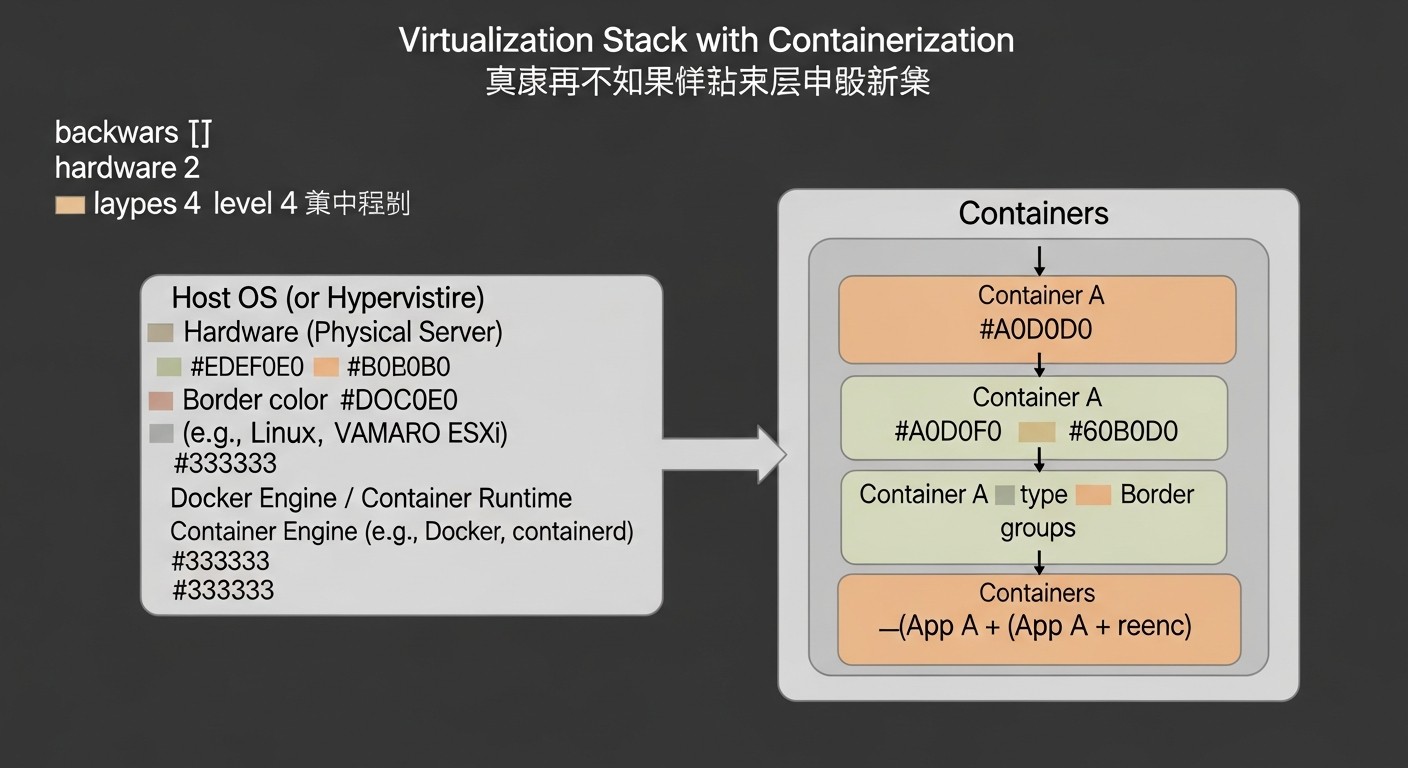
In the rapidly evolving world of cloud technologies and microservices, Docker containers have become the de facto standard for application deployment. By 2026, virtually any modern infrastructure, be it a large SaaS project, a startup, or an enterprise environment, actively uses containerization. The ease of deployment, portability, and resource efficiency make Docker an indispensable tool for DevOps engineers, backend developers, and system administrators. However, along with these advantages come new challenges, especially in the area of security.
Traditional security approaches, focused on virtual machines or physical servers, often prove ineffective in a dynamic and rapidly changing container environment. Containers possess unique characteristics, such as a shared host operating system, high deployment density, short lifecycles, and complex network interactions, which create new attack vectors. This is especially relevant for projects using their own VPS or dedicated servers, where the responsibility for security lies entirely with the team, rather than being delegated to a cloud provider.
This article is dedicated to a critically important aspect — Docker container security at runtime. We will not focus on image security during the build phase (although that is no less important), but will delve into methods for detecting and preventing threats that arise when a container is already running and actively performing its work. In 2026, threats have become more sophisticated: these include supply chain attacks, the exploitation of zero-day vulnerabilities at runtime, and complex APT attacks targeting compromised containers to gain access to the host system or sensitive data.
We will examine why this topic is a priority, what problems it solves, and for whom this detailed guide is written. It is intended for everyone working with Docker in production: from DevOps engineers striving to build a reliable and secure infrastructure, to backend developers wanting to understand the risks of their applications, and SaaS project founders who bear full responsibility for their clients' data. The goal is to provide not just theoretical knowledge, but also concrete, practically applicable recommendations, commands, and tools that will significantly enhance the real-time security level of your Docker containers.
By 2026, we observe that attacks on container environments are becoming increasingly sophisticated. Attackers actively seek weaknesses in configurations, exploit vulnerabilities in base images, leverage misconfigured access policies, and attempt to gain access to the host system through a compromised container. Without adequate runtime security measures, your Docker host and all services running on it become an easy target. Therefore, understanding and implementing real-time threat detection and prevention mechanisms is not just "good practice," but an absolute necessity for the survival and stability of any project.
Key Security Criteria and Factors
Key Criteria and Factors for Docker Container Security at Runtime
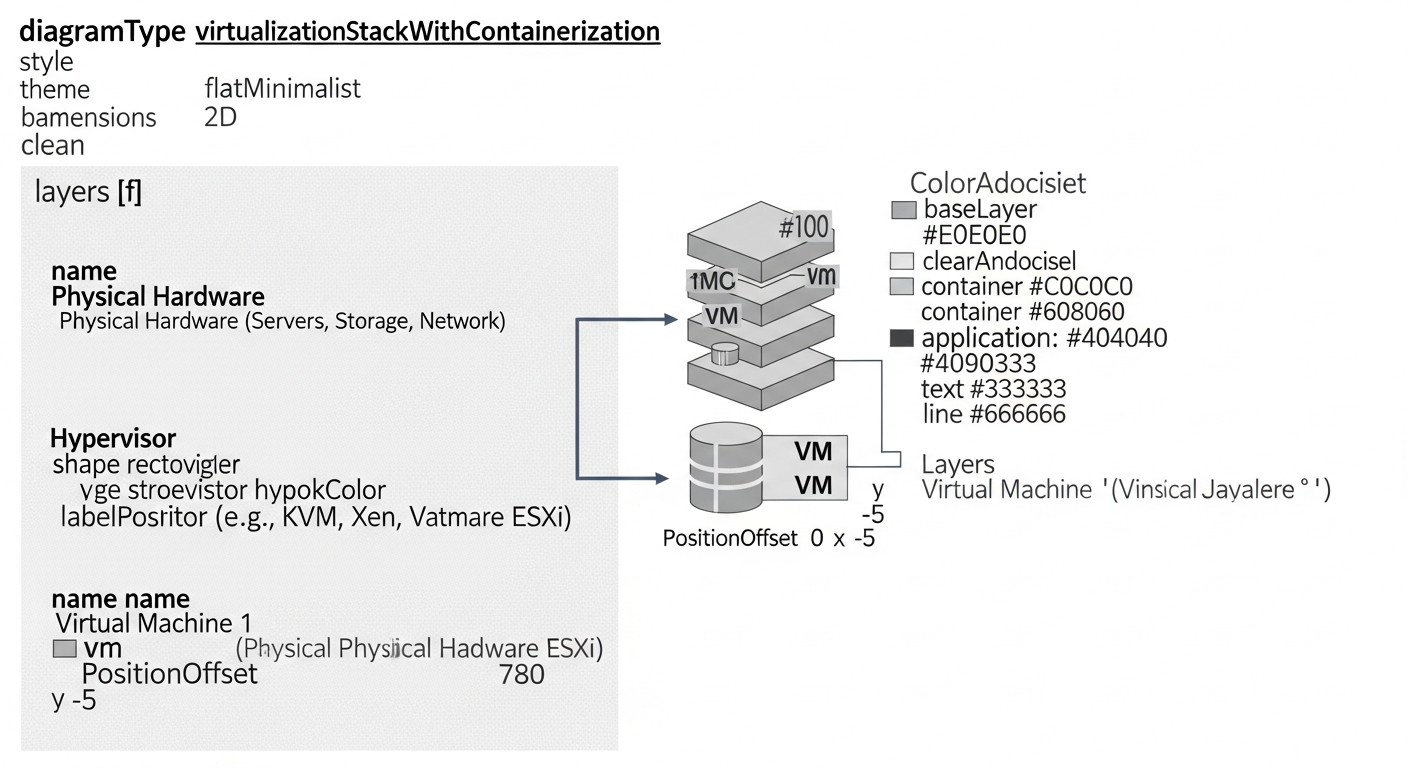
Effective Docker container security at runtime is a multifaceted task requiring a comprehensive approach. To successfully counter modern threats, it is essential to consider a number of key criteria and factors. Each plays a role in creating a robust protective shell around your applications.
1. Principle of Least Privilege
Why it's important: This is a fundamental security principle. Granting containers only the rights and resources absolutely necessary for their functioning significantly reduces the attack surface. If an attacker compromises a container, the extent of the damage will be limited by its minimal privileges, making lateral movement or privilege escalation more difficult.
How to evaluate: Check `docker run` or Docker Compose configurations for the use of flags like ` --privileged` (avoid), ` --cap-drop ALL --cap-add <...>` , ` --security-opt no-new-privileges` , ` --read-only` . Evaluate which system calls and network resources the application inside the container truly needs. Using user namespaces is also an excellent way to achieve isolation.
- `--cap-drop ALL --cap-add
`: Removes all kernel capabilities, adding only the necessary ones (e.g., `NET_BIND_SERVICE` for binding to ports below 1024). - `--security-opt no-new-privileges` : Prevents privilege escalation inside the container.
- `--read-only` : Mounts the container's root file system in read-only mode, making it harder to write malicious software.
- User Namespaces: Maps UID/GID inside the container to unprivileged UID/GID on the host, significantly improving isolation.
2. Network Isolation and Segmentation
Why it's important: Network isolation prevents unauthorized access to containers and limits the scope of a potential attack. Segmentation allows for the creation of logical boundaries between different groups of containers, ensuring that only authorized traffic can pass between them.
How to evaluate: Analyze the use of Docker networks (`docker network create`), network policies (if an Orchestrator like Kubernetes is used, but for VPS/Dedicated, `iptables`/`nftables` on the host or third-party solutions can be used). Check which ports are open externally and between containers. Minimize the number of open ports and use only HTTPS for external traffic.
- Custom Bridge Networks: Separating containers into different virtual networks.
- Host Firewall (`iptables`/`nftables`): Strict rules for host inbound/outbound traffic, including Docker bridge traffic.
- Internal DNS: Using internal DNS for name resolution between containers instead of IP addresses.
3. Real-time Monitoring and Threat Detection (Runtime Threat Detection)
Why it's important: Even with thorough preliminary protection, new vulnerabilities and attacks can go unnoticed. Runtime monitoring systems allow for the detection of anomalous behavior, suspicious system calls, file changes, network connections, and privilege escalation attempts as they occur, which is critical for rapid response.
How to evaluate: The presence and configuration of systems like Falco, Sysdig Secure, Aqua Security Runtime Protection, or other eBPF-based solutions. Evaluate monitoring coverage (system calls, file system, network, processes), the quality of detection rules, and integration with alerting systems (SIEM, Slack, PagerDuty).
- Falco: An open standard for cloud-native threat detection, utilizing kernel system calls.
- eBPF-tools: A modern approach for low-level kernel monitoring without modifying code.
- Integration with SIEM: Automatic forwarding of incidents to a centralized security event management system.
4. Host System Security
Why it's important: Docker containers use the host operating system's kernel. Compromising the host means compromising all containers. Robust host system protection is a fundamental element of security for the entire container infrastructure.
How to evaluate: Regular OS updates, presence of a firewall (`ufw`, `firewalld`, `iptables`), use of SELinux/AppArmor for mandatory access control, minimal package installation, disabling unnecessary services, SSH access protection (keys, two-factor authentication, fail2ban). Host file integrity monitoring (FIM).
- SELinux/AppArmor: Mandatory access control to restrict process actions, including the Docker daemon and containers.
- Regular updates: Patches for the kernel and system libraries.
- CIS Benchmarks: Using security standards for host OS configuration.
5. Secret and Sensitive Data Management
Why it's important: Leakage of secrets (database passwords, API keys, tokens) is one of the most common and dangerous attack vectors. Secrets should not be stored in container images or passed via environment variables, which can be easily compromised.
How to evaluate: Use of specialized secret managers (Docker Secrets, HashiCorp Vault, AWS Secrets Manager, GCP Secret Manager). Verification of how the application accesses secrets and that they are not written to disk unencrypted.
- Docker Secrets: Built-in mechanism for secure secret management in Docker Swarm (can also be used with individual containers but requires manual setup).
- HashiCorp Vault: A powerful solution for centralized secret management with dynamic credential creation.
- Env injection: Avoid passing secrets via the `-e` flag; use file mounting or Docker Secrets.
6. Auditing and Logging
Why it's important: Detailed logs are the eyes and ears of your security system. They allow for retrospective analysis of incidents, understanding what happened, and identifying attack patterns. Without adequate logging, it is impossible to effectively investigate incidents.
How to evaluate: Presence of a centralized logging system (ELK Stack, Grafana Loki, Splunk). Collection of logs from the Docker daemon, containers (stdout/stderr), and host system logs (`syslog`, `auditd`). Correct configuration of log rotation and their secure storage.
- Docker Logging Drivers: Using `json-file`, `syslog`, `journald`, or other drivers for log forwarding.
- `auditd` on the host: Monitoring system calls and activity at the host kernel level.
- Centralized collection: Sending logs to an aggregator for analysis and storage.
7. Vulnerability and Patch Management
Why it's important: Software vulnerabilities (both in base images and in applications within containers) are a primary attack vector. Regular scanning and timely application of patches are critically important for minimizing risks.
How to evaluate: Integration of image vulnerability scanners (Trivy, Clair, Anchore) into CI/CD. Policies for regular updates of base images and dependencies. Presence of a process for responding to newly discovered vulnerabilities (CVEs).
- Runtime Vulnerability Scanning: Some tools can detect vulnerabilities in running containers.
- Automated Patching: Policies for automatic or semi-automatic updating of base images and dependencies.
- CVE Monitoring: Subscribing to notifications about new vulnerabilities affecting the software in use.
Each of these factors is interconnected and complementary. Ignoring even one of them can create a critical vulnerability in your security system. A comprehensive approach, covering all these aspects, is the key to robust protection for your Docker containers at runtime.
Comparative Table of Runtime Security Solutions for Docker Containers (2026)
Choosing the right tool for securing Docker containers at runtime is critically important. In 2026, the market offers both mature commercial solutions and powerful open-source projects, often based on eBPF. Below is a comparative table of key solutions, their characteristics, estimated prices, and use cases.
Note: Prices and characteristics are estimates for 2026 and may vary depending on the vendor, usage volume, and specific contract terms.
| Criterion | Falco (Open Source) | Sysdig Secure (Commercial) | Aqua Security Runtime (Commercial) | Cilium + Tetragon (Open Source eBPF) | Open-source eBPF (DIY) | Host-based Auditd/SELinux |
|---|---|---|---|---|---|---|
| Solution Type | Runtime Security Monitor | Complete Container Security Platform | Comprehensive Cloud Native Security | Network & Security Observability (Runtime Security) | Low-level Runtime Visibility | Host-level Security Controls |
| Core Mechanism | Syscall monitoring (eBPF/Kernel module) | Syscall monitoring (eBPF/Kernel module), Container Forensics | Syscall monitoring, ML-based anomaly detection, Behavioral profiling | eBPF-based network & process visibility, Policy enforcement | Raw eBPF programs, BCC tools, custom scripts | Kernel auditing, Mandatory Access Control (MAC) |
| Threat Detection | Syscall-based rules (YAML), process anomalies, file changes, network activities. | Advanced rules, behavioral analysis, CVE-based threat intelligence, incident response. | ML-driven Behavioral Profiling, File Integrity Monitoring (FIM), Network Micro-segmentation. | Detection of anomalous network connections, process executions, file operations via eBPF. | Custom scripts for monitoring specific syscalls/events. | Monitoring of syscalls, file access attempts, configuration changes. |
| Threat Prevention | Detection only. Requires integration with other tools for automated response. | Automated response (container termination, process blocking, network isolation). | Automated quarantine, process blocking, execution prevention. | Network policies (L3-L7), process blocking (via Tetragon). | Requires writing custom eBPF programs for blocking or integration with other tools. | Blocking actions based on SELinux/AppArmor rules, firewall. |
| Log Collection/Audit | Detailed kernel event logs, SIEM forwarding. | Centralized collection of all events, correlation, forensic analysis. | Full audit of container, host, and Kubernetes activity. | Detailed logs of network connections and processes, event tracing. | Collection of specific data via eBPF, requires custom processing. | auditd logs, syslog. |
| Ease of Implementation | Medium (agent installation, rule configuration). | High (SaaS platform, ready-to-use agents). | High (SaaS/On-prem, comprehensive solution). | Medium/High (requires deep understanding of eBPF and networking). | Low (high barrier to entry, requires eBPF expertise). | Medium (requires SELinux/AppArmor rule configuration). |
| Resource Requirements | Low-Medium (depends on number of rules and traffic). | Medium (agent on host). | Medium (agent on host). | Low-Medium (optimized for eBPF). | Low (if programs are written efficiently). | Low. |
| Estimated Cost (2026) | Free (requires resources for support). | From $250-$500/host/month (depends on plan and volume). | From $300-$600/host/month (depends on plan and volume). | Free (requires resources for support and integration). | Free (requires resources for development and support). | Free (requires resources for configuration). |
| Target Audience | DevOps with expertise, SMBs, startups. | Enterprise, large SaaS, security-demanding. | Enterprise, financial sector, government agencies. | DevOps, network engineers, large infrastructures. | Researchers, security experts, unique use cases. | Basic level of protection for everyone. |
| Pros | Powerful core, flexible rules, active community, open source. | Comprehensiveness, automation, user-friendly UI, support. | Deep behavioral analysis, compliance, prevention, FIM. | High performance, deep network and process visibility, native Kubernetes integration. | Maximum flexibility, low-level control, ideal for specific tasks. | Basic protection, independent of Docker, operates at kernel level. |
| Cons | No direct prevention features, requires integration, learning curve. | High cost, vendor lock-in, may be overkill for SMBs. | High cost, deployment complexity for small teams, may be overkill. | Configuration complexity, requires deep eBPF knowledge, primarily for Kubernetes. | High barrier to entry, requires significant engineering resources, no ready-made UI. | Configuration complexity, poor log readability, not container-oriented. |
Detailed Overview of Each Item/Option
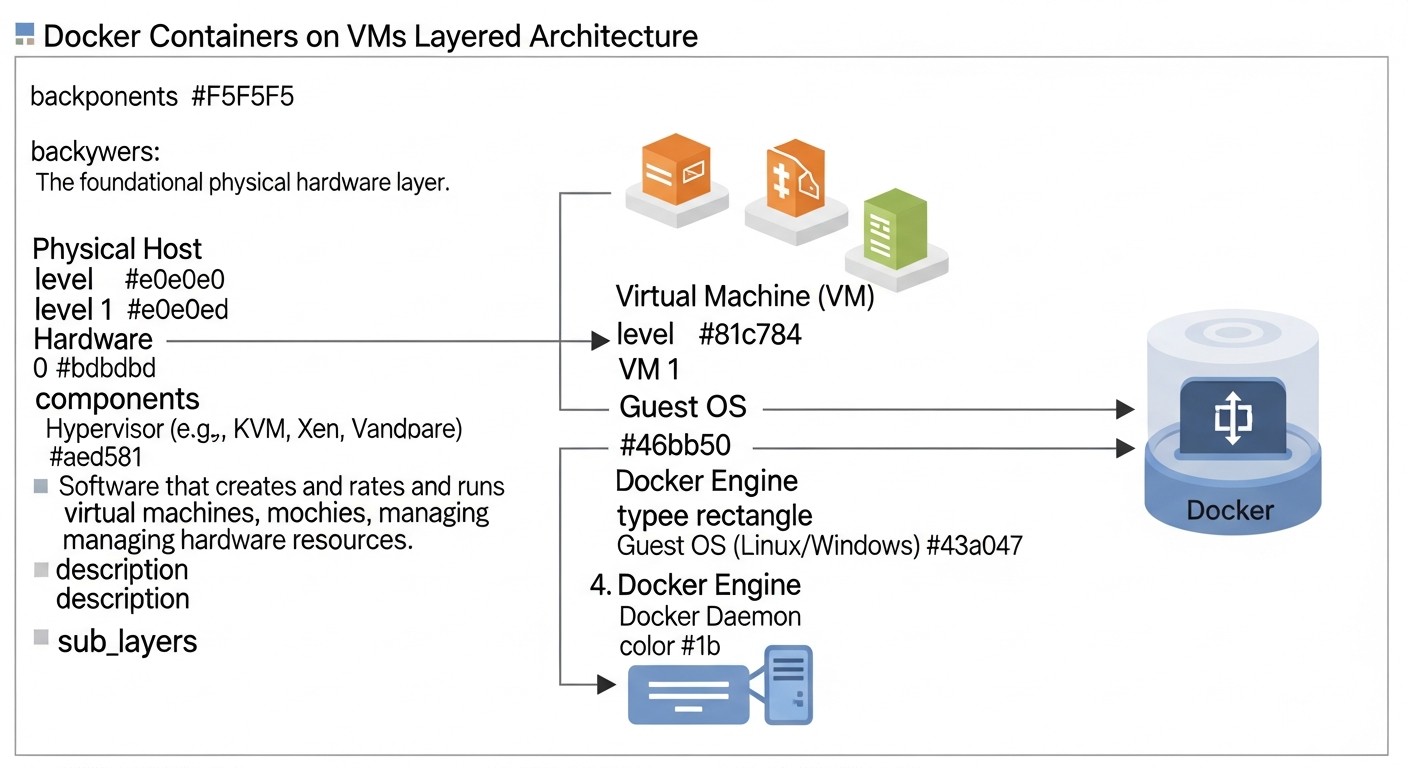
Let's delve into some of the most significant approaches and tools for ensuring Docker container runtime security, as presented in the comparative table. Each offers unique advantages and is suitable for different use cases.
1. Falco (Runtime Security Monitor)
Falco is an open standard for cloud-native threat detection, developed by Sysdig and now part of CNCF. It operates at the kernel level, intercepting system calls (syscalls) and analyzing them against predefined rules. In 2026, Falco remains one of the most popular and powerful tools for runtime security, thanks to its flexibility and ability to detect a wide range of anomalies.
Pros:
- Deep Level of Visibility: Falco sees every system call, allowing it to detect even the lowest-level attacks, such as privilege escalation attempts, code injections, or unauthorized file access. It can identify when a process tries to write data to sensitive directories, open a network connection to an unknown IP, or execute a suspicious command.
- Flexible Rule System: Falco rules are written in YAML and allow for describing very specific conditions. For example, you can create a rule that triggers if an Nginx container attempts to execute the command
apt update, or if a database tries to open an outbound network connection. The community actively develops and maintains an extensive rule base. - Environment Independence: Falco can operate on both VPS/Dedicated servers with Docker and in Kubernetes clusters, providing a unified approach to runtime security. It uses either a kernel module or an eBPF probe to collect data, ensuring minimal performance impact.
- Integration: Falco easily integrates with SIEM systems, alerting systems (Slack, PagerDuty, Email), and other automation tools, allowing for rapid incident response.
Cons:
- Lack of Built-in Prevention: Falco is purely a detection tool. It cannot automatically block or stop suspicious activities. Prevention requires integration with external tools or scripts that will react to Falco alerts.
- Learning Curve: Writing and fine-tuning Falco rules requires an understanding of system calls and container specifics. Avoiding false positives can be challenging without proper experience.
- Requires Maintenance: Like any Open Source solution, Falco requires resources for deployment, configuration, updates, and maintenance.
Who it's for: Falco is ideal for DevOps teams with sufficient security expertise who are willing to invest time in configuration and integration. It's an excellent choice for SMBs and startups that need a powerful threat detection tool without high licensing fees, but with the ability to build their own response pipeline.
Use Cases: Detecting reverse shell execution, attempts to write to sensitive directories, modification of binary files, unauthorized access to Docker sockets, cryptocurrency mining in a compromised container.
2. Sysdig Secure (Commercial Platform)
Sysdig Secure is a comprehensive commercial platform for cloud-native application security, which includes powerful runtime security capabilities. In 2026, Sysdig remains a market leader, offering deep visibility, threat detection based on behavioral analysis, and automated prevention.
Pros:
- Comprehensive Solution: Sysdig Secure covers the entire container security lifecycle: from image scanning and policy enforcement during CI/CD to runtime threat detection and incident response. This significantly simplifies security management.
- Automated Prevention: Unlike Falco, Sysdig Secure can not only detect but also automatically respond to threats. This can include stopping a compromised container, blocking a suspicious process, isolating a container from the network, or executing custom scripts.
- Behavioral Analysis and Threat Intelligence: The platform uses machine learning to build profiles of normal container behavior and detect anomalies. It is also integrated with up-to-date threat databases (CVE, MITRE ATT&CK), enabling the identification of known attacks.
- User-Friendly UI and Forensic Analysis: Sysdig offers an intuitive user interface for monitoring, policy management, and incident analysis. Forensic Analysis features allow for detailed investigation of the chain of events leading to an incident, which is critical for post-incident analysis.
- Support: Commercial support, updates, and expert consultations, which is especially important for large organizations.
Cons:
- High Cost: Sysdig Secure is an expensive solution, especially for smaller companies. The cost is typically calculated based on the number of hosts or containers, which can become a significant expenditure.
- Vendor Lock-in: Using a commercial platform means dependence on a specific vendor and its ecosystem. Migrating to another solution can be complex.
- Redundancy for Simple Cases: For small projects with a limited number of containers, Sysdig Secure's functionality might be excessive and unjustifiably expensive.
Who it's for: Sysdig Secure is aimed at large enterprises, SaaS projects with a high degree of maturity and strict security requirements, as well as organizations that need a comprehensive "turnkey" solution with automated prevention and professional support. It is ideal for teams that need to quickly implement a robust security system without extensive in-house development.
Use Cases: Automatic detection and blocking of malware injection, prevention of privilege escalation, protection against supply chain attacks at runtime, monitoring PCI DSS or HIPAA compliance for containerized applications.
3. Open-source eBPF Solutions (DIY)
eBPF (extended Berkeley Packet Filter) is a revolutionary technology that allows programs to run in the Linux kernel without modifying its source code. By 2026, eBPF has become a cornerstone for many modern observability and security tools. The "DIY eBPF" approach means independently developing or adapting eBPF programs for specific runtime security tasks.
Pros:
- Highest Performance: eBPF programs execute in kernel space, ensuring minimal overhead and high-speed event processing. This allows monitoring millions of system calls per second with virtually no impact on system performance.
- Deep Visibility and Control: eBPF provides unprecedented access to internal kernel mechanisms, allowing interception of system calls, network packets, file system events, and much more. This enables the creation of very precise and specific detection rules.
- Flexibility and Customization: You can write your own eBPF programs to solve unique security challenges not covered by off-the-shelf solutions. This allows adapting protection to specific threats and the specifics of your application.
- No Licensing Fees: Using eBPF tools like BCC (BPF Compiler Collection) or libbpf-tools is free, which reduces TCO (Total Cost of Ownership).
Cons:
- High Barrier to Entry: Developing eBPF programs requires deep knowledge of the Linux kernel, the C language (or Rust with eBPF support), and the eBPF architecture itself. This is a complex field requiring specialized expertise.
- No Out-of-the-Box UI/Alerts: "DIY eBPF" is a low-level approach. You will have to independently develop mechanisms for data collection, aggregation, analysis, and alert sending. This can require significant engineering resources.
- Maintenance Complexity: Maintaining and updating custom eBPF solutions requires continuous monitoring of changes in the Linux kernel and adaptation of programs.
- Lack of Prevention: Like Falco, basic eBPF programs are primarily focused on detection. Prevention will require additional integration with other components.
Who it's for: This approach is ideal for research teams, large organizations with highly skilled security engineers who need maximum deep and customized control, as well as for those who want to build unique solutions for very specific threats. It can also be a starting point for developing proprietary security products.
Use Cases: Creating specialized detectors for attacks on specific applications, monitoring unique file access patterns, tracing function execution within a container, developing low-level firewalls or kernel-level intrusion prevention systems.
The choice between these options depends on your team size, budget, expertise level, and automation requirements. Often, the optimal solution is a hybrid approach, combining the power of open-source tools with the capabilities of commercial platforms for specific tasks.
Practical Tips and Recommendations for Docker Container Security at Runtime
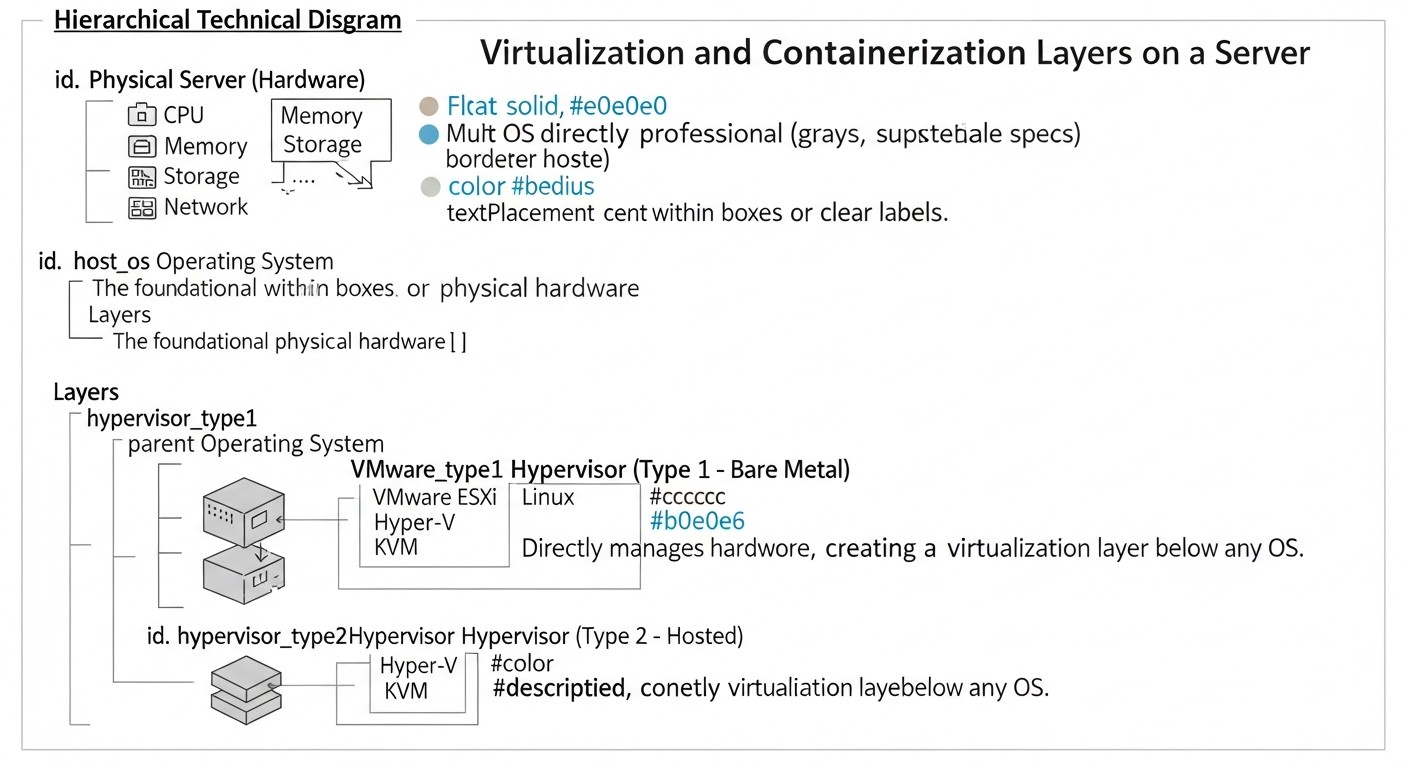
Implementing an effective Docker container security strategy at runtime requires not only theoretical understanding but also concrete practical steps. Below are step-by-step instructions, commands, and configurations that will help you significantly enhance your protection level.
1. Strengthening Host System Security
Remember: the host is the foundation. Host compromise means compromising all containers.
- Regular OS Updates:
Always keep your host operating system up to date. Automatic updates with notifications are a good compromise between security and stability.
sudo apt update && sudo apt upgrade -y sudo reboot # After kernel update - Minimal Software Installation:
Install only absolutely necessary software on the host. The less software, the smaller the attack surface.
# Example of removing unnecessary packages sudo apt autoremove --purge apache2 postfix nginx-full -y - Firewall Configuration:
Use
ufw,firewalld, oriptablesto restrict inbound and outbound traffic on the host. Allow only necessary ports (SSH, HTTP/S, Docker API — only if absolutely essential and secured).# Example UFW configuration sudo ufw enable sudo ufw default deny incoming sudo ufw default allow outgoing sudo ufw allow ssh # Port 22 sudo ufw allow http # Port 80 sudo ufw allow https # Port 443 sudo ufw status verboseFor Docker, UFW may conflict with Docker rules by default. Consider using the
DOCKER-USERchain iniptablesto manage container traffic or specialized solutions. - SELinux/AppArmor:
Enable and configure SELinux (for CentOS/RHEL) or AppArmor (for Ubuntu/Debian) for mandatory access control. This will provide an additional layer of isolation for the Docker daemon and containers.
# Check AppArmor status on Ubuntu sudo apparmor_status # Load AppArmor profile for Docker (active by default) # docker run --security-opt "apparmor=docker-default" ... - SSH Protection:
Use SSH keys, disable password authentication, configure two-factor authentication (2FA), and use
fail2banto block brute-force attacks.# In /etc/ssh/sshd_config PasswordAuthentication no PermitRootLogin no ChallengeResponseAuthentication no # For 2FA # Restart SSH service sudo systemctl restart sshd
2. Running Containers with Minimal Privileges
This is the most important principle for limiting damage in case of container compromise.
- Do not use
--privileged:This flag grants the container all host kernel capabilities, which is equivalent to running a process as root on the host. Avoid it at all costs. If specific access is required, grant only the necessary capabilities.
- Limiting Kernel Capabilities:
Docker by default grants containers a set of capabilities. Drop all and add only those that are truly needed.
# Example: Running Nginx with minimal capabilities
docker run --rm -d \
  --cap-drop ALL \
  --cap-add NET_BIND_SERVICE \
  --cap-add CHOWN \
  --cap-add SETGID \
  --cap-add SETUID \
  -p 80:80 nginx:latest
--security-opt no-new-privileges:This flag prevents privilege escalation inside the container via
setuidorsetgidbinaries.docker run --rm -d \ --security-opt no-new-privileges \ -p 8080:80 my-app:latest--read-onlyFile System:If the container does not need to write to its root file system, make it read-only. This makes it harder to write malicious software.
docker run --rm -d \ --read-only \ -v /var/log/my-app:/var/log/my-app \ my-app:latest- Using Unprivileged Users (User Namespaces):
Run processes inside the container as an unprivileged user. In the
Dockerfile, use theUSERinstruction.# Dockerfile FROM alpine:latest RUN adduser -D appuser USER appuser CMD ["echo", "Hello from appuser"]Starting with Docker 20.10, you can configure User Namespaces on the host for additional isolation.
3. Implementing Falco for Runtime Threat Detection
Install and configure Falco to monitor container activity.
- Falco Installation (example for Ubuntu 22.04):
curl -s https://falco.org/repo/falcosecurity-3672C284.asc | gpg --dearmor | sudo tee /usr/share/keyrings/falco-archive-keyring.gpg > /dev/null echo "deb [signed-by=/usr/share/keyrings/falco-archive-keyring.gpg] https://download.falco.org/packages/deb stable main" | sudo tee /etc/apt/sources.list.d/falco-stable.list sudo apt update sudo apt -y install linux-headers-$(uname -r) # For kernel module compilation sudo apt -y install falco sudo systemctl enable falco --now - Rule Configuration:
Familiarize yourself with the rule files in
/etc/falco/falco_rules.yaml,falco_rules.local.yaml, andk8s_audit_rules.yaml. Create your own file/etc/falco/falco_rules.d/my_custom_rules.yamlfor specific rules.# Example rule: Detect bash execution in Nginx container - rule: Nginx Container Bash Executed desc: A bash shell was executed in an Nginx container. condition: container.name contains "nginx" and proc.name = "bash" and evt.type = execve output: > Nginx container (name=%container.name user=%user.name command=%proc.cmdline) had a bash shell executed. priority: WARNING tags: [container, shell]Check rules:
falco -V /etc/falco/falco_rules.yaml -V /etc/falco/falco_rules.d/my_custom_rules.yaml. - Alert Integration:
Configure Falco to send alerts to Slack, PagerDuty, or SIEM. Edit
/etc/falco/falco.yaml.# Example Slack alert configuration json_output: true json_output_include_tags: true json_output_include_priority: true outputs: stdout: false # ... other outputs slack: enabled: true url: "https://hooks.slack.com/services/T00000000/B00000000/XXXXXXXXXXXXXXXXXXXXXXXX" # channel: "#security-alerts" # Optional, if specified in webhookAfter changing the configuration, restart Falco:
sudo systemctl restart falco.
4. Network Isolation
Use Docker networks to separate containers.
- Creating Isolated Networks:
docker network create --driver bridge my_app_network docker network create --driver bridge my_db_network - Running Containers in Specific Networks:
docker run --rm -d --name my-app --network my_app_network my-app:latest
docker run --rm -d --name my-db --network my_db_network my-db:latest
# To connect app and db, add app to the db network
docker network connect my_db_network my-app
Now
my-appcan accessmy-dbby hostname. Other containers do not have direct access tomy-db.
5. Secret Management
Never store secrets in images or environment variables.
- Docker Secrets (for Swarm or with manual configuration):
Store sensitive data as Docker Secrets. For single containers without Swarm, you can use temporary file system mounts (
tmpfs) ordocker composewith external files.# Example with tmpfs and env_file # Create .env.secret with DB_PASSWORD=your_secret_password docker run --rm -d \ --mount type=tmpfs,destination=/run/secrets \ --env-file .env.secret \ my-app:latest # Inside the container: cat /run/secrets/DB_PASSWORD - Using HashiCorp Vault:
For more advanced scenarios, consider HashiCorp Vault for centralized secret management.
# Example of retrieving a secret from Vault # Assuming Vault is running and configured export VAULT_ADDR='http://127.0.0.1:8200' vault login -method=token token=DB_PASSWORD=$(vault kv get -field=password secret/my-app/db) docker run --rm -d -e DB_PASSWORD=$DB_PASSWORD my-app:latest In production, use Vault Agent or Sidecar containers for automatic secret injection.
6. Regular Auditing and Scanning
- Image Vulnerability Scanning (CI/CD):
Integrate Trivy, Clair, or Anchore into your build pipeline. Do not allow the deployment of images with critical vulnerabilities.
# Example of scanning an image with Trivy docker build -t my-app:latest . trivy image --severity HIGH,CRITICAL my-app:latest - Docker Configuration Audit:
Use Docker Bench for Security to automatically check Docker configuration against security recommendations.
docker run --rm --net host --pid host --userns host --cap-add audit_control \
    -e DOCKER_CONTENT_TRUST_REPOSITORY_PASSPHRASE="" \
    -v /var/lib:/var/lib \
    -v /var/run/docker.sock:/var/run/docker.sock \
    -v /usr/lib/systemd:/usr/lib/systemd \
    -v /etc:/etc --label docker_bench_security \
    docker/docker-bench-security
By applying these tips, you can create a multi-layered defense for your Docker containers, significantly reducing the risk of successful real-time attacks. Remember that security is a continuous process requiring constant attention and adaptation to new threats.
Common Security Mistakes in Docker Containers at Runtime
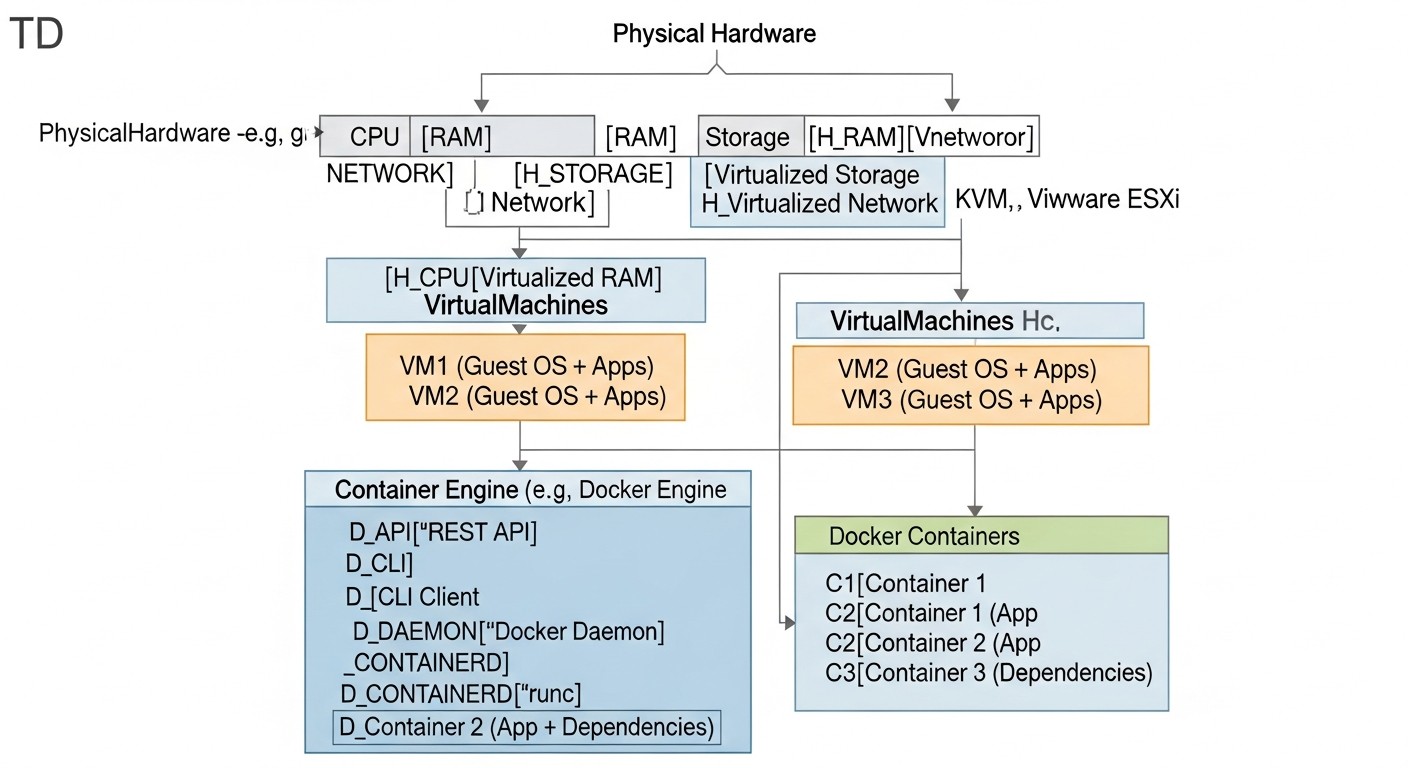
Even experienced teams sometimes make mistakes that can lead to serious consequences. Understanding these common errors and knowing how to prevent them is key to creating a truly secure containerized environment.
1. Running Containers with the --privileged Flag
Error Description: Using the --privileged flag when starting a container grants it all host kernel capabilities, as well as access to all devices. This is equivalent to running a process as the root user on the host system, completely bypassing container isolation.
How to Avoid: Never use --privileged unless it is absolutely necessary for very specific tasks (e.g., running Docker inside Docker). Instead, carefully analyze which specific capabilities or devices the container needs, and grant only those using the --cap-add and --device flags.
Real-world Consequence Example: In 2024, in one SaaS project, developers used --privileged to run a test container that needed to interact with hardware. After deploying this container to production, attackers discovered a vulnerability in the application inside the container. Thanks to the --privileged flag, they were able to gain full control over the host system, install a backdoor, and access other containers and data, including customer personal data, leading to a leak of 500,000 records and multi-million dollar fines.
2. Lack of Runtime Monitoring
Error Description: Teams rely solely on build-time security (image scanning) and network firewalls, ignoring what happens inside containers after they are launched. This leaves a "blind spot" for attacks using zero-day vulnerabilities, sophisticated exploits, or insider threats.
How to Avoid: Implement a real-time monitoring and threat detection system, such as Falco, Sysdig Secure, or similar eBPF-based solutions. Configure rules to detect anomalous activity: shell execution in web servers, outbound connections from databases, modification of critical files, privilege escalation.
Real-world Consequence Example: A small startup used Docker for its backend service. Their CI/CD scanned images, and everything looked clean. However, a vulnerability in a third-party library was exploited in one of the containers, allowing arbitrary code execution. Due to the lack of runtime monitoring, a malicious process that started cryptocurrency mining on the host went unnoticed for two weeks. This led to a significant increase in electricity and cloud resource bills, as well as service performance degradation, impacting the company's reputation.
3. Using root Inside the Container
Error Description: Running the container's main process as the root user, even without the --privileged flag, increases potential damage in case of compromise. If a root process is compromised, an attacker gains maximum privileges within the container, which facilitates attempts to escalate to the host.
How to Avoid: Always use the USER instruction in your Dockerfile to run applications as an unprivileged user. Ensure that all necessary files and directories have the correct permissions for this user.
# BAD:
FROM alpine:latest
COPY . /app
CMD ["/app/start.sh"]

# GOOD:
FROM alpine:latest
RUN adduser -D appuser && chown -R appuser:appuser /app
COPY . /app
USER appuser
CMD ["/app/start.sh"]
Real-world Consequence Example: A Node.js backend service was running inside a container as root. Through an API vulnerability, an attacker was able to inject and execute code which, running as root inside the container, could modify some system files and install a malicious package that intercepted outgoing requests to external APIs, sending copies of sensitive data to a third-party server. If the application had been run by an unprivileged user, these actions would have been restricted.
4. Lack of Network Isolation Between Containers
Error Description: All containers are launched in a single network (e.g., the default Docker bridge network) without additional restrictions. This allows a compromised container to easily scan and attack other containers in the same network, including databases or other sensitive services.
How to Avoid: Create separate Docker networks for different groups of containers (e.g., one network for web servers, another for databases, a third for internal microservices). Use network policies or host firewalls to strictly control traffic between networks and containers.
Real-world Consequence Example: A company used a monolithic application deployed in several Docker containers: a web server, an API service, and a database. All were connected to a single default bridge network. An attacker compromised the web server through a WordPress vulnerability. Since all containers were on the same network, they were able to easily discover and access the API service and database using internal IP addresses, leading to a complete compromise of all application data.
5. Storing Secrets in Images or Environment Variables
Error Description: Passwords, API keys, tokens, and other sensitive data are "hardcoded" directly into the Dockerfile, embedded in the image, or passed via environment variables (-e flag) without proper protection. This makes them vulnerable to extraction when analyzing the image or gaining access to a running container.
How to Avoid: Use specialized secret managers such as Docker Secrets (for Swarm), HashiCorp Vault, AWS Secrets Manager, or GCP Secret Manager. For simpler cases, secrets can be mounted as files from tmpfs or by using docker compose with external files that are not included in the image.
# BAD:
docker run -e DB_PASSWORD="very_secret_password" my-app:latest

# GOOD (with Docker Secrets in Swarm):
echo "very_secret_password" | docker secret create db_password -
docker service create --name my-app --secret db_password my-app:latest

# GOOD (for standalone, via file):
# Create db_password.txt with the password
docker run --rm -d \
  -v /path/to/db_password.txt:/run/secrets/db_password:ro \
  my-app:latest
# Inside the container: cat /run/secrets/db_password
Real-world Consequence Example: A developer, to "speed up" the process, hardcoded a payment system API key into the environment variables of a Docker Compose file, which was then uploaded to a public GitHub repository. Although the file was deleted a few hours later, the commit history preserved it. Attackers discovered this key and used it to perform fraudulent transactions, costing the company tens of thousands of dollars and causing serious issues with the payment provider.
By avoiding these common mistakes, you will significantly strengthen your position in the fight against cyber threats and ensure more secure operation of your Docker containers in real-time.
Checklist for Practical Docker Container Runtime Security
This checklist will help you systematically implement and verify security measures for your Docker containers running on VPS or dedicated servers. Review it regularly to ensure the relevance and effectiveness of your protection.
- Host System Security:
- [ ] OS Updated: All latest security patches for the host kernel and operating system are installed.
- [ ] Minimal Software: Only absolutely necessary software is installed on the host; all unnecessary services are disabled.
- [ ] Firewall Configured: Inbound and outbound traffic on the host is strictly limited by a firewall (
ufw,iptables,firewalld); only necessary ports are allowed. - [ ] SSH Secured: Key-based authentication is used, password authentication is disabled, 2FA is configured,
fail2banis installed. - [ ] SELinux/AppArmor Enabled: Enabled and configured for mandatory access control to the Docker daemon and containers.
- [ ] Docker Daemon Socket Secured: Access to
/var/run/docker.sockis restricted, not exposed to the network.
- Docker Daemon Configuration:
- [ ] TLS for Docker API: Docker API is configured to use TLS certificates.
- [ ] Docker Content Trust: Enabled for image integrity verification.
- [ ] Logging Configuration: Docker daemon is configured to send logs to a centralized system (
journald,syslog, or logging drivers).
- Container Security (Runtime):
- [ ] Principle of Least Privilege:
- [ ] Containers are not run with the
--privilegedflag. - [ ] Kernel capabilities are restricted using
--cap-drop ALL --cap-add. - [ ]
--security-opt no-new-privilegesis used. - [ ] Applications inside containers are run as an unprivileged user (
USERinstruction in Dockerfile). - [ ] The container's root filesystem is mounted in read-only mode (
--read-only), if possible.
- [ ] Containers are not run with the
- [ ] Network Isolation:
- [ ] Separate Docker networks (
docker network create) are used for different groups of containers. - [ ] Network policies (on the host or using third-party tools) restrict traffic between containers.
- [ ] Containers only have access to necessary external resources.
- [ ] Separate Docker networks (
- [ ] Secret Management:
- [ ] Secrets are not stored in images or exposed environment variables.
- [ ] A secret manager (Docker Secrets, HashiCorp Vault, or temporary file mounting) is used.
- [ ] Resource Limits:
- [ ] CPU and memory limits are set for containers (
--cpu-shares,--memory) to prevent DoS attacks.
- [ ] CPU and memory limits are set for containers (
- [ ] Principle of Least Privilege:
- Monitoring and Threat Detection:
- [ ] Runtime Security System Installed: Falco, Sysdig Secure, Aqua Security Runtime, or a similar eBPF-based solution is implemented.
- [ ] Rules Configured: Threat detection rules are configured for your environment, covering anomalous system calls, file operations, network activity, and suspicious process execution.
- [ ] Alerts Configured: Security system alerts are integrated with your notification system (Slack, PagerDuty, Email) or SIEM.
- [ ] Centralized Logging: Container and security system logs are collected in a centralized logging system (ELK, Grafana Loki, Splunk).
- [ ]
auditdon Host: Configured to monitor critical events at the host kernel level.
- CI/CD and Lifecycle:
- [ ] Image Scanning: Vulnerability scanners (Trivy, Clair) are integrated into the CI/CD pipeline.
- [ ] Regular Image Updates: Base images and dependencies are regularly updated.
- [ ] Docker Bench for Security: Regularly run to audit Docker configuration.
- [ ] Incident Response Plan: An action plan for security incident detection is developed and tested.
Regularly reviewing this checklist (e.g., monthly or after each major infrastructure change) will help maintain a high level of security and promptly identify potential vulnerabilities.
Cost Calculation / Economics of Docker Container Security at Runtime
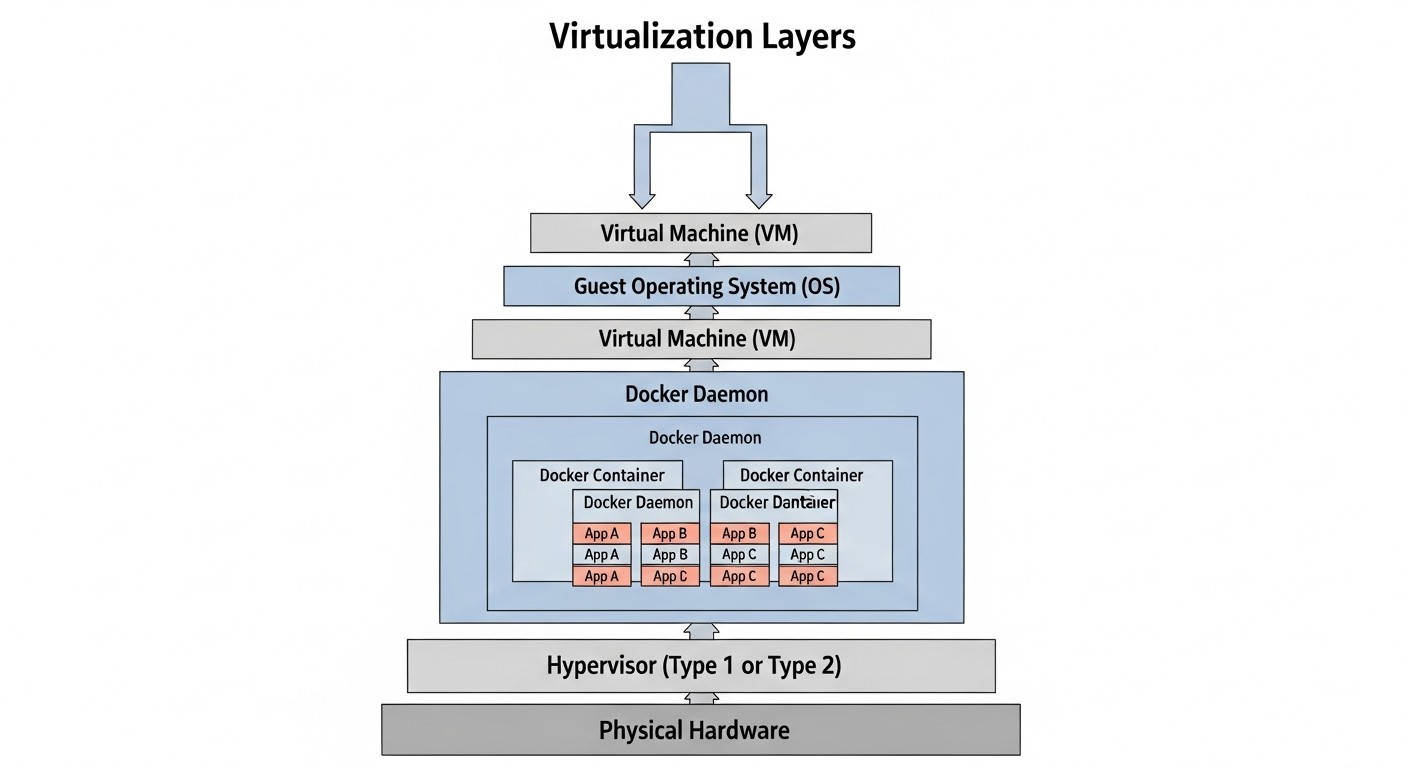
Ensuring the security of Docker containers at runtime is not only a technical but also an economic issue. Teams must make decisions, balancing the level of protection, implementation complexity, and total cost of ownership. In 2026, as threats become increasingly sophisticated, investments in security are a necessity, not a luxury.
Main Cost Categories
- Software Licenses: The cost of commercial solutions (Sysdig Secure, Aqua Security) can be significant.
- Engineering Time: Deployment, configuration, support, and monitoring of both open-source and commercial solutions require skilled specialists. This is the biggest hidden cost for Open Source.
- Infrastructure: Servers for centralized logging (ELK Stack), SIEM systems, databases for storing metrics and logs.
- Training and Certification: Investments in upskilling the team on container security issues.
- Incident Response: Cost of downtime, recovery, legal expenses, and reputational damage in the event of a successful attack.
Cost Calculation Examples for Different Scenarios (2026)
Let's consider three typical scenarios for a project using 5 VPS/Dedicated servers, each with 10-20 Docker containers.
Scenario 1: DIY Open Source (Falco + ELK Stack)
This scenario assumes maximum use of open-source solutions and in-house expertise.
- Software Licenses: $0 (Falco, Elasticsearch, Kibana, Logstash, Prometheus, Grafana - all Open Source).
- Engineering Time (Deployment):
- Installation and basic configuration of Falco on 5 hosts: 2 days of L2 engineer time ($1600).
- Deployment of ELK Stack (3-5 servers), configuration of log collection and alerts: 7 days of L3 engineer time ($7000).
- Creation of custom Falco rules and Grafana/Kibana dashboards: 5 days of L2/L3 engineer time ($4000).
- Engineering Time (Support and Monitoring, Monthly):
- Support for Falco/ELK, rule updates, log analysis: 0.5 FTE (Full-Time Equivalent) L2 engineer ($4000/month).
- Infrastructure (Monthly):
- 3 VPS for ELK Stack (e.g., 2x 8vCPU/32GB RAM/500GB SSD, 1x 4vCPU/16GB RAM/250GB SSD): $450/month.
- Training: $1000 (Falco/eBPF courses).
Total Cost for the First Year (DIY Open Source): ~$67,000
Total Cost for Subsequent Years: ~$53,400/year (excluding deployment)
Scenario 2: Hybrid (Falco + Commercial SIEM/Logging)
Using Falco for detection, but delegating log collection and analysis to a commercial SaaS solution.
- Software Licenses:
- Falco: $0.
- Commercial SIEM/Logging (e.g., Splunk Cloud, Datadog Security): $200/host/month * 5 hosts = $1000/month (depends on log volume).
- Engineering Time (Deployment):
- Installation and basic configuration of Falco: 2 days of L2 engineer time ($1600).
- Integration of Falco with commercial SIEM/Logging: 3 days of L2 engineer time ($2400).
- Creation of custom Falco rules and dashboards: 3 days of L2/L3 engineer time ($2400).
- Engineering Time (Support and Monitoring, Monthly):
- Support for Falco, rule updates, analysis of SIEM alerts: 0.3 FTE L2 engineer ($2400/month).
- Infrastructure: $0 (SIEM as SaaS).
- Training: $1000.
Total Cost for the First Year (Hybrid): ~$48,200
Total Cost for Subsequent Years: ~$41,800/year
Scenario 3: Commercial All-in-One Solution (Sysdig Secure / Aqua Security Runtime)
A fully commercial platform covering the entire spectrum of runtime security.
- Software Licenses:
- Sysdig Secure/Aqua Security (5 hosts): $350/host/month * 5 hosts = $1750/month.
- Engineering Time (Deployment):
- Agent installation, basic policy and dashboard configuration: 3 days of L2 engineer time ($2400).
- Engineering Time (Support and Monitoring, Monthly):
- Alert monitoring, fine-tuning policies: 0.2 FTE L2 engineer ($1600/month).
- Infrastructure: $0 (SaaS solution).
- Training: $500 (platform training).
Total Cost for the First Year (Commercial): ~$43,100
Total Cost for Subsequent Years: ~$40,700/year
Hidden Costs and How to Optimize Them
- Downtime Cost: Every hour of downtime due to a security incident can cost thousands or tens of thousands of dollars for a SaaS project. Preventive measures and rapid response pay off.
- Fines and Reputation: Data breaches lead to huge fines (GDPR, CCPA) and irreparable damage to reputation. These costs can many times exceed investments in security.
- Audit and Compliance: The cost of audits for compliance with standards (ISO 27001, SOC 2) can be high. Good security tools simplify this process.
- "Security Technical Debt": Postponing investments in security leads to the accumulation of "debt" that will have to be paid back with interest in the future.
How to Optimize Costs:
- Start with the basics: Ensure that fundamental security practices (updates, firewall, principle of least privilege) are implemented for free.
- Use Open Source wisely: If you have a strong DevOps/Security team, Open Source solutions like Falco can be very cost-effective, but be prepared for investments in engineering time.
- Gradual implementation: Don't try to implement everything at once. Start with critical areas and gradually expand coverage.
- Team training: Investments in team training pay off, as they reduce the need for external consultants and increase the efficiency of tool usage.
- Automation: Automate routine security tasks (scanning, alerts) to reduce operational costs.
Table with Cost Calculation Examples (Summary)
| Metric | DIY Open Source | Hybrid | Commercial All-in-One |
|---|---|---|---|
| Deployment (first year) | ~$12,600 | ~$6,400 | ~$2,400 |
| Licenses/SaaS (annually) | $0 | ~$12,000 | ~$21,000 |
| Support/Monitoring (annually) | ~$48,000 | ~$28,800 | ~$19,200 |
| Infrastructure (annually) | ~$5,400 | $0 | $0 |
| Training (one-time) | ~$1,000 | ~$1,000 | ~$500 |
| Total for the first year | ~$67,000 | ~$48,200 | ~$43,100 |
| Total for subsequent years | ~$53,400/year | ~$41,800/year | ~$40,700/year |
| Required expertise | High | Medium-High | Medium |
| Implementation complexity | High | Medium | Low-Medium |
As can be seen from the table, initial investments in Open Source can be high due to engineering time, but in the long run, they may prove cheaper if you have a team. Commercial solutions reduce implementation and support time but require ongoing license fees. The choice depends on your strategy, budget, and available resources.
Cases and Examples of Docker Container Runtime Security Application
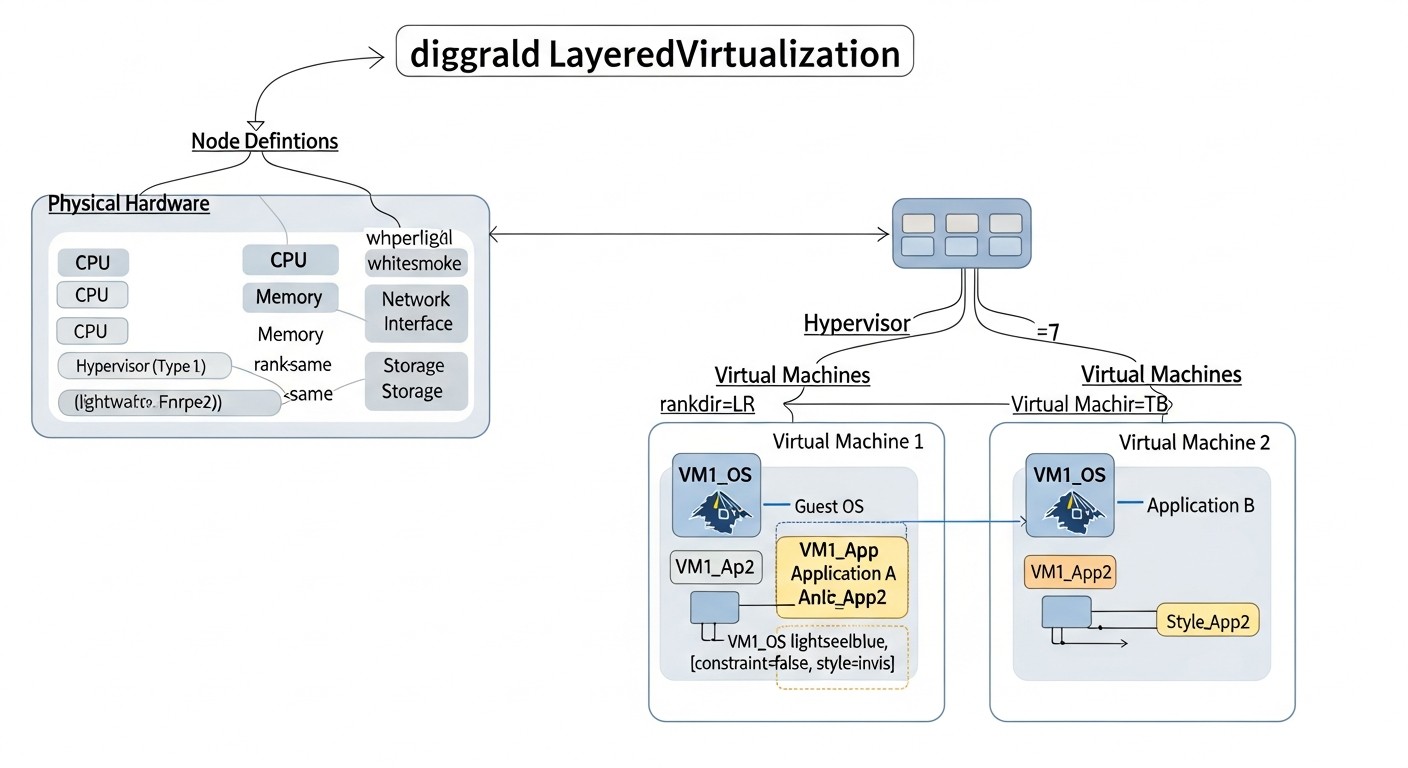
Theory and recommendations gain particular value when supported by real-world scenarios. These cases demonstrate how various approaches to Docker container runtime security help detect and prevent threats.
Case 1: Protecting a SaaS Platform from Cryptomining and Hidden Backdoors
Company: "CloudFlow Analytics", a SaaS startup providing analytical services. The infrastructure consists of 10 dedicated servers with Docker, running on Ubuntu 24.04, each launching up to 30 containers (web servers, APIs, data processors, Redis, PostgreSQL).
Problem: After one of the developers accidentally included an outdated package with a known vulnerability in the Dockerfile, attackers gained access to one of the containers acting as an API gateway. Their goal was not direct data access, but rather to use computational resources for hidden cryptocurrency mining and to install a persistent backdoor.
Solution: "CloudFlow Analytics" implemented a comprehensive strategy:
- Falco for Runtime Monitoring: Falco was installed on each host, and rules were configured to detect anomalous activity:
- Execution of unknown binary files in containers, other than their main process.
- Outbound network connections to IP addresses from a list of known mining pools.
- Attempts to write to system directories or modify
/etc/passwd. - Suspicious CPU usage (over 90% for 10 minutes for a non-computational service).
- AppArmor for Mandatory Access Control: For critical containers (database, API gateways), custom AppArmor profiles were created, restricting access to the file system and system calls to an absolute minimum. For example, the API container was prohibited from executing any commands other than its main executable and a few logging utilities.
- Docker Bench for Security: Run monthly to audit Docker daemon and container configurations for compliance with recommendations.
- Integration with PagerDuty: Falco alerts for critical events were sent to PagerDuty for immediate response by the on-call team.
Result: Shortly after the successful exploitation of the vulnerability, Falco detected an attempt to download and run a miner binary in the compromised API container. Simultaneously, rules for outbound connections to a mining pool and anomalous CPU consumption were triggered. PagerDuty immediately notified the DevOps team. Engineers localized and stopped the compromised container within 15 minutes, then conducted a forensic analysis using Falco and Docker logs. Thanks to AppArmor, the attempt to install a backdoor in the host's system files was blocked. The company avoided significant financial losses and reputational damage, and also improved its CI/CD processes by adding stricter image scanning policies.
Case 2: Preventing Privilege Escalation in a Financial Service
Company: "FinTech Secure", a developer of a microservice financial application running on several VPS servers with Docker. The application processes payments and sensitive customer data, so security requirements are extremely high.
Problem: One of the microservices responsible for transaction processing was written in Go and used a third-party cryptography library. A recently published vulnerability (CVE) was discovered in this library, allowing arbitrary code execution via a specially crafted request. Attackers attempted to use this vulnerability to escalate privileges and gain access to secrets stored in HashiCorp Vault.
Solution: "FinTech Secure" applied multi-layered runtime protection:
- Principle of Least Privilege:
- All containers were launched with
--cap-drop ALL --cap-add NET_BIND_SERVICEand--security-opt no-new-privileges. - Applications inside containers were run by unprivileged users (
USER appuserin Dockerfile). - The root file system of most containers was
--read-only, andtmpfsmounts or named volumes were used for writing.
- All containers were launched with
- HashiCorp Vault for Secrets: Secrets (API keys, encryption keys) were stored in HashiCorp Vault and injected into containers via Vault Agent Sidecar, which prevented their storage in environment variables or image files.
- Cilium + Tetragon for eBPF Monitoring and Network Policies: Although Cilium is more commonly used in Kubernetes, "FinTech Secure" adapted it for their VPS, utilizing its eBPF capabilities for detailed monitoring of network connections and processes. Tetragon was configured for:
- Monitoring all
execve,connect,opensystem calls. - Detecting attempts to modify files that should not be changed.
- Blocking (via policy) outbound connections from the transaction container to any IP addresses other than the internal Vault and database.
- Monitoring all
Result: When attackers successfully exploited the CVE and attempted to execute a privilege escalation command (e.g., chmod u+s /bin/bash), --security-opt no-new-privileges prevented this attempt. Simultaneously, Tetragon recorded an anomalous execve system call for chmod, which did not match the whitelist of allowed commands for this container, and generated an alert. An attempt to establish an outbound connection to an external command-and-control server was also blocked by Cilium's network policy. Thanks to these multi-layered measures, the attack was completely prevented at an early stage. "FinTech Secure" was able to promptly update the vulnerable library and avoid compromising sensitive data, confirming its reputation as a reliable financial service.
These cases demonstrate that a combination of least privilege principles, deep runtime monitoring, and strict network isolation is a powerful weapon against modern container security threats.
Tools and Resources for Docker Container Runtime Security
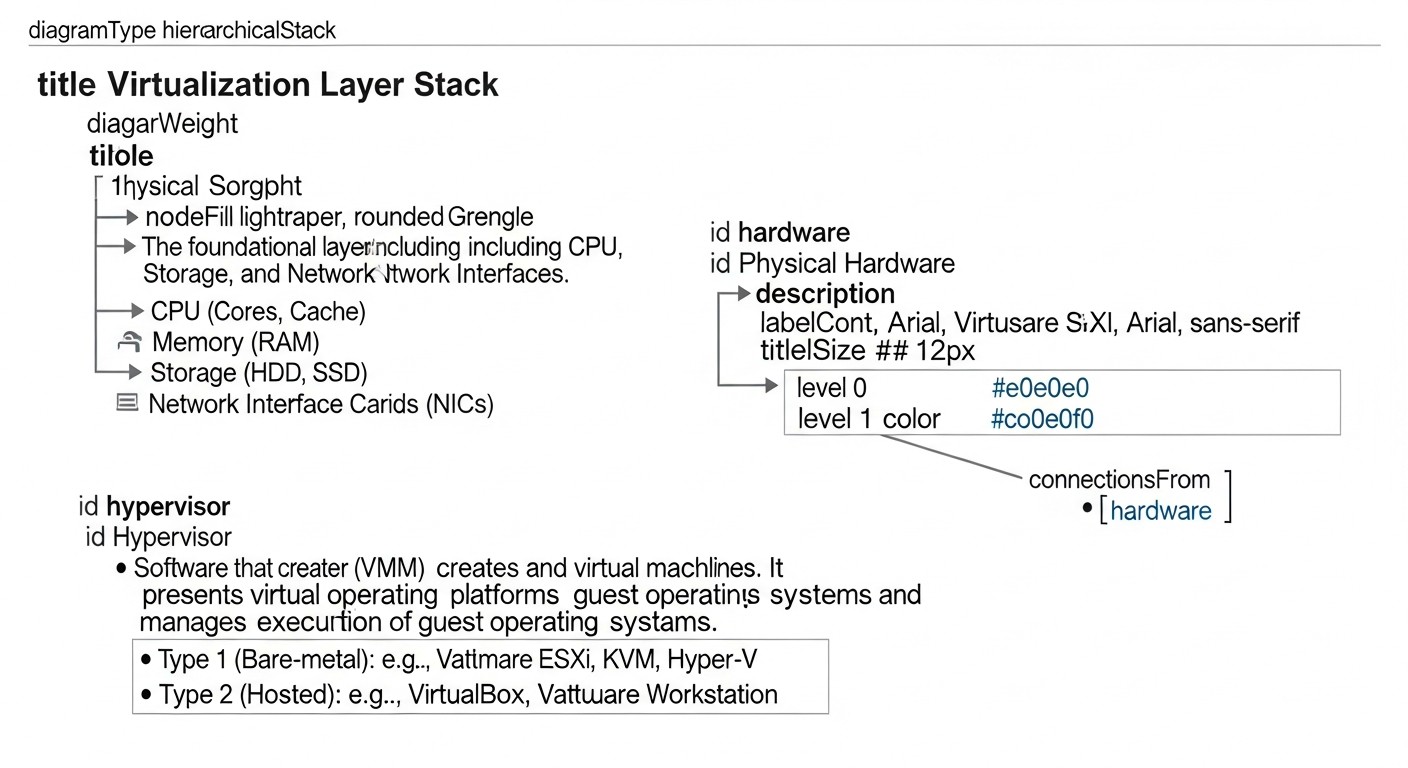
An effective set of tools and up-to-date resources are essential for real-time threat detection and prevention. In 2026, the container security ecosystem continues to evolve, offering both mature open-source solutions and powerful commercial platforms.
1. Utilities for Operation and Monitoring
- Falco:
- Purpose: Real-time threat detection based on kernel system calls.
- Features: Flexible rule system, eBPF and kernel module support, active community.
- Application: Primary tool for detecting anomalous activity in containers and on the host.
- Links: Falco Official Website
- Sysdig Secure:
- Purpose: Comprehensive security platform for cloud-native environments, including runtime protection, image scanning, and compliance.
- Features: Automated prevention, behavioral analysis, forensic analysis, user-friendly UI.
- Application: For organizations needing an "all-in-one" solution with commercial support.
- Links: Sysdig Secure
- Aqua Security Runtime Protection:
- Purpose: Part of the comprehensive Aqua Security platform, focusing on protecting running containers and workloads.
- Features: ML-driven Behavioral Profiling, File Integrity Monitoring (FIM), network microsegmentation, prevention.
- Application: For enterprise environments with high security and compliance requirements.
- Links: Aqua Security Runtime Protection
- Cilium + Tetragon:
- Purpose: Cilium is an eBPF-based networking solution, Tetragon is an eBPF-based component for observability and security.
- Features: High performance, deep visibility into network and process events at the kernel level, ability to implement network policies and basic prevention.
- Application: For advanced DevOps teams seeking high-performance eBPF solutions, especially in Kubernetes, but also applicable on VPS.
- Links: Cilium, Tetragon
- Docker Bench for Security:
- Purpose: A script for automatically checking Docker daemon and container configurations against CIS Docker Benchmark recommendations.
- Features: Easy to use, provides a report on identified issues and recommendations for their remediation.
- Application: Regular security audit of Docker configuration.
- Links: GitHub Docker Bench for Security
- Trivy:
- Purpose: A simple and fast vulnerability scanner for container images, file systems, and Git repositories.
- Features: Detects vulnerabilities in OS, dependencies, secrets, and misconfigurations.
- Application: Integration into CI/CD pipelines for scanning images before deployment.
- Links: Trivy
- HashiCorp Vault:
- Purpose: A tool for centralized secret management, encryption as a service, and identity management.
- Features: Dynamic credential creation, secret rotation, access auditing.
- Application: Secure storage and injection of secrets into containers.
- Links: HashiCorp Vault
- ELK Stack (Elasticsearch, Logstash, Kibana):
- Purpose: A powerful stack for collecting, storing, analyzing, and visualizing logs.
- Features: Flexibility, scalability, extensive data search and aggregation capabilities.
- Application: Centralized log collection from Docker daemon, containers, and Falco for forensic analysis and monitoring.
- Links: Elastic Stack
- Grafana Loki:
- Purpose: A log aggregation system inspired by Prometheus.
- Features: Indexes only metadata, making it more lightweight and cost-effective for large volumes of logs.
- Application: An ELK alternative for centralized log collection, especially when combined with Grafana.
- Links: Grafana Loki
- auditd:
- Purpose: The Linux kernel auditing subsystem that can record detailed information about system calls and host actions.
- Features: Low-level monitoring, customizable rules.
- Application: An additional monitoring layer for the host system that can complement Falco.
- Links: Red Hat Security Guide - System Auditing
2. Useful Links and Documentation
- Docker Security Documentation: Official Docker security documentation.
- Docker User Namespaces: Detailed guide on configuring user namespaces for improved isolation.
- Sysdig Blog - Container Security Best Practices: Regularly updated source of information on best practices and new threats.
- CNCF Cloud Native Security Whitepaper: Comprehensive document from the Cloud Native Computing Foundation on cloud-native system security.
- CIS Docker Benchmark: Security standards for Docker from the Center for Internet Security. Essential reading.
- Kubernetes Security Checklist: Although focused on Kubernetes, many principles are applicable to Docker on VPS.
- LWN.net - Linux Kernel News: An excellent resource for understanding the latest developments in the Linux kernel, including eBPF, which is critically important for understanding low-level security.
Regularly study these resources and stay updated on developments in container security to ensure your protection remains current and effective.
Troubleshooting (problem solving) in Docker container security at runtime
Even with careful configuration, problems in Docker container security can arise. Effective troubleshooting requires an understanding of typical issues and the ability to use diagnostic tools. Below are common scenarios and approaches to their resolution.
1. Container Fails to Start or Operates Incorrectly After Security Hardening
Problem: You applied --cap-drop ALL, --read-only, --security-opt no-new-privileges or an AppArmor/SELinux profile, and the container stopped working or is throwing errors.
Possible Causes: The container lacks necessary privileges, kernel capabilities, or file system access.
Solution:
- Check container logs:
docker logsLook for messages about access errors, permission denied, or missing capabilities (e.g., "Operation not permitted").
- Use
strace(if possible):Run the container without strict limitations, then enter it and run the application with
straceto see which system calls are failing.docker exec -itstrace -f -o /tmp/strace.log # Then analyze /tmp/strace.log - Identify missing capabilities:
If the problem is related to
--cap-drop ALL, try gradually adding capabilities (--cap-add) from the Linux capabilities list, starting with the most common ones (e.g.,CAP_NET_BIND_SERVICEfor binding to low ports,CAP_CHOWN,CAP_SETUID,CAP_SETGIDfor changing owners/permissions). - AppArmor/SELinux Profiles:
If AppArmor/SELinux is used, check the host's system logs (
/var/log/syslog,journalctl -xe) for access blocking messages. In "enforcing" mode, they will contain "denied" messages. Switch to "complain" mode (aa-complain /etc/apparmor.d/docker) to collect information about required permissions, then create or update the profile. - Checking
--read-onlyfile system:If the container is running in
--read-onlymode and requires write access, ensure that all write paths are mounted as volumes (-v /host/path:/container/pathor--mount type=tmpfs,destination=/tmp).
2. Falco Generates Too Many False Positives
Problem: Your alerting system is overwhelmed with warnings from Falco that are not real threats.
Possible Causes: Overly general rules, lack of exceptions for legitimate activity, incorrect configuration.
Solution:
- Fine-tuning rules:
Edit the rule files (
/etc/falco/falco_rules.local.yamlor your custom file). Add exceptions (- condition: not (container.name = "my-legit-app" and proc.name = "my-legit-process")) or refine conditions.# Example: Exclude bash execution in CI/CD build container - rule: Shell in Container desc: A shell was spawned in a container condition: > spawn_process and container and shell_procs and not user_known_shell_activities and not container.name in ("ci-build-container", "dev-debug-container") output: ... priority: WARNING - Use higher priorities:
Configure alerts to be sent only for high-priority rules (
ERROR,CRITICAL) to your primary alerting system, and log low-priority ones for subsequent analysis. - Examine the context:
When an alert is received, use
docker inspect,docker logsand host logs (journalctl) to understand the event's context. It might be normal behavior for your application that needs to be excluded. - Falco Dry Run:
Test rule changes in "dry run" mode or on a test environment before applying them in production.
3. Low Host Performance After Monitoring Implementation
Problem: Installing Falco, eBPF tools, or other security agents leads to noticeable host performance degradation.
Possible Causes: High event frequency, unoptimized rules, kernel conflicts, insufficient resources.
Solution:
- Check agent resource usage:
top -c
# or
htop
# or
systemd-cgtop
Identify which process consumes the most CPU/memory.
- Falco rule optimization:
Ensure that rules are as specific as possible and do not process too much data. Avoid very broad conditions or regular expressions that can be resource-intensive.
- Using the eBPF driver:
Ensure Falco uses the eBPF driver instead of the kernel module (if the kernel version supports it). eBPF is generally more performant. Check
falco --info. - Buffer configuration:
In the Falco configuration (
/etc/falco/falco.yaml), you can adjust buffer sizes (max_evts), which can affect performance and latency. - Kernel monitoring:
Use
perfor other tools to analyze kernel performance and identify bottlenecks related to the security agent.
4. Unable to Access Secrets from Container
Problem: The container cannot read secrets that were mounted via Docker Secrets, HashiCorp Vault, or as files.
Possible Causes: Incorrect mount paths, incorrect access permissions, issues with Vault authentication.
Solution:
- Check the mount path:
Ensure that the path inside the container, accessed by the application, matches the path where the secret is mounted. Use
docker inspectand look for theMountssection. - Secret file permissions:
Ensure that the user running the application inside the container has read permissions for the secret file. Docker Secrets are mounted with
0444permissions (read-only) and owned byroot:root. If the application runs as an unprivileged user, it will still have read access, but write access will be denied. - Vault Authentication:
If using Vault, check Vault logs and container logs to ensure authentication was successful. Verify that the token or authentication method is valid and has the necessary access policies.
- Environment variables:
If secrets are passed via environment variables (though not recommended), ensure they are correctly set (
docker inspect,Config.Envsection).
When to Contact Support or Experts:
- Critical Incidents: If you suspect or have detected an active compromise (data breach, active attacker), immediately contact incident response specialists.
- Unresolvable Security Issues: If you cannot fix a critical vulnerability or configure a security tool after several attempts.
- Complex eBPF/Kernel Questions: If you are working with low-level eBPF programs or kernel modules and encounter problems requiring deep knowledge of the Linux kernel.
- Legal and Compliance Issues: If you need assistance interpreting security requirements or preparing for an audit.
Effective security troubleshooting is a skill that develops with experience. Don't be afraid to experiment in a test environment and document your solutions.
FAQ (Frequently Asked Questions) on Docker Container Runtime Security
What is "runtime security" for Docker containers?
Runtime security refers to protection measures that are applied to and monitor containers once they are running and performing their tasks. This includes detecting anomalous activity, preventing unauthorized actions, controlling access to host resources and the network, and responding to threats in real-time. Unlike build-time security (image scanning), runtime security focuses on the dynamic behavior of the container.
Why can't we rely solely on image scanning?
Image scanning is an important first step, but it cannot protect against all types of threats. It identifies known vulnerabilities in packages and configurations before the container starts. However, it is powerless against zero-day vulnerabilities, complex logical attacks, malware loaded into an already running container, or attacks using legitimate but misconfigured functions. Runtime security acts as an additional layer, detecting and preventing threats that can bypass static analysis.
What are the main threats to Docker containers at runtime?
The main threats include: privilege escalation (from container to host), arbitrary code execution, secret compromise, DoS attacks, unauthorized access to other containers or services, cryptocurrency mining, supply chain attacks (where malicious code is activated only at runtime), and the exploitation of zero-day vulnerabilities in the application or host kernel.
Can iptables be used to protect Docker containers on a VPS?
Yes, iptables can and should be used to protect Docker containers on a VPS. Docker creates its own iptables rules by default, but you can add your own rules to the DOCKER-USER chain for finer control. For example, you can restrict outbound traffic from specific containers or allow access to containers only from specific IP addresses. This is an excellent way for network microsegmentation without complex orchestrators.
What is eBPF and why is it important for container security?
eBPF (extended Berkeley Packet Filter) is a Linux kernel technology that allows programs to be executed in an isolated kernel "sandbox" without modifying its code. For container security, eBPF is critically important because it provides unprecedented visibility and control over system calls, network traffic, and processes with minimal overhead. This allows for the creation of high-performance and precise tools for runtime threat detection, such as Falco or Tetragon, without the need to load kernel modules.
How to ensure the security of secrets in running containers?
Never store secrets in container images or exposed environment variables. Use specialized secret managers, such as Docker Secrets (for Docker Swarm), HashiCorp Vault, AWS Secrets Manager, or GCP Secret Manager. These tools allow secrets to be securely injected into containers during their startup, often as files in a temporary file system (tmpfs), accessible only by the application itself and not persisted to disk after the container stops.
Do I need Falco if I already use a commercial solution like Sysdig Secure?
If you are using Sysdig Secure, then Falco is likely not needed as a separate tool. Sysdig Secure is originally developed by Sysdig and includes all Falco capabilities, as well as adding automated prevention, behavioral analysis, a user-friendly interface, support, and other features. Falco can be considered an open-source core, while Sysdig Secure is a full-fledged product built on this core and extending its functionality.
How often should Docker security configurations be audited?
Auditing Docker security configurations (e.g., using Docker Bench for Security) should be performed regularly. It is recommended to perform it after every significant change to the infrastructure or Docker daemon configuration. Additionally, a good practice is a monthly or quarterly audit, even if there have been no explicit changes, to ensure everything complies with current recommendations and no unforeseen issues have arisen.
Can a compromised container affect other containers on the same host?
Yes, this is one of the main dangers. If a container is compromised and lacks proper isolation, an attacker may try to use it to scan and attack other containers on the same network. In the worst case, if the container was run with excessive privileges (e.g., --privileged) or a kernel vulnerability allows for a "breakout" from the container, an attacker could gain access to the host system and, consequently, to all containers running on it.
What to do if a runtime threat is detected?
Upon detecting a runtime threat (e.g., an alert from Falco), immediately follow your incident response plan. Typical first steps include: isolating the compromised container (stopping, deleting, disconnecting from the network), collecting logs and data for forensic analysis, determining the root cause of the attack, patching the vulnerability, and restoring the service. It is important to have predefined procedures and responsible parties for each stage of the response.
Conclusion
Docker container runtime security is not just an optional feature, but a critically important component of any modern infrastructure, especially for projects deployed on VPS or dedicated servers. In 2026, as cyber threats become increasingly sophisticated and targeted, a passive approach to security is no longer sufficient. It is impossible to rely solely on image scanning or basic network firewalls; active threat detection and prevention mechanisms that operate in real-time must be implemented.
We have examined key criteria such as the principle of least privilege, network isolation, runtime monitoring, host system security, secret management, and centralized logging. Each of these factors plays a role in creating a multi-layered defense. Open-source solutions, such as Falco and eBPF-based tools, provide powerful capabilities for teams with sufficient expertise, allowing them to build a flexible and cost-effective security system. Commercial platforms, like Sysdig Secure or Aqua Security, offer comprehensive "turnkey" solutions with automated prevention and professional support, which is ideal for large organizations with high demands for automation and compliance.
The practical tips provided in this article include specific commands and configurations that will help you strengthen the security of your host system, properly run containers with minimal privileges, implement Falco for threat detection, and effectively manage secrets. We also thoroughly analyzed common mistakes, such as using --privileged or lacking network isolation, and demonstrated their real-world consequences, emphasizing the importance of each aspect.
Economic analysis has shown that investments in security, whether in engineering time for Open Source or in licenses for commercial solutions, always pay off. Hidden costs from downtime, data breach fines, and reputational damage far exceed the costs of preventive measures. Security is a continuous process that requires constant attention, regular auditing, and adaptation to the changing threat landscape.
Next steps for the reader:
- Audit your current environment: Use the "Practical Application Checklist" and Docker Bench for Security to assess the current security posture of your Docker containers and hosts.
- Start with the principle of least privilege: Review your container launch configurations. Ensure that you have maximally restricted their capabilities and run applications as unprivileged users. This is often the quickest and most effective step.
- Implement Runtime Monitoring: If you don't have a runtime threat detection system, start with Falco. Install it, configure basic rules, and integrate it with your alerting system. Gradually expand the set of rules and their specificity.
- Centralize logging: Ensure that logs from the Docker daemon, containers, and Falco are collected into a centralized system for analysis and storage.
- Develop an incident response plan: Don't wait for an incident to happen. Pre-define who will do what when a threat is detected.
- Educate your team: Invest in knowledge. Ensure your team understands container security principles and knows how to use the implemented tools.
Remember that security is a journey, not a destination. Continuous improvement, monitoring, and adaptation to new challenges will allow your Docker containers to remain a reliable and secure platform for your applications and data.
Was this guide helpful?